How to Write a Photo Prompt
A good photo prompt reads like a photographer's brief: who is in the picture, what they wear, where they are, how the light falls and how the camera sees it. This guide shows the nine-part order behind every prompt on this site, takes one prompt apart line by line, and explains the camera and lighting words in plain English.
Why structure matters
An AI image tool fills every gap you leave with its own guess. “Me in a saree at sunset” leaves dozens of questions open: which colour, which jewellery, standing or sitting, close-up or full length, warm or cool colours, square or vertical. Each guess is a chance for the result to look generic, or for the model to change your face along the way.
A structured prompt answers those questions in a fixed order. The fixed order has two benefits. You do not forget a part, and the model reads the most important instruction, keeping your face, before anything else.
The nine parts, in order
| # | Part | What it answers | Example wording |
|---|---|---|---|
| 1 | Face lock | What must not change | “Keep my face exactly as in the uploaded photo…” |
| 2 | Pose and expression | What you are doing | “I stand…, one hand lightly holding the pallu, smiling softly” |
| 3 | Wardrobe | Colours, fabrics, jewellery | “a mustard yellow silk saree with a thin gold border, gold jhumkas” |
| 4 | Location and props | Where, and what is around you | “a sunlit courtyard, terracotta pots, marigold strings on an old wooden door” |
| 5 | Light | Where light comes from and how it falls | “the low sun shines from behind and to the side… soft fill light on my face” |
| 6 | Lens and framing | How close the camera is and what is in focus | “85mm lens at f/1.8, three-quarter body framing” |
| 7 | Colour and mood | The grade and the feeling | “warm, glowing film tones with light grain, fresh and joyful mood” |
| 8 | Aspect ratio | The shape of the picture | “Vertical 4:5 aspect ratio” |
| 9 | Clean-up line | What must not appear | “No readable text, logos or watermarks anywhere in the image” |
The face lock is explained in detail in our guide to keeping your face the same. The rest of this guide covers parts 2 to 9.
A prompt taken apart
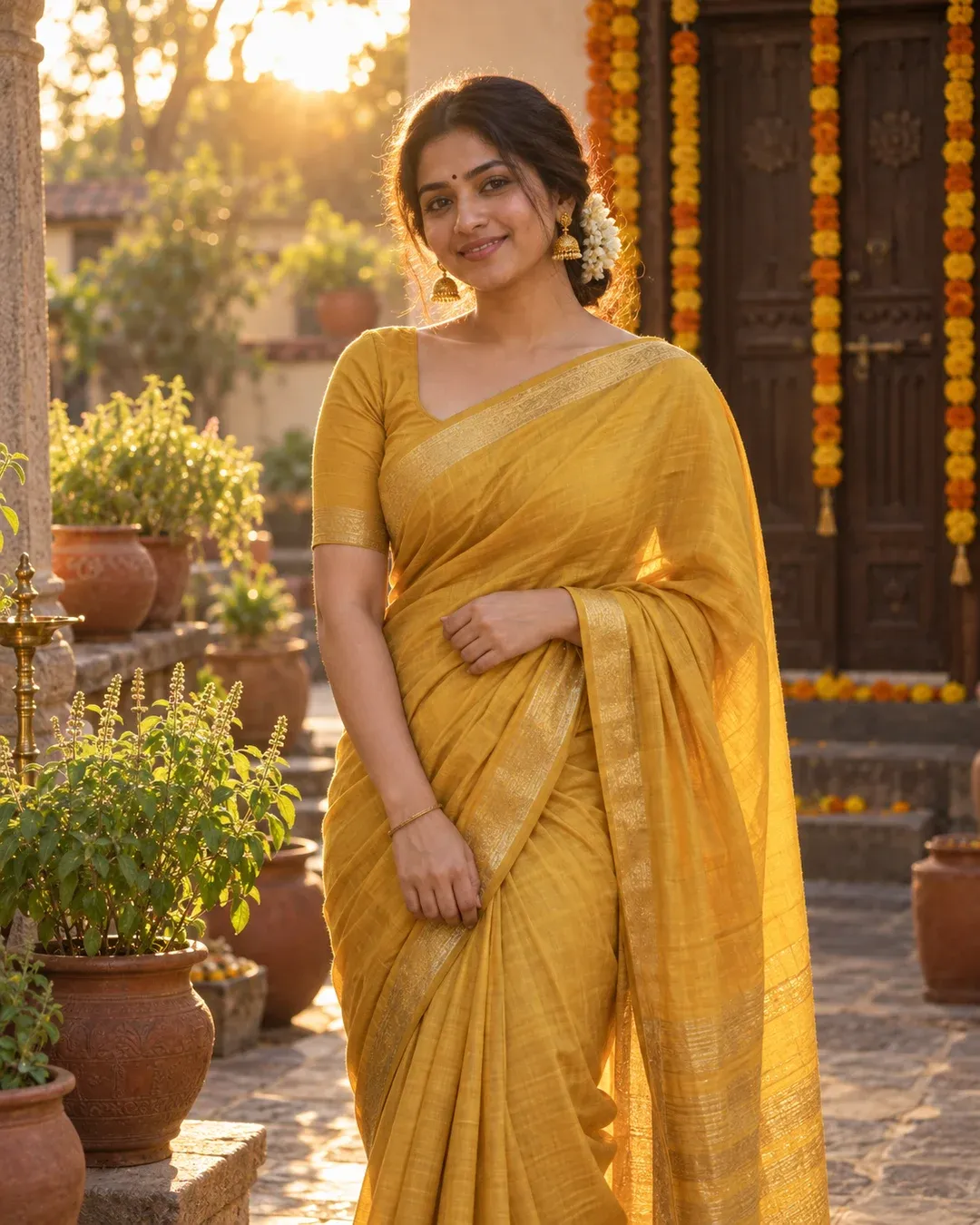
Here is how the Yellow Saree Golden Hour Portrait prompt maps onto the nine parts.
- Pose: “I stand in a sunlit courtyard at golden hour, one hand lightly holding the pallu and smiling softly at the camera.” One simple action and one expression. Complicated poses with several actions are where hands and limbs go wrong.
- Wardrobe: “a mustard yellow silk saree with a thin gold border, a matching blouse, gold jhumkas and a string of jasmine in a low bun.” Colour, fabric and detail for each item. “Mustard yellow silk” gives the model far more to work with than “yellow saree”.
- Location and props: “Potted tulsi and terracotta pots line the stone floor, with marigold strings on an old wooden door behind me.” Three or four concrete objects are enough to set the scene. A long list crowds the picture.
- Light: “The low sun shines from behind and to the side, creating a warm halo around my hair and shoulders, with soft fill light on my face.” It names the source, the direction, the effect, and makes sure the face is lit.
- Lens and framing: “Shot with an 85mm lens at f/1.8, three-quarter body framing, background softly blurred.”
- Colour and mood: “Warm, glowing film tones with light grain, fresh and joyful mood.”
- Aspect ratio and clean-up: “Vertical 4:5 aspect ratio. No readable text, logos or watermarks anywhere in the image.”
Notice what is missing: no words about the face, no “beautiful”, no “8K”. Everything describes the scene and the camera.
Write in the first person
Our prompts say “I stand”, “I wear”, “my hair”. Writing in the first person ties the description to the person in your photo and works whether you are a man or a woman, so the same prompt suits anyone. For couples we use “the person on the left” and “the person on the right” instead of “the man” and “the woman”, which keeps each outfit on the right person.
Light: the words that change a photo most
Light decides the mood of a portrait more than the background does. These are the lighting phrases we use most, and what they do.
| Phrase | What it looks like | Good for |
|---|---|---|
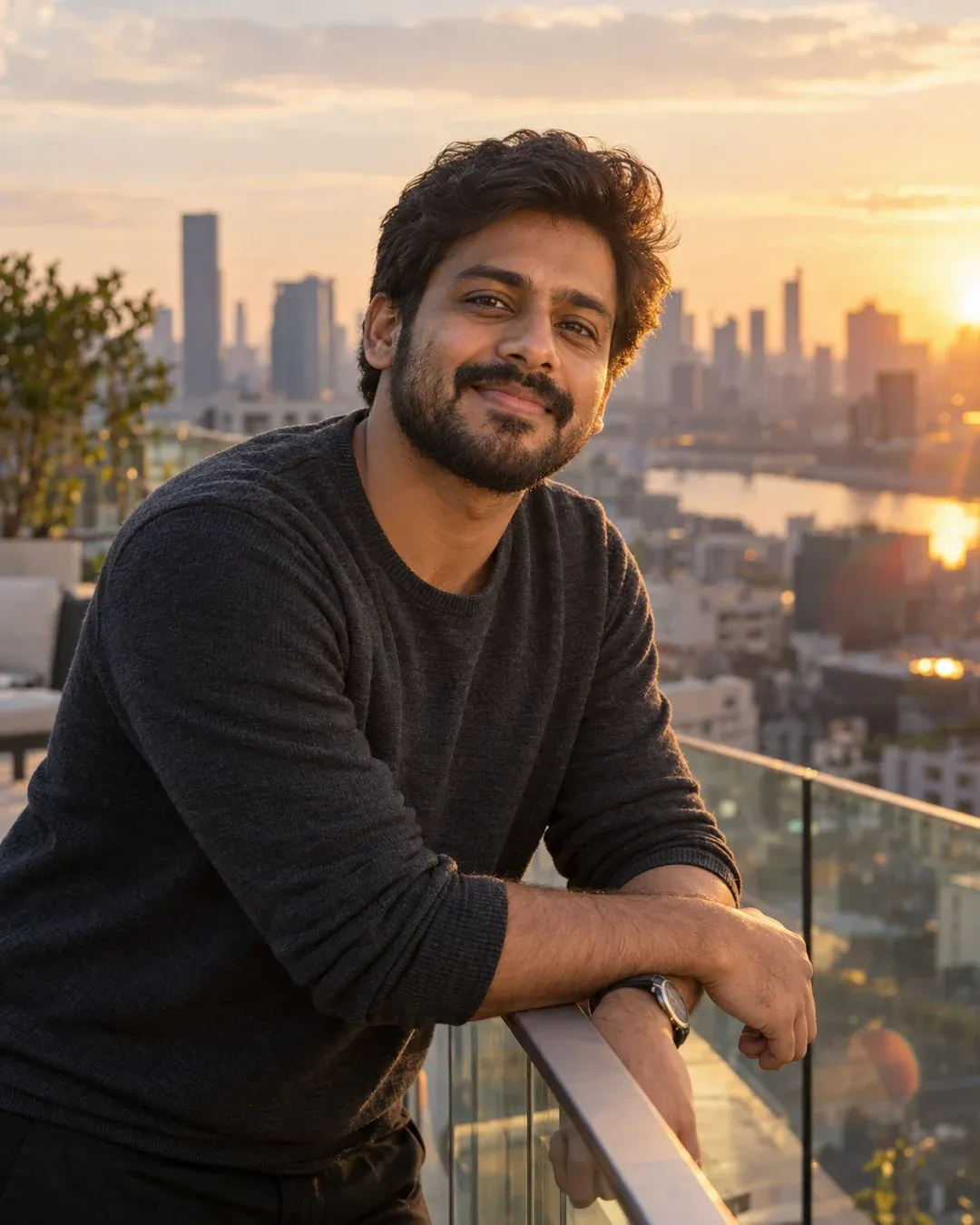
| Golden hour | Low, warm sunlight shortly before sunset; long soft shadows and a golden glow | Saree portraits, couples, rooftops |
| Backlight or rim light | Light from behind you that outlines your hair and shoulders with a bright edge | Separating you from the background, dreamy looks |
| Soft fill light on the face | A gentle second light so the face is not in shadow | Any backlit or night scene |
| Window light | Soft daylight from one side indoors | Calm home portraits, kids |
| Ring light | Even, shadow-free front light with a round catchlight in the eyes | Mirror selfies, beauty-style portraits |
| Diya or candlelight | Warm, flickering, low light from below or the side | Diwali, Navratri and evening festival scenes |
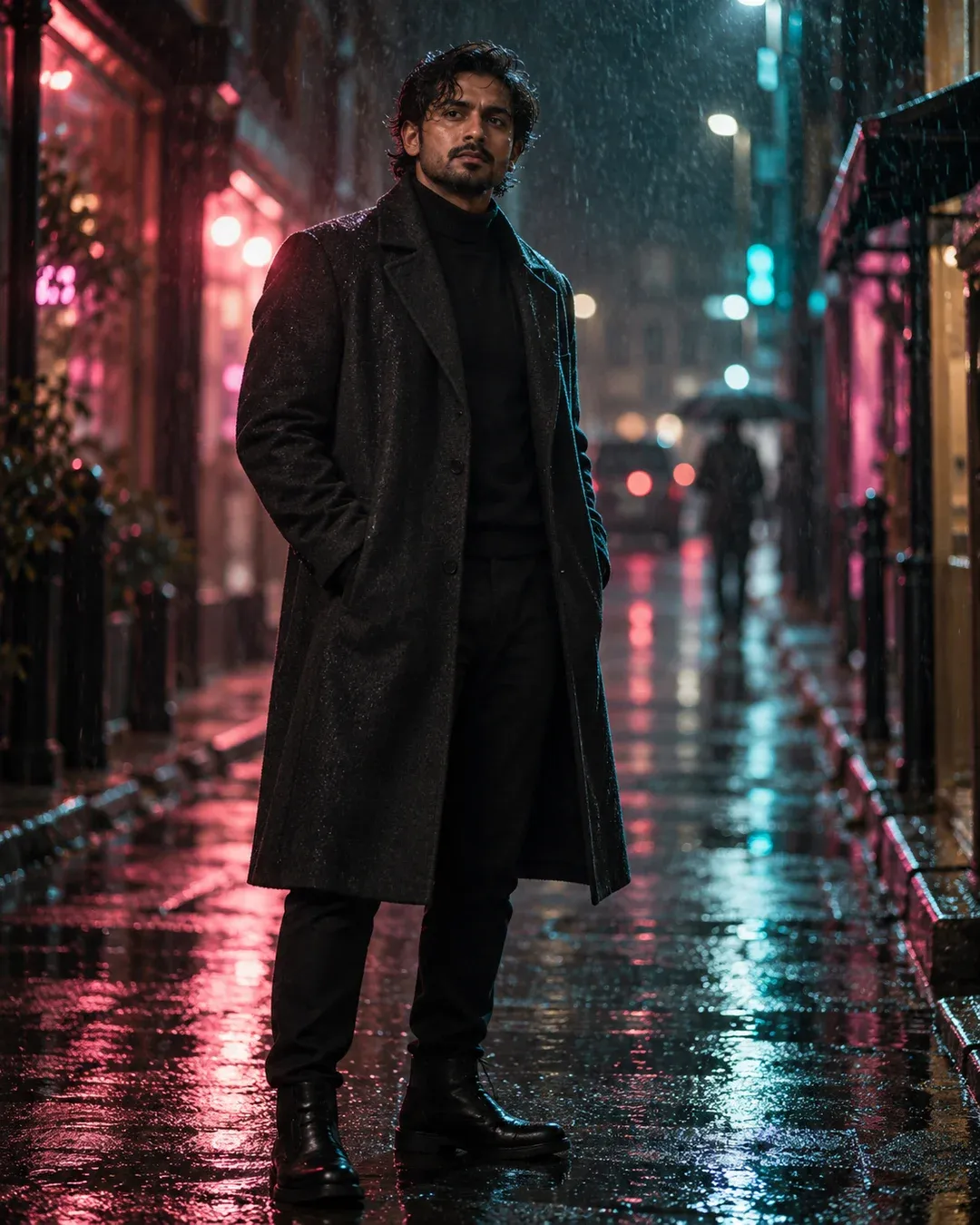
| Neon | Saturated pink, blue or red light with coloured reflections | Night city and rainy street looks |
| Overcast | Flat, soft light with no hard shadows | Monsoon and street portraits |
| Blue hour | The cool blue light just after sunset | City skylines with lit windows |
Two rules make lighting work. Say where the light comes from (“from behind and to the side”), and say what happens to the face (“soft fill light on my face”). A dramatic light that leaves your face dark gives the AI room to invent a new face.
Lens and framing in plain English
You do not need to own a camera to use lens words. They are a short way of telling the model how the picture should look.
Focal length describes how wide or tight the view is:
- 24mm to 35mm: wide. Shows more of the place around you. We use 35mm for group and family shots so everyone fits.
- 50mm: natural, close to what your eye sees. A safe choice for half-body and full-body portraits.
- 85mm: a classic portrait lens. Flattering for faces, with a softly blurred background.
The f-number controls how blurred the background is. A small number such as f/1.8 or f/2 gives a strongly blurred background and soft “bokeh” lights. A larger number such as f/4 keeps more in focus, which is why our group prompts use it: every face should be sharp, not just the person in front.
Framing says how much of you is in the picture: close-up (head and shoulders), three-quarter (head to knees), or full body. Camera height matters too: eye level looks natural, a low angle makes you look taller and more dramatic, and a high angle looks casual, like a selfie.
Colour and mood
One short phrase at the end sets the grade. A few we use often:
- Warm tones: golden, cosy and festive. The most common grade on this site.
- Teal and orange: the cinematic look, with cool shadows and warm skin.
- Film grain: a light texture that makes the image feel like a photo rather than a render.
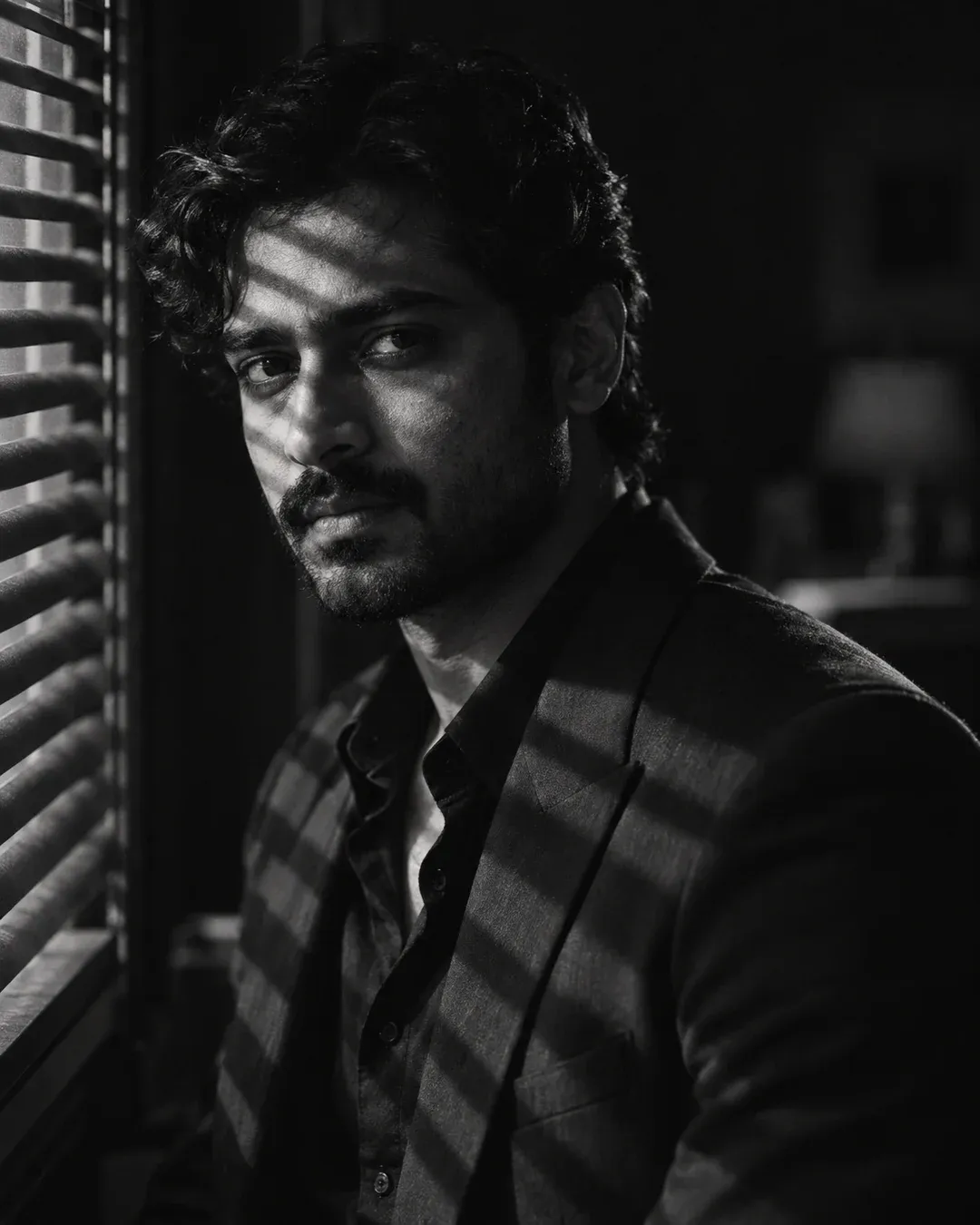
- Black and white: timeless and dramatic, especially with rim light.
Add a mood word after the colours, such as “joyful”, “calm” or “moody”, to guide the expression and atmosphere.
Pick the aspect ratio for where you will post
| Ratio | Shape | Use it for |
|---|---|---|
| 4:5 | Tall rectangle | Instagram feed posts and profile-style portraits |
| 9:16 | Full phone screen | Stories, Reels and WhatsApp status |
| 1:1 | Square | Profile pictures |
| 3:2 or 16:9 | Wide | Group photos, cinematic scenes, desktop wallpapers |
Asking for the ratio in the prompt is better than cropping later, because cropping a vertical image to a wide one can cut off heads.
What to leave out
- Quality tags such as “8K”, “4K”, “ultra HD”, “masterpiece” or “hyper-realistic”. Gemini and ChatGPT do not read them as settings, so they add nothing and take attention away from real instructions.
- Brands and logos, including car badges and number plates. Tools can refuse them, and they invite garbled text.
- Celebrities and real people. Do not ask for someone else’s face or name.
- Religious idols. Our festival prompts show lamps, flowers and decorations instead.
- Long lists of objects. Three or four props set a scene; ten make a cluttered image.
End with a clean-up line
The last sentence of almost every prompt here is: “No readable text, logos or watermarks anywhere in the image.” AI tools love to add signs, shop names, and random letters to backgrounds, and they usually come out as gibberish. Saying it once, at the end, removes most of it.
Put it together
To write your own prompt, copy one from this site that is close to what you want and change one part at a time: the colour of the outfit, the place, or the light. Keep the face lock and the clean-up line as they are. Changing one part at a time also shows you which words make the biggest difference.