First Diwali as a Married Couple
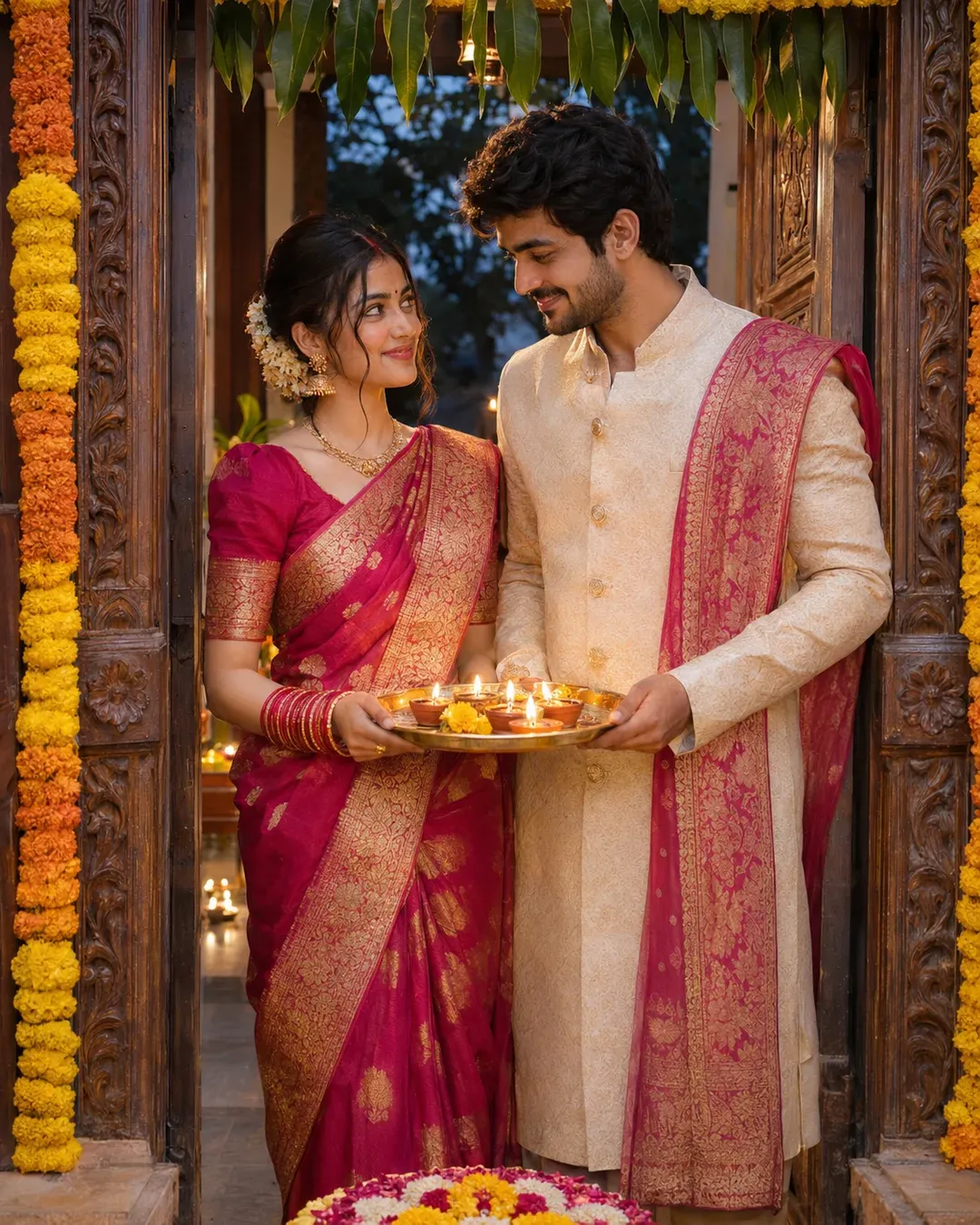
Newlyweds in rani pink and ivory silk hold a brass thali of lit diyas together in a marigold-framed doorway at dusk.
View full promptThese Diwali couple prompts turn one photo of the two of you into a festive portrait in Gemini or ChatGPT, from a first Diwali as newlyweds to a red and gold look, a haveli rooftop, a 90s album print and a candid night with sparklers. Each prompt starts with an instruction to keep both faces and describes outfits by position, so you can match them to where you stand. Every example image is AI-generated with fictional people, and results vary with the photo you upload.
Newlyweds at the doorway, a matching red and gold set, an emerald rooftop look and diyas beside the rangoli. Browse all 34 Diwali prompts →
Newlyweds in rani pink and ivory silk hold a brass thali of lit diyas together in a marigold-framed doorway at dusk.
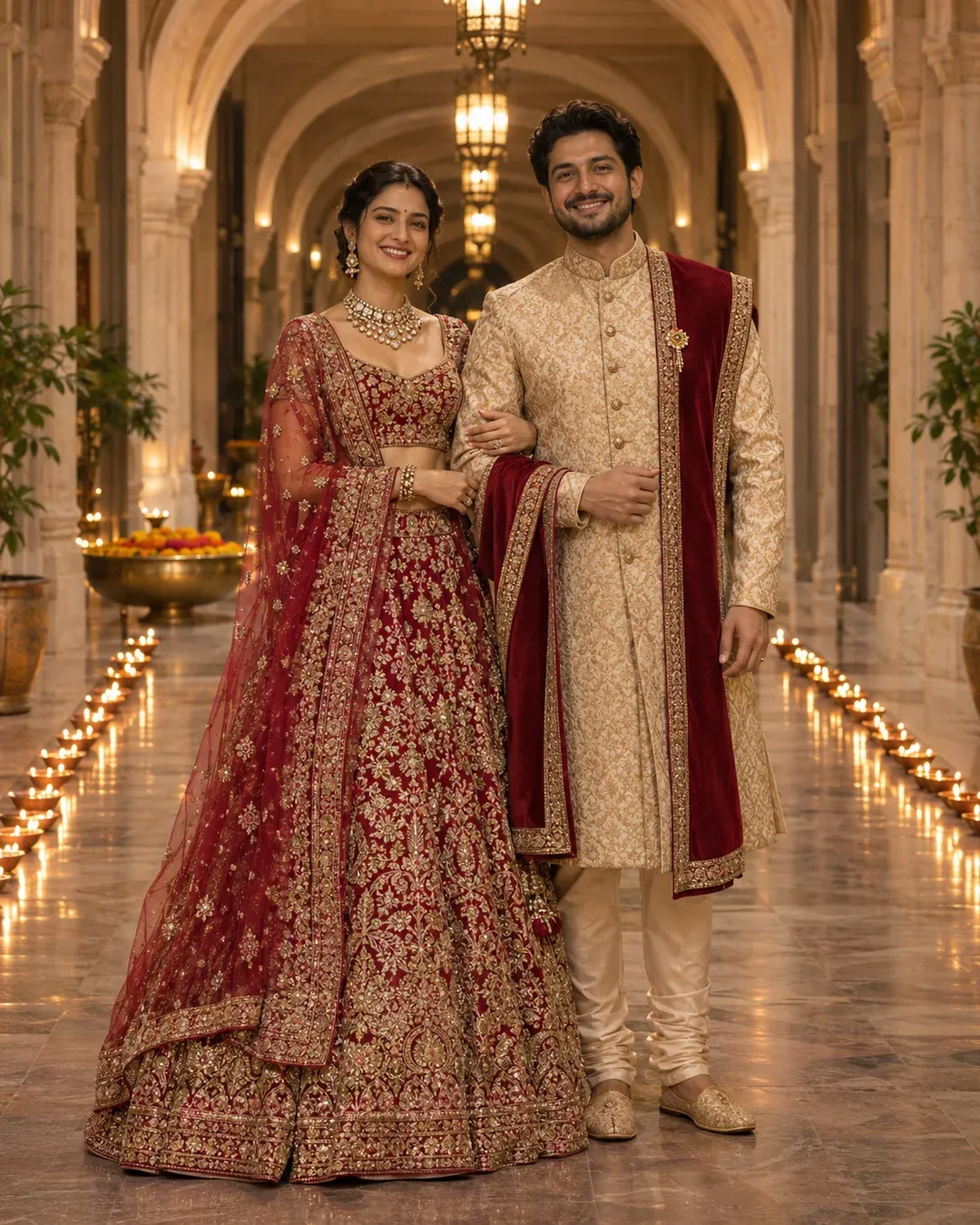
View full promptA couple in a matching red lehenga and gold sherwani stands arm in arm in a marble hall glowing with hundreds of diyas.
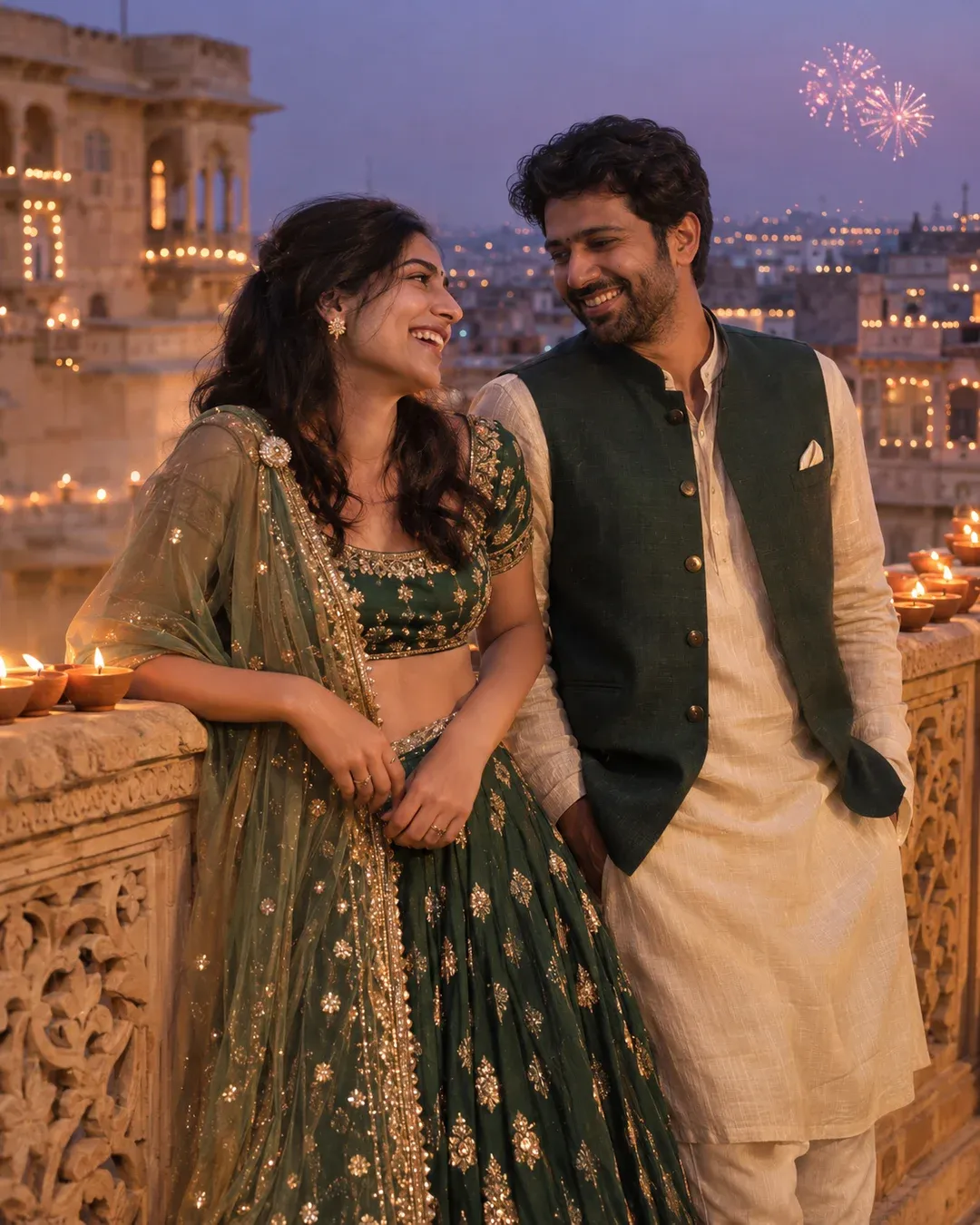
View full promptA couple in emerald and cream laughs on a sandstone haveli rooftop at blue hour, with an old city glittering behind them.
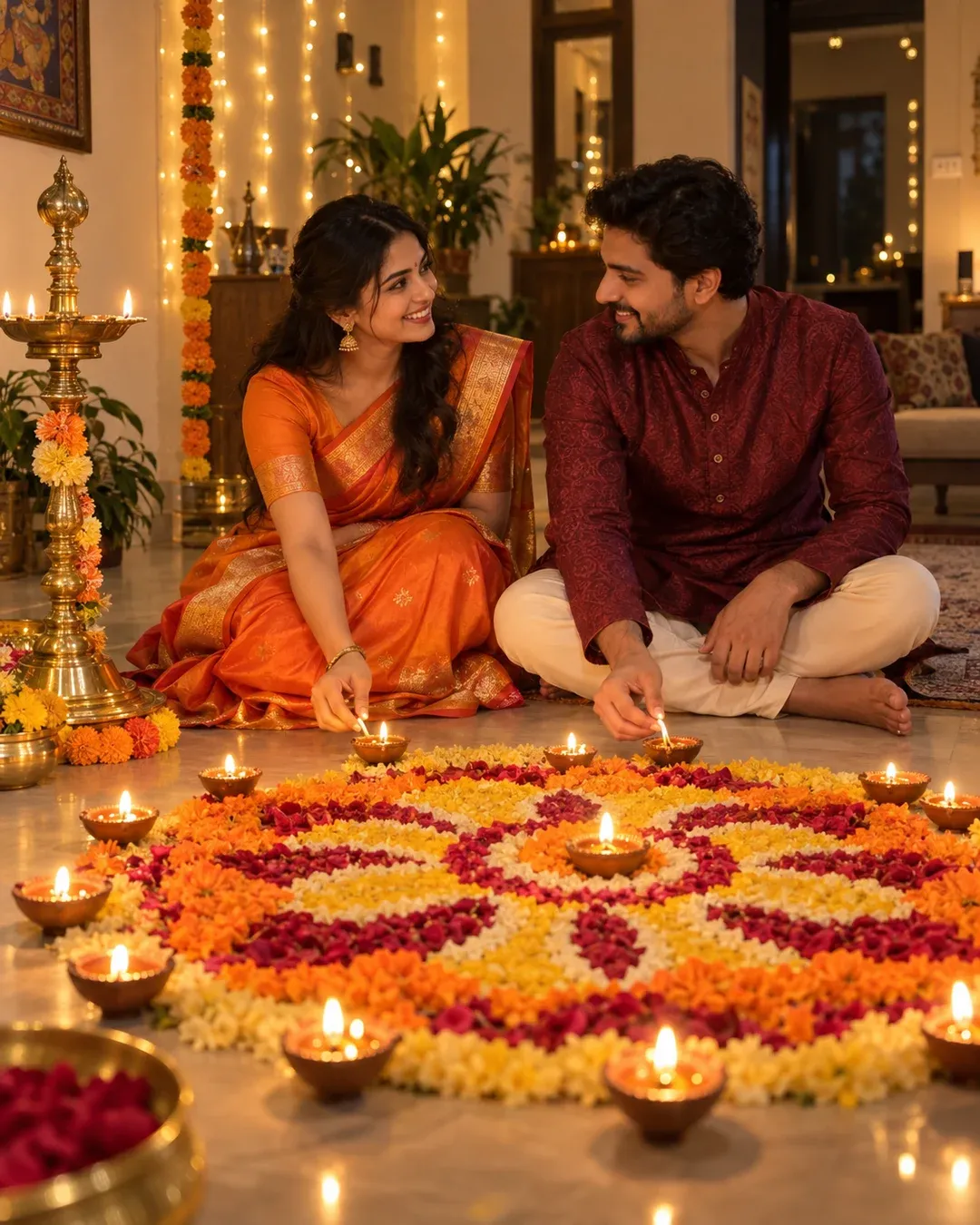
View full promptA couple in traditional outfits sits beside a flower rangoli at home, lighting diyas together on Diwali night.
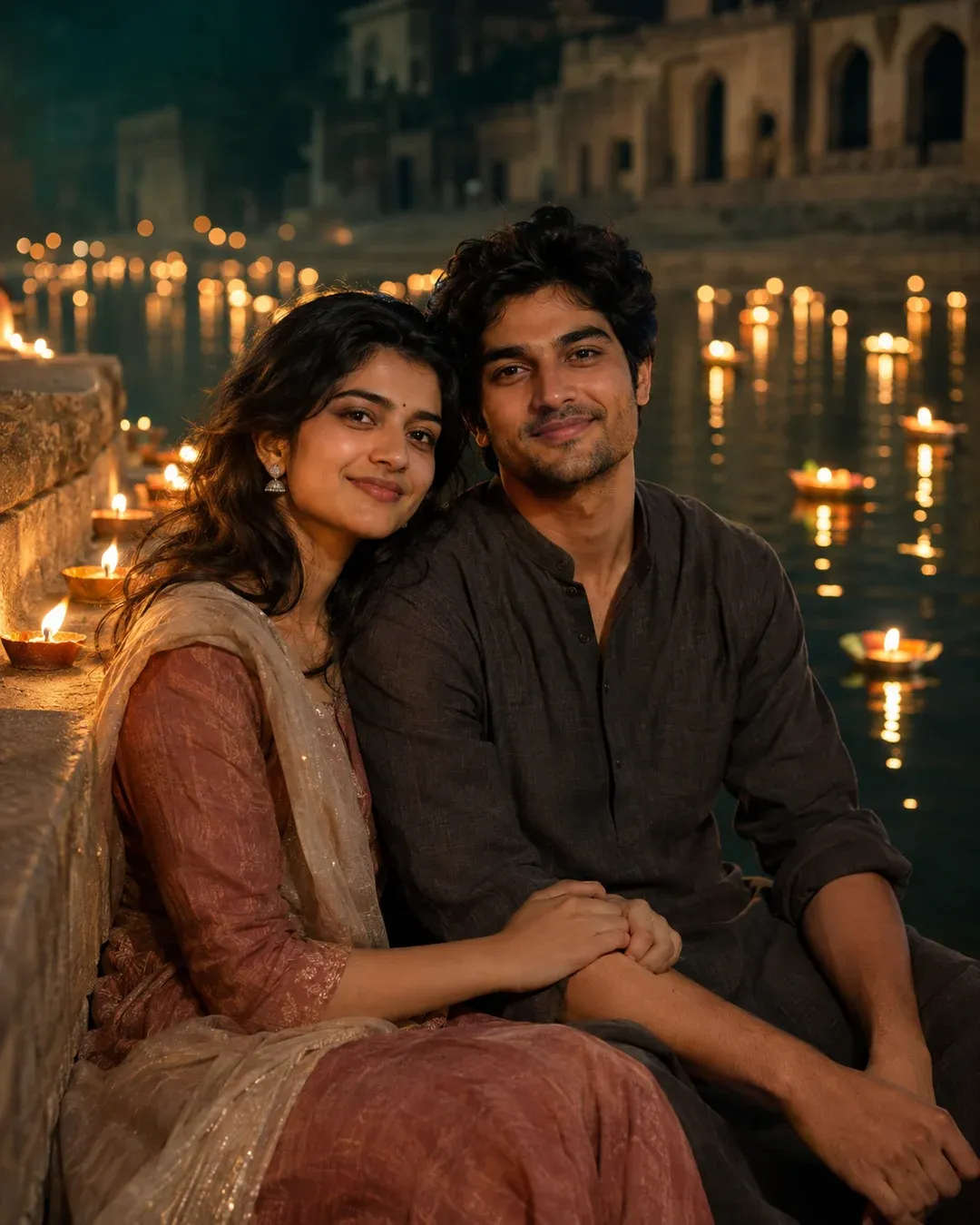
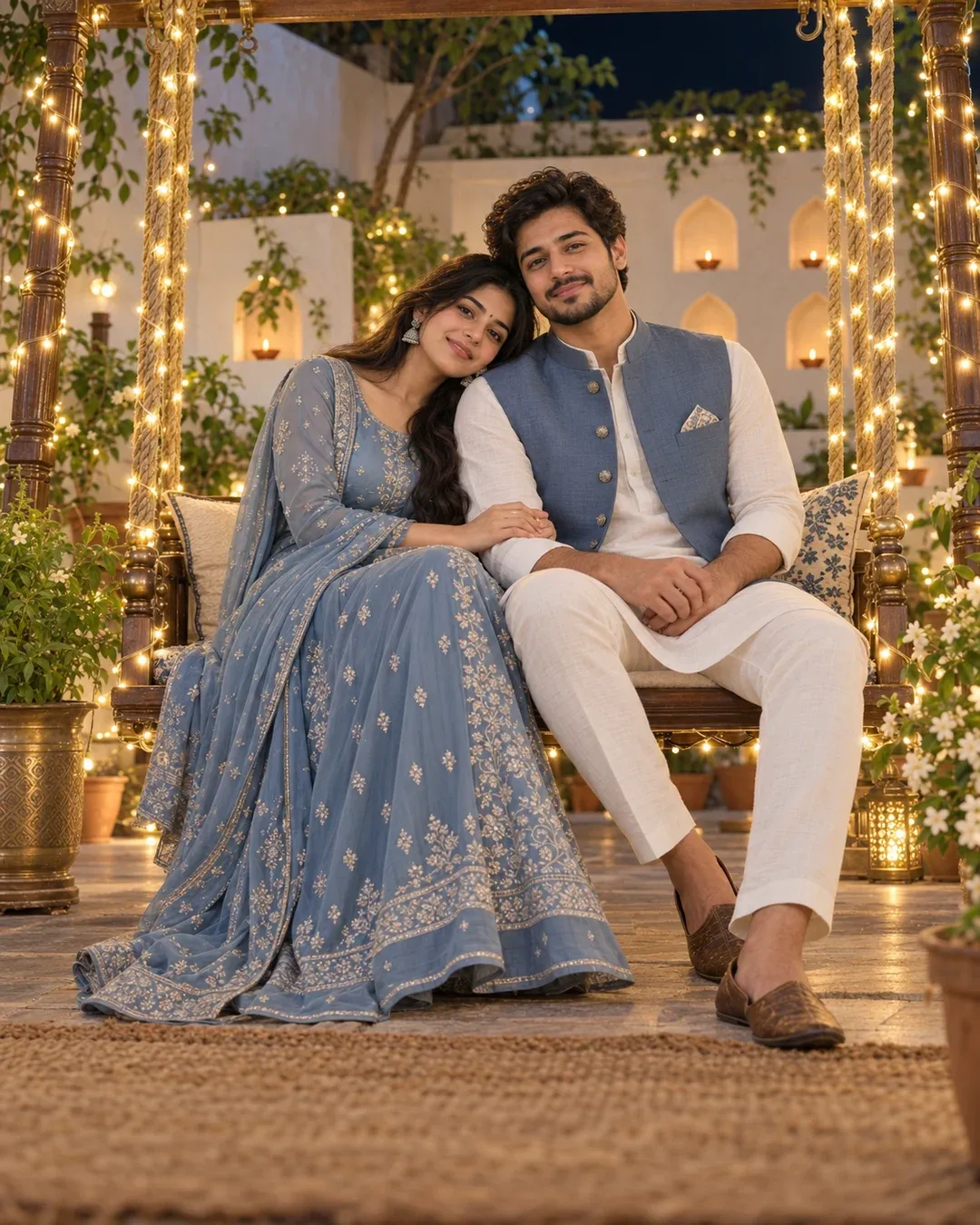
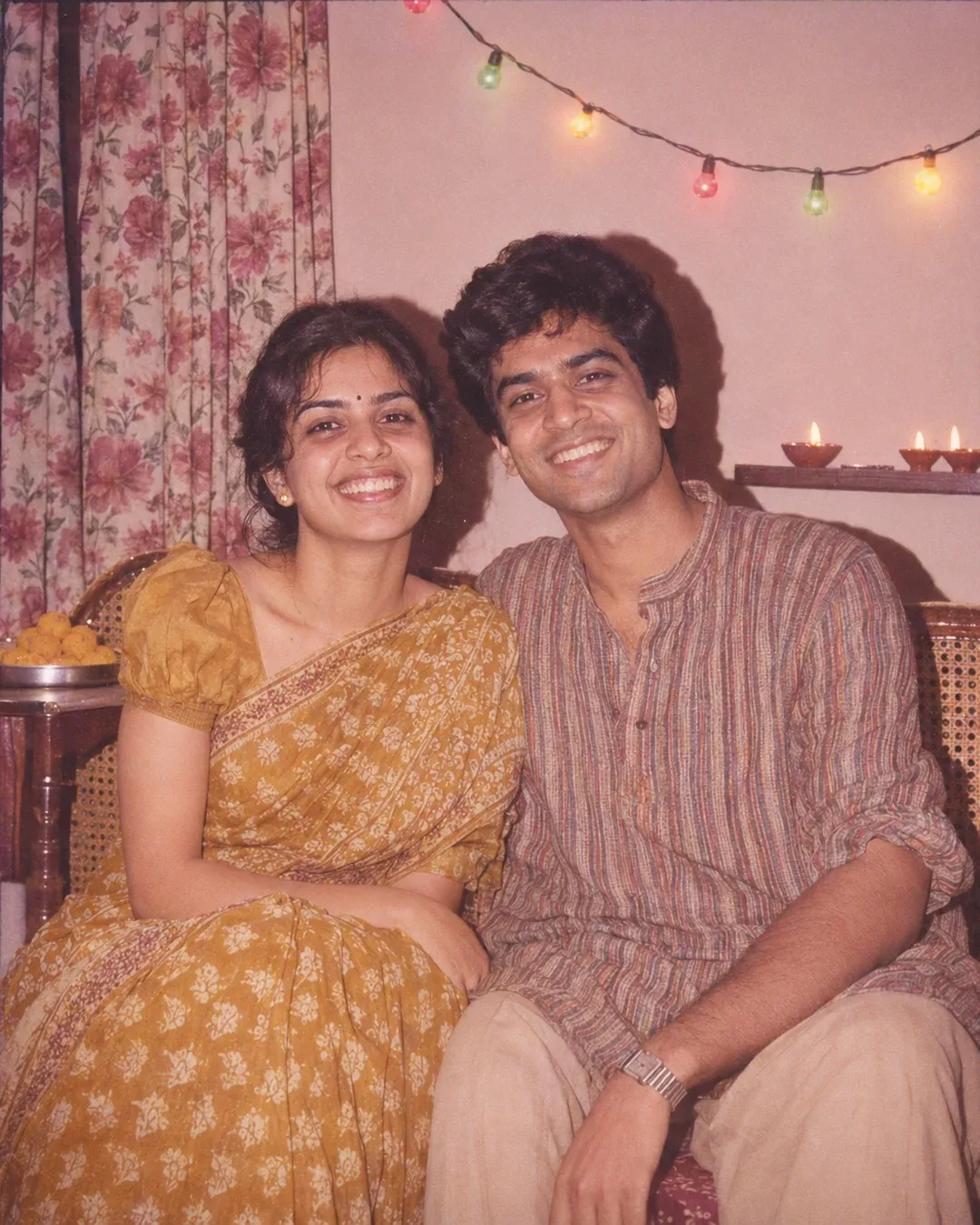
View full promptQuiet, low-light pictures: a close-up with foreheads almost touching, floating diyas at a river ghat, a swing wrapped in fairy lights and a 90s film print.
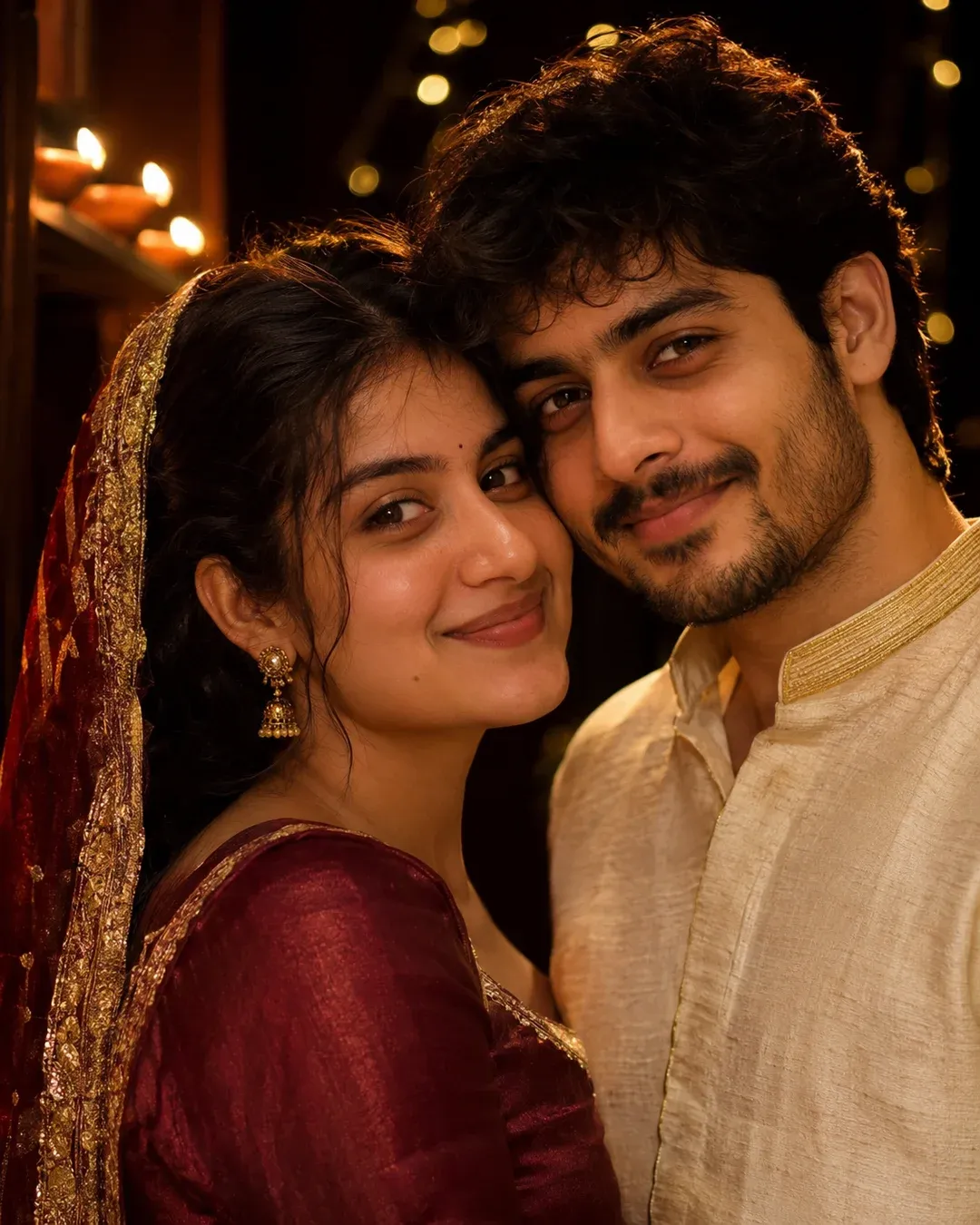
A tight close-up of a couple with foreheads almost touching, smiling in a dark room lit by a shelf of diyas.
View full promptA couple sits on stone river steps at night while small leaf-boat diyas drift across the dark water behind them.
View full promptA couple sits close together on a wooden swing wrapped in golden fairy lights in a courtyard at night.
View full promptA couple sits on a cane sofa in a 1990s living room, caught by on-camera flash like a faded print from a family album.
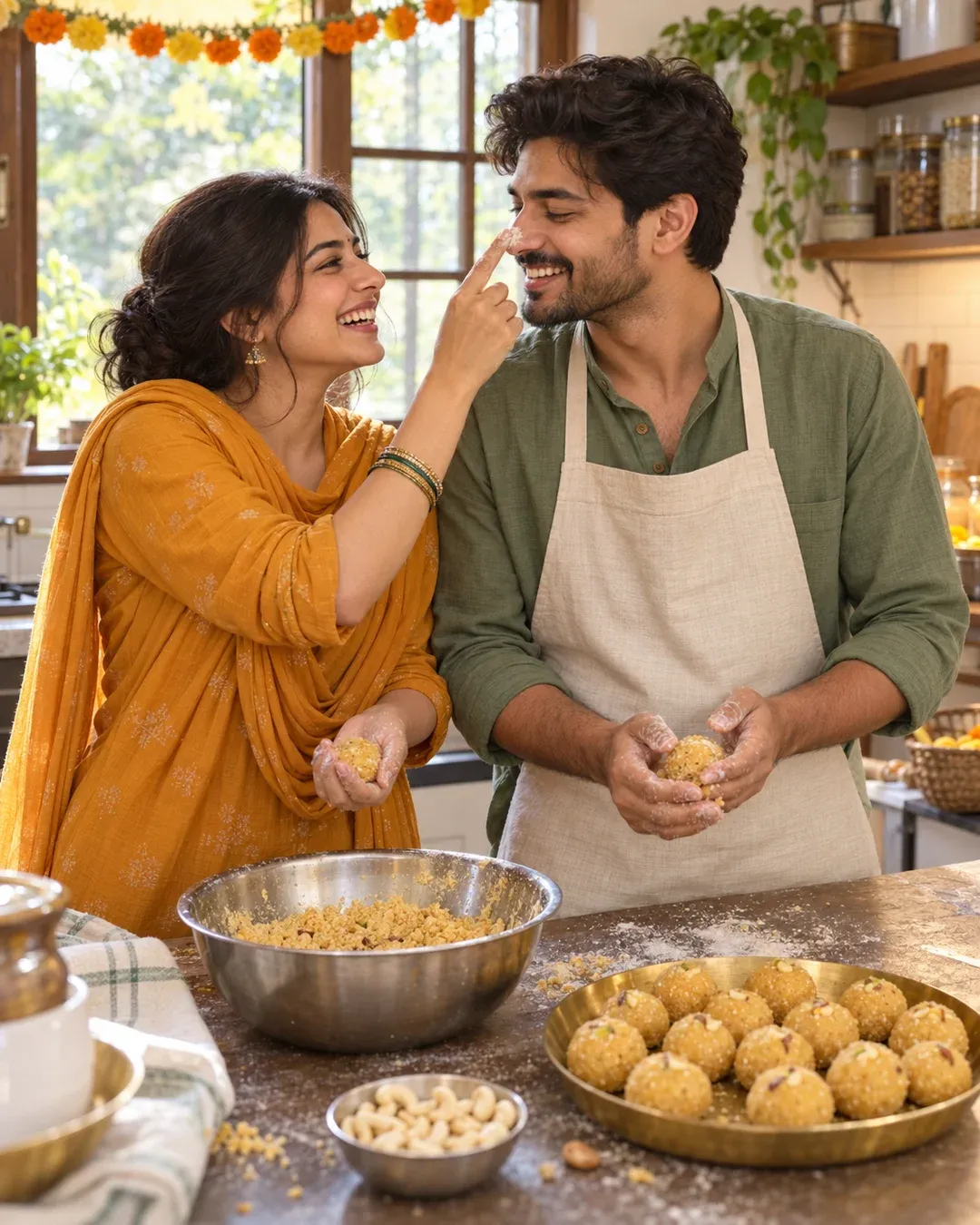
View full promptLess posing and more doing: rolling laddoos in the kitchen, exchanging gifts, sparklers in the garden and a selfie in ethnic wear.
A laughing couple rolls round laddoos together at a home kitchen counter, hands dusted with flour, during Diwali preparations.
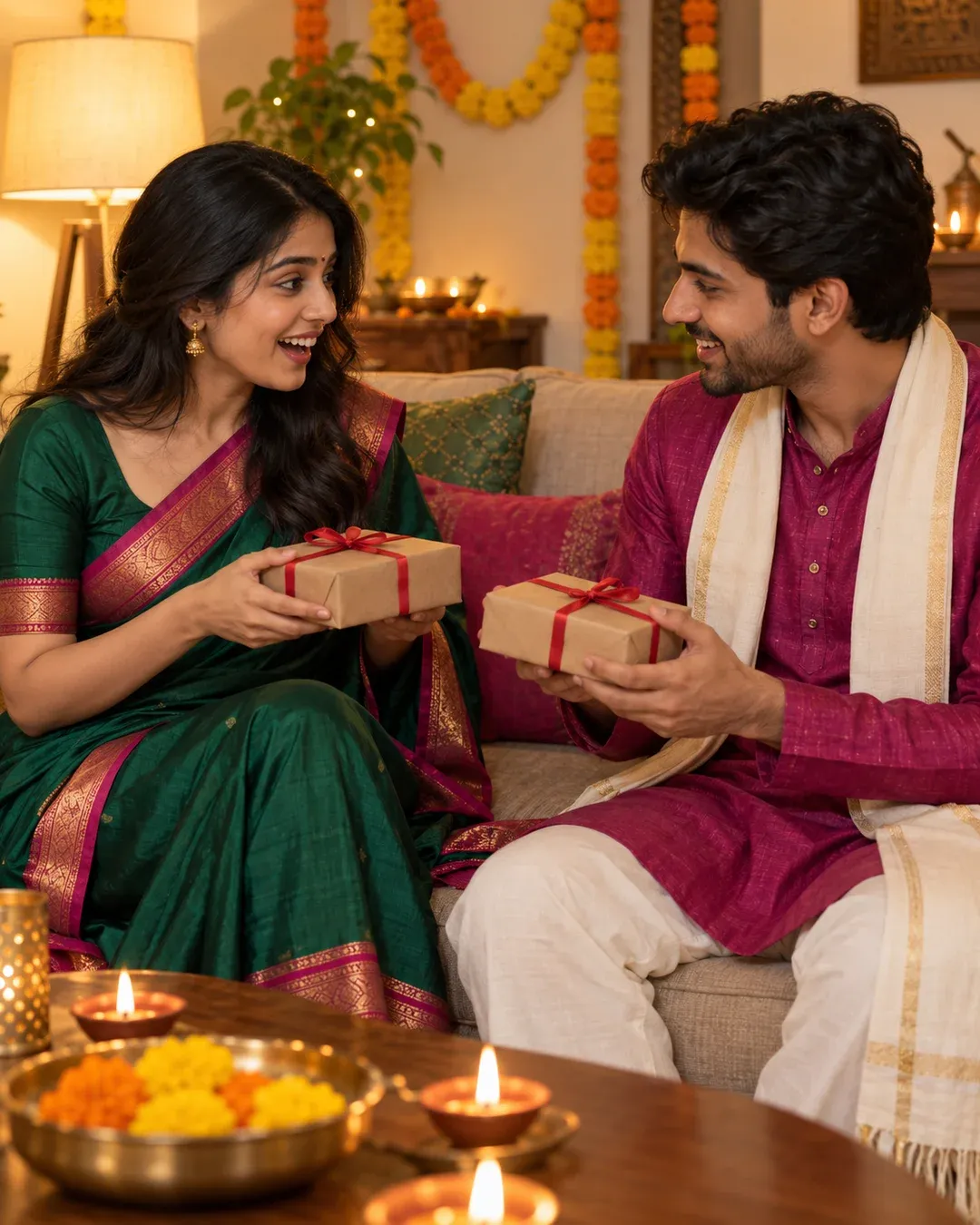
View full promptA couple sits on a sofa exchanging small kraft-paper wrapped gifts tied with ribbon, with diyas and marigolds in the room.
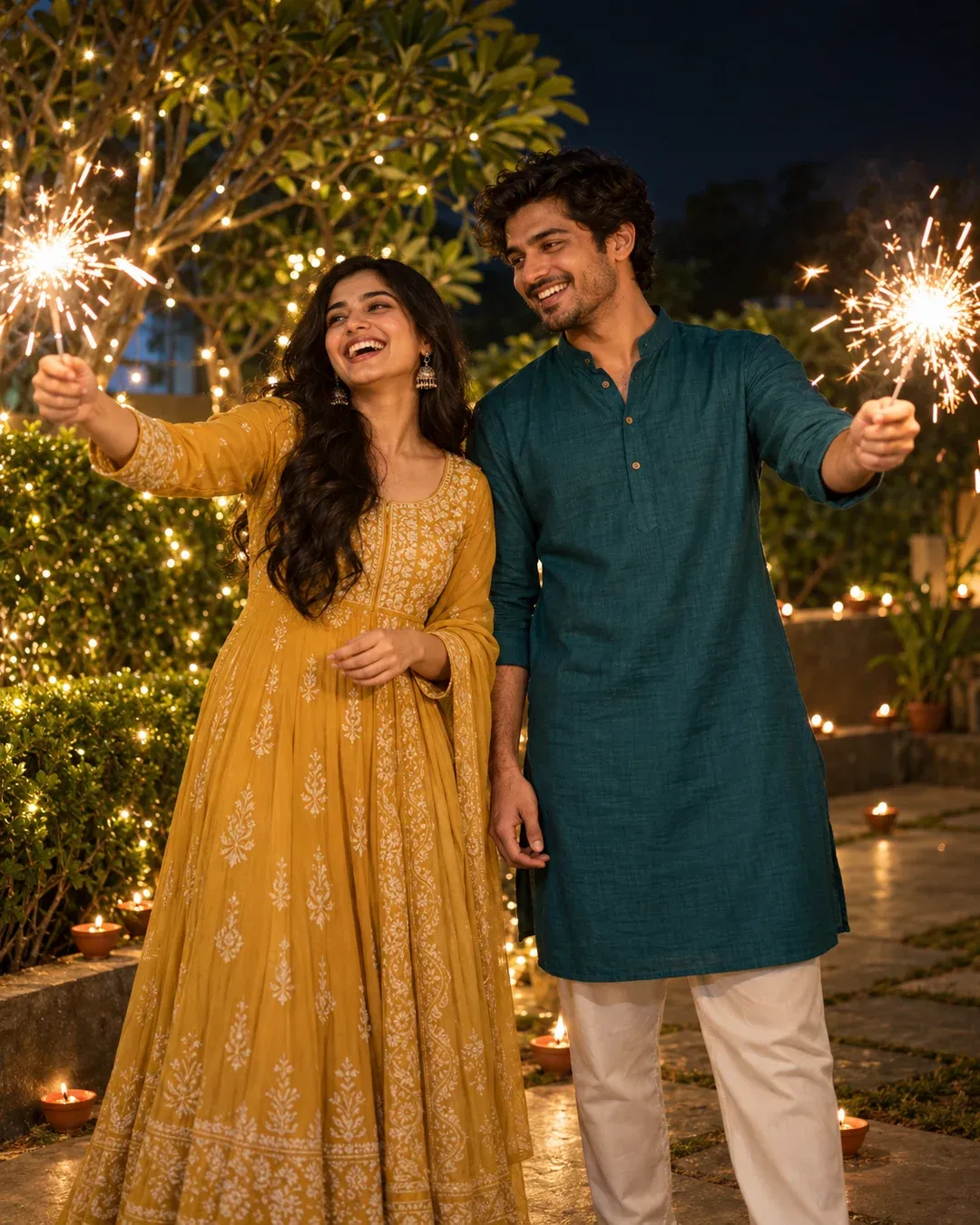
View full promptA laughing couple holds lit sparklers out at arm's length in a dark garden on Diwali night, sparks glowing between them.
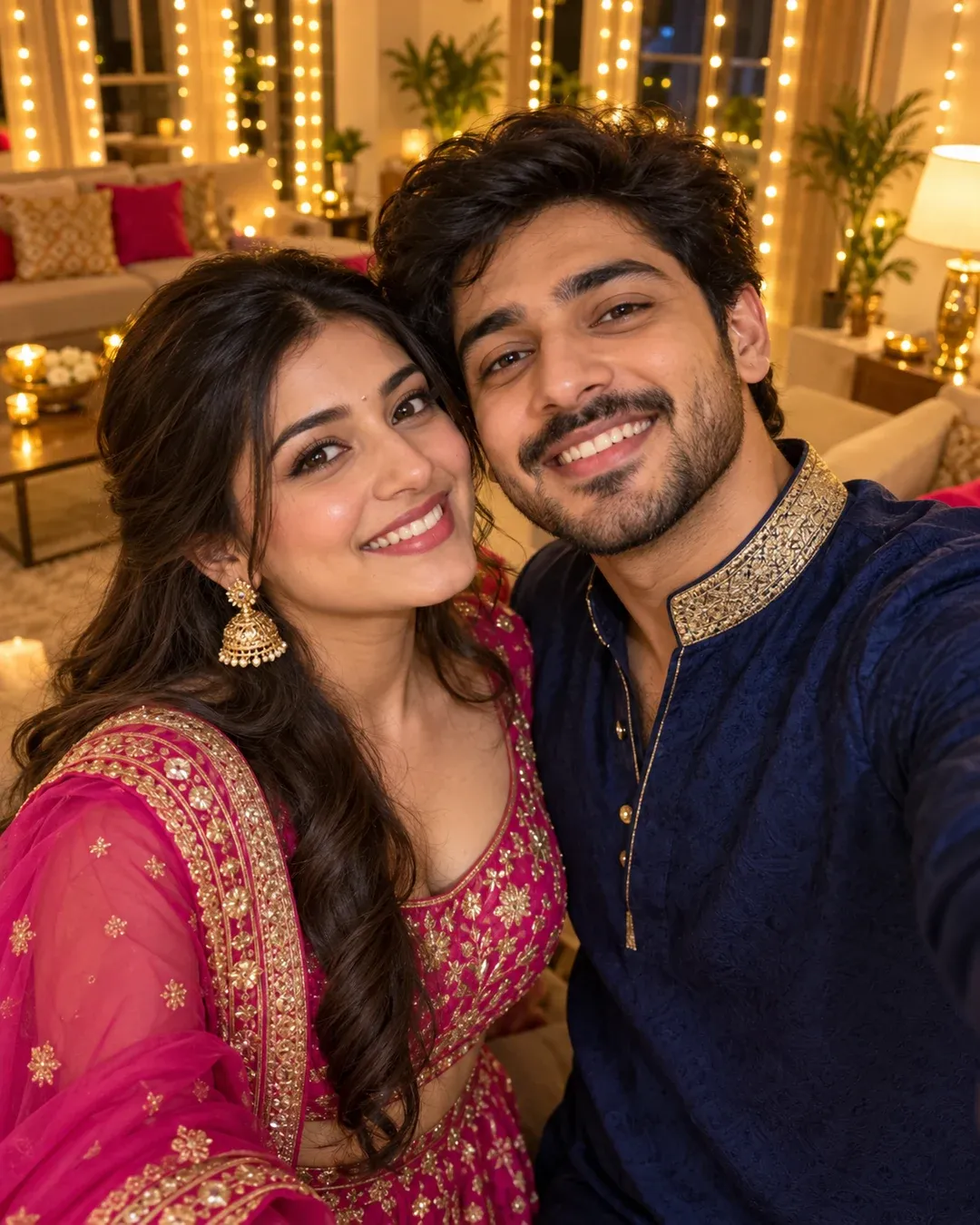
View full promptA smiling couple in ethnic wear takes a close selfie cheek to cheek, with blurred golden string lights behind them.
View full promptBoth tools work best with one photo that already shows you together. ChatGPT and Gemini can also accept two separate photos, so add a line saying which photo is the person on the left and which is the person on the right.
Both can run every prompt here. Try the same prompt in the other tool if one of them blends your faces or changes who is standing where, because results differ from photo to photo.
Use a sharp photo in even light with both faces at a similar size and no sunglasses, and keep the first sentence of the prompt. If the faces still change, reply "keep both faces exactly the same as the uploaded photo" and regenerate.
Yes. The prompts describe each outfit by position, the person on the left and the person on the right, but each outfit is written for a specific look. Change the clothing words to whatever each of you would wear.
We keep deity images out of every prompt and example on this site. The scenes use diyas, rangoli, marigolds and lanterns instead, and you can add your own puja setting in the AI tool if you wish.