Navratri Mirror-Work Chaniya Choli Twirl
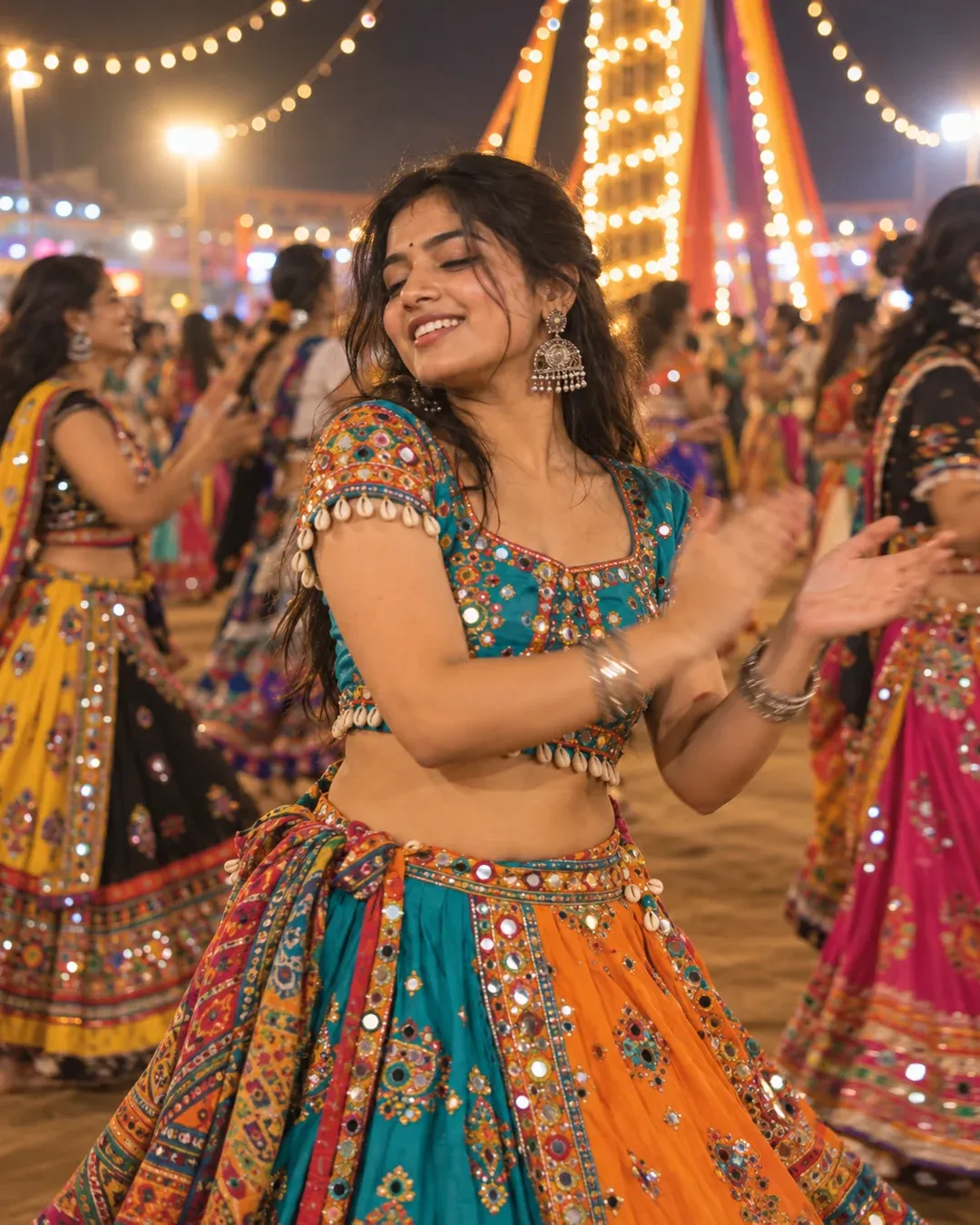
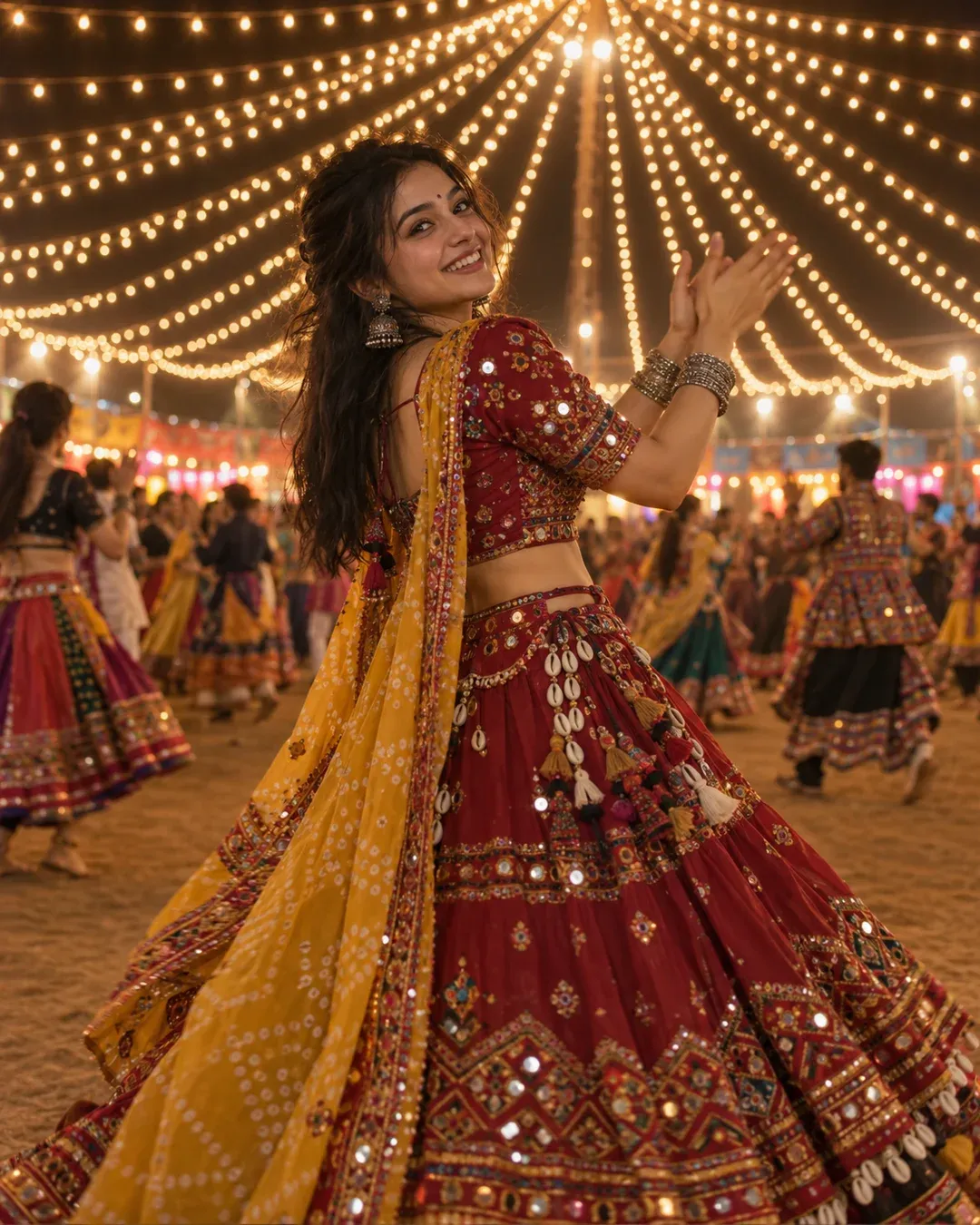
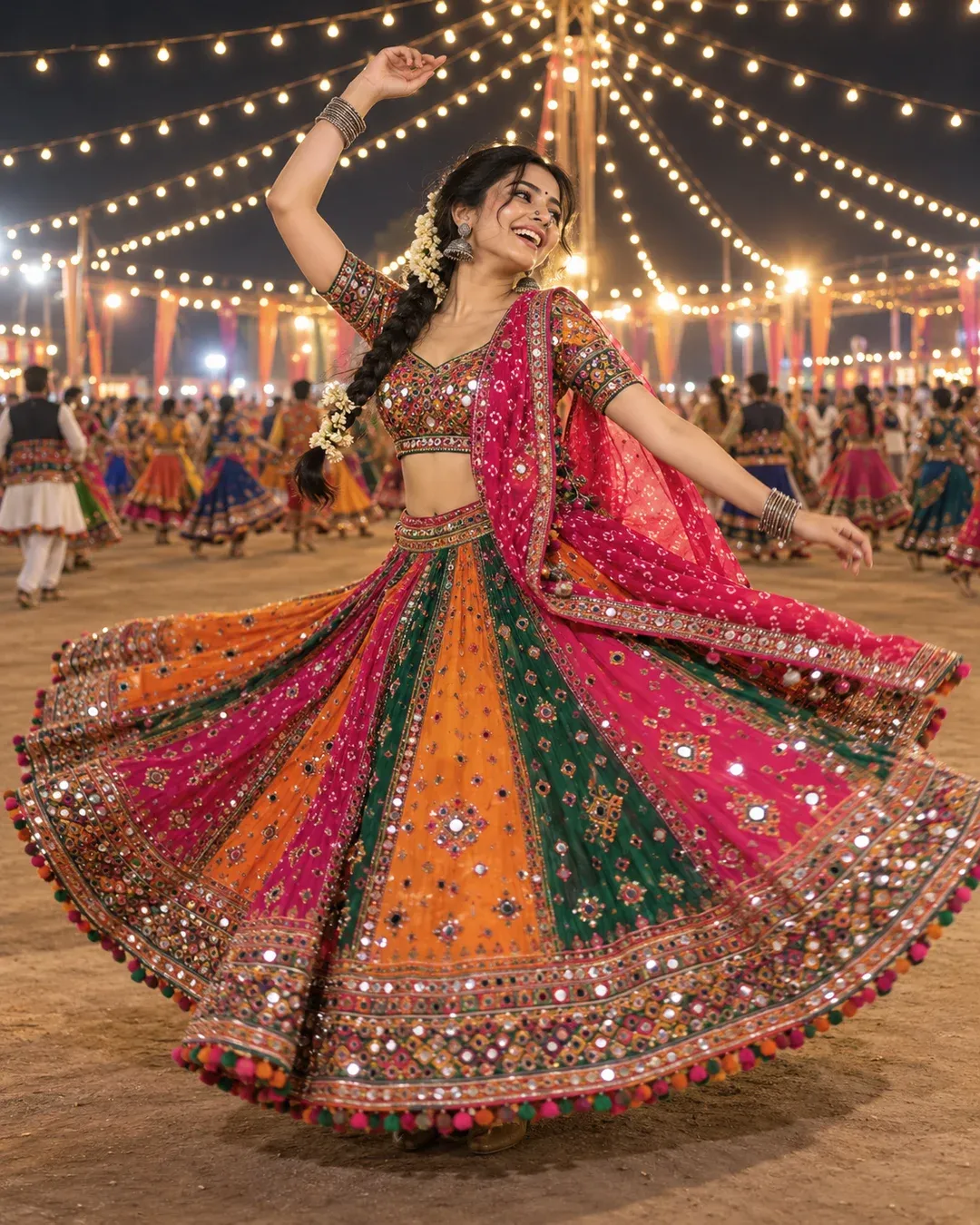
A young woman spins in a multicolour mirror-work chaniya choli on a Garba ground lit by festoon lights at night.
View full promptEvery Navratri prompt on this page turns your own photo into a festive Garba, Dandiya or puja night picture in Gemini or ChatGPT. Pick a look for girls, boys, couples or kids, or match the colour of the day, copy the full prompt and paste it with a clear, front-facing photo. Each prompt starts with an instruction to keep your face, skin tone and hairstyle unchanged; results still vary by photo and tool.
Chaniya choli twirls, bandhani dupattas, lehengas and oxidised silver jewellery for a Garba-ready profile picture.
A young woman spins in a multicolour mirror-work chaniya choli on a Garba ground lit by festoon lights at night.
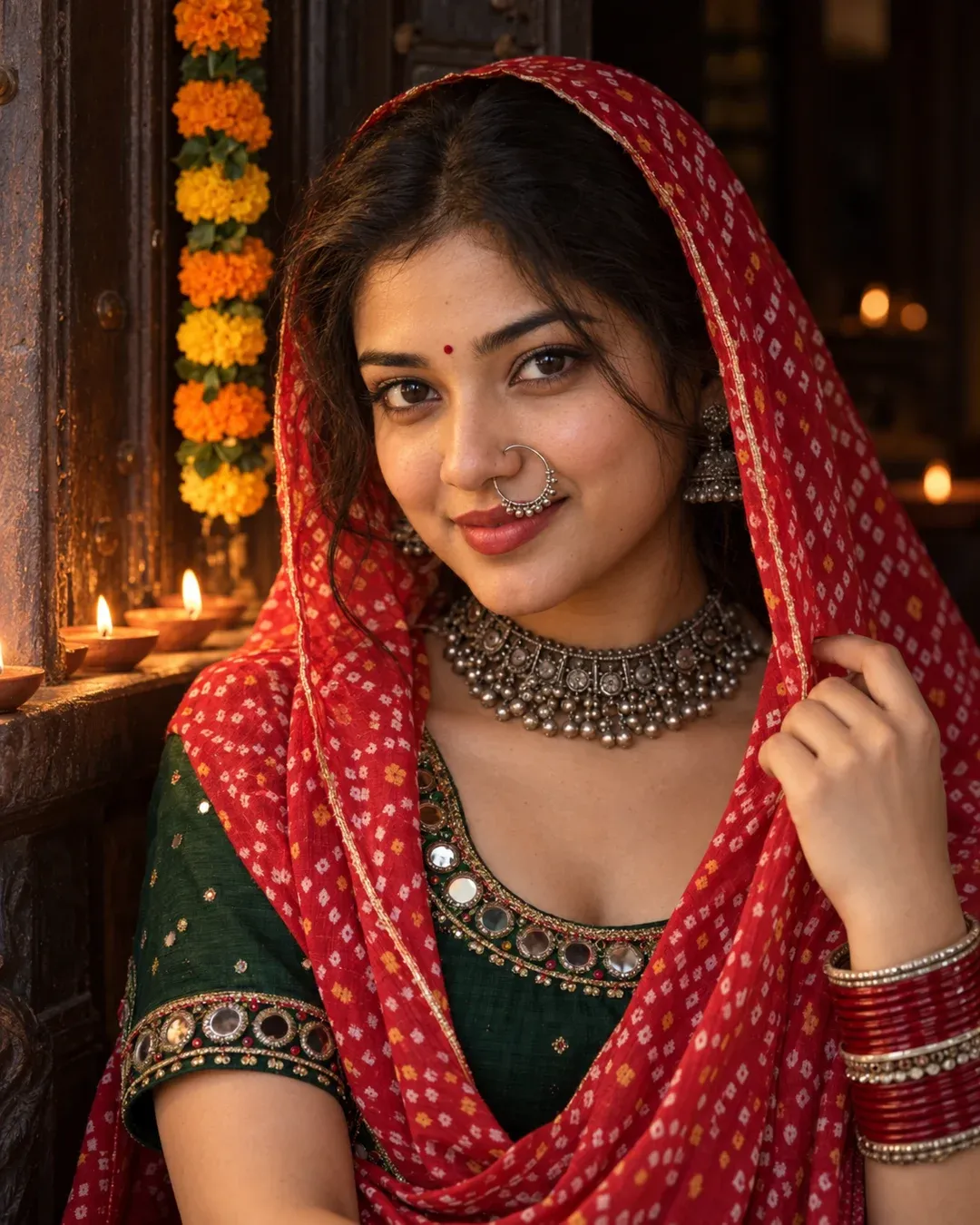
View full promptA close Navratri portrait of a young woman with a red bandhani dupatta draped over her head, lit by warm diya light.
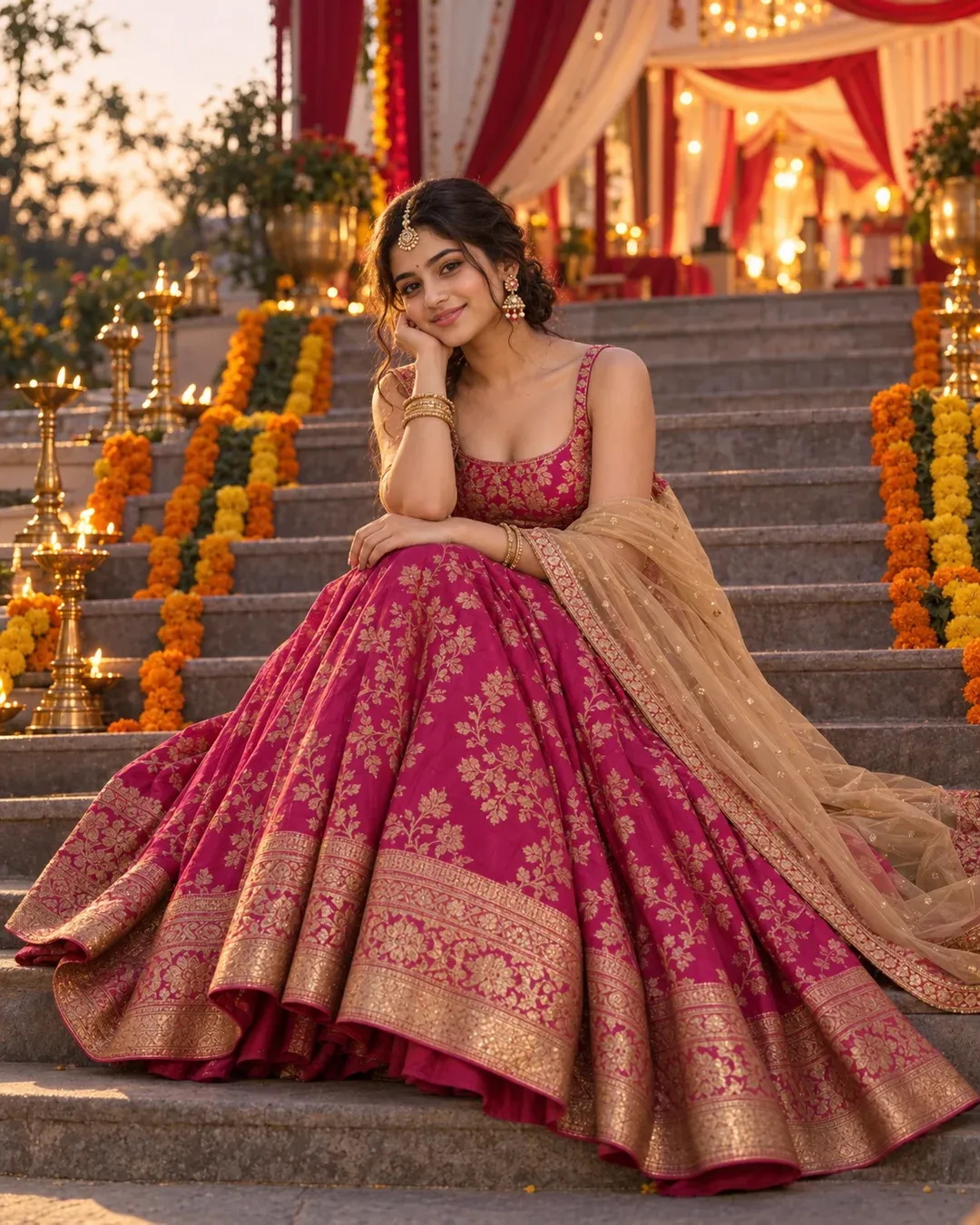
View full promptA young woman in a magenta and gold lehenga sits on marigold-lined steps outside a Navratri pandal in the evening.
View full promptA candid shot of a young woman clapping mid-step inside a Garba circle, other dancers blurred around her.
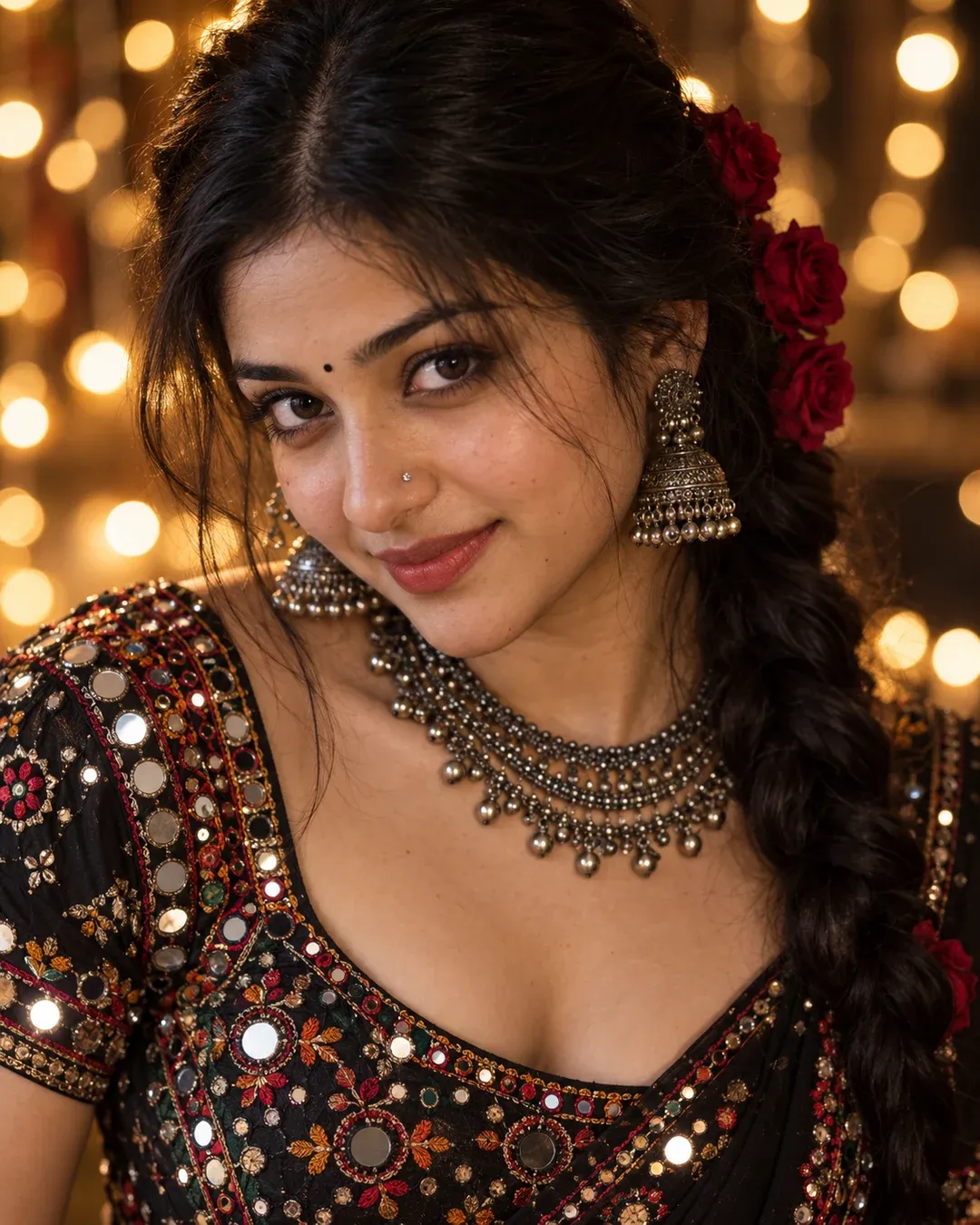
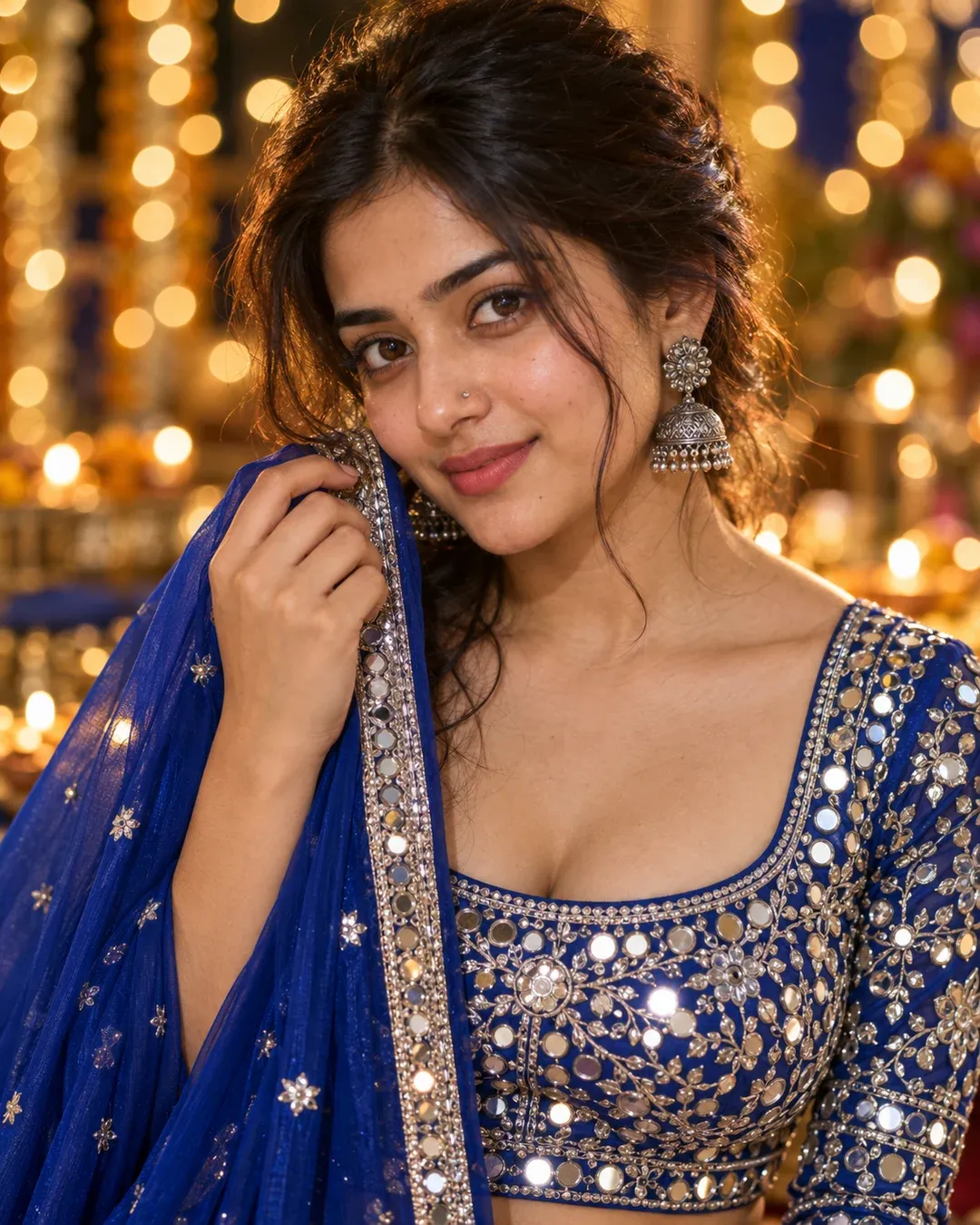
View full promptA beauty close-up of a young woman wearing oxidised silver jewellery and a mirror-work blouse against string-light bokeh.
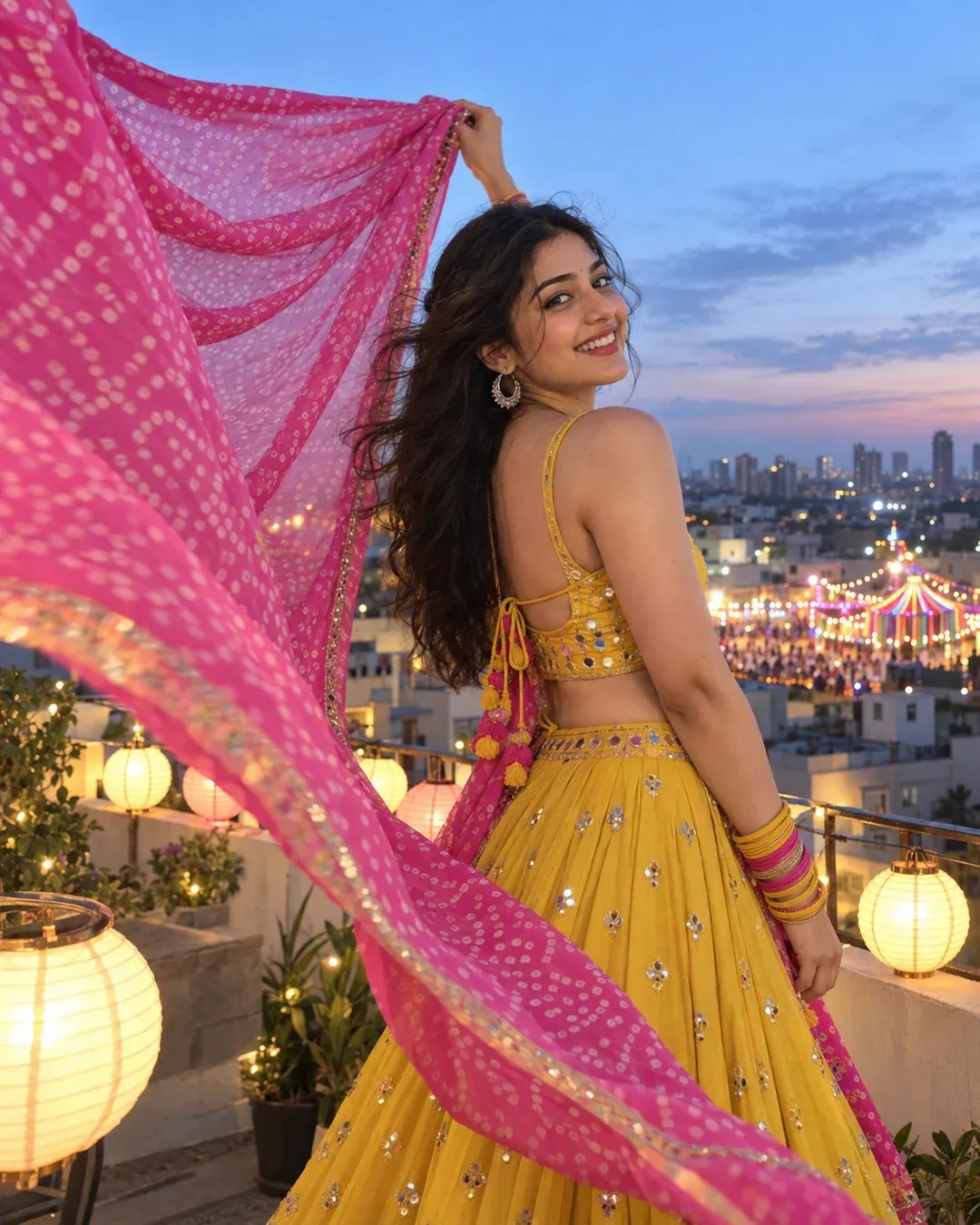
View full promptA young woman stands on a rooftop at dusk in a yellow and pink chaniya choli, her dupatta flying in the wind.
View full promptKediyu, kurta and bandhani safa looks with dandiya poses, from bold night portraits to a group shot with friends.
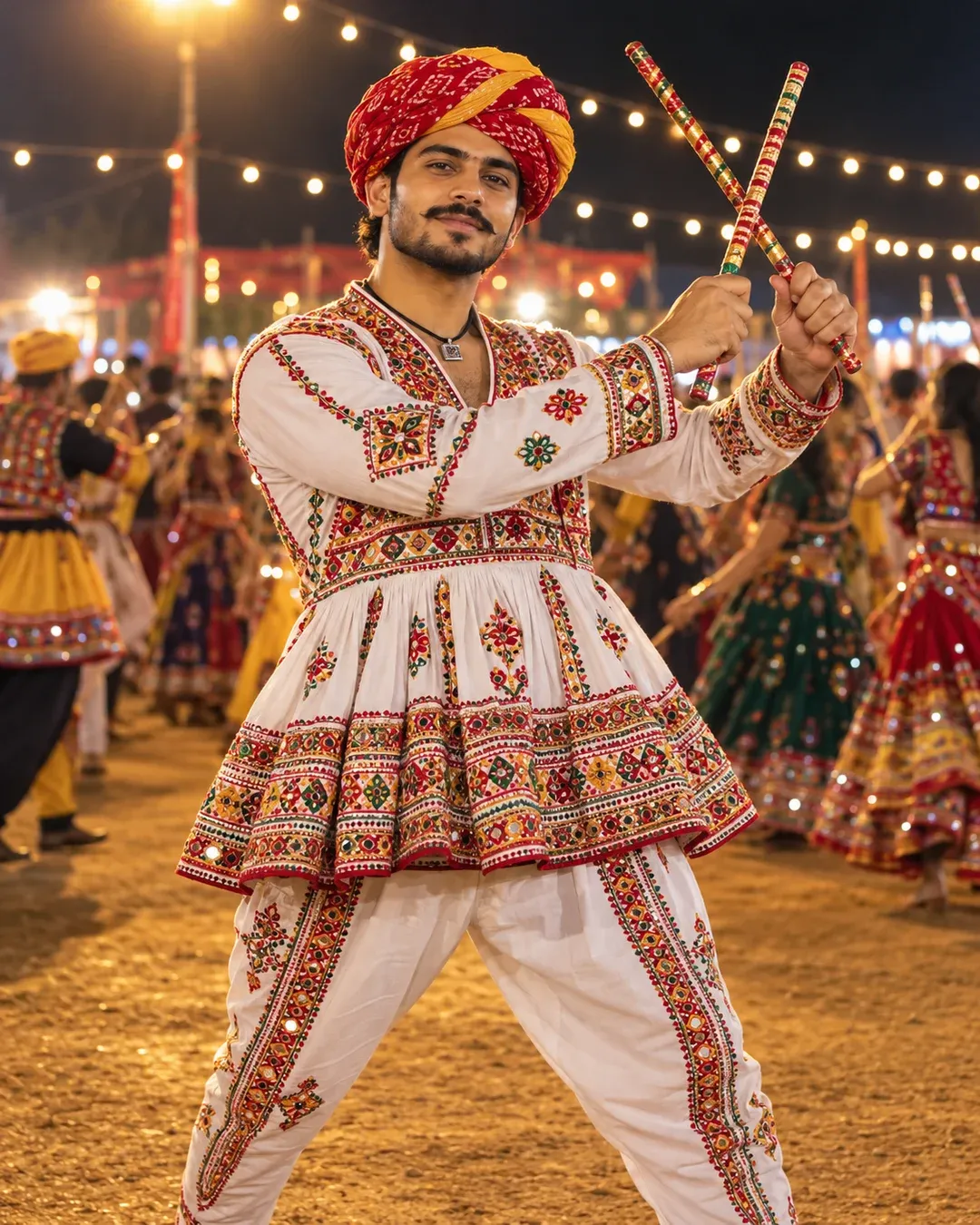
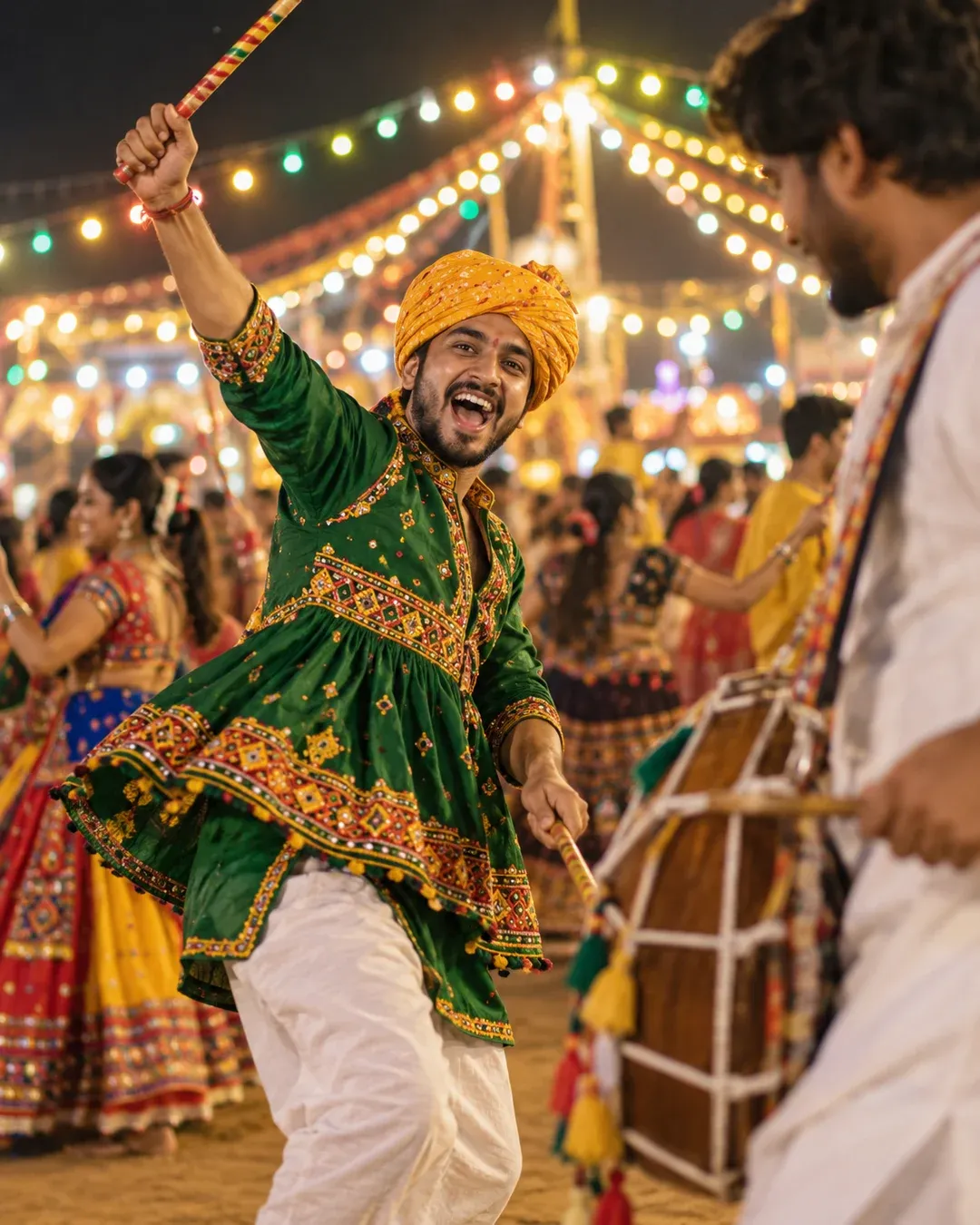
A young man in an embroidered kediyu and bandhani safa raises a pair of dandiya sticks on a lit Garba ground.
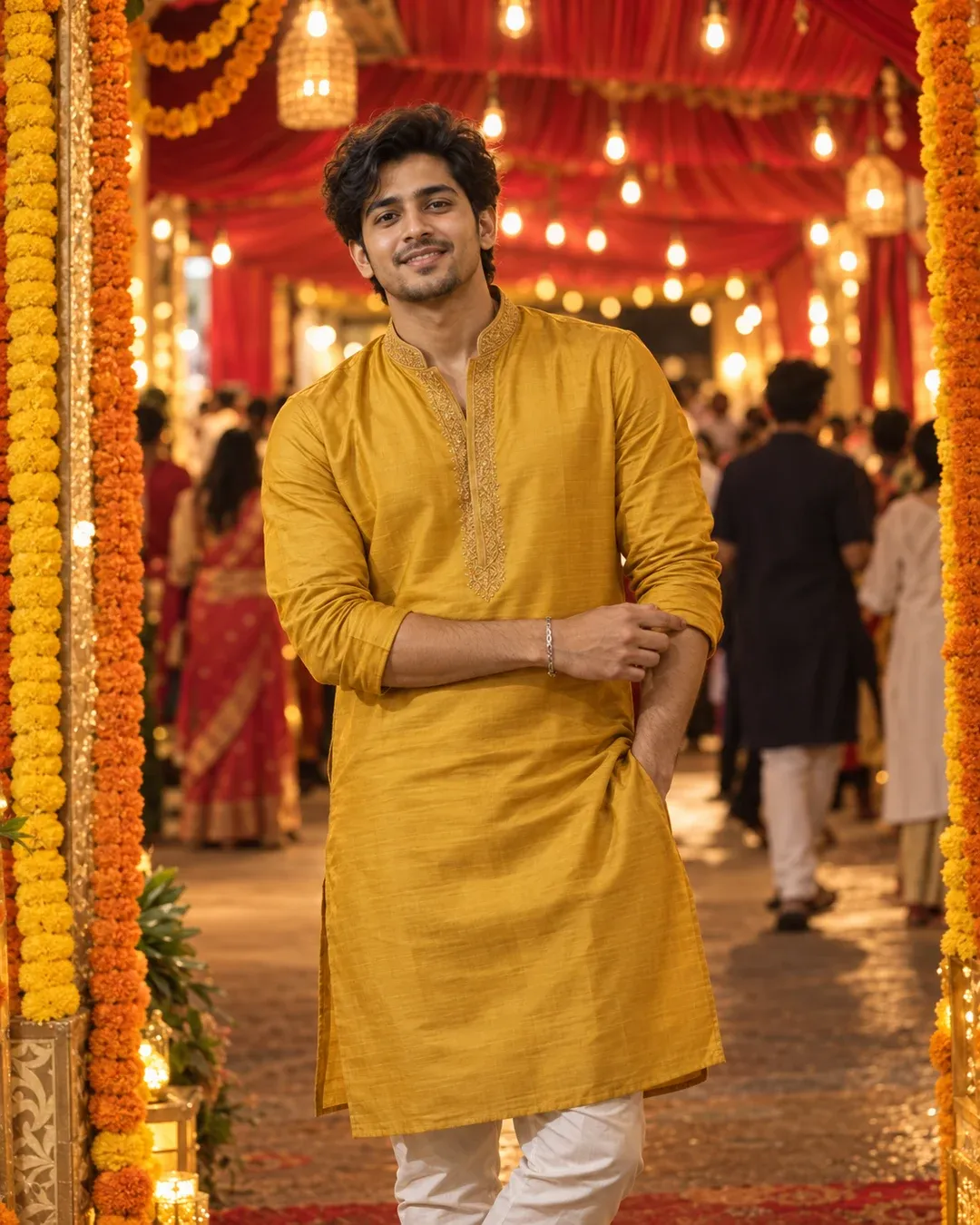
View full promptA young man in a mustard silk kurta stands under warm pandal lights and marigold garlands on Navratri night.
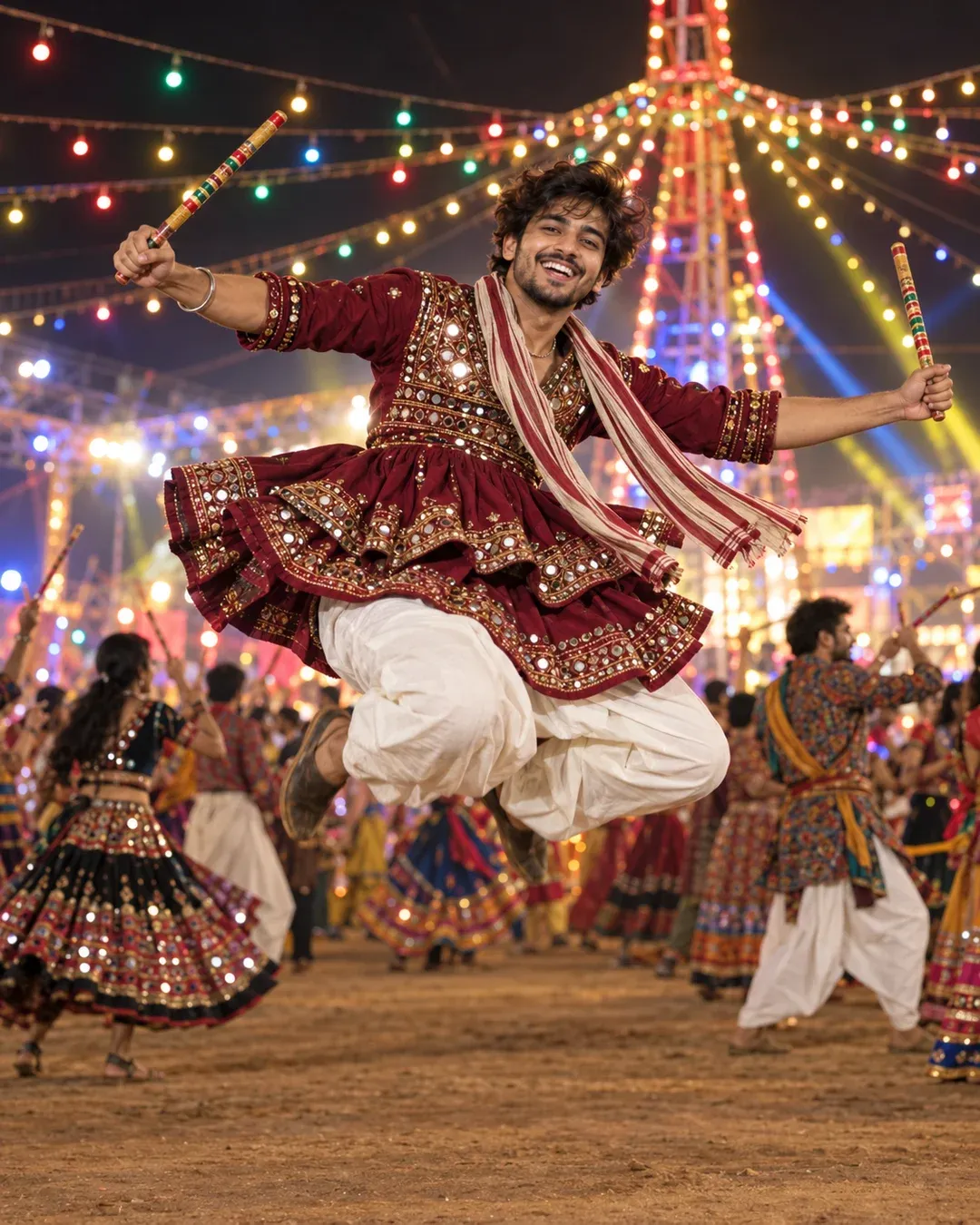
View full promptA young man jumps mid-dance with dandiya sticks in hand, his kediyu pleats flaring under festival lights.
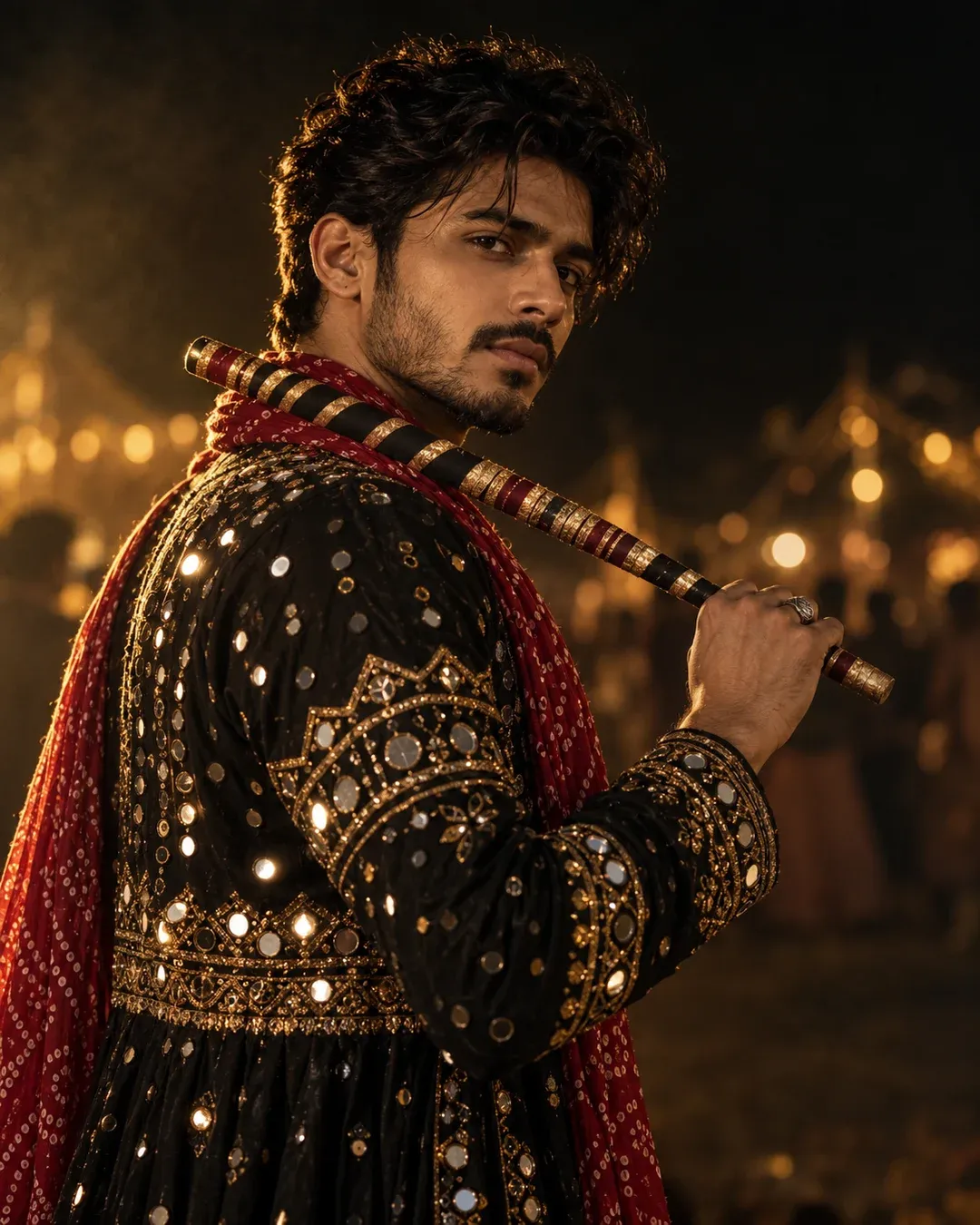
View full promptA moody low-key portrait of a young man in a black mirror-work kediyu with golden rim light on a dark background.
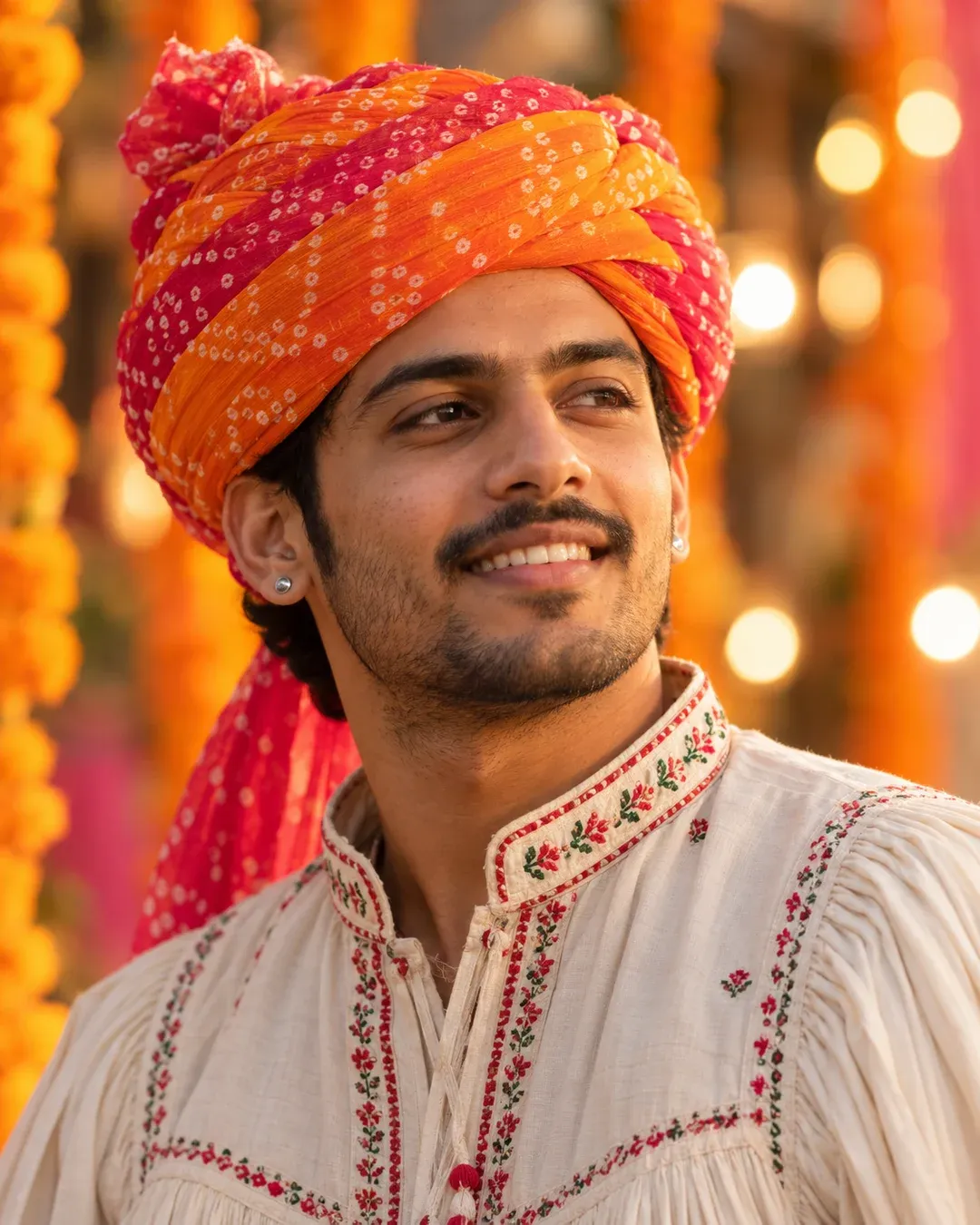
View full promptA close portrait of a young man in a bright bandhani safa and embroidered kediyu collar, lit by warm festival glow.
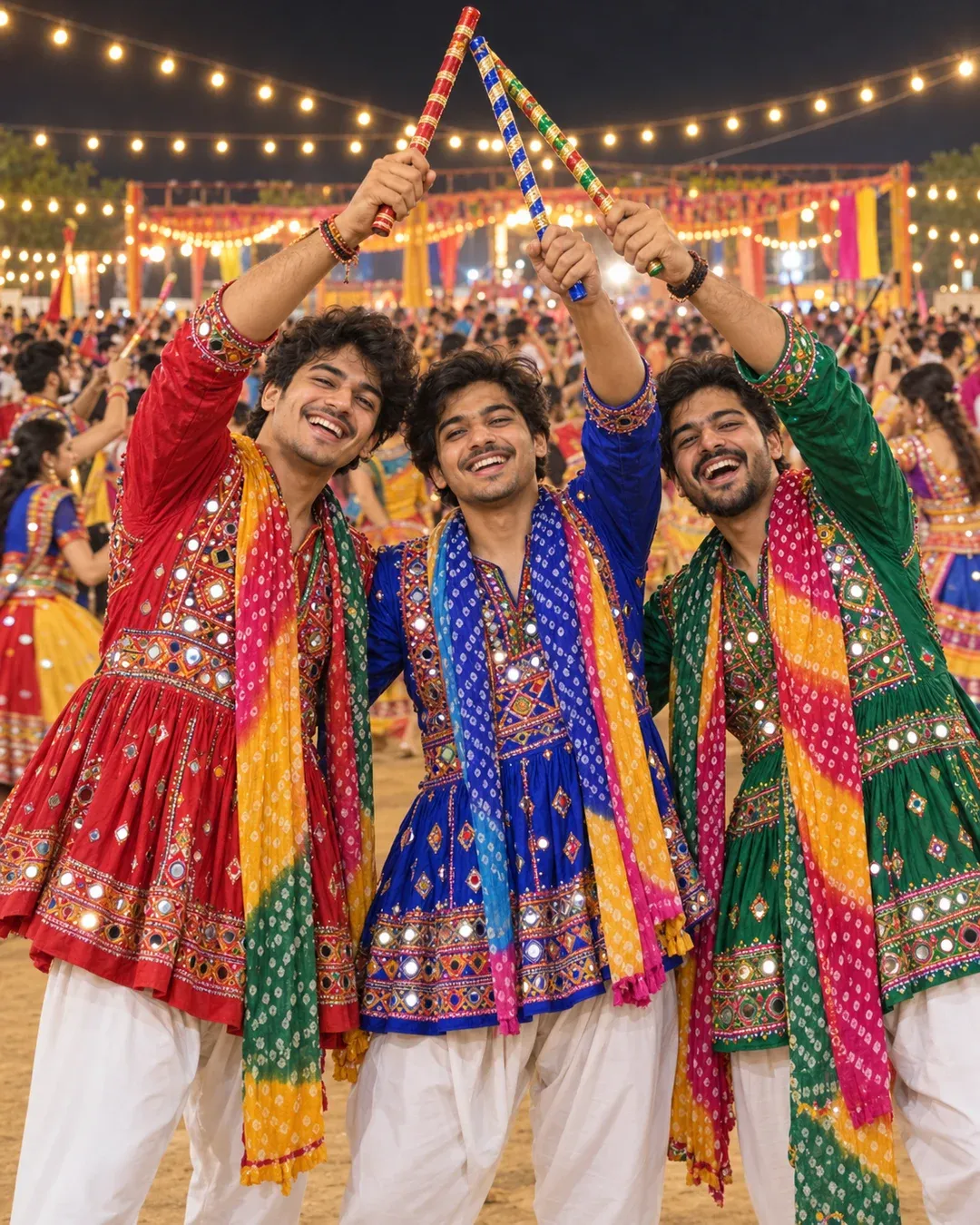
View full promptA group of young men in matching kediyus raise dandiya sticks together and laugh on a lit Garba ground.
View full promptUpload one photo of both of you. Each couple prompt keeps both faces and describes outfits by position (left and right), so swap the words if you stand the other way round.
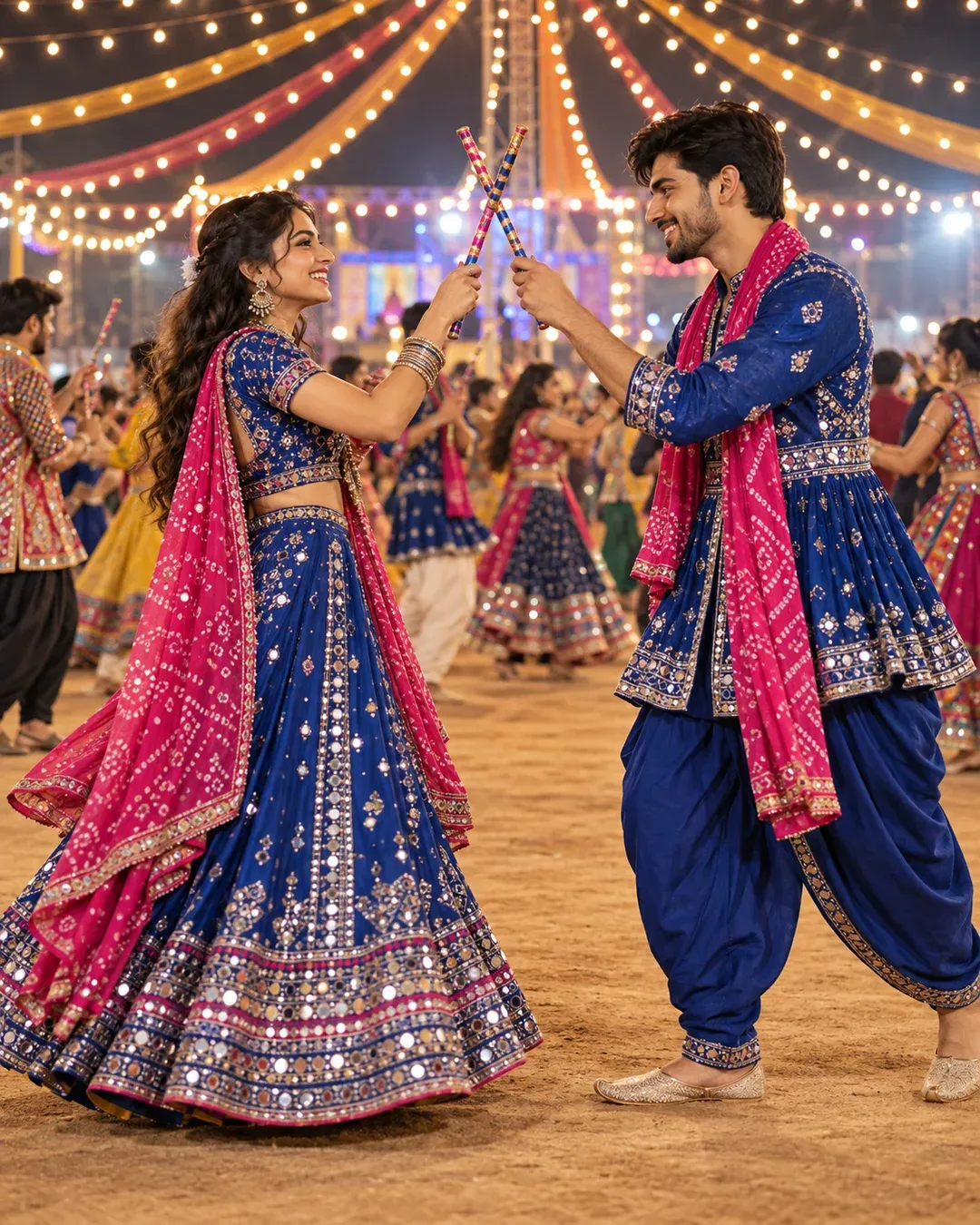
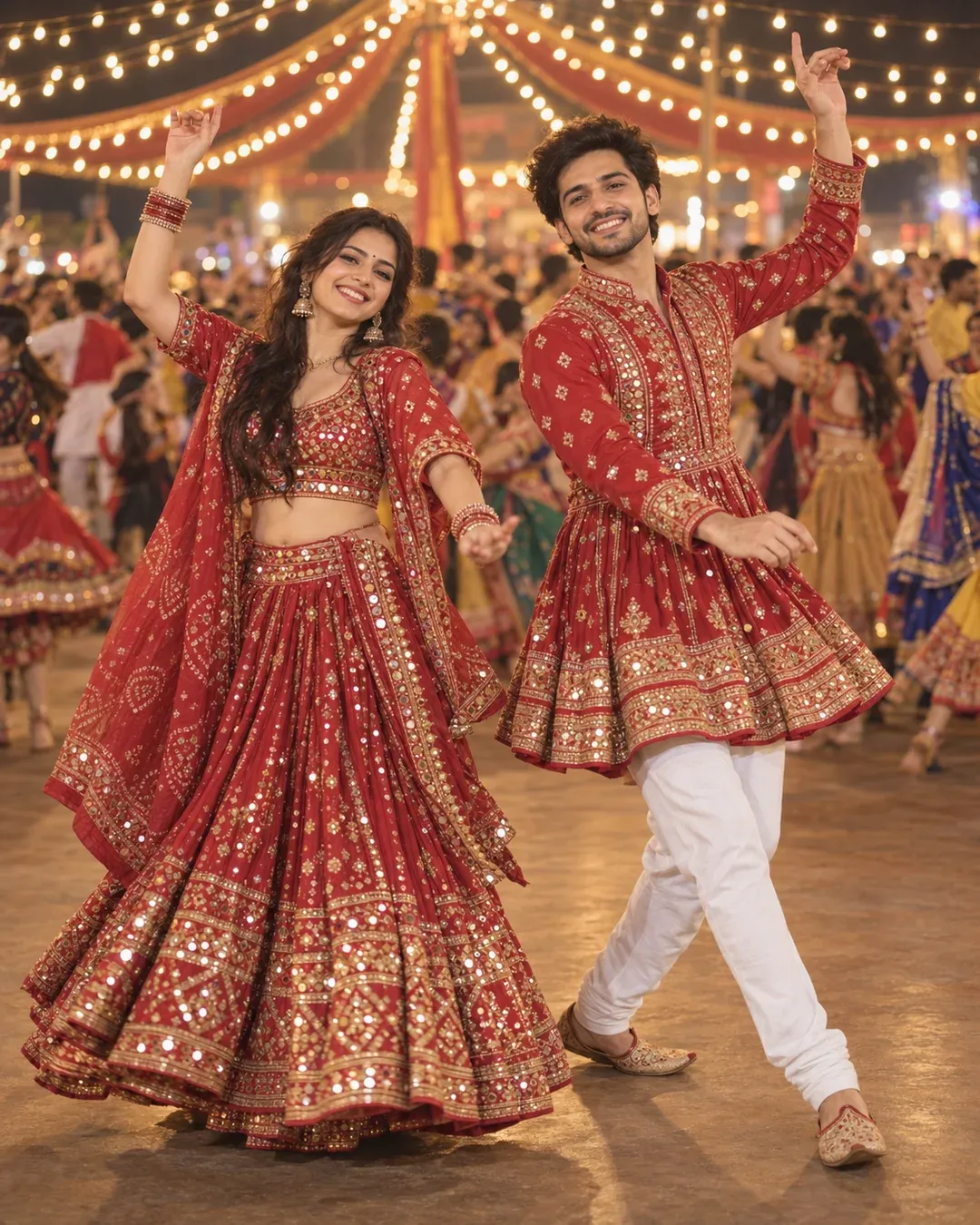
A couple in coordinated Navratri outfits plays dandiya face to face, sticks touching, on a lit Garba ground.
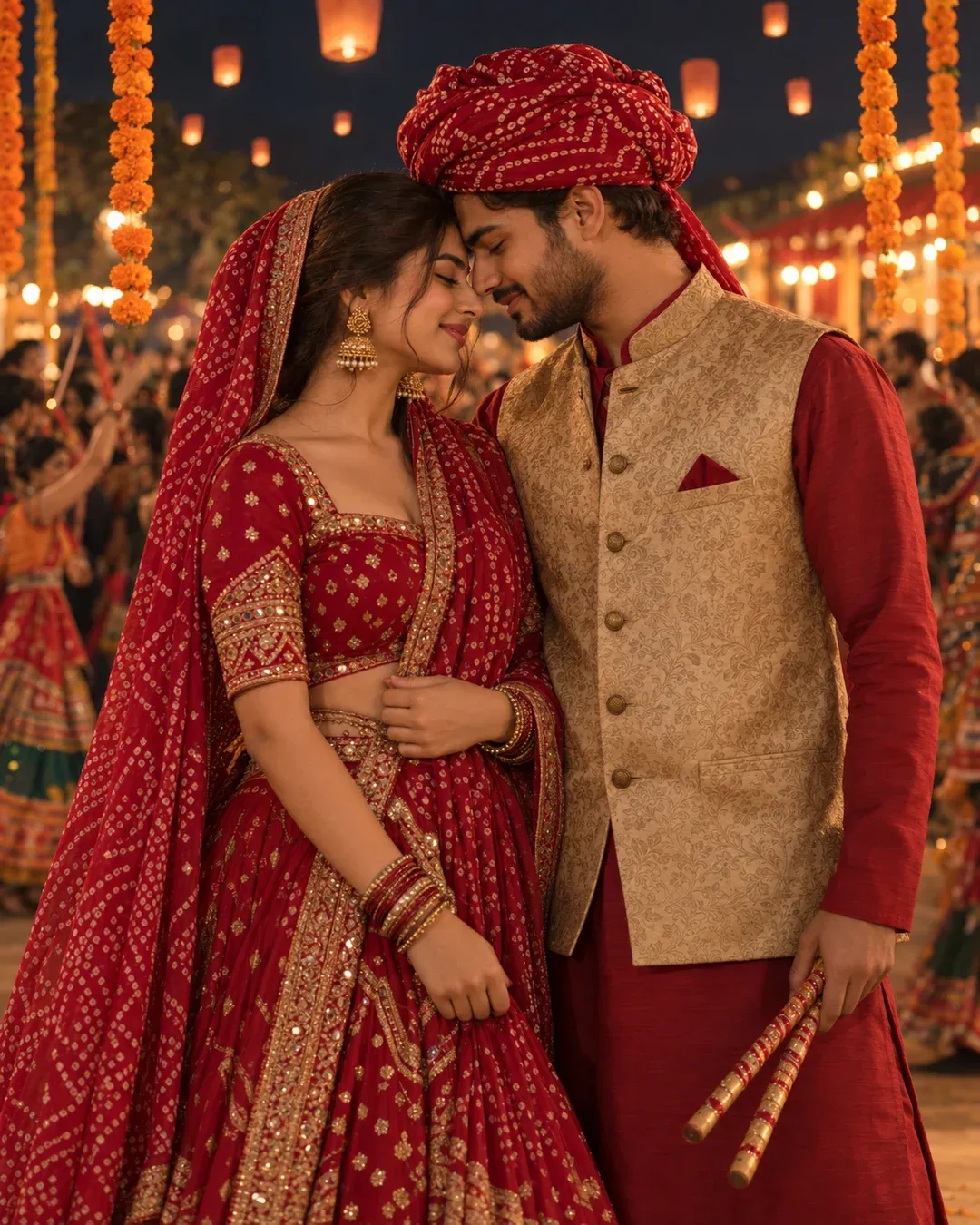
View full promptA couple in matching red and gold Navratri outfits stands close together under strings of marigold at night.
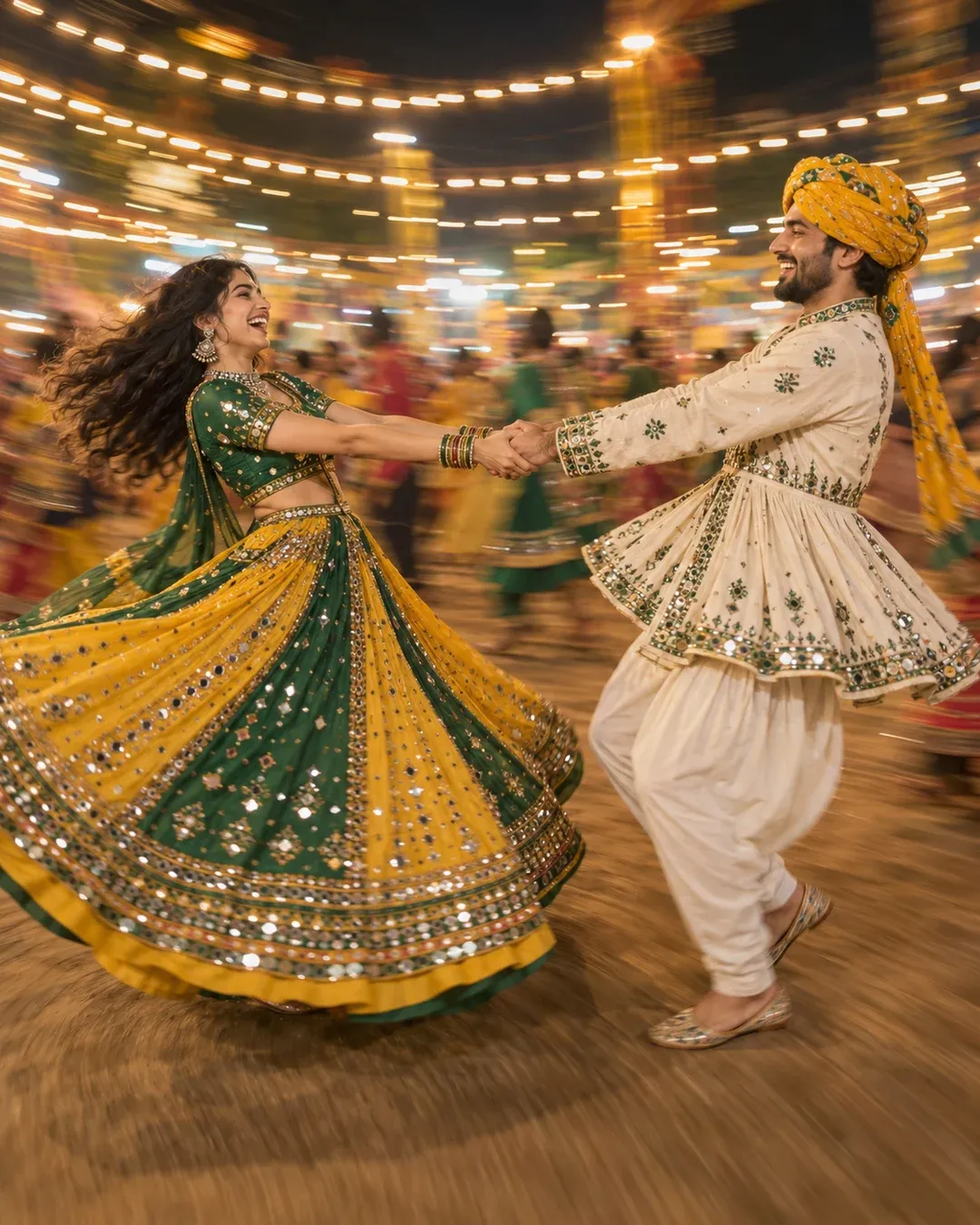
View full promptA couple spins in a circle holding both hands on a Garba ground, her skirt flaring and lights streaking behind them.
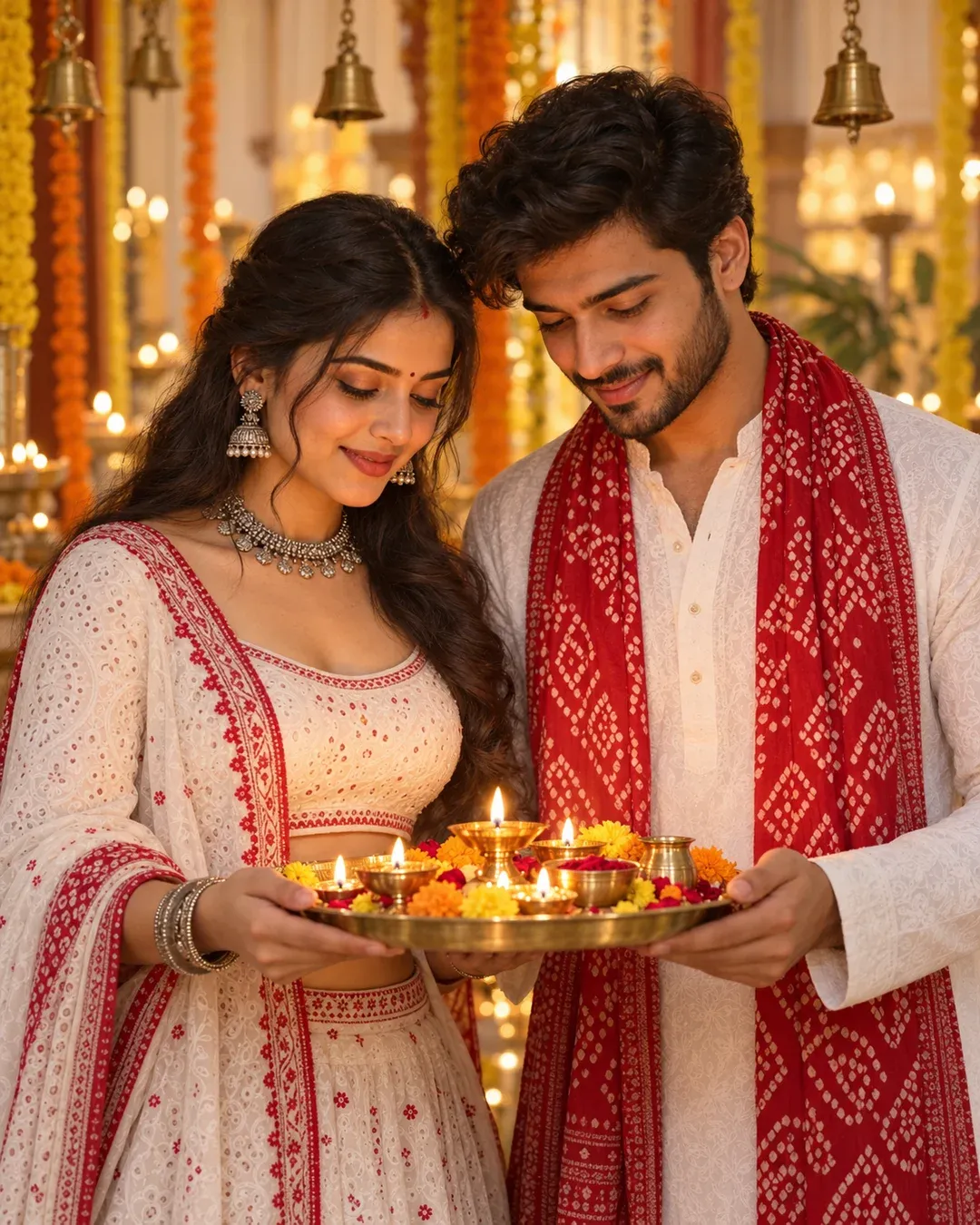
View full promptA couple in festive outfits holds one brass aarti thali with lit diyas together, the flames lighting their faces.
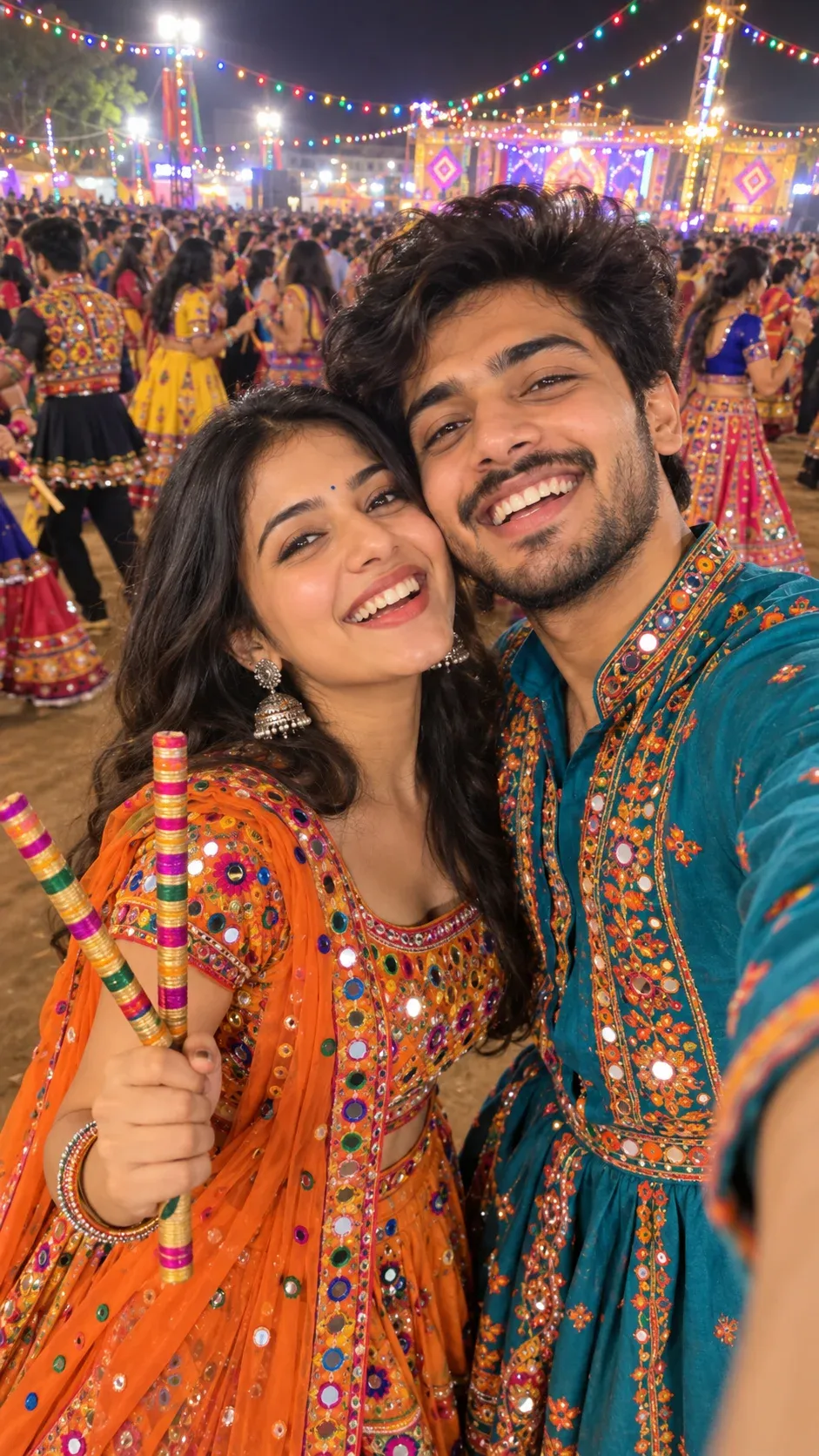
View full promptA couple takes a close, happy selfie at a crowded Garba night, dandiya sticks in hand and lights behind them.
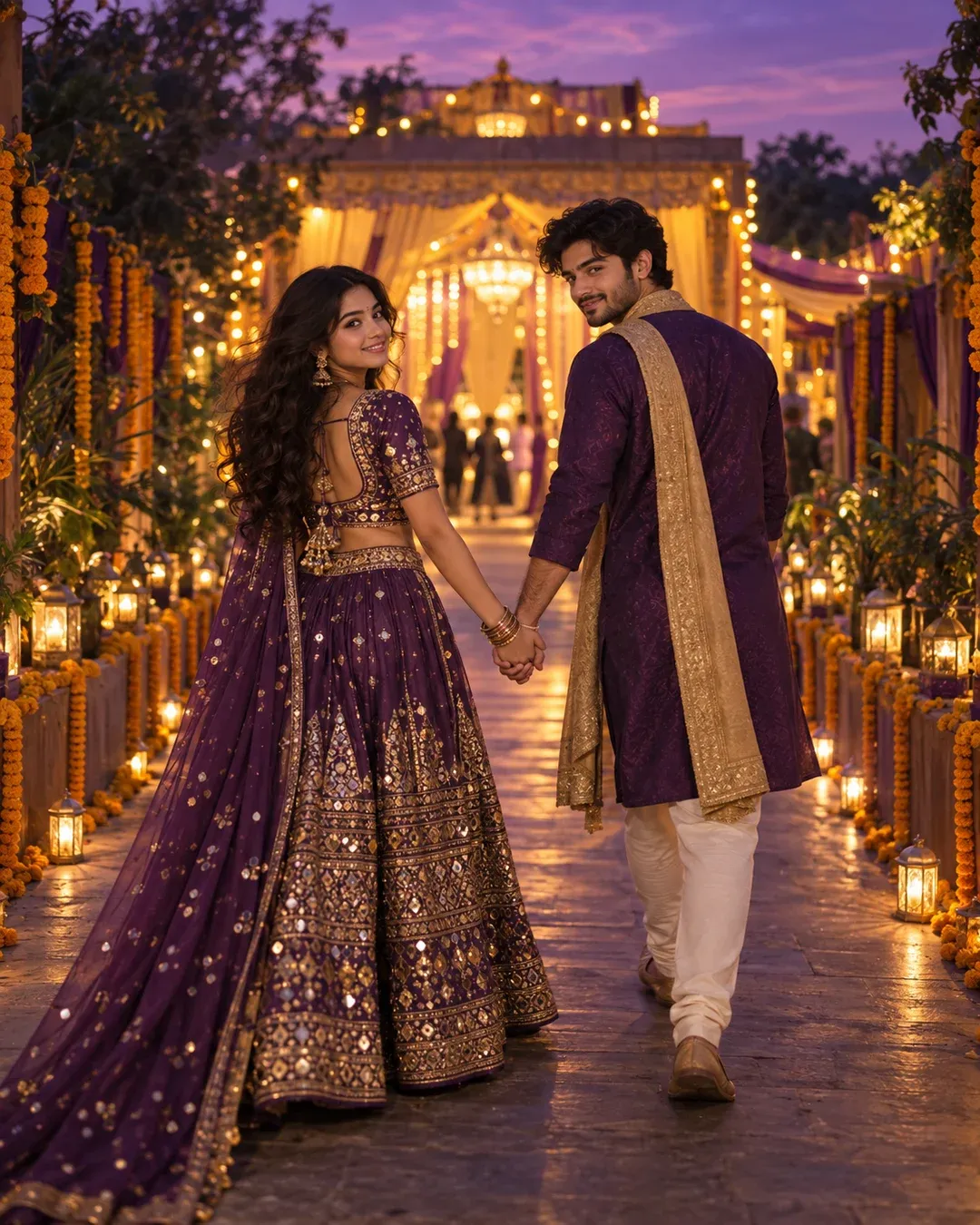
View full promptA couple walks hand in hand toward a glowing pandal at dusk, both turning back toward the camera with a smile.
View full promptFestoon lights, dhol beats, dandiya sticks mid-strike and huge Garba grounds: the night-time scenes people search for during Navratri.
A woman dances Garba under a dense canopy of festoon lights, her mirror-work skirt catching the glow.
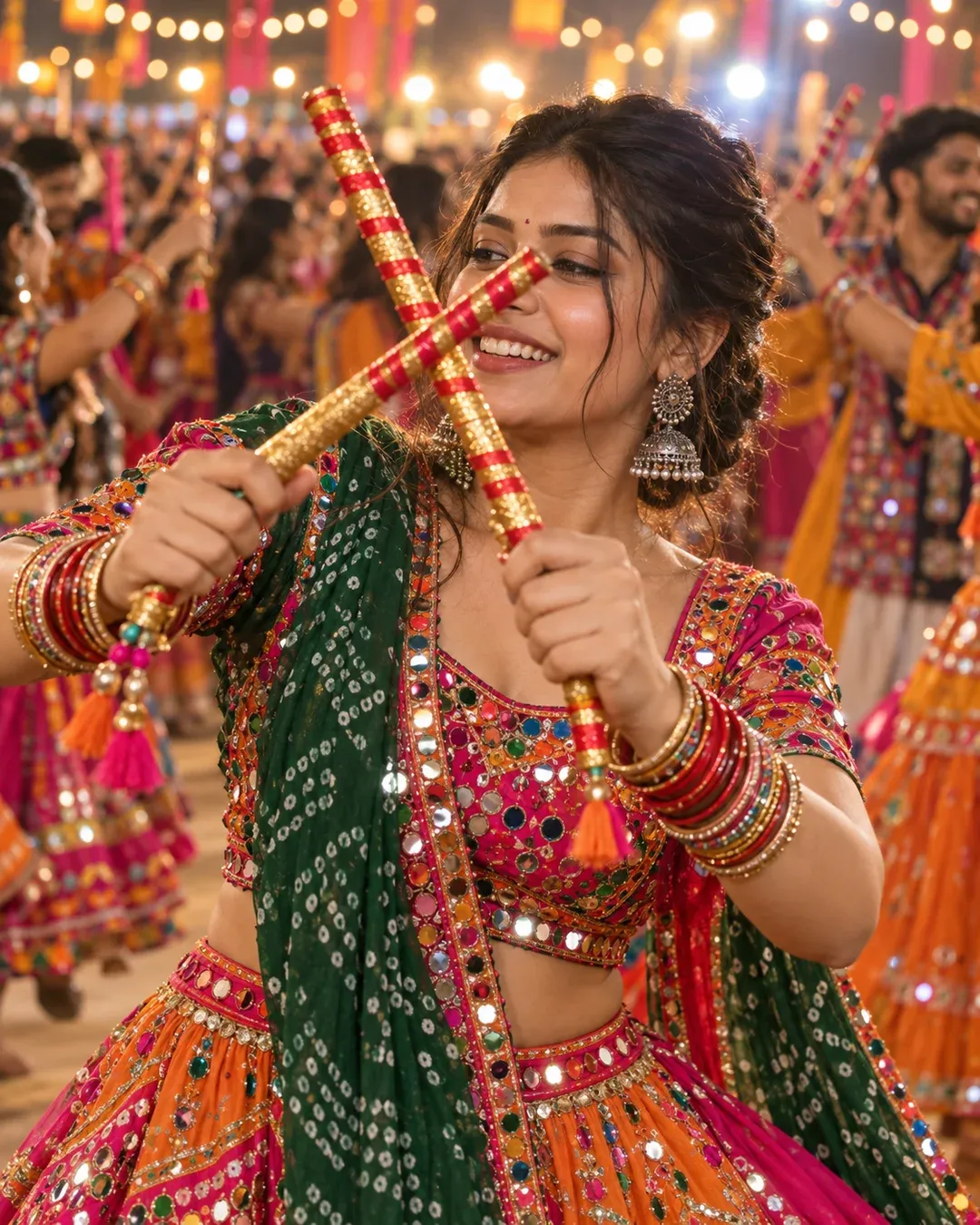
View full promptA woman strikes decorated dandiya sticks mid-dance, bangles and mirror work sparkling in warm festival light.
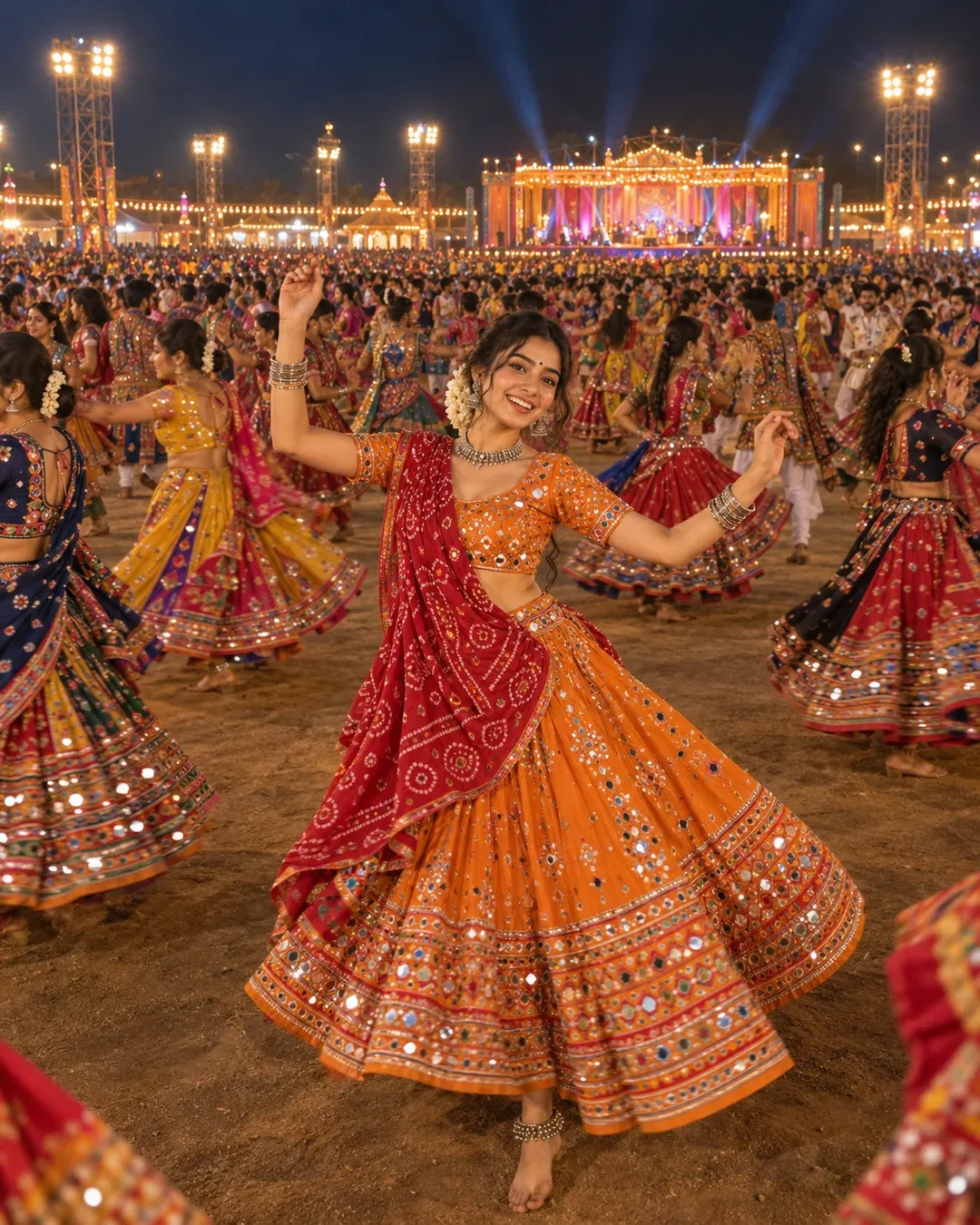
View full promptA wide shot of a woman dancing at the centre of a huge Garba ground with circles of dancers and lights around her.
View full promptA young man dances with dandiya sticks beside a dhol player, kediyu flaring under warm festival lights.
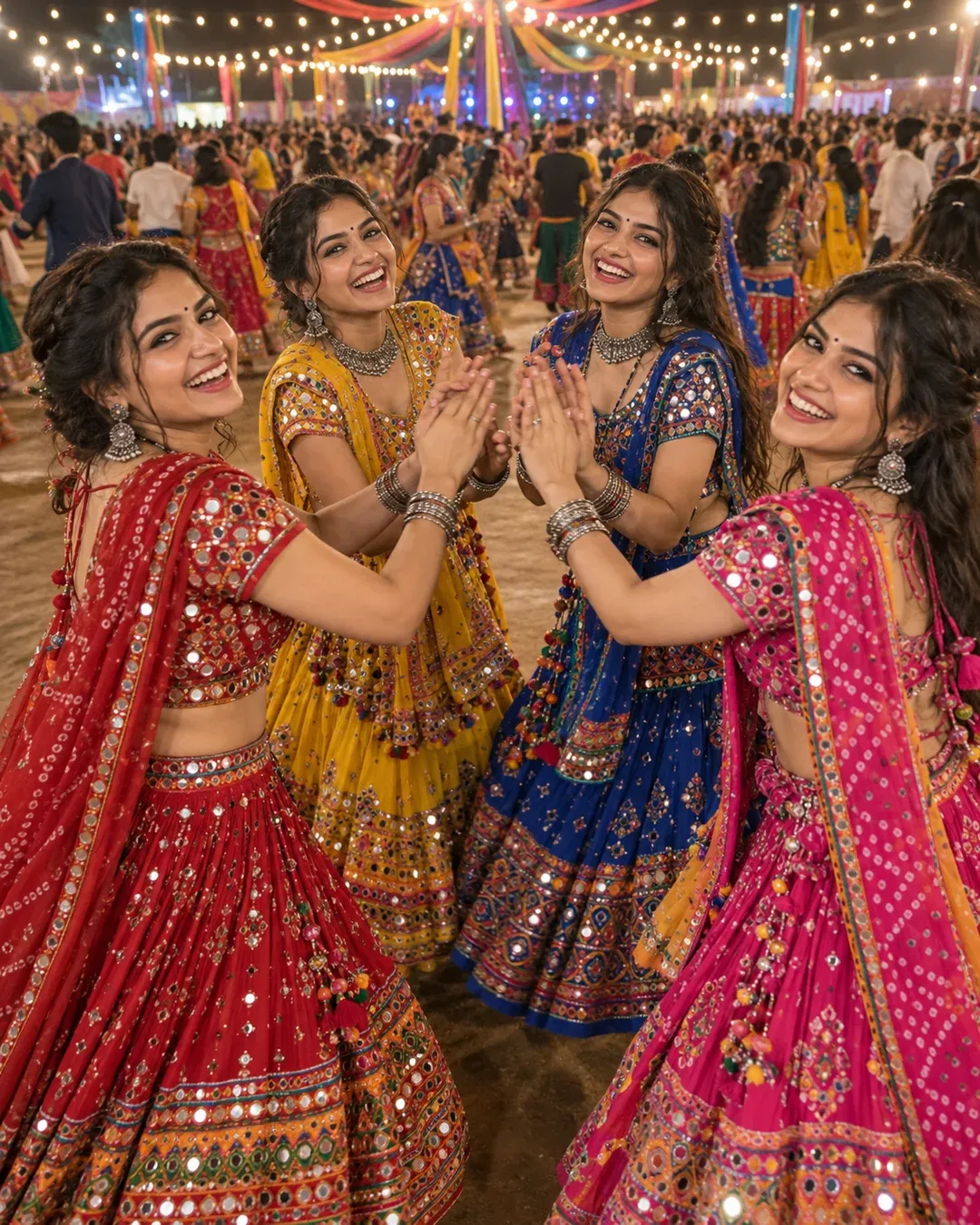
View full promptA group of friends in colourful chaniya cholis dance in a small circle at Garba night, all laughing.
View full promptCalm, devotional portraits with an aarti thali, rows of diyas, dhunuchi smoke and temple bells. The scenes show lamps and flowers only, without any idol.
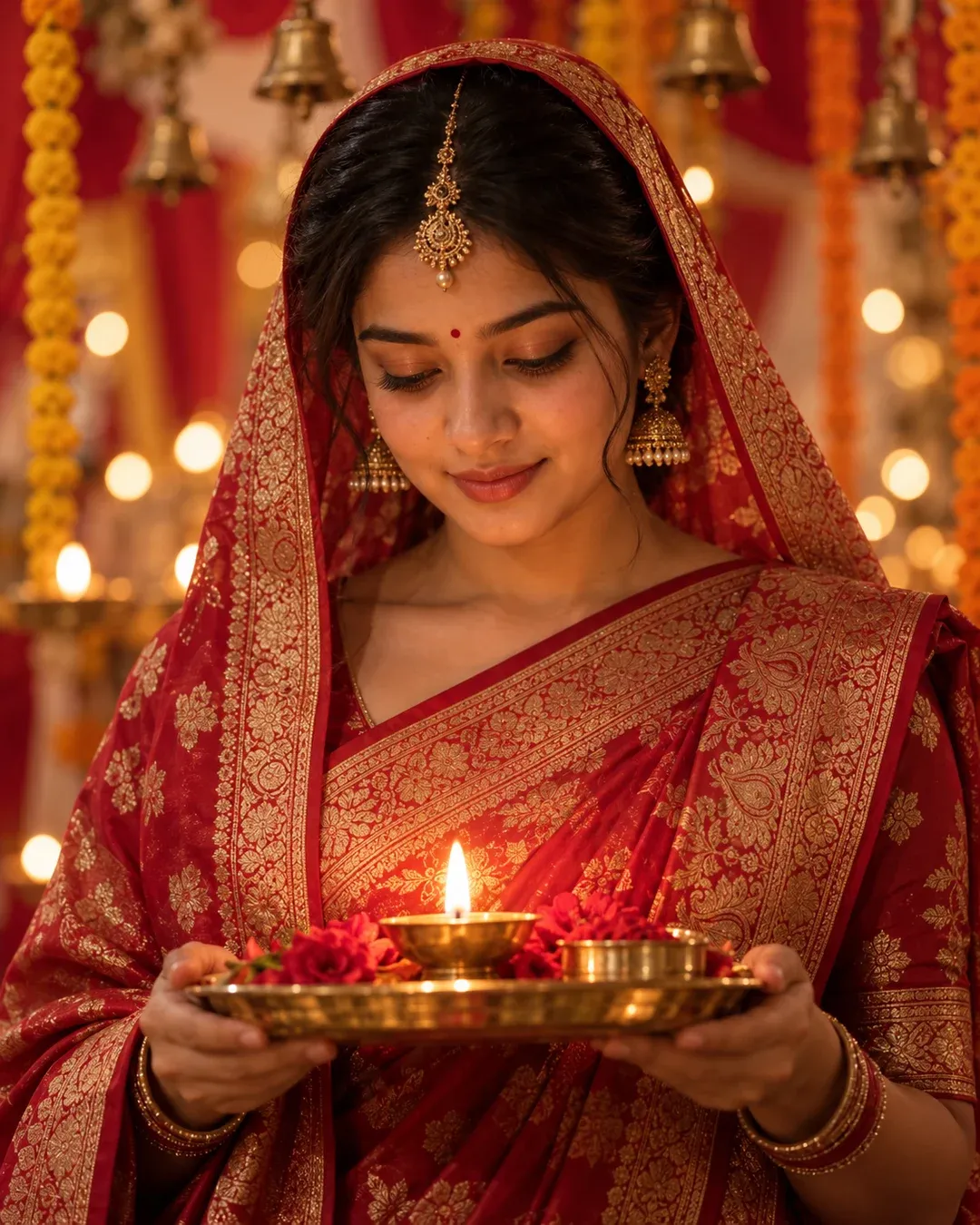
A woman in a red and gold saree holds a brass aarti thali with a lit diya, the flame lighting her face.
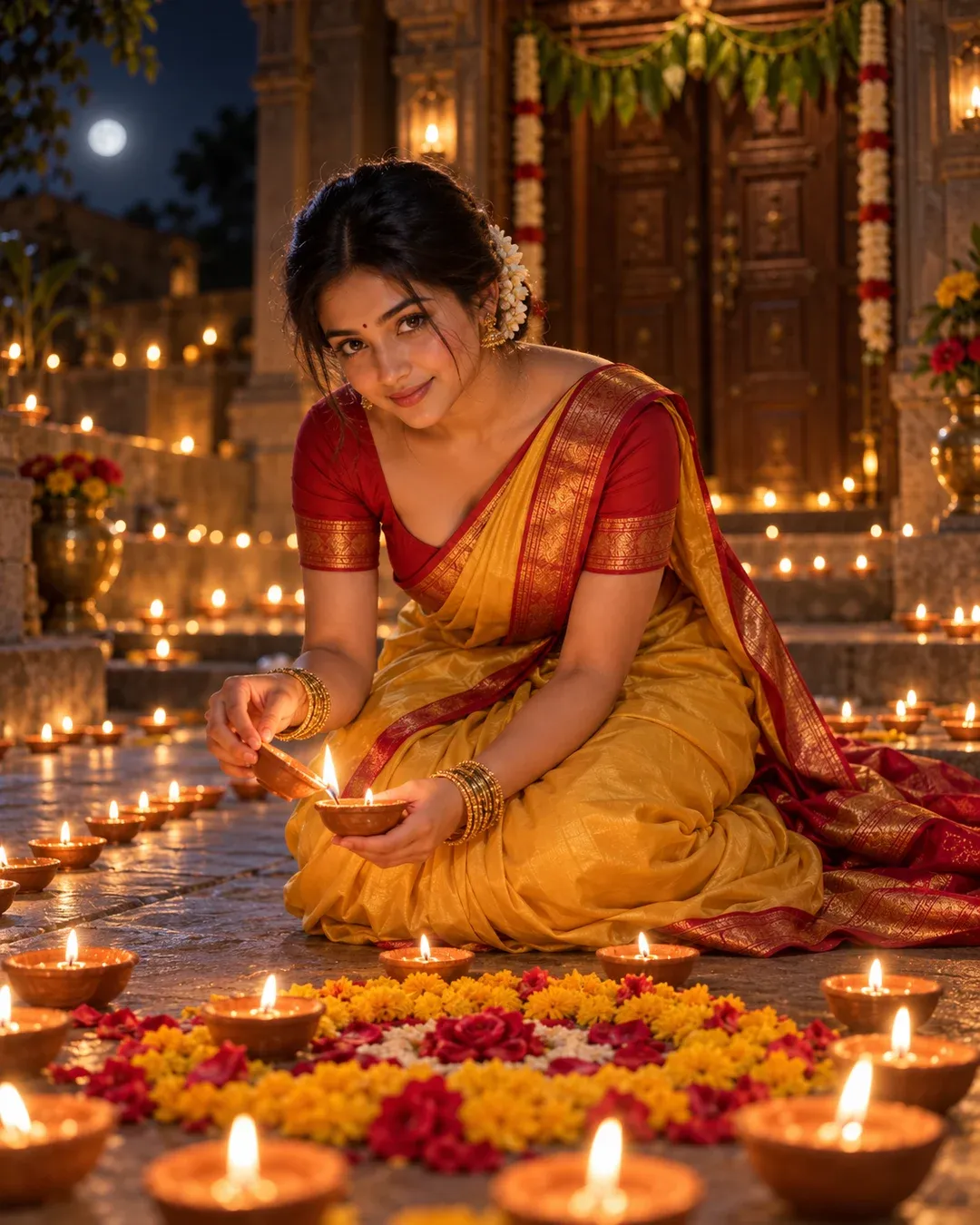
View full promptA woman in a yellow silk saree lights rows of clay diyas in a courtyard on Navratri night.
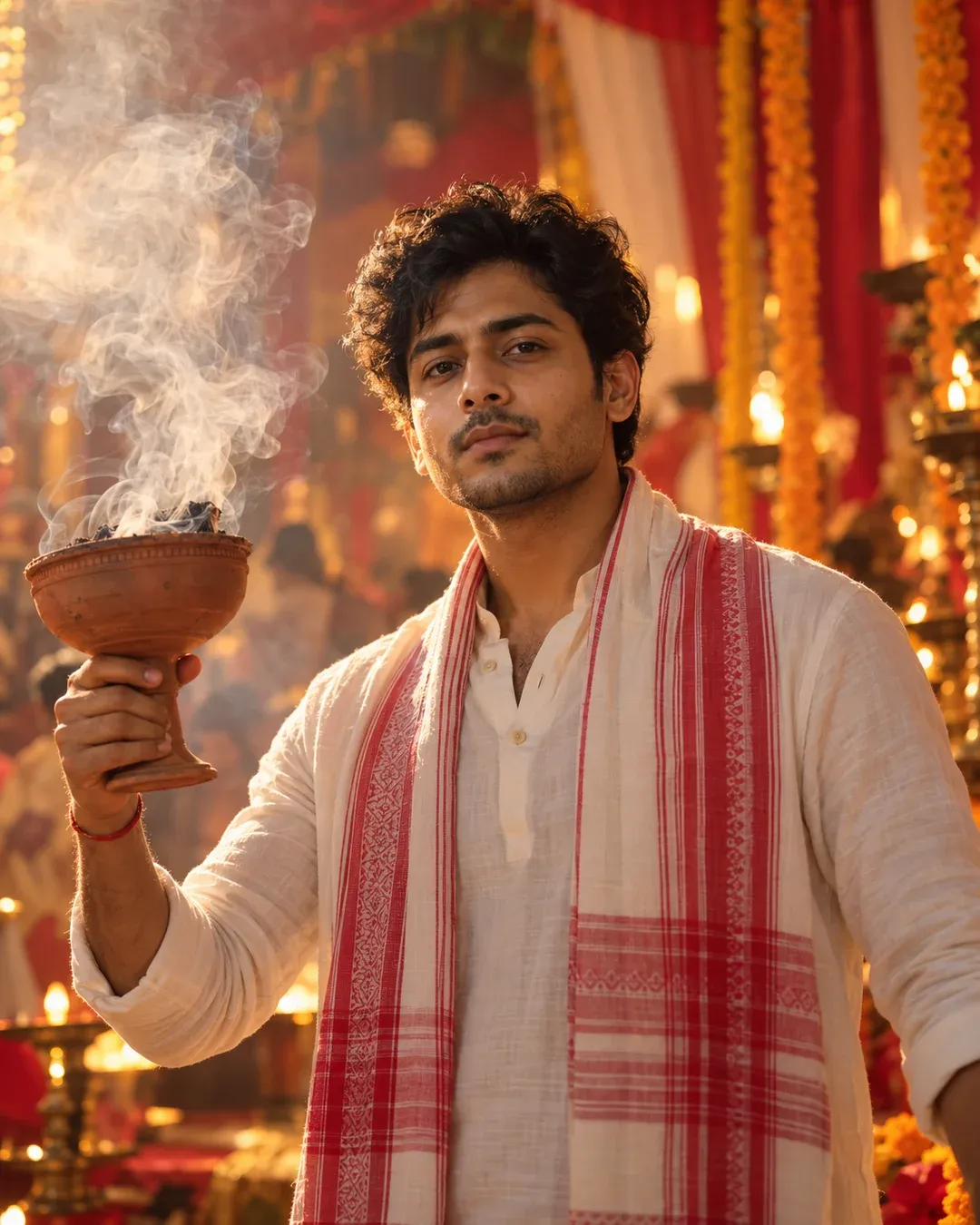
View full promptA young man in a white kurta and red stole holds a clay dhunuchi as fragrant smoke rises around him.
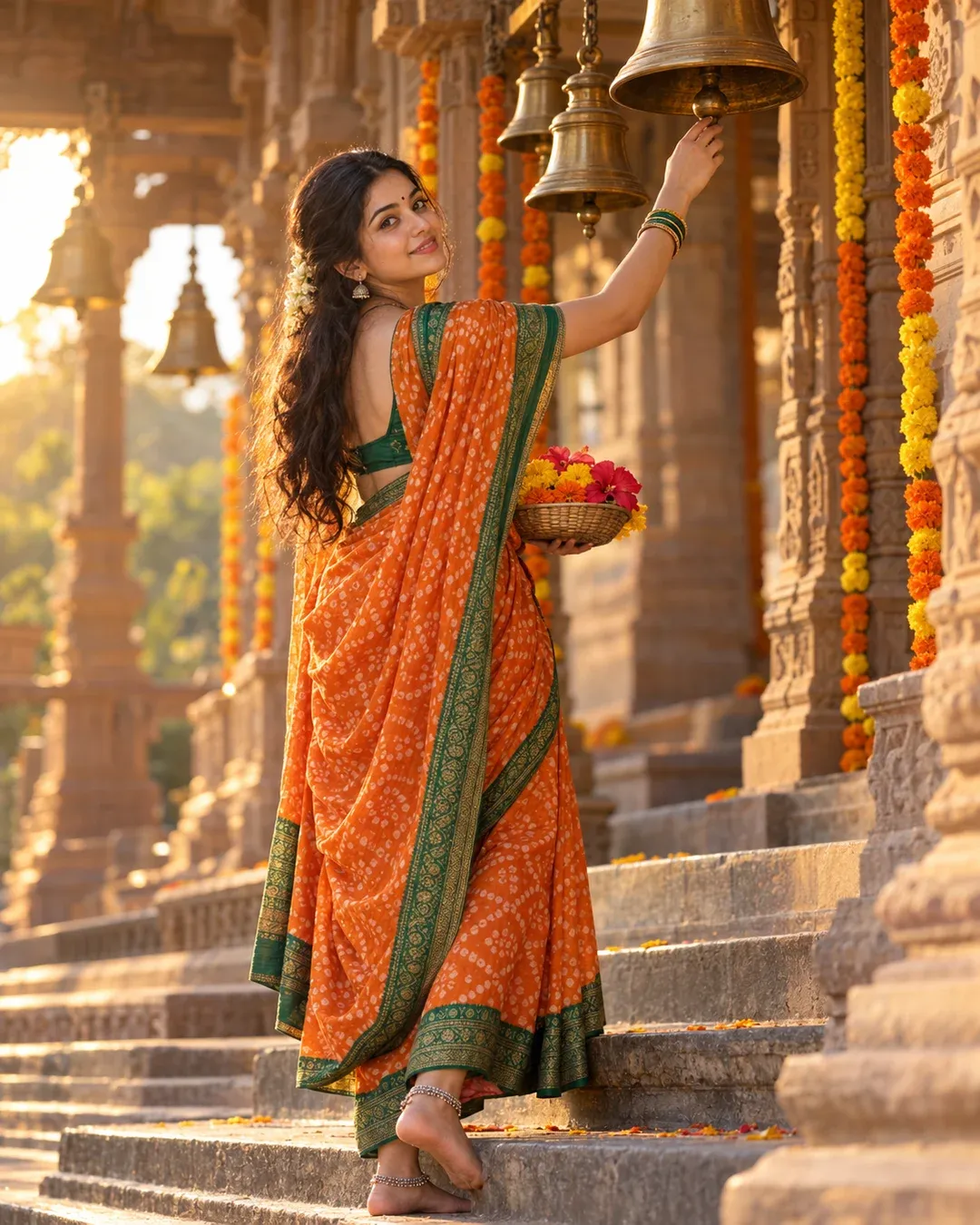
View full promptA woman in an orange bandhani saree reaches up to ring a brass bell at golden hour, flowers in her other hand.
View full promptEach day of Navratri has its own colour, and the order changes every year with the weekday the festival starts on. Use the table to see which colour belongs to which day, then pick the matching prompt below.
| Day | Date | Colour |
|---|---|---|
| Day 1 | Sun, 11 Oct | Orange |
| Day 2 | Mon, 12 Oct | White |
| Day 3 | Tue, 13 Oct | Red |
| Day 4 | Wed, 14 Oct | Royal Blue |
| Day 5 | Thu, 15 Oct | Yellow |
| Day 6 | Fri, 16 Oct | Green |
| Day 7 | Sat, 17 Oct | Grey |
| Day 8 | Sun, 18 Oct | Purple |
| Day 9 | Mon, 19 Oct | Peacock Green |
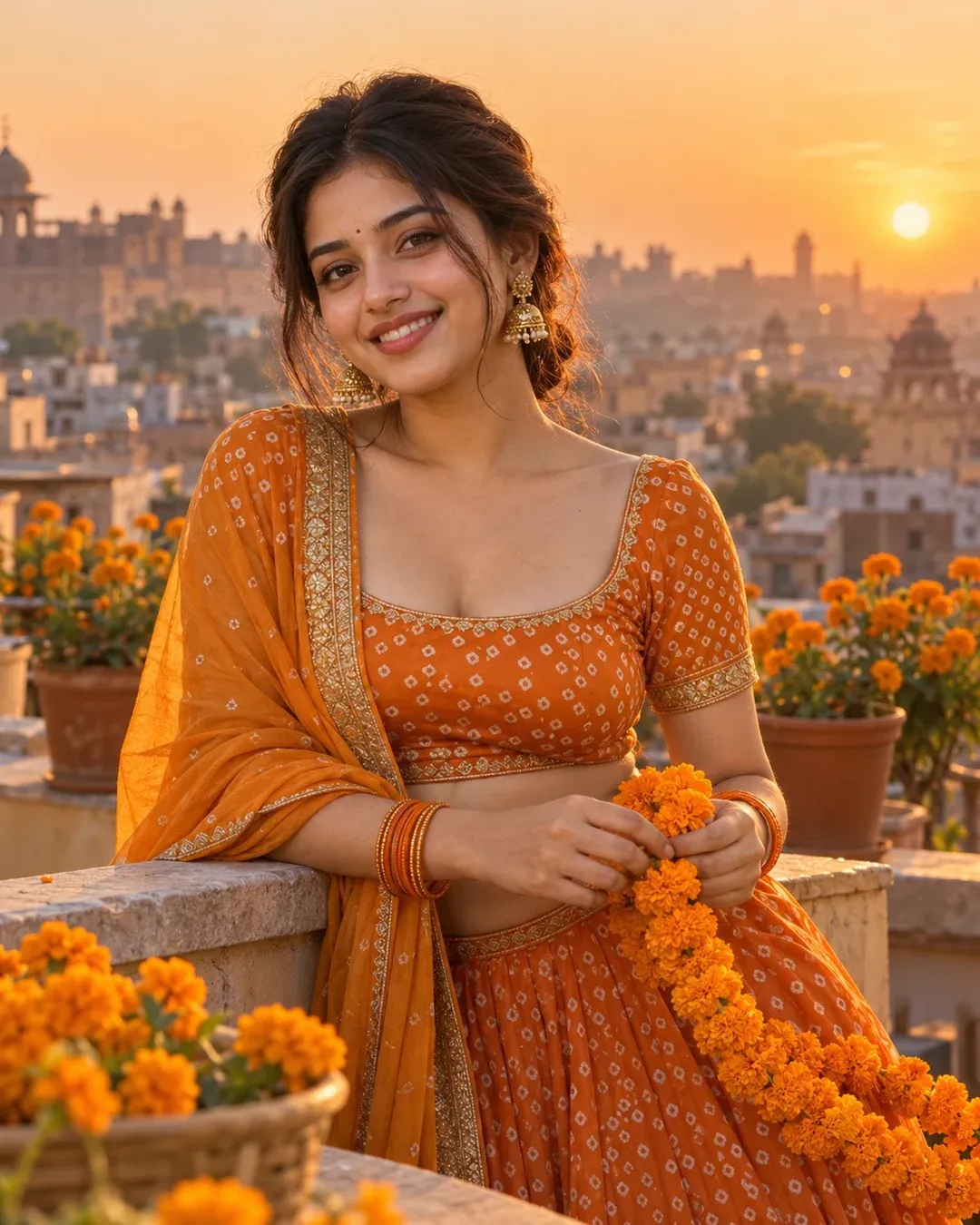
A woman in an orange bandhani chaniya choli stands on a terrace with marigolds in warm sunset light.
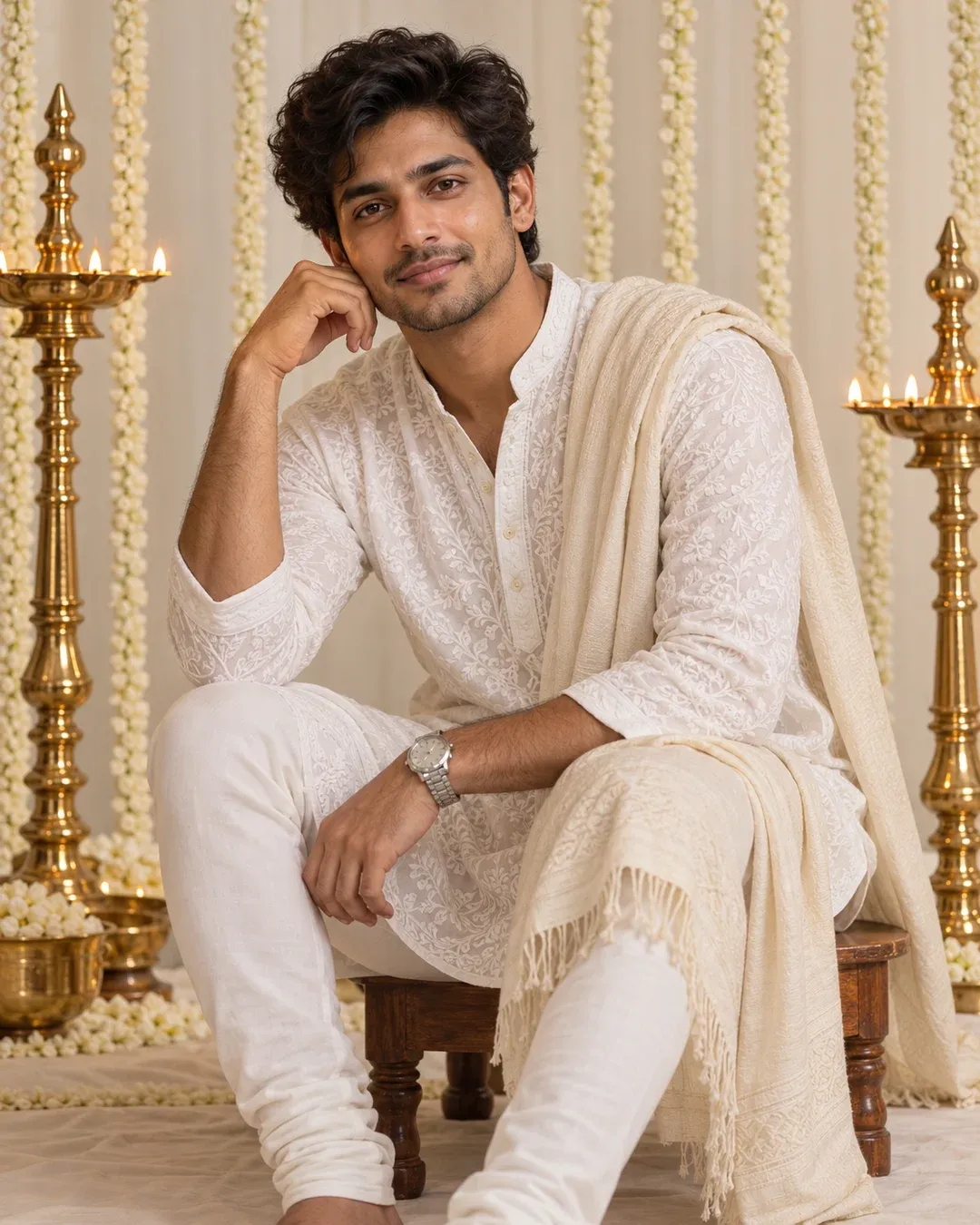
View full promptA young man in a white chikankari kurta sits in soft studio light beside brass lamps and jasmine strings.
View full promptA couple in red and gold outfits dances side by side under string lights at Garba night.
View full promptA close-up of a woman in a royal blue silk lehenga with silver mirror work sparkling under warm lights.
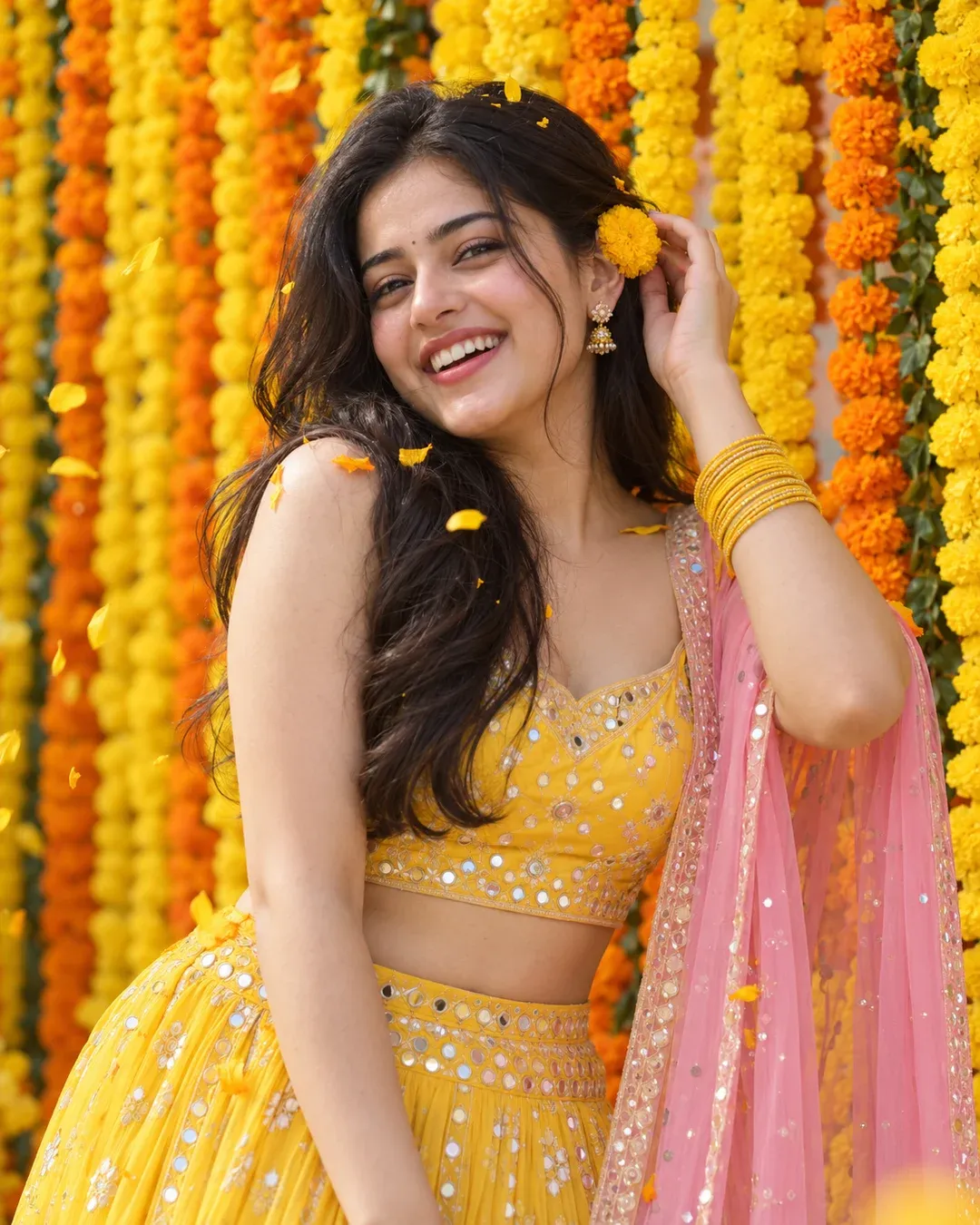
View full promptA woman in a yellow chaniya choli stands in front of a full wall of yellow and orange marigold flowers.
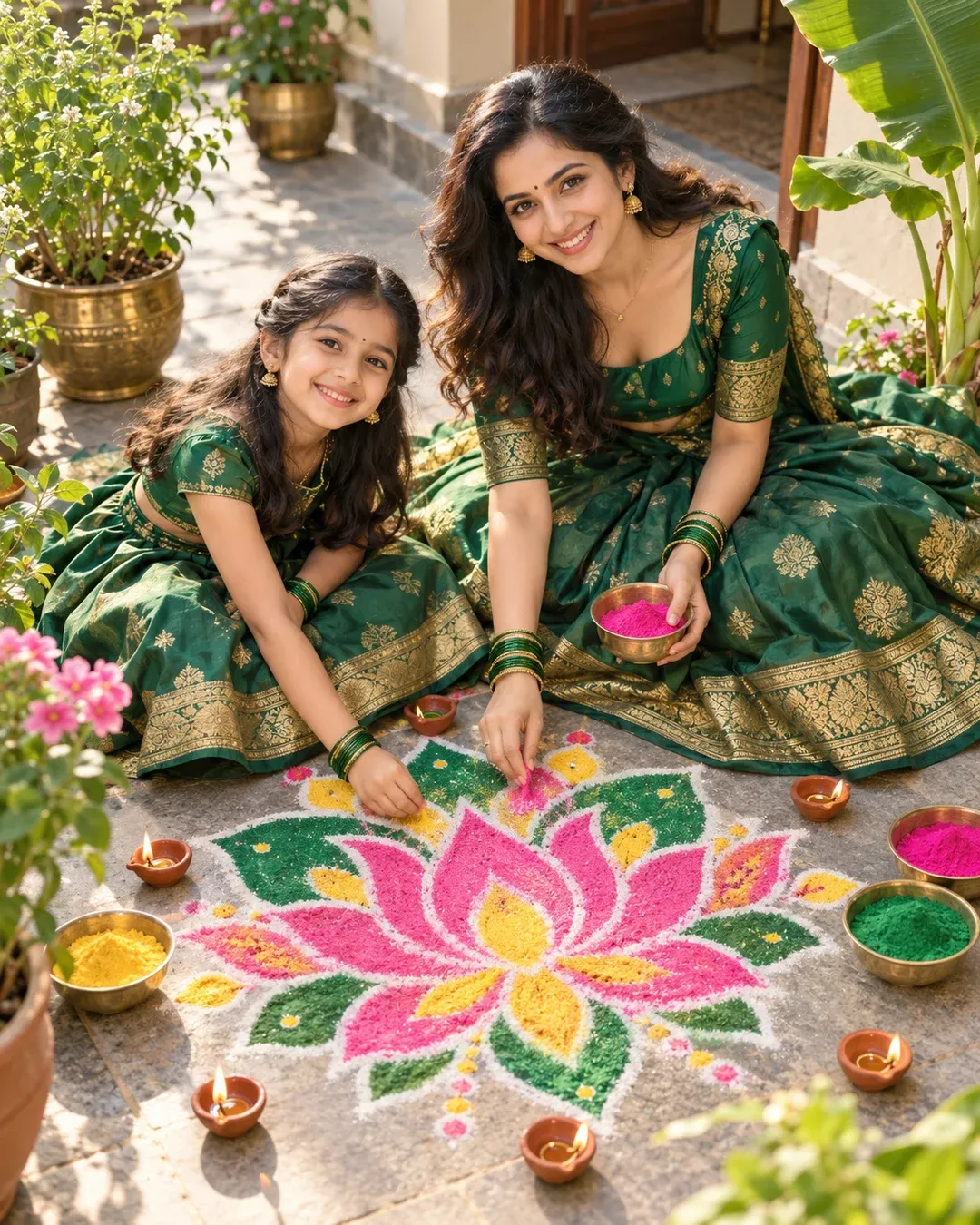
View full promptA mother and daughter in matching green lehengas draw a colourful rangoli together in a sunny courtyard.
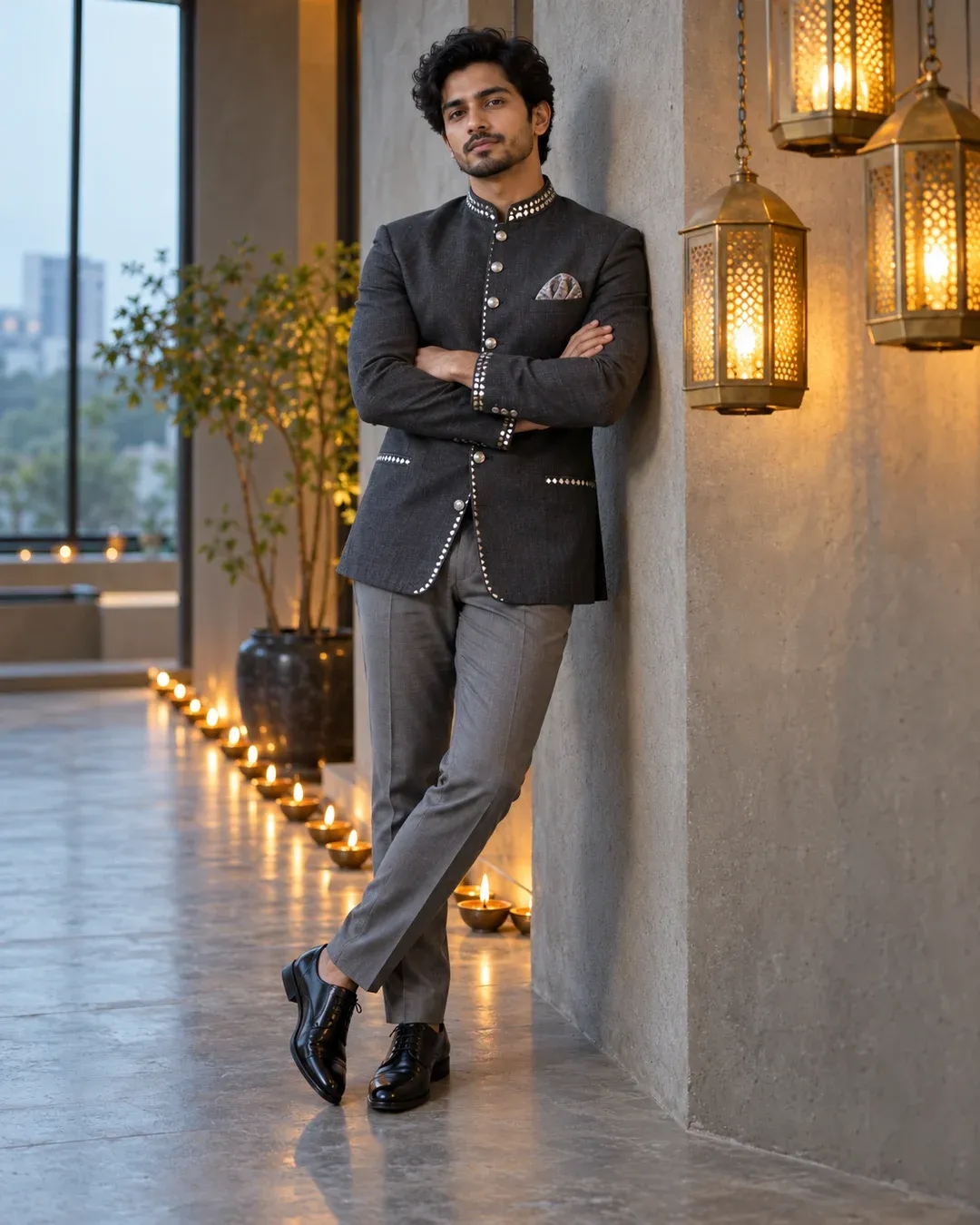
View full promptA young man in a grey Indo-western bandhgala poses in a modern concrete space lit by warm festival lamps.
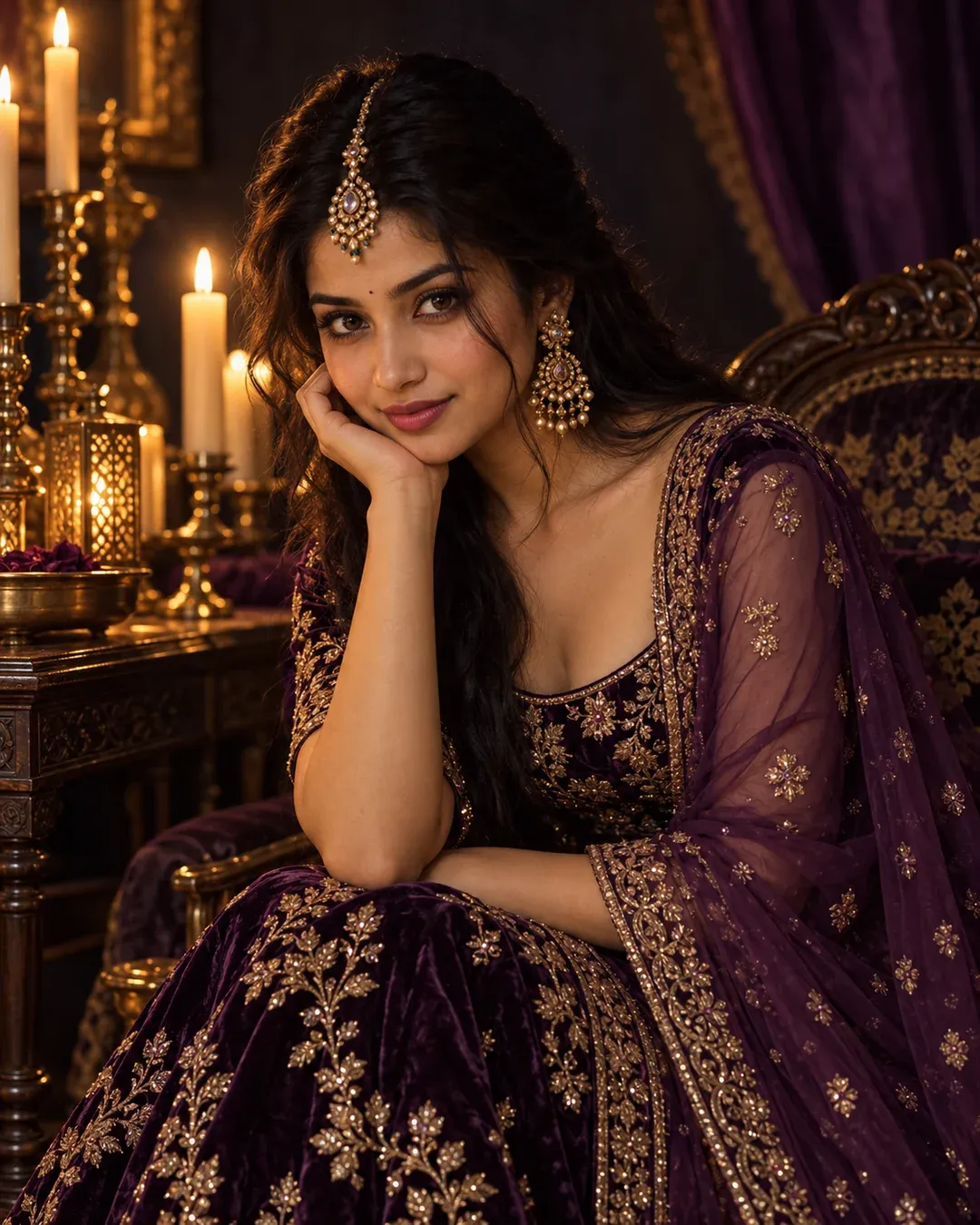
View full promptA woman in a purple velvet lehenga sits by candlelight with gold jewellery against a dark, rich background.
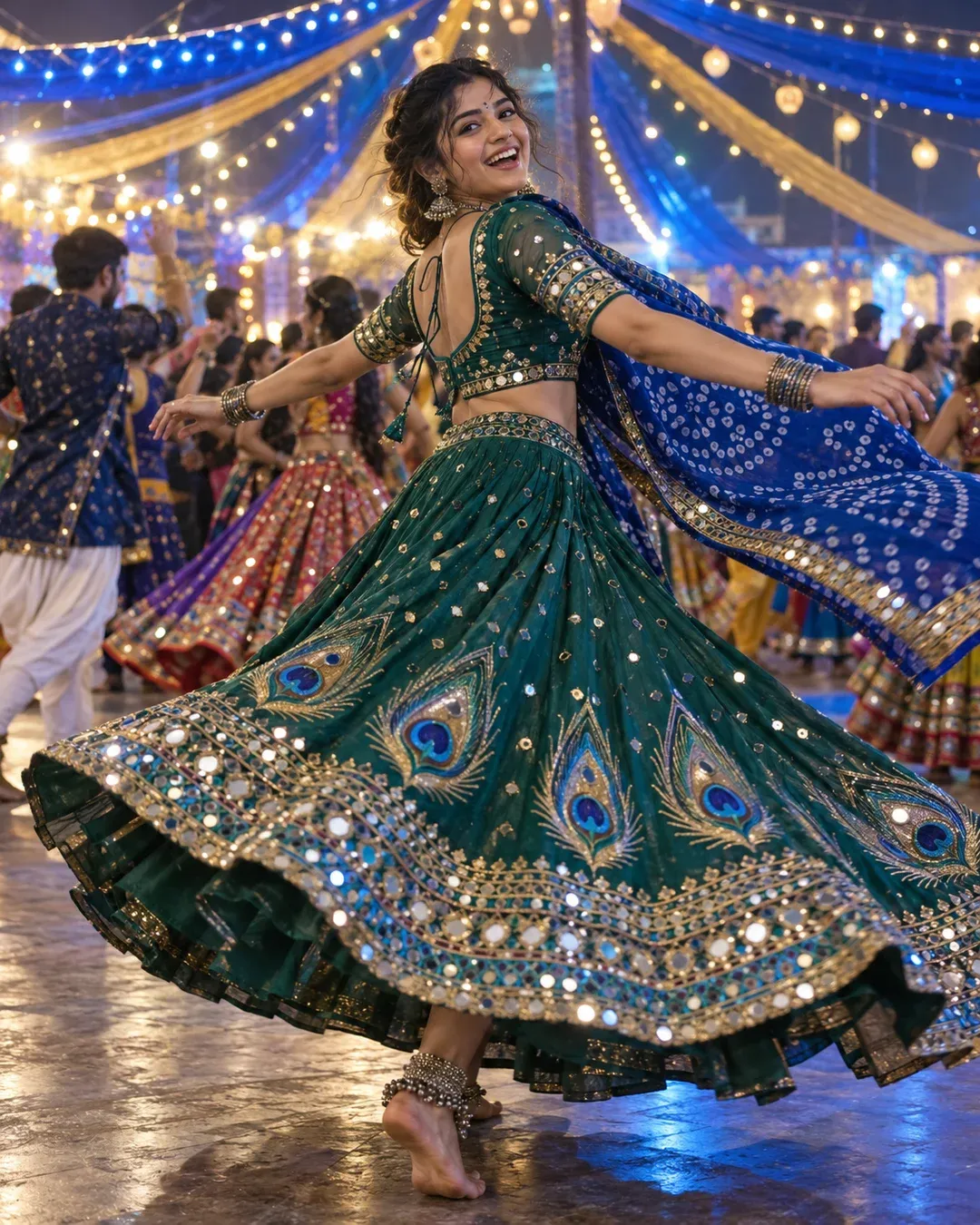
View full promptA woman in a peacock green chaniya choli is caught mid-twirl at Garba night, her skirt flaring in a circle.
View full promptBaby girl and baby boy Navratri looks, plus family Garba photos. These prompts keep the child's age and every face, and the same number of people.
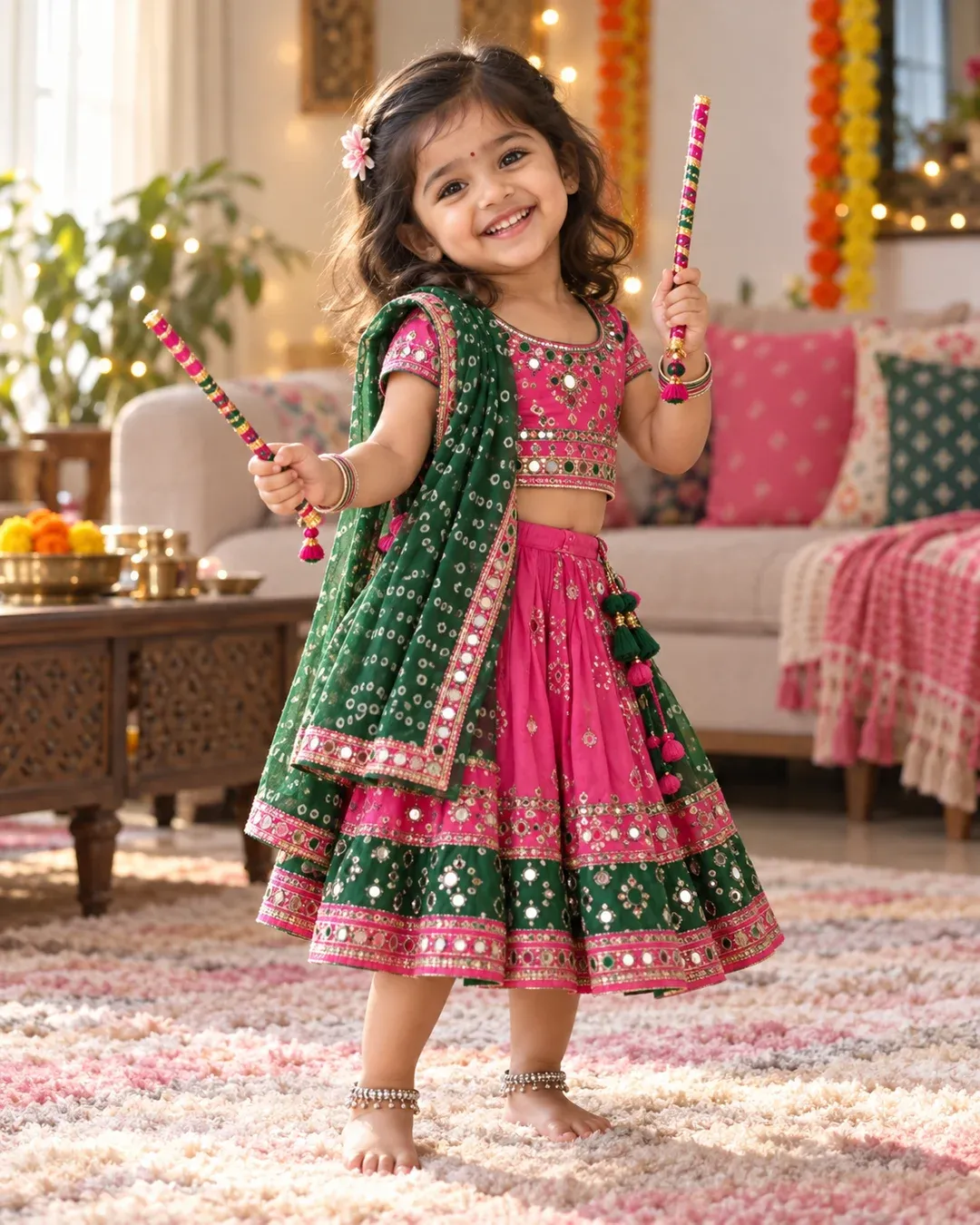
A small girl in a tiny mirror-work chaniya choli holds two small dandiya sticks and smiles at home.
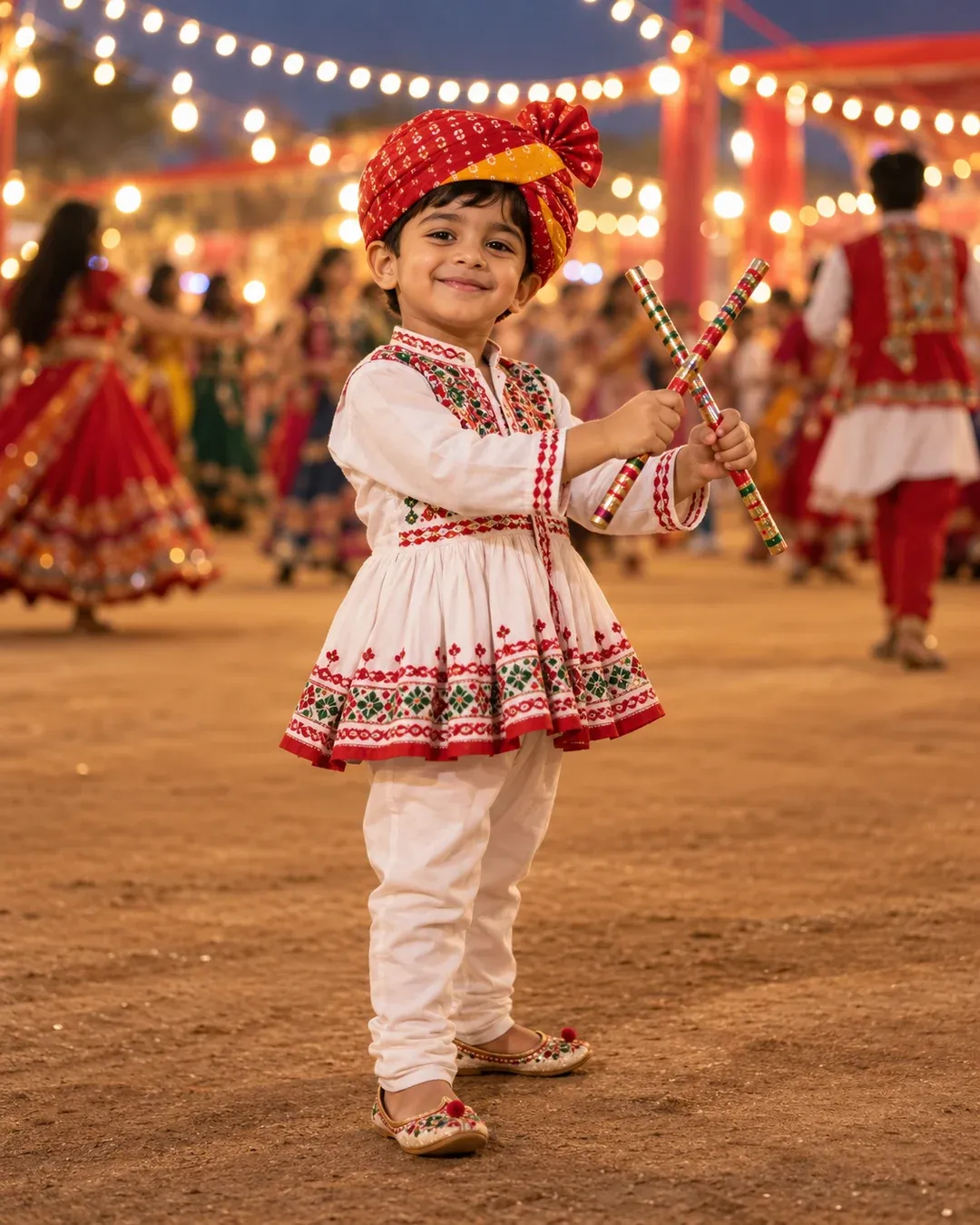
View full promptA small boy in a tiny kediyu and colourful safa holds small dandiya sticks on a lit Garba ground.
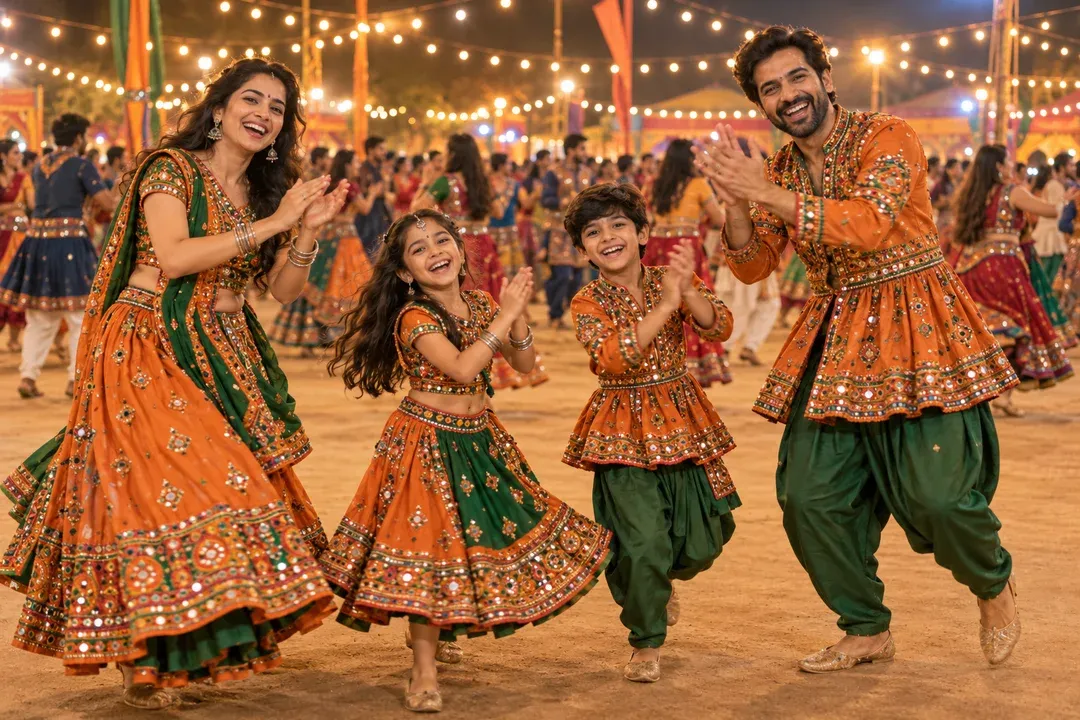
View full promptA family in coordinated Navratri outfits dances Garba together, clapping and laughing on a lit ground.
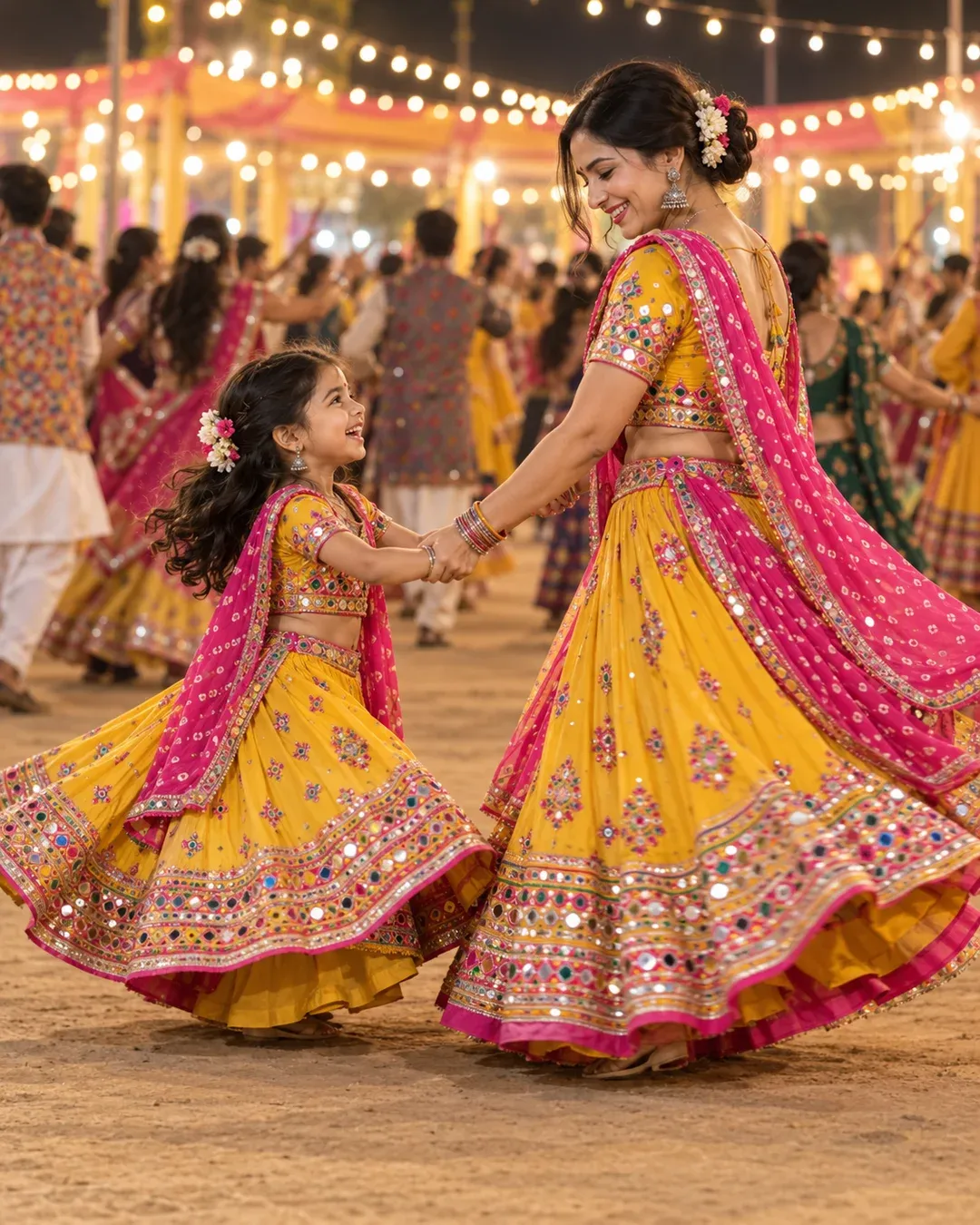
View full promptA mother and young daughter twirl hand in hand in matching chaniya cholis at Garba night.
View full promptBoth work with every prompt here. Gemini is usually faster and keeps faces well in simple portraits; ChatGPT often handles busy scenes, such as a crowded Garba ground or a group, with more detail. If one changes your face, try the same prompt in the other.
The AI redraws the whole picture, so blurry, dark, side-on or heavily filtered photos give it too little to copy. Upload a sharp, front-facing photo in even light, keep the first sentence of the prompt, and if the face still drifts, reply "keep my face exactly the same as the uploaded photo" and regenerate.
Yes. Use the couple prompts with one photo of both of you, and the family or friends prompts with one photo of everyone. They ask the AI to keep every face and the same number of people.
One clear photo where your full face is visible, looking at or near the camera, without sunglasses, masks or strong beauty filters. A simple background helps too, because the AI replaces it.
Yes. Every prompt is free to copy and change. The example images are AI-generated with fictional people, and you only need access to Gemini or ChatGPT image editing.