Candy Cane Christmas Studio Portrait
A playful studio portrait with a giant red and white candy cane against a glossy red backdrop.
View full promptEvery Christmas prompt on this page turns your own photo into a holiday picture in Gemini or ChatGPT: the viral candy cane studio look, snowy village streets, a Christmas market with hot cocoa, matching pajamas under the tree, ice skating dates, a family card portrait and a snow globe you stand inside. Pick a look for yourself, your partner, your kids or the whole family, copy the full prompt and paste it with a clear, front-facing photo. Each prompt starts with an instruction to keep every face, skin tone and hairstyle unchanged.
Solo holiday portraits: the candy cane studio set, a snowy village at blue hour, a Christmas market with cocoa, plaid pajamas under the tree, a striped elf hat tangled in lights and a red sweater dress.
A playful studio portrait with a giant red and white candy cane against a glossy red backdrop.
View full promptA person in a camel coat and red scarf walks down a snowy village street lined with glowing shop windows at dusk.
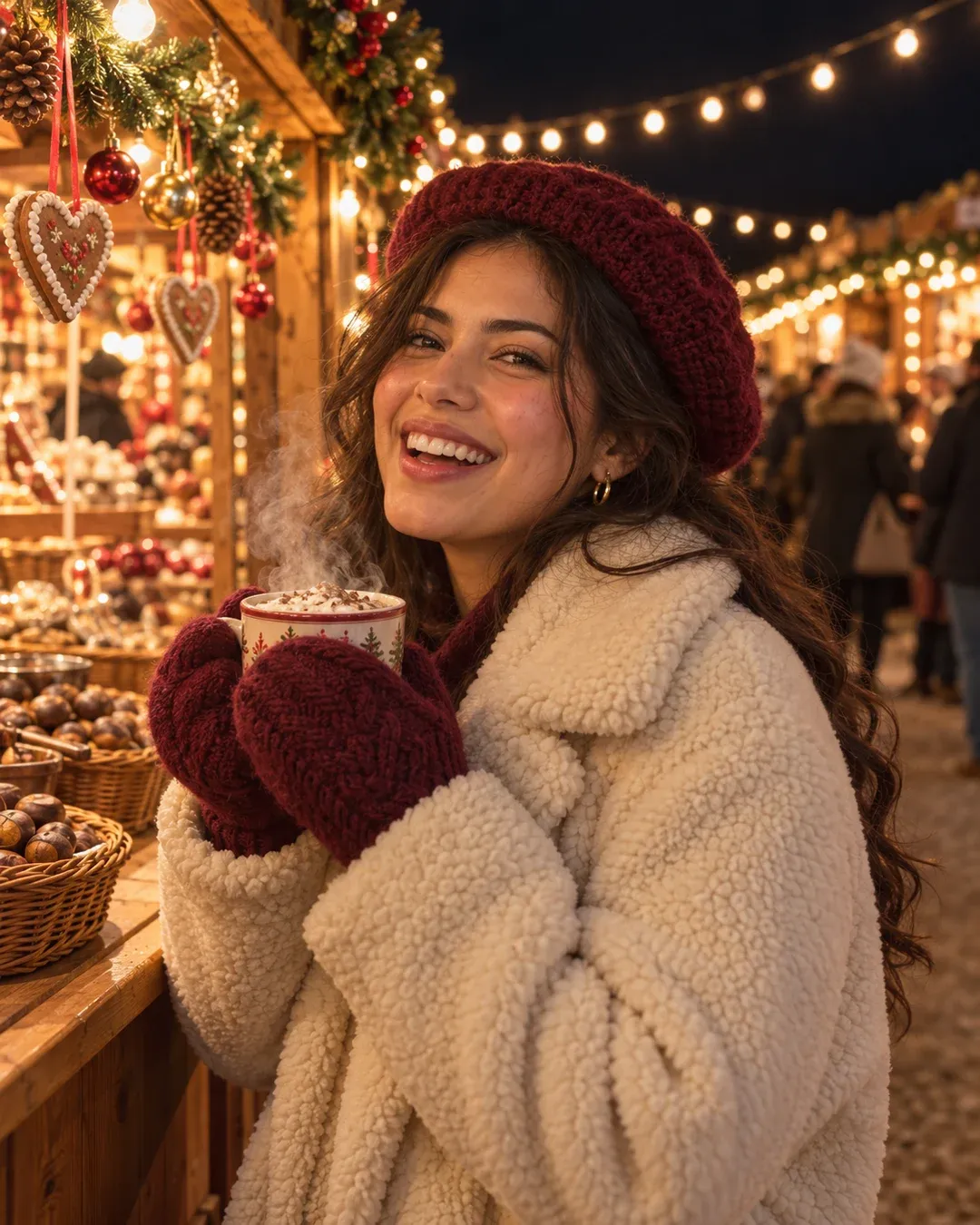
View full promptA smiling person holds a steaming mug of hot cocoa between wooden Christmas market stalls under string lights.
View full promptA person in red plaid pajamas sits cross-legged under a big lit Christmas tree surrounded by wrapped gifts.
View full promptA laughing person in a red and white striped knit elf hat is playfully tangled in a string of warm fairy lights.
View full promptA woman in a red knit sweater dress sits on a white sofa beside a decorated Christmas tree and a large red gift box.
View full promptUpload one photo of both of you. Each couple prompt keeps both faces and describes outfits by position (left and right), so swap the words if you stand the other way round.
A couple in matching red knit holiday sweaters laughs together on a sofa beside a lit Christmas tree.
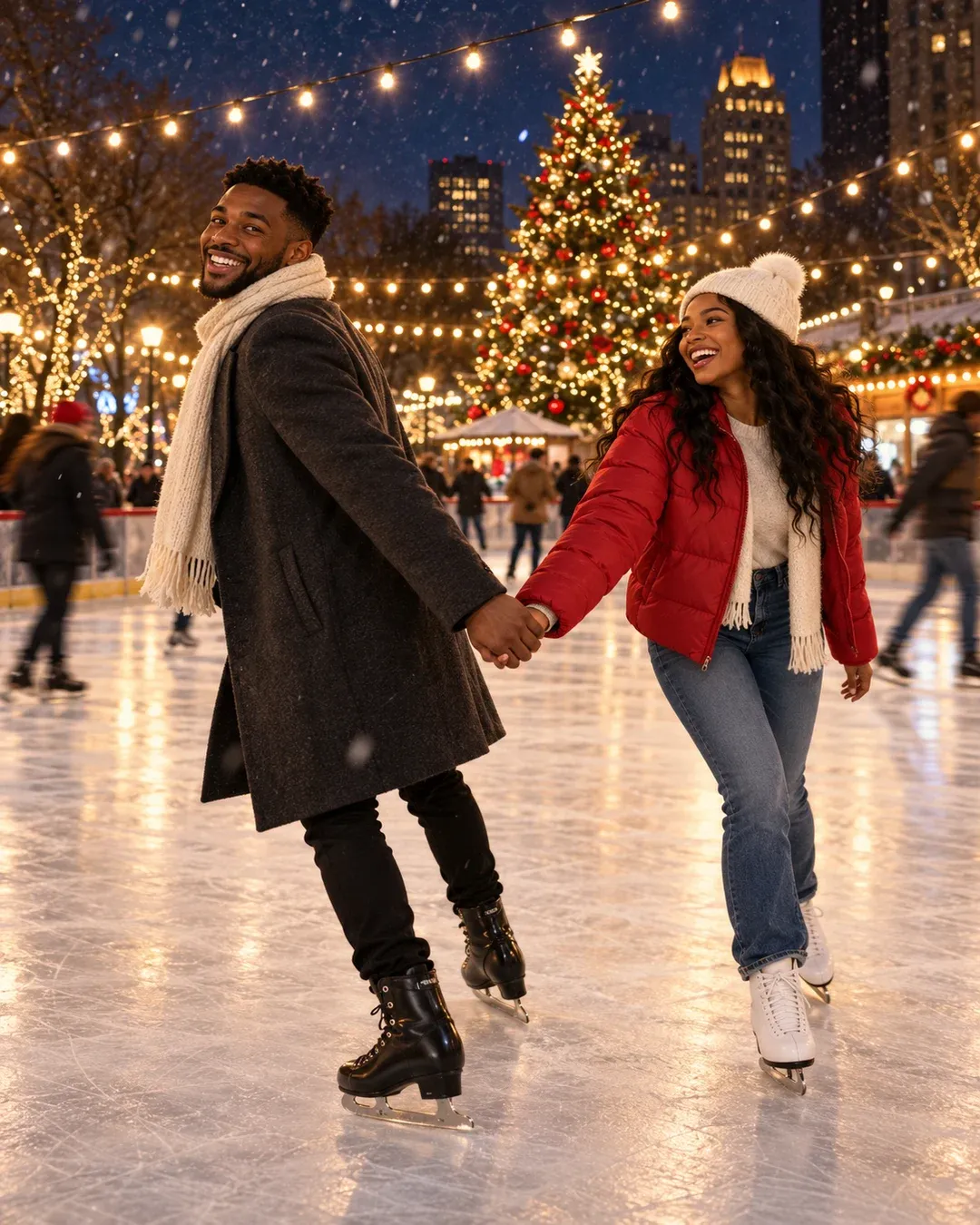
View full promptA couple holds hands and laughs while ice skating on an outdoor rink under strings of warm lights at night.
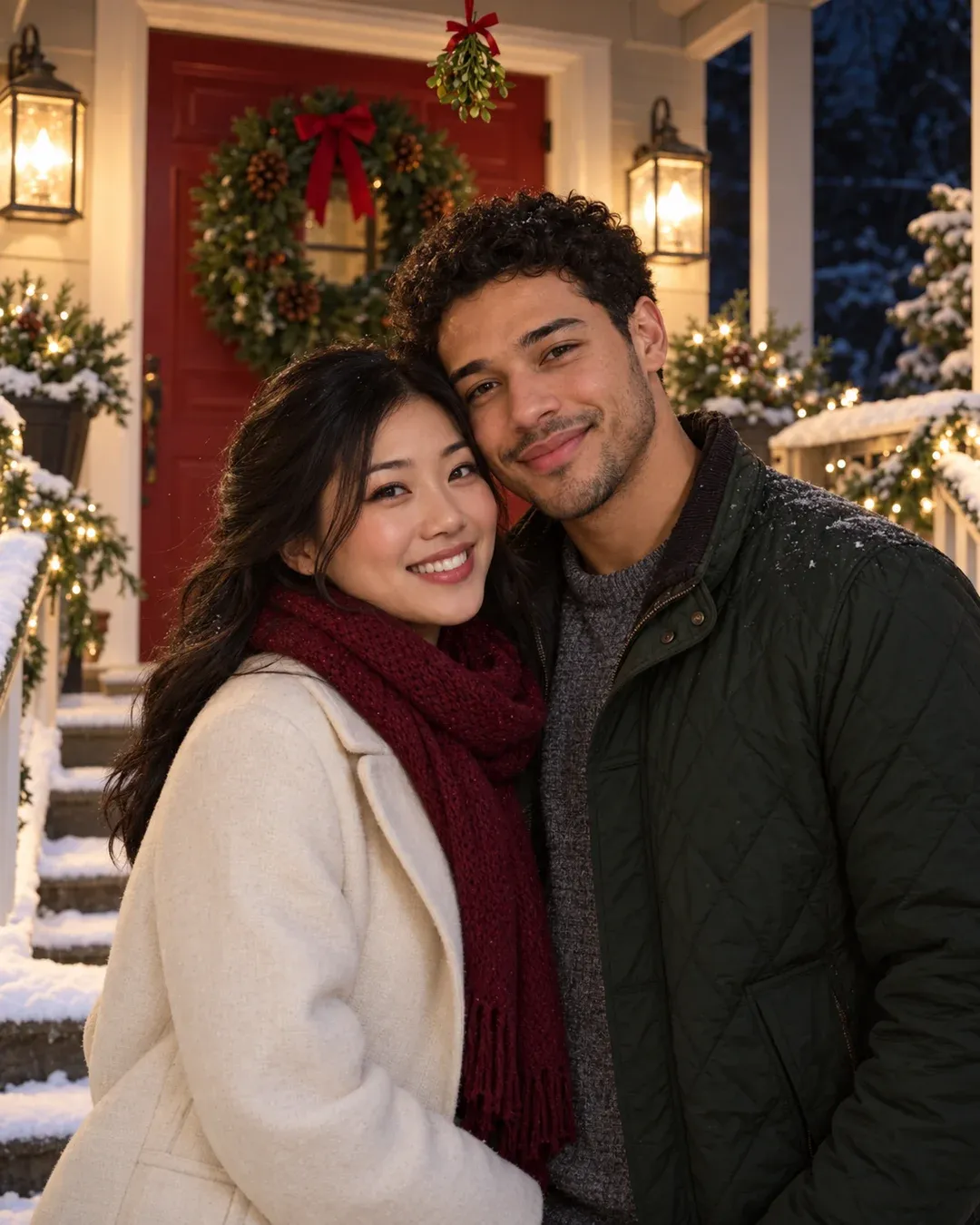
View full promptA couple shares a close moment under a sprig of mistletoe on a snowy front porch lit by warm lanterns.
View full promptA couple in cream knit sweaters sits by a glowing fireplace next to a white and gold Christmas tree.
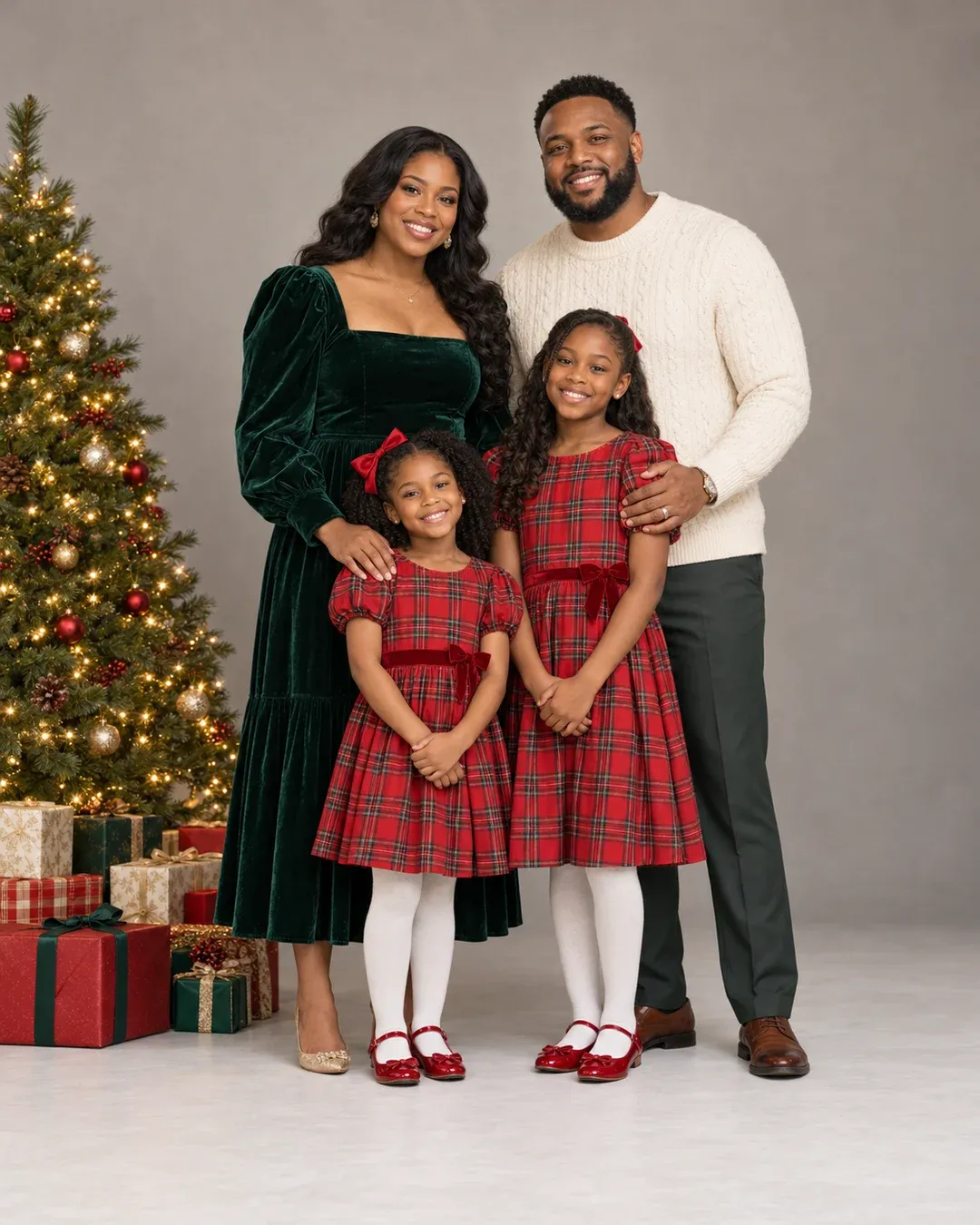
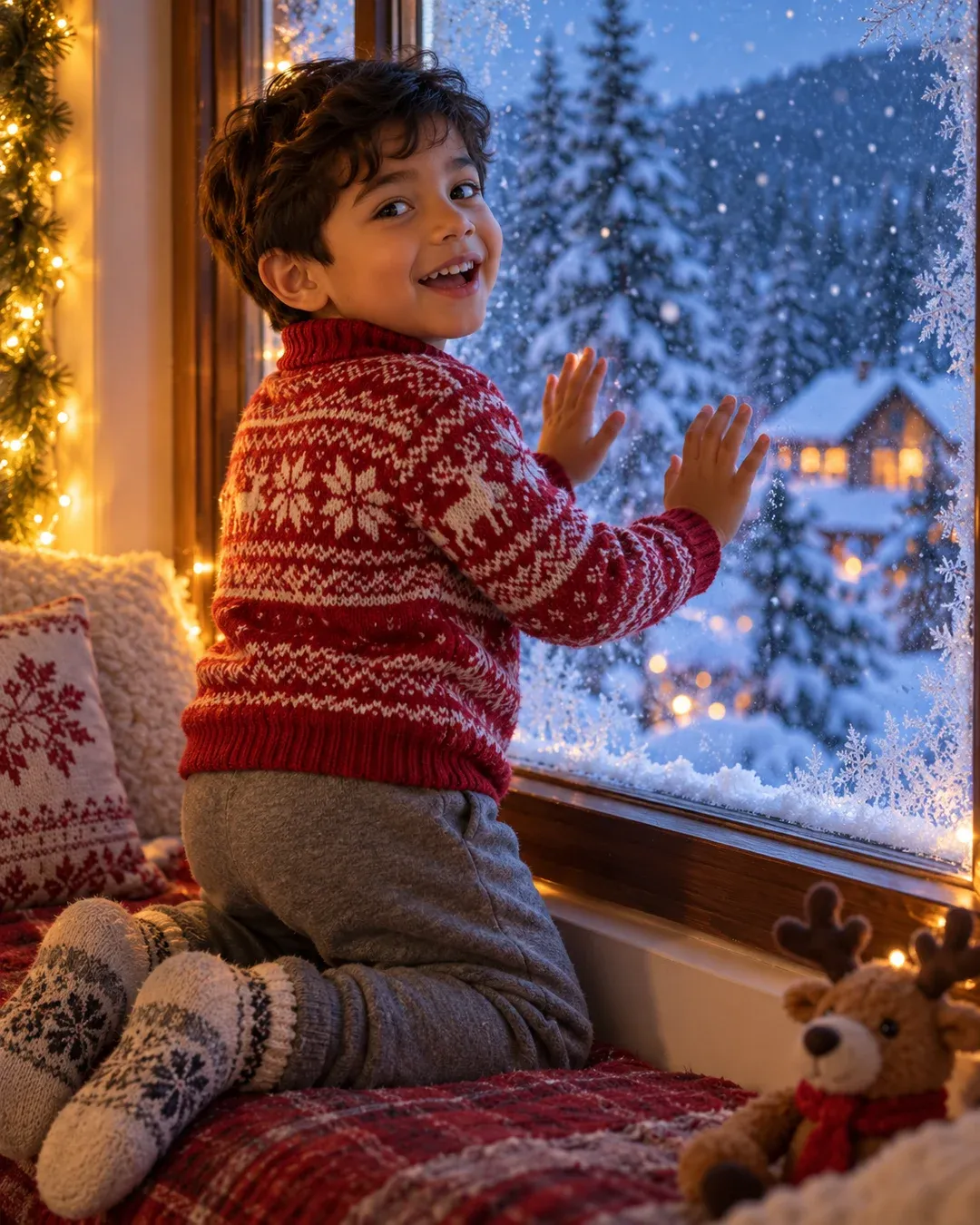
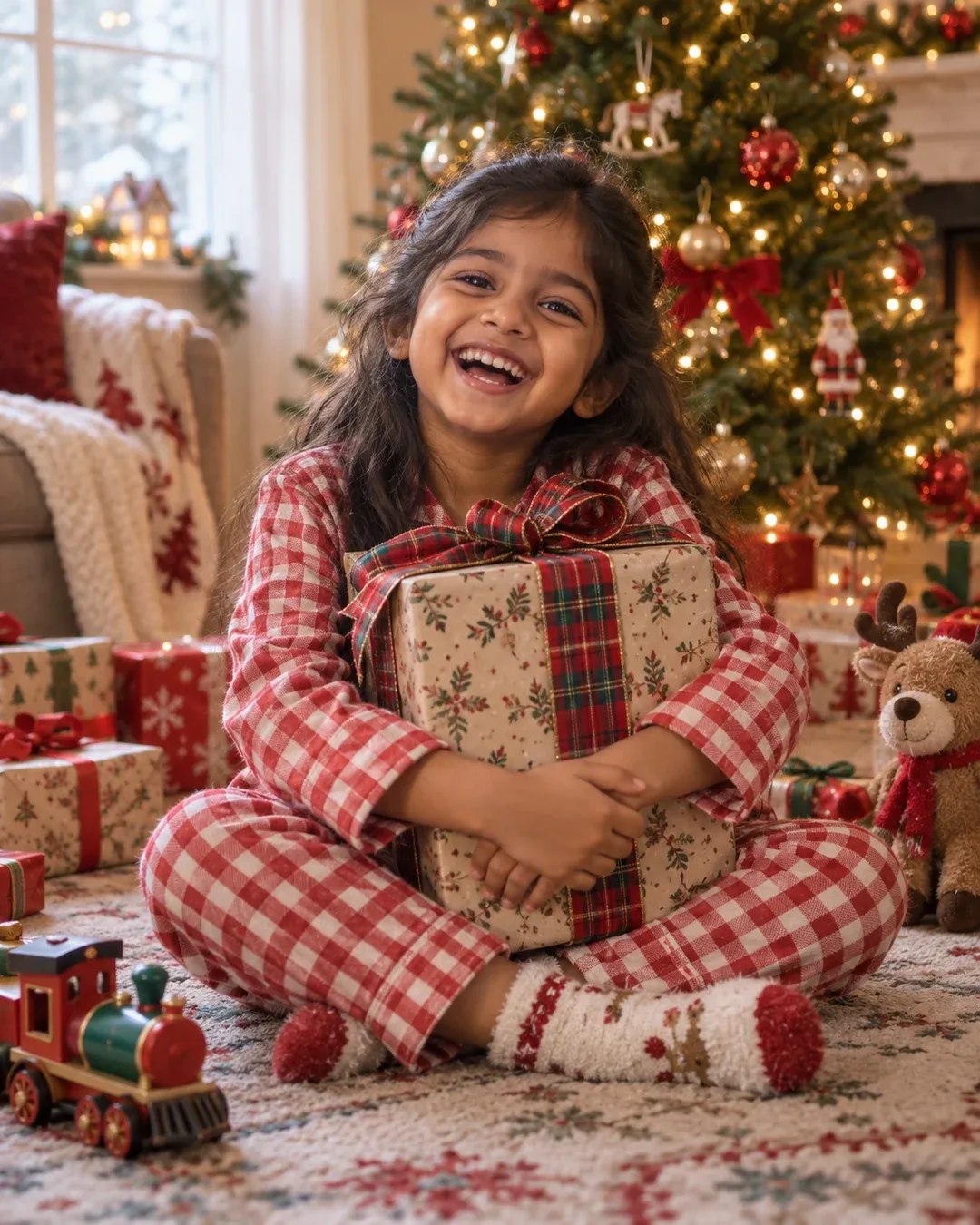
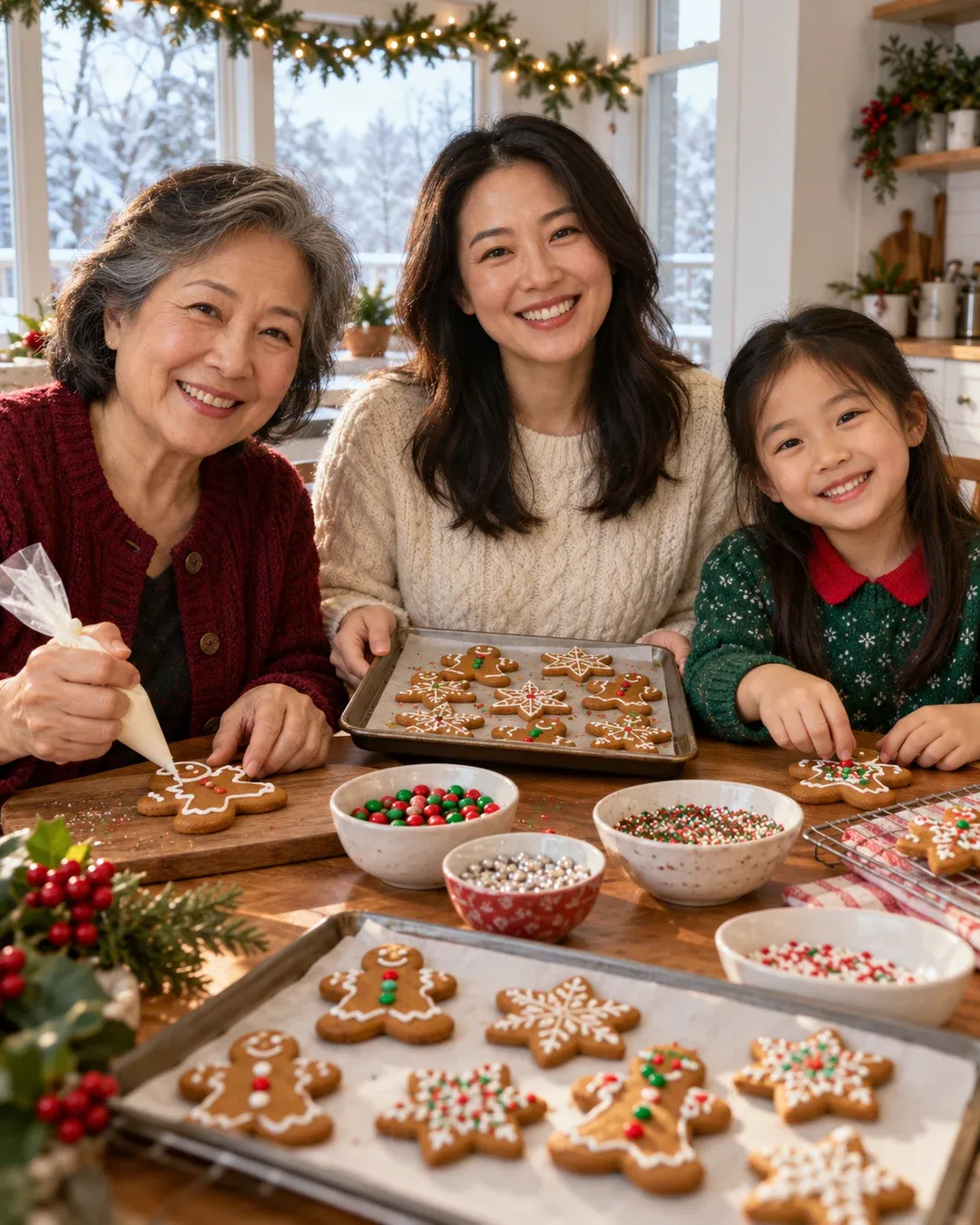
View full promptMatching family pajamas, a studio card portrait, a child watching snow, Christmas morning gifts and three generations decorating gingerbread. Every group prompt keeps each face and the same number of people, and prompts with children keep them away from open flames.
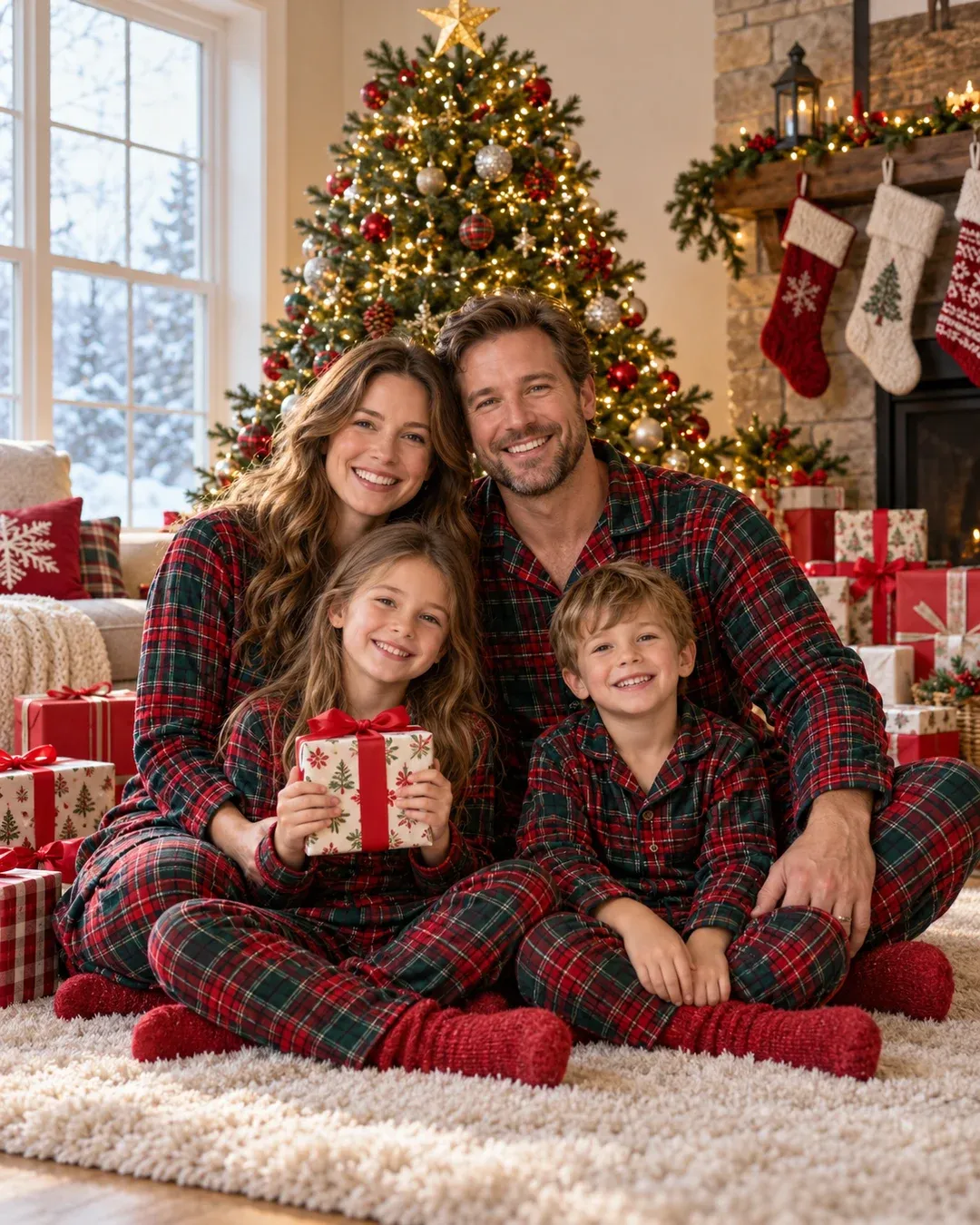
A family in matching red plaid pajamas sits together on the floor in front of a lit Christmas tree.
View full promptA family in coordinated cream, red and green outfits poses for a Christmas card in a clean studio with a small decorated tree.
View full promptA child in a cozy knit sweater kneels on a window seat watching snow fall, with fairy lights around the window.
View full promptA child in checked pajamas hugs a big wrapped gift in front of a glowing Christmas tree on Christmas morning.
View full promptA grandmother, mother and child decorate gingerbread cookies together at a cozy kitchen table.
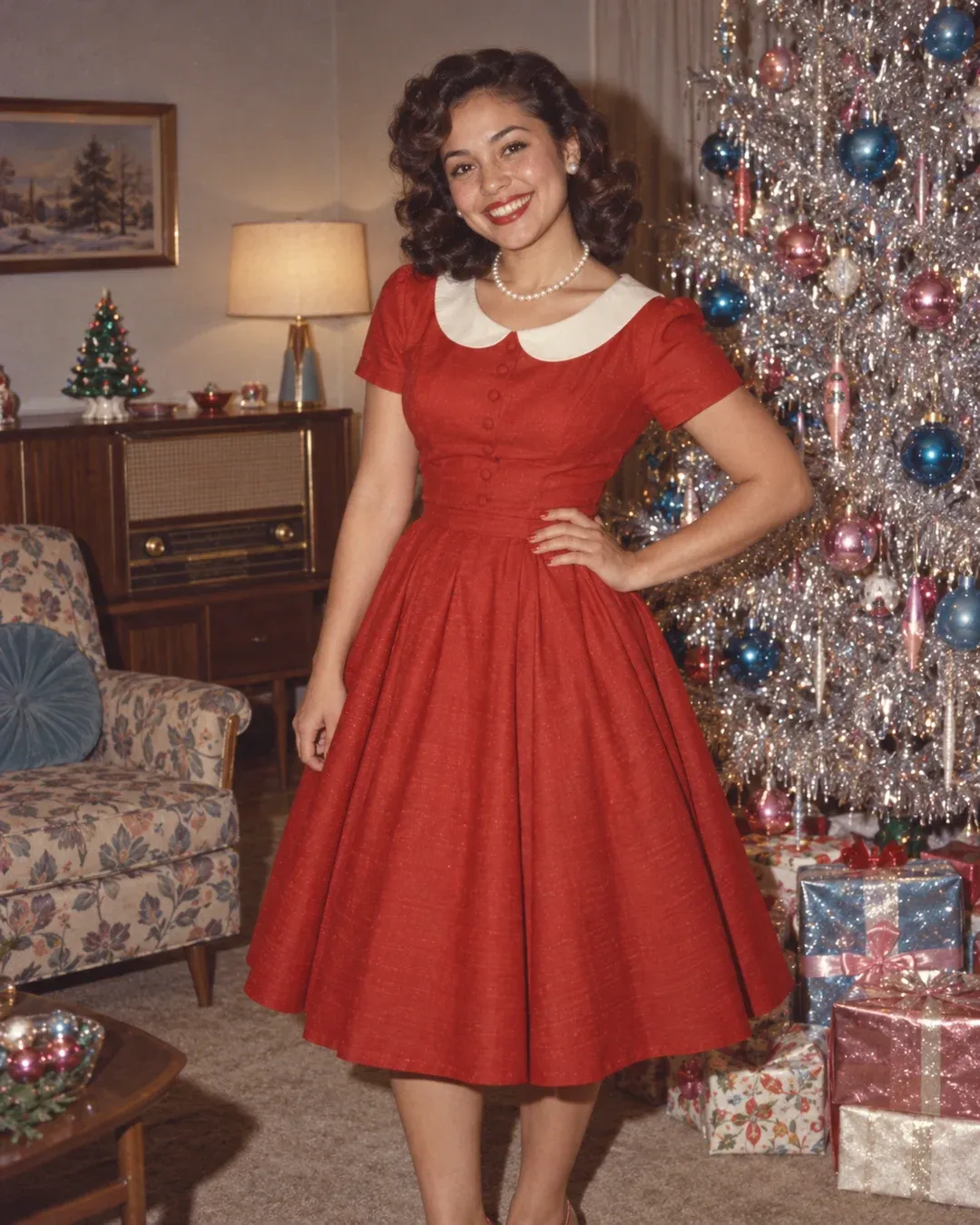
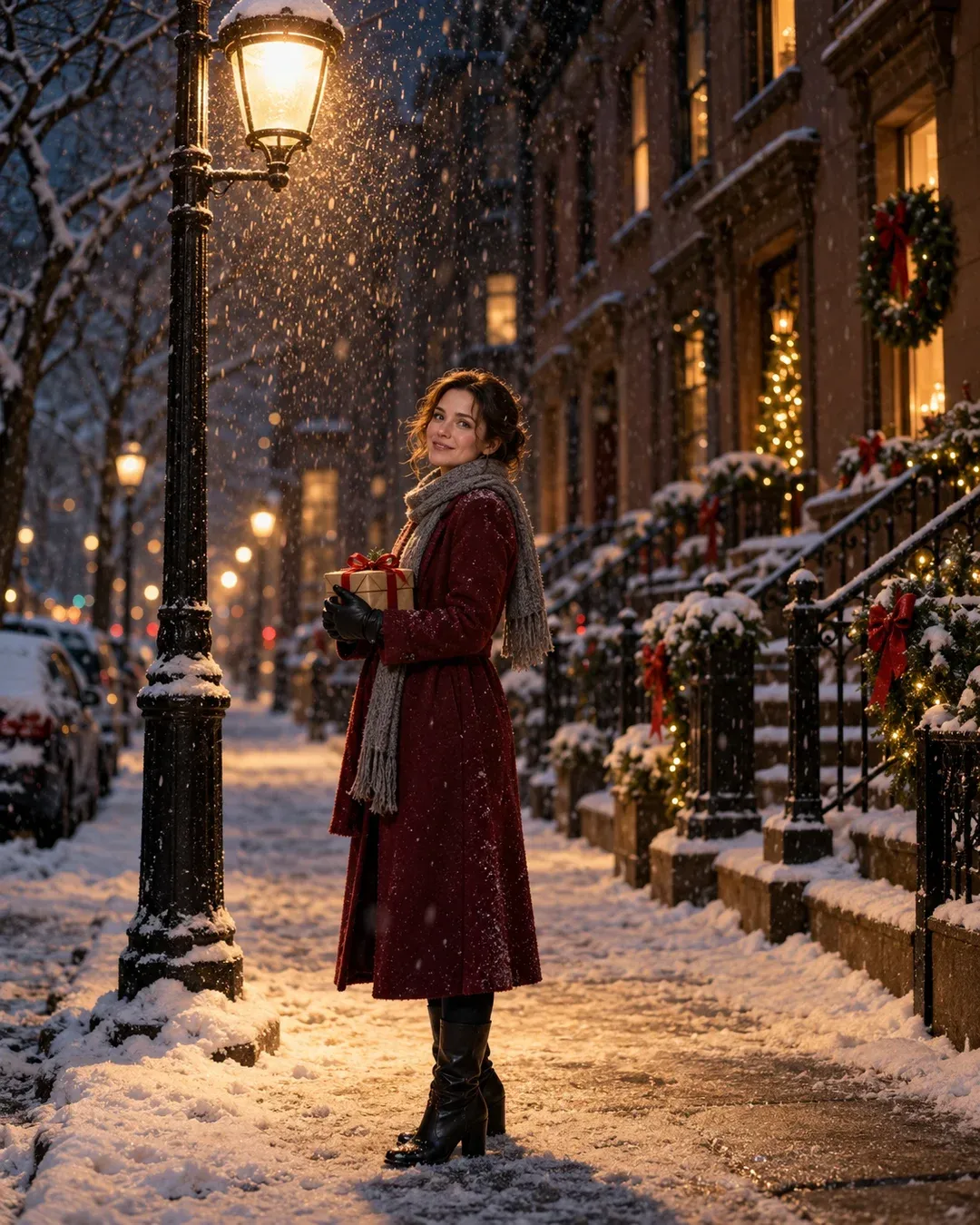
View full promptLooks made for cards and wallpapers: standing inside a snow globe, a 1950s vintage Christmas snapshot, a close-up framed by golden fairy-light bokeh and a cinematic snowy night under a streetlamp.
A person stands inside a giant glass snow globe with tiny snowy pine trees and swirling snowflakes.
View full promptA 1950s-style Christmas portrait of a person in a red swing dress beside a silver tinsel tree, with faded vintage colour.
View full promptA close-up portrait framed by dark pine branches with glowing golden fairy-light bokeh in front of the lens.
View full promptA person in a long wool coat stands under an old streetlamp on a snowy Christmas night, holding a wrapped gift.
View full promptChristmas Day falls on Friday, 25 December 2026, and Christmas Eve on Thursday, 24 December. If you want photos for cards, make them in late November or early December so there is time to print and post.
Both work with every prompt here. If one tool changes your face or misses a detail such as the outfit colour, paste the same prompt into the other one and compare.
Use the family card portrait or any prompt you like, then add your greeting in a card or photo app. The prompts ask the AI not to write text, because AI tools often misspell words in images.
Yes. Use the couple prompts with one photo of both of you, and the family prompts with one photo of everyone. They ask the AI to keep every face and the same number of people, and the kids prompts never put a child near candles or a fire.
We keep religious figures out of every prompt and example on this site. The scenes use trees, lights, snow, stars and gifts instead, and you can add your own details in the AI tool if you wish.
Yes. Every prompt is free to copy and change. The example images are AI-generated with fictional people, and you only need access to Gemini or ChatGPT image editing.