How to Keep Your Face the Same in AI Photo Edits
The most common complaint about AI photo editing is simple: "that's not me." This guide explains why Gemini and ChatGPT change faces, shows the four face-lock sentences every prompt on this site starts with, and lists what to do when your face still drifts.
Why AI tools change your face
When you upload a photo and ask for a new outfit, place or light, the AI does not cut out your face and paste it into a new picture. It redraws the whole image, including your face, using your photo as a strong hint. Every new detail you ask for gives the model one more reason to drift away from that hint.
Three things make the drift worse:
- A big change of scene. Moving you from a bedroom selfie to a festival night with coloured lights and a new hairstyle asks the model to re-imagine almost every pixel. The more it re-imagines, the more your face changes with it.
- The model’s taste for “pretty”. Image models lean towards smooth skin, slimmer faces, bigger eyes and symmetrical features. Unless you tell them not to, they quietly “beautify” you, and the result looks like a cousin rather than you.
- Words that describe a face. Phrases such as “flawless skin”, “sharp jawline” or “fair complexion” are instructions to change your face. Even a harmless word like “beautiful” pulls the result towards a generic model look.
So the goal of a face-preserving prompt is to do two things at once: tell the AI clearly what must not change, and avoid any wording that asks it to change.
The face-lock sentence, line by line
Every prompt on PhotoPrompt Pro that uses your photo starts with a face-lock sentence. This is the version for one person:
Keep my face exactly as in the uploaded photo: same facial features, face shape, skin tone, eyebrows and hairstyle, with natural skin texture; do not slim, smooth or beautify the face.
Each part has a job:
| Phrase | What it prevents |
|---|---|
| Keep my face exactly as in the uploaded photo | Sets the photo as the reference and puts the instruction first, before any scene detail |
| same facial features, face shape | Changed nose, eyes or lips; a narrower or longer face |
| skin tone | Lighter or darker skin, which models often change to match a new light or colour grade |
| eyebrows and hairstyle | New eyebrow shapes and a completely different haircut, which change how recognisable you are |
| with natural skin texture | The plastic, airbrushed look |
| do not slim, smooth or beautify the face | The model’s default “beauty filter” |
We put this sentence first on purpose. The face is the one thing that must not change, so it is stated before any scene detail, rather than added at the end where it competes with everything the scene has already set up.
Four versions: one person, couples, groups and kids
One sentence does not fit every photo. When there are two or more people, the model can also swap faces between people, merge two faces into one, or add or remove a person. That is why our prompts use four versions.
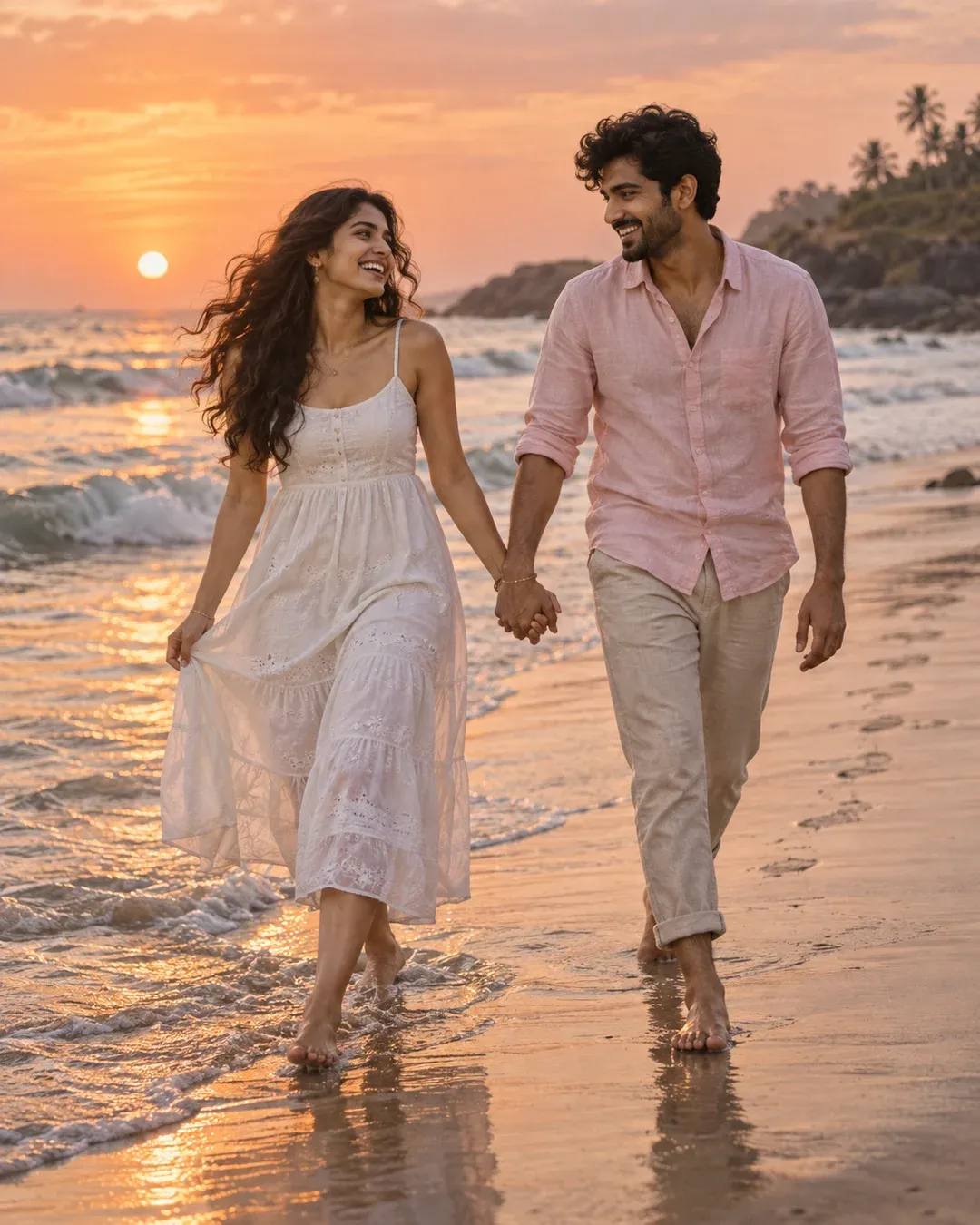
Two people (couple prompts):
Keep both people from the uploaded photo exactly as they are: same faces, features, face shapes, skin tones and hairstyles; do not swap, blend or reshape their faces.
The key addition is “do not swap, blend”. Couple prompts on this site also describe outfits by position, such as “the person on the left wears…”, instead of by gender. That keeps the outfit tied to the right person and works for any couple. If you stand the other way round in your photo, just swap “left” and “right”.
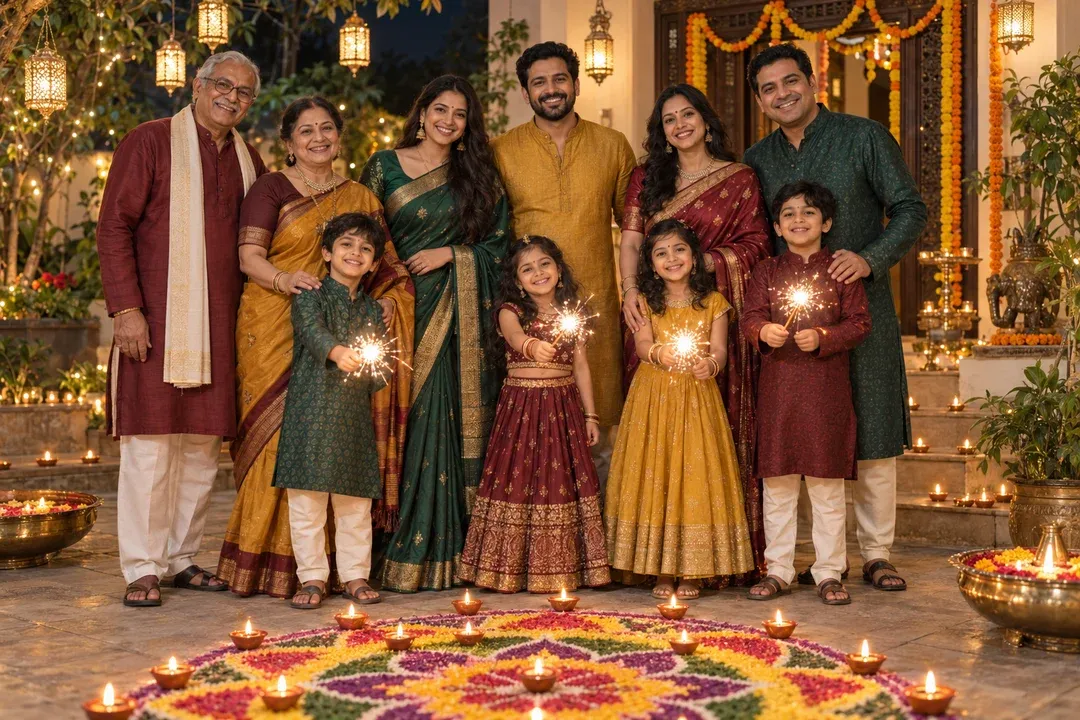
Groups and families:
Keep everyone from the uploaded photo exactly as they are: same faces, features, skin tones, hairstyles and ages, and the same number of people; do not swap or blend faces.
Two extra details matter here. “The same number of people” stops the model from adding an extra child or dropping someone at the edge. “Ages” stops grandparents from looking younger and children from looking older. Group prompts also ask for a smaller aperture, such as f/4, so every face stays sharp instead of only the person in focus.
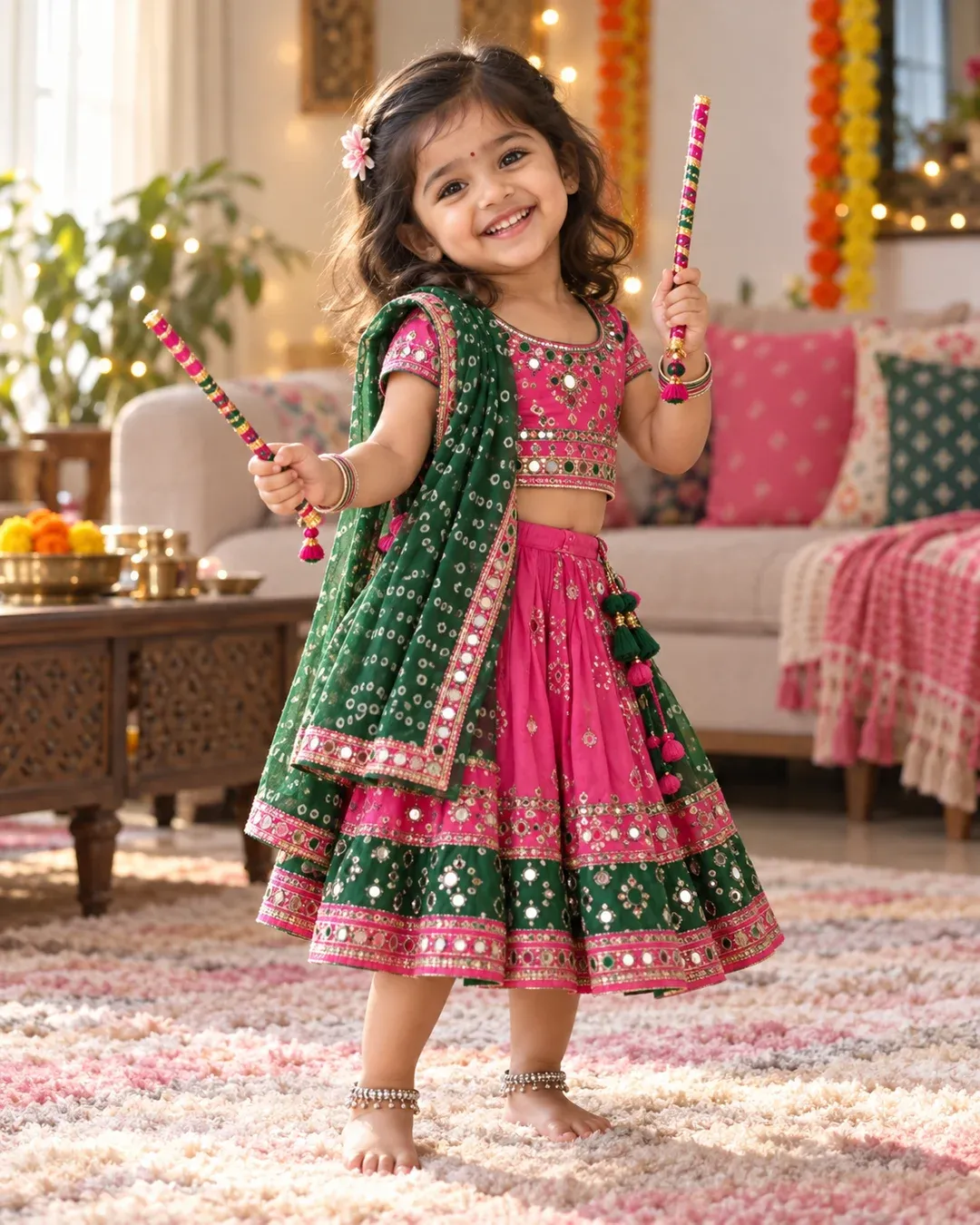
Children:
Keep the child from the uploaded photo exactly as they are: same face, features, skin tone, hairstyle and age; do not make the child look older or change their face.
Models tend to age children up in festive or “styled” scenes. That is why this version names the age and says “do not make the child look older” in plain words. Only a parent or guardian should upload a photo of a child, and only for ordinary family pictures; see our Terms of Use.
Add a line for anything that makes you, you
The face-lock sentence covers the face. If something else is part of how people recognise you, add one short sentence right after it:
- Keep my beard and hairstyle as they are.
- Keep my glasses exactly as they are.
- Keep my bindi and nose pin.
- Keep my curly hair; do not straighten it.
Keep these sentences short and positive (“keep…”) and put them at the start, next to the face lock, not at the end of the prompt.
Choose the right photo
The photo matters as much as the prompt. A good source photo gives the model a clear, complete view of your face, so it has less to guess.
| Do | Avoid |
|---|---|
| Face the camera or turn slightly, with both eyes visible | Strong side profiles and photos taken from far below or above |
| Even daylight or soft indoor light | Harsh shadows across half the face, or a face lit by coloured party lights |
| A sharp photo where your face fills a good part of the frame | Group photos where your face is tiny, or blurry night shots |
| No sunglasses, masks or hands covering the face | Heavy beauty filters, which the AI treats as your real face |
| For couple and family prompts, one photo with everyone in it | Separate photos of each person, unless the tool supports several images and you name them clearly |
If your best photo is a wide shot, crop it so your face and shoulders fill most of the picture before you upload it.
Write the rest of the prompt so it does not fight your face
The face lock only works if the rest of the prompt agrees with it. When we write prompts, we follow a few rules that protect the face:
- Describe the scene, never the face. Write about clothes, jewellery, place, light and camera. Do not describe skin, eyes or facial shape.
- Light the face. Our prompts always say where the light falls, for example “soft fill light on my face” or “the diyas light the faces warmly so no face is in shadow”. A face hidden in shadow is a face the model has to invent.
- Keep the camera angle reasonable. Eye level or slightly above keeps your features closest to a normal photo. Extreme low angles and very wide lenses stretch faces.
- Leave out “beauty” words. Words such as “stunning”, “flawless” or “glamorous makeup” pull the result away from you. If you want makeup, describe it plainly, for example “soft kohl and a light pink lip”.
Our guide to writing a photo prompt explains the full structure and the wording we use for light and lenses.
When your face still changes
Even with a good prompt, some results will drift. Try these fixes in order:
- Reply in the same chat: “Keep my face exactly the same as the uploaded photo.” Then ask it to regenerate. Short, direct corrections usually work better than rewriting the whole prompt.
- Regenerate two or three times. Results vary from run to run, so one bad result does not mean the prompt is wrong.
- Start a new chat. After several edits, a conversation can carry earlier changes forward. A fresh chat with the original photo resets that.
- Use a clearer photo. If every result drifts, the photo is usually the problem: try a sharper, front-facing one with even light.
- Simplify the change. Ask for the new outfit first, then change the background in a second message. Smaller steps keep more of the original face.
- Check for face words. If you edited the prompt, make sure you did not add any words that describe skin or facial features.
Our guide to fixing common AI photo edit problems covers hands, text, outfit colours and other issues.
Use photos responsibly
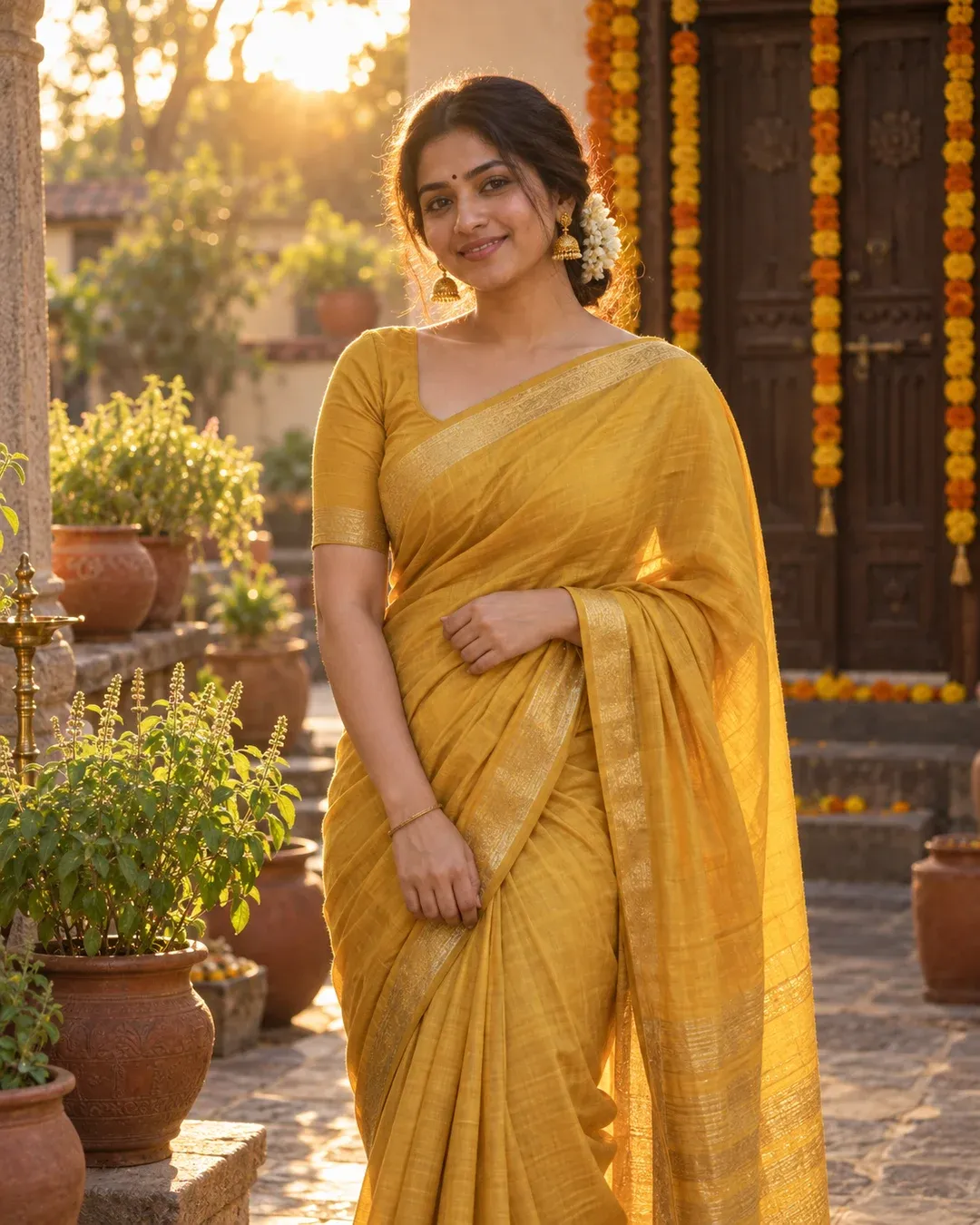
Only upload photos of yourself, or of people who agreed to have their photo edited with AI. Do not use another person’s face to make it look like they did something they did not. The example images on this site are generated from text and show synthetic people, so they show the style a prompt aims for; your own result will look like you.
Prompts that use each face-lock version
The prompts below each use one of the four versions: one person, a couple, a family and a child. Open any of them to copy the complete prompt.