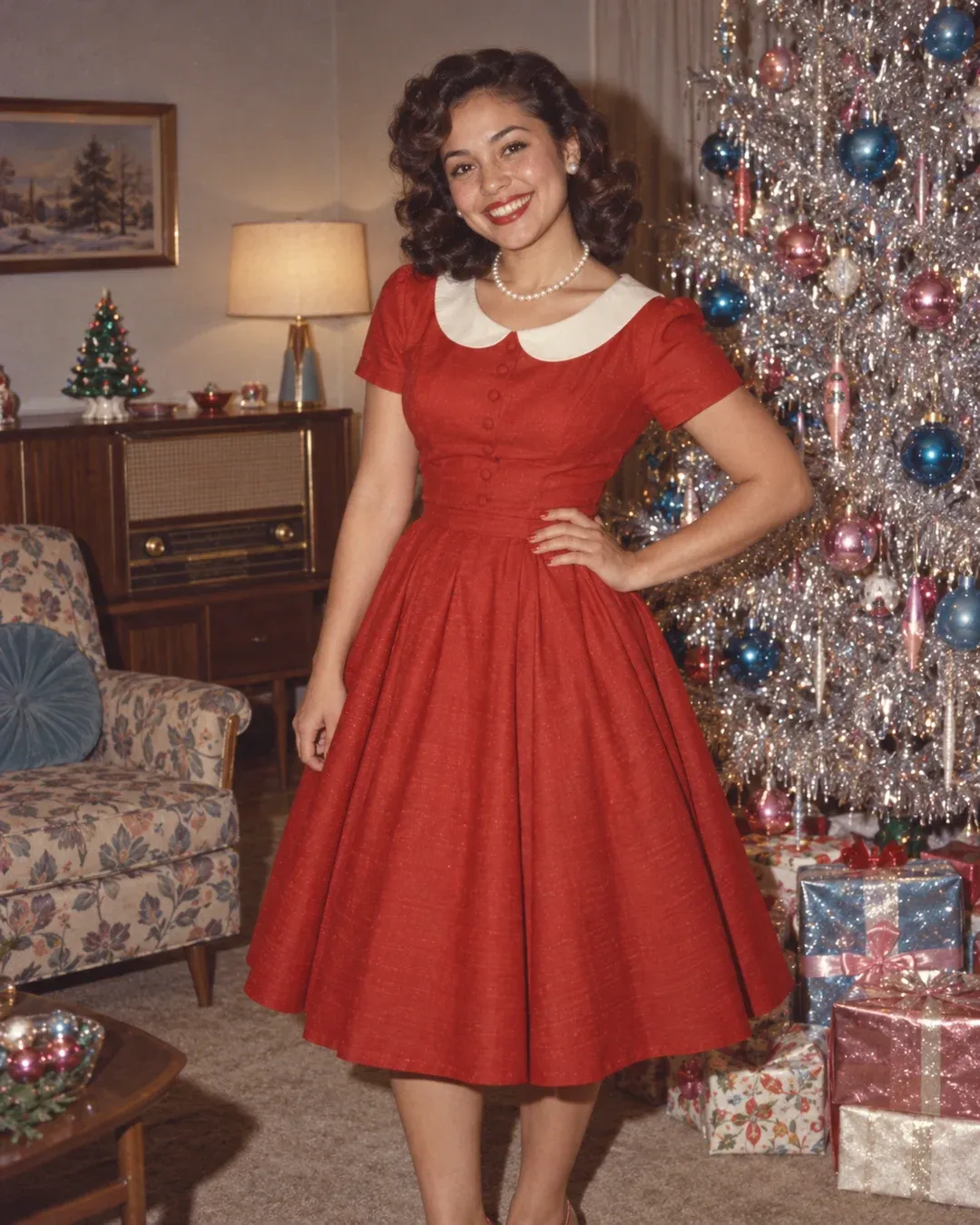
1950s Vintage Christmas Card Photo
A 1950s-style Christmas portrait of a person in a red swing dress beside a silver tinsel tree, with faded vintage colour.
View full promptFree AI photo prompts for Gemini and ChatGPT, with no sign-up: 199 copy-ready looks, each with an example image. Pick a look, copy the prompt, upload your photo and paste. Every prompt is written like a photographer's brief: lighting, lens, wardrobe and mood included.
A 1950s-style Christmas portrait of a person in a red swing dress beside a silver tinsel tree, with faded vintage colour.
View full promptA playful studio portrait with a giant red and white candy cane against a glossy red backdrop.
View full promptA couple in cream knit sweaters sits by a glowing fireplace next to a white and gold Christmas tree.
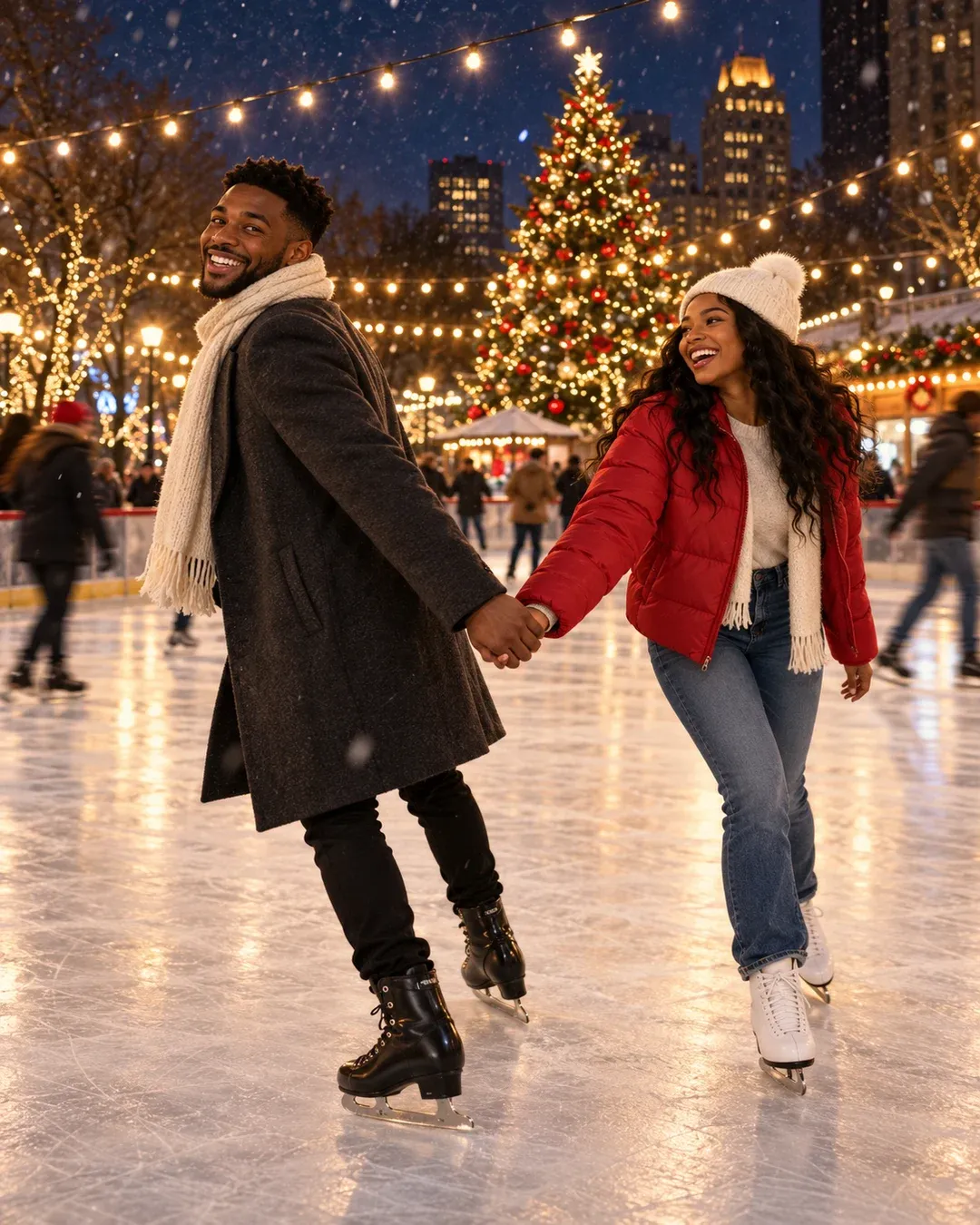
View full promptA couple holds hands and laughs while ice skating on an outdoor rink under strings of warm lights at night.
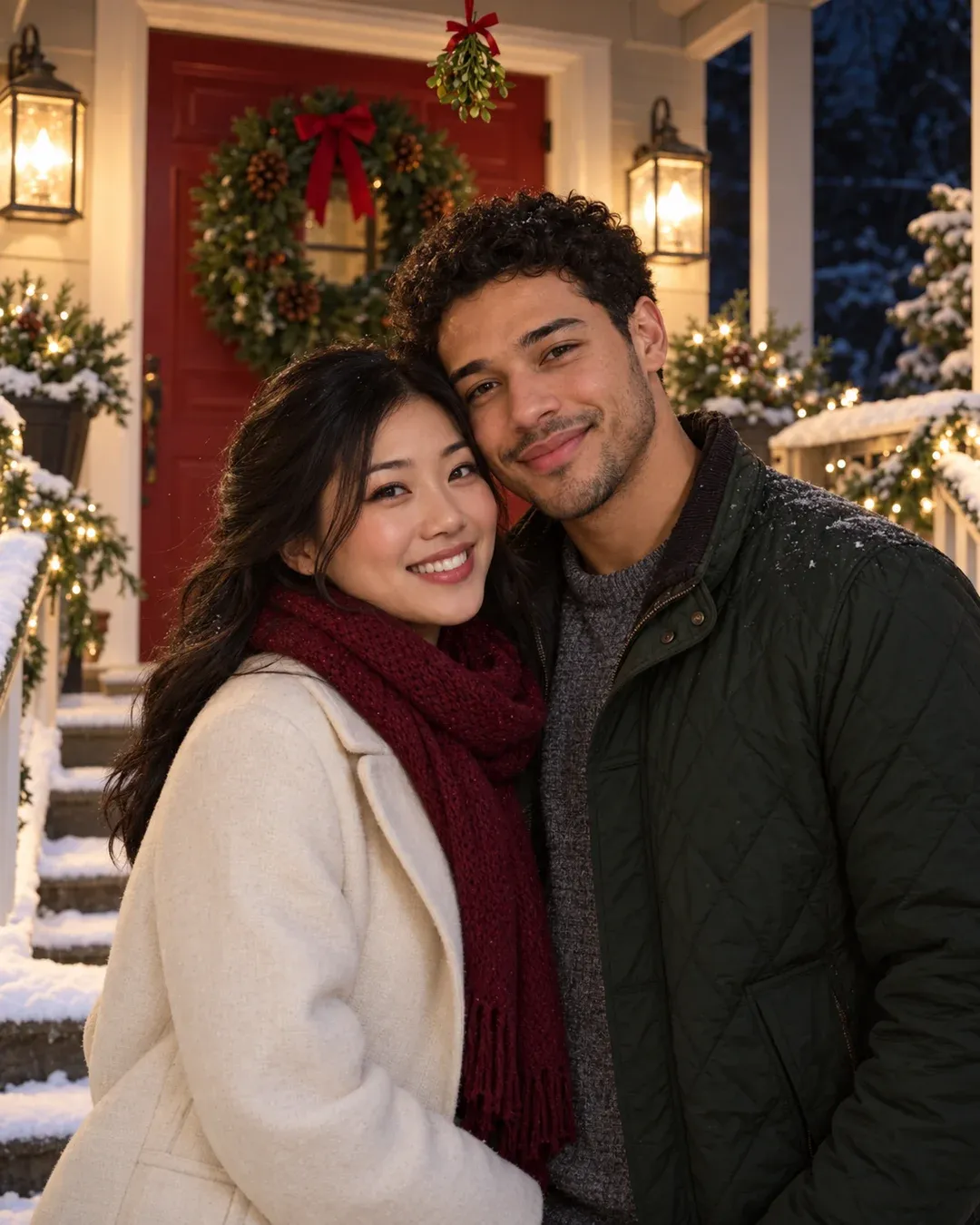
View full promptA couple shares a close moment under a sprig of mistletoe on a snowy front porch lit by warm lanterns.
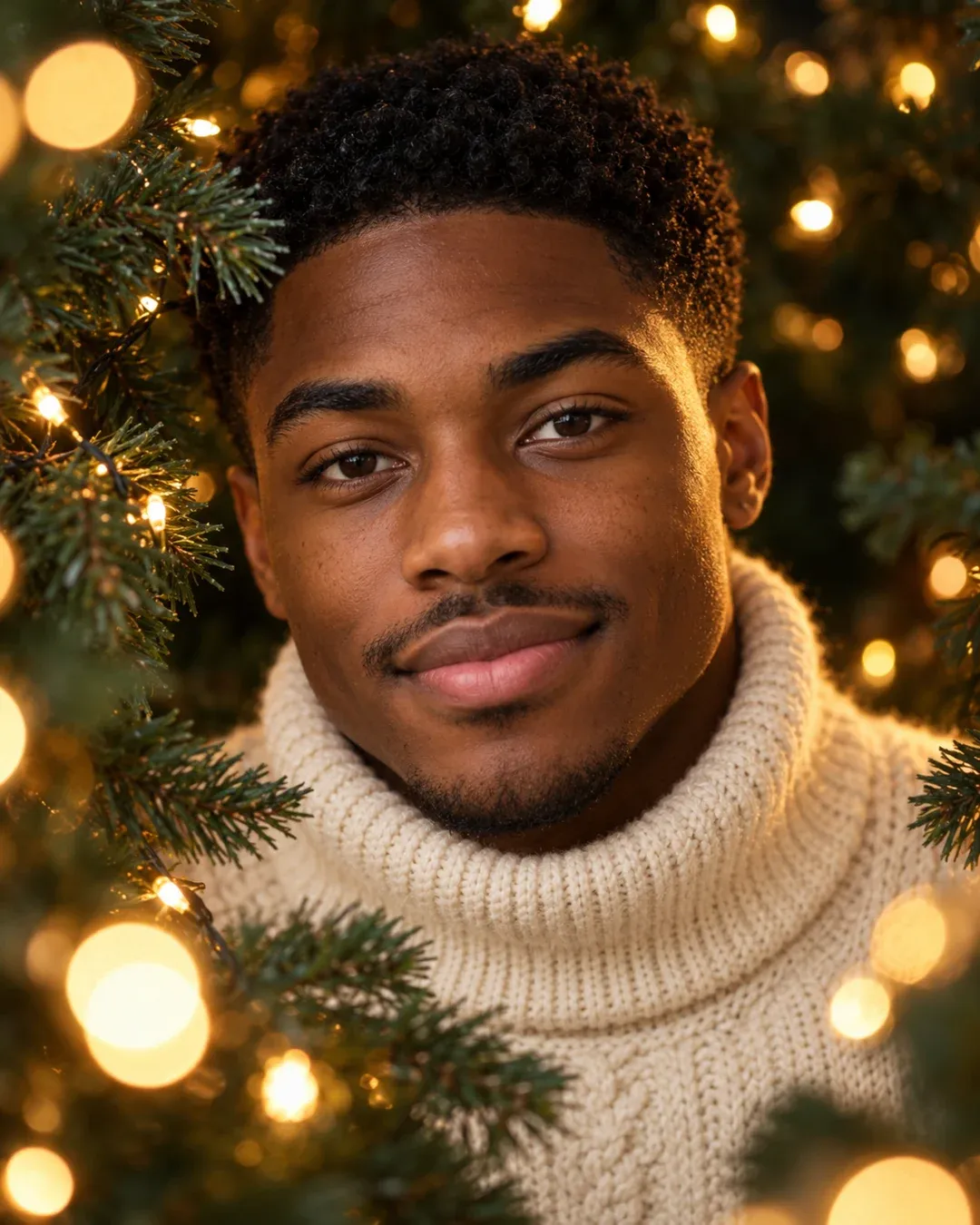
View full promptA close-up portrait framed by dark pine branches with glowing golden fairy-light bokeh in front of the lens.
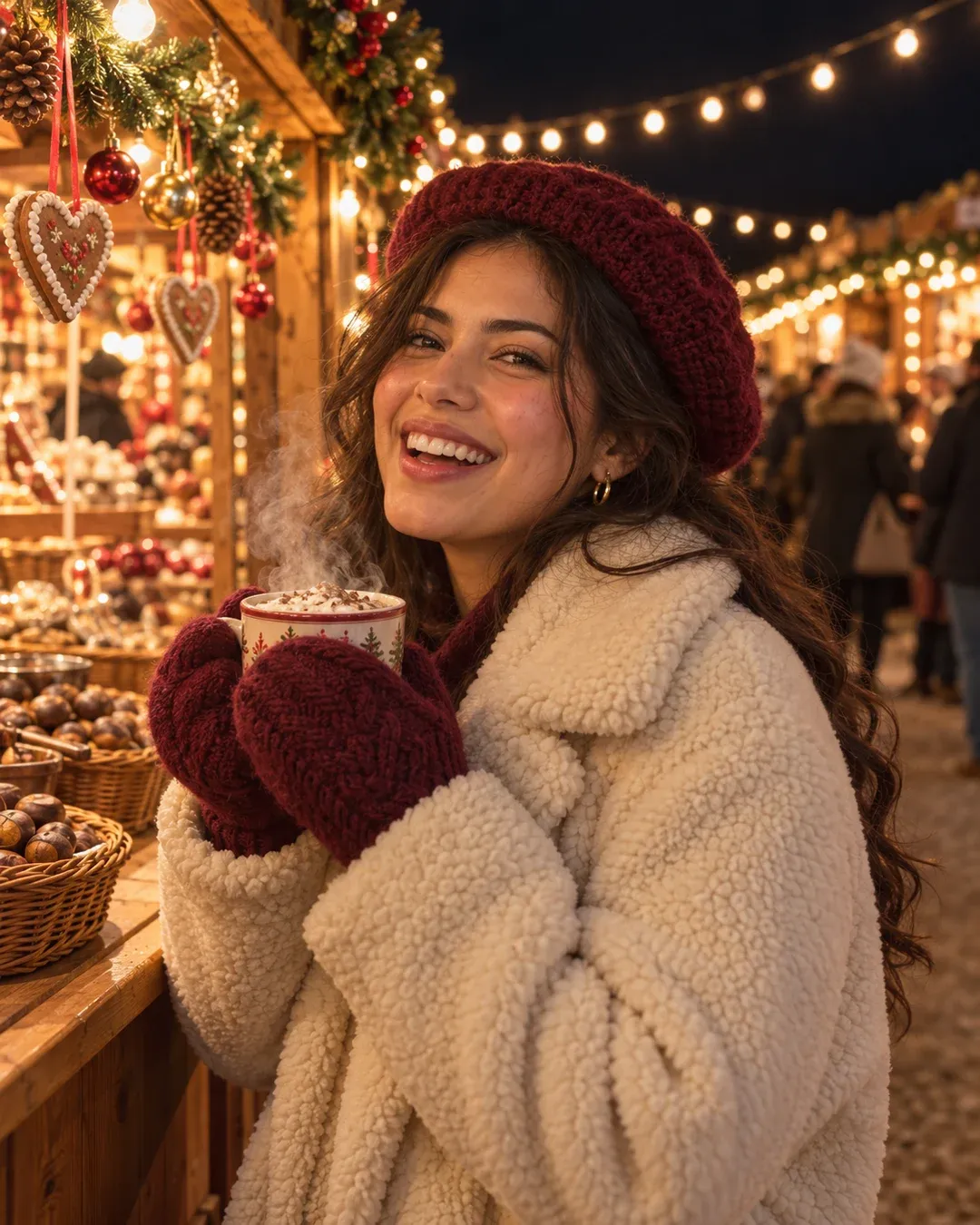
View full promptA smiling person holds a steaming mug of hot cocoa between wooden Christmas market stalls under string lights.
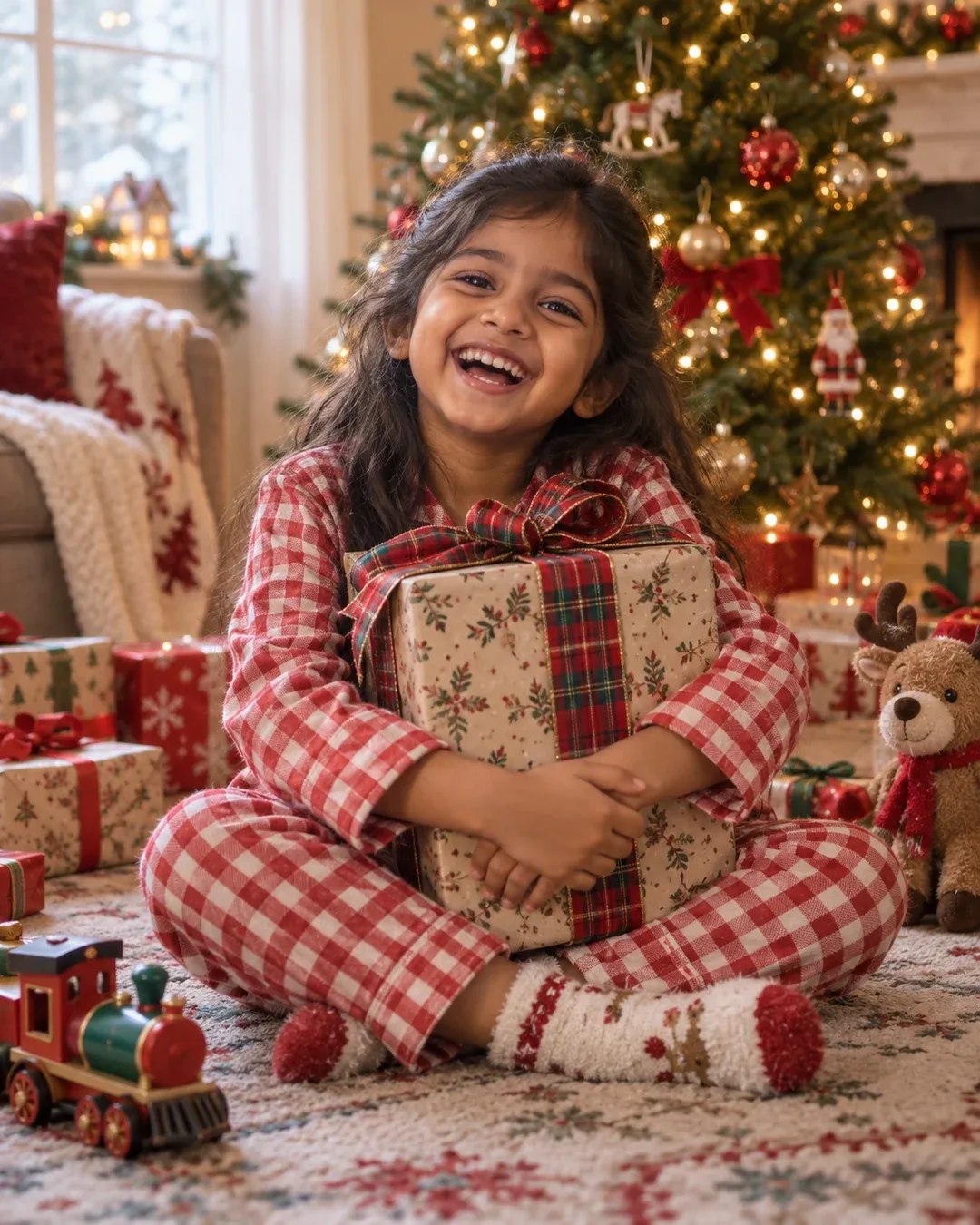
View full promptA child in checked pajamas hugs a big wrapped gift in front of a glowing Christmas tree on Christmas morning.
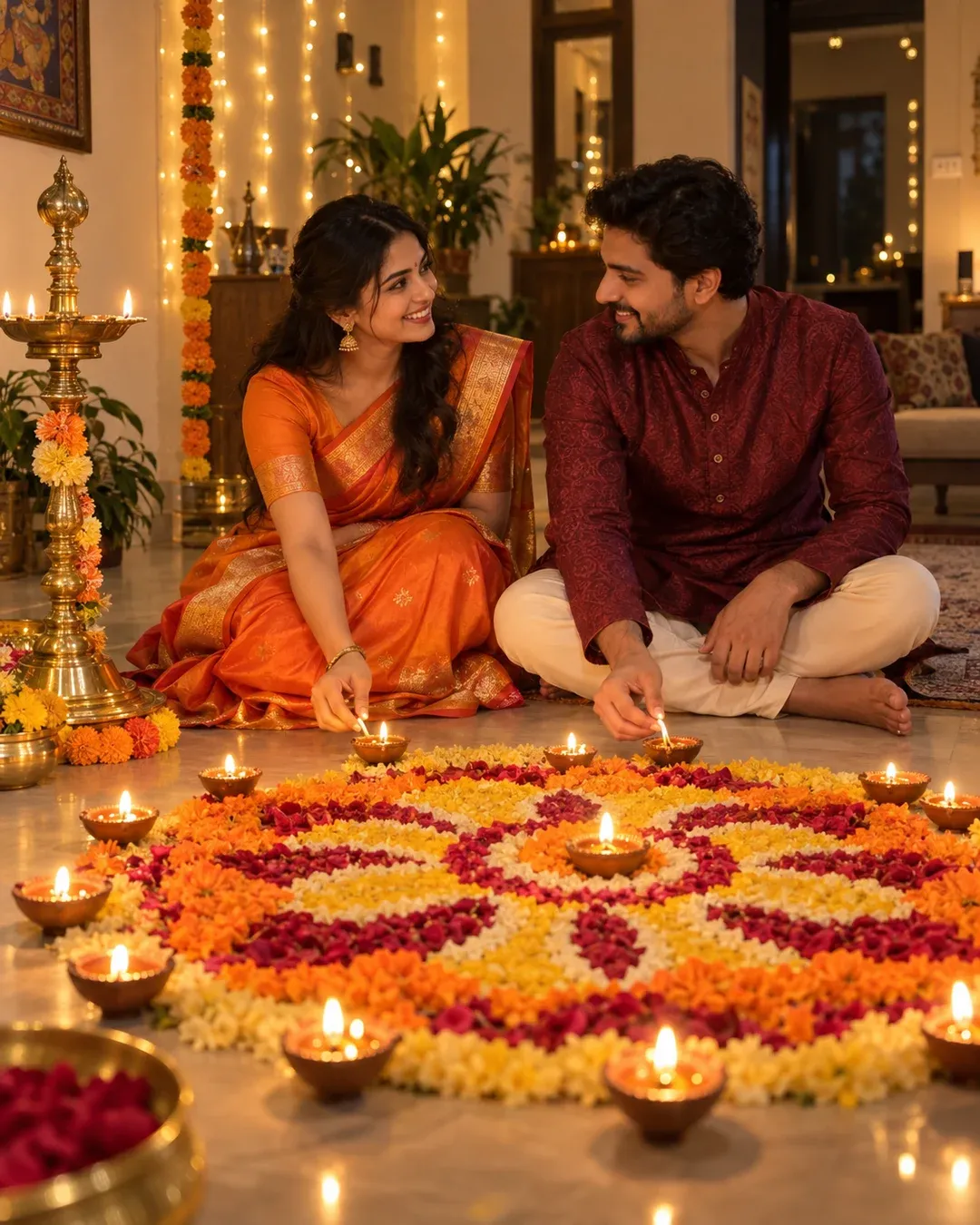
View full promptA couple in traditional outfits sits beside a flower rangoli at home, lighting diyas together on Diwali night.
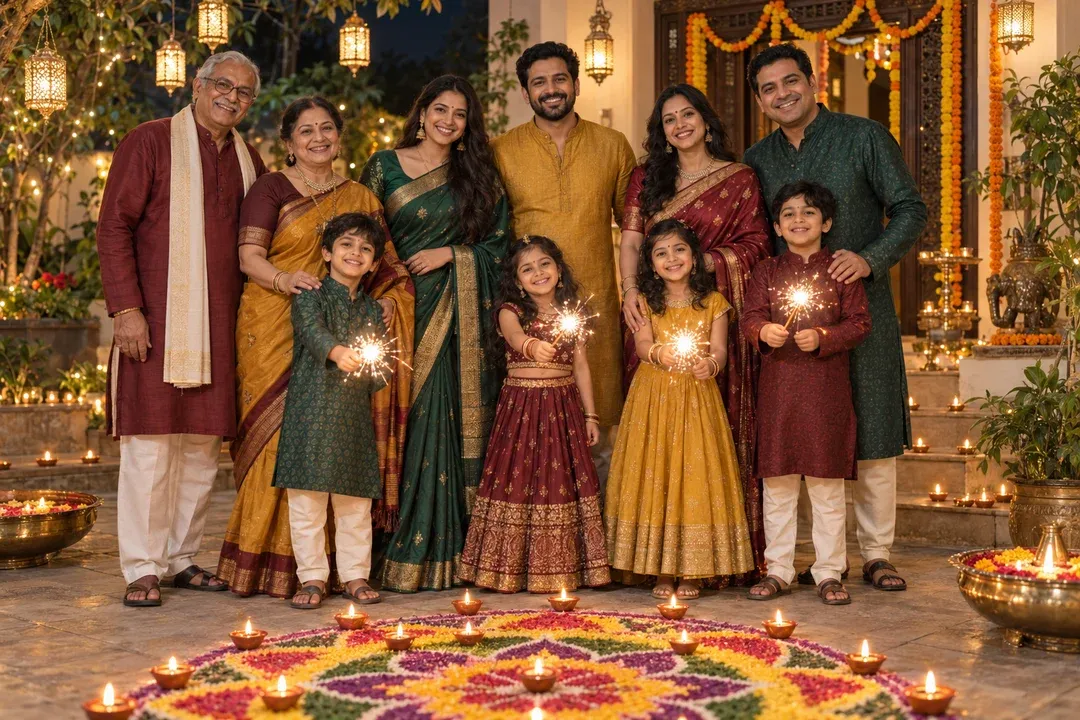
View full promptA family in festive outfits gathers in a courtyard around a rangoli lined with diyas, children holding sparklers.
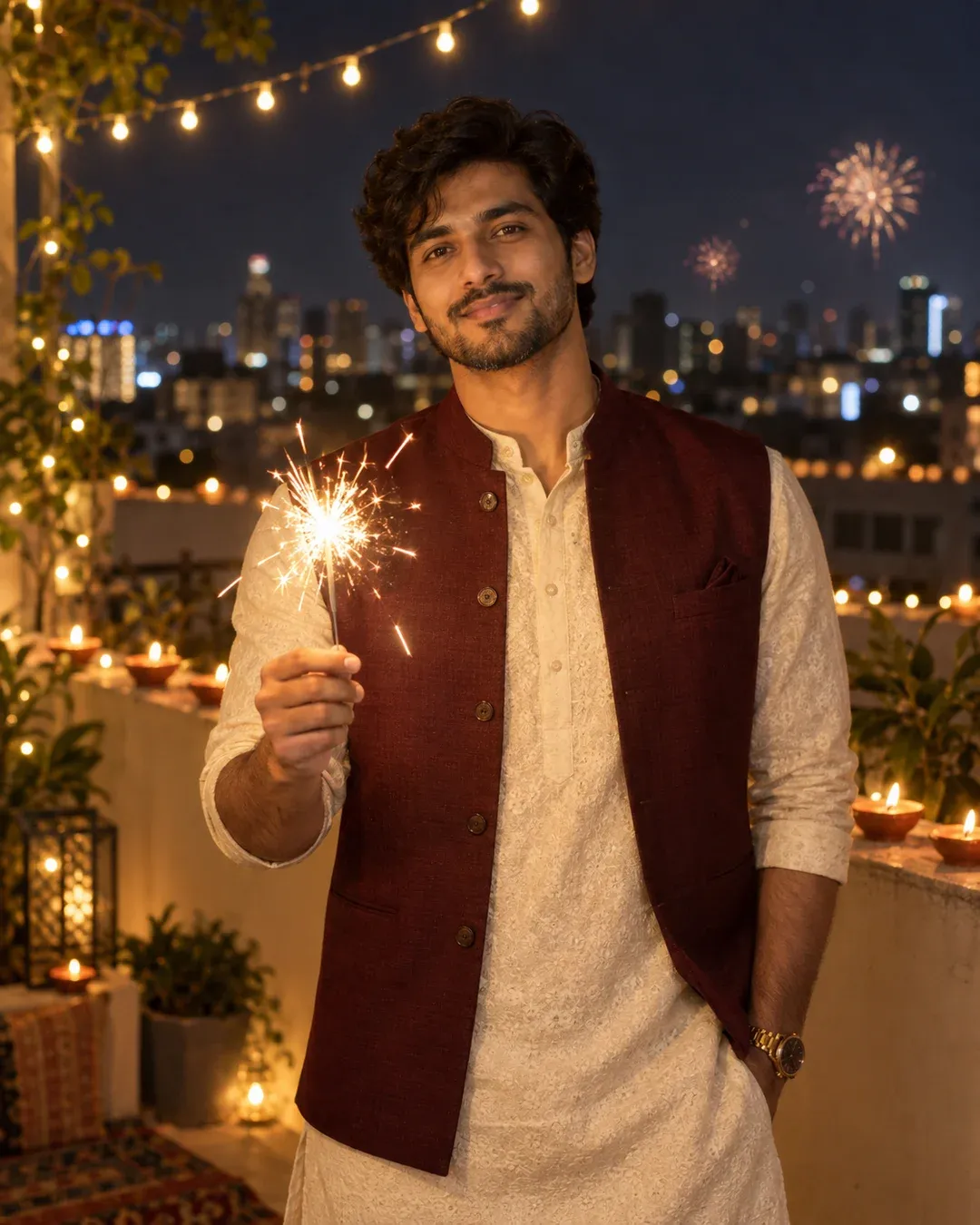
View full promptA man in an ivory kurta holds a lit sparkler on a terrace lined with glowing diyas on Diwali night.
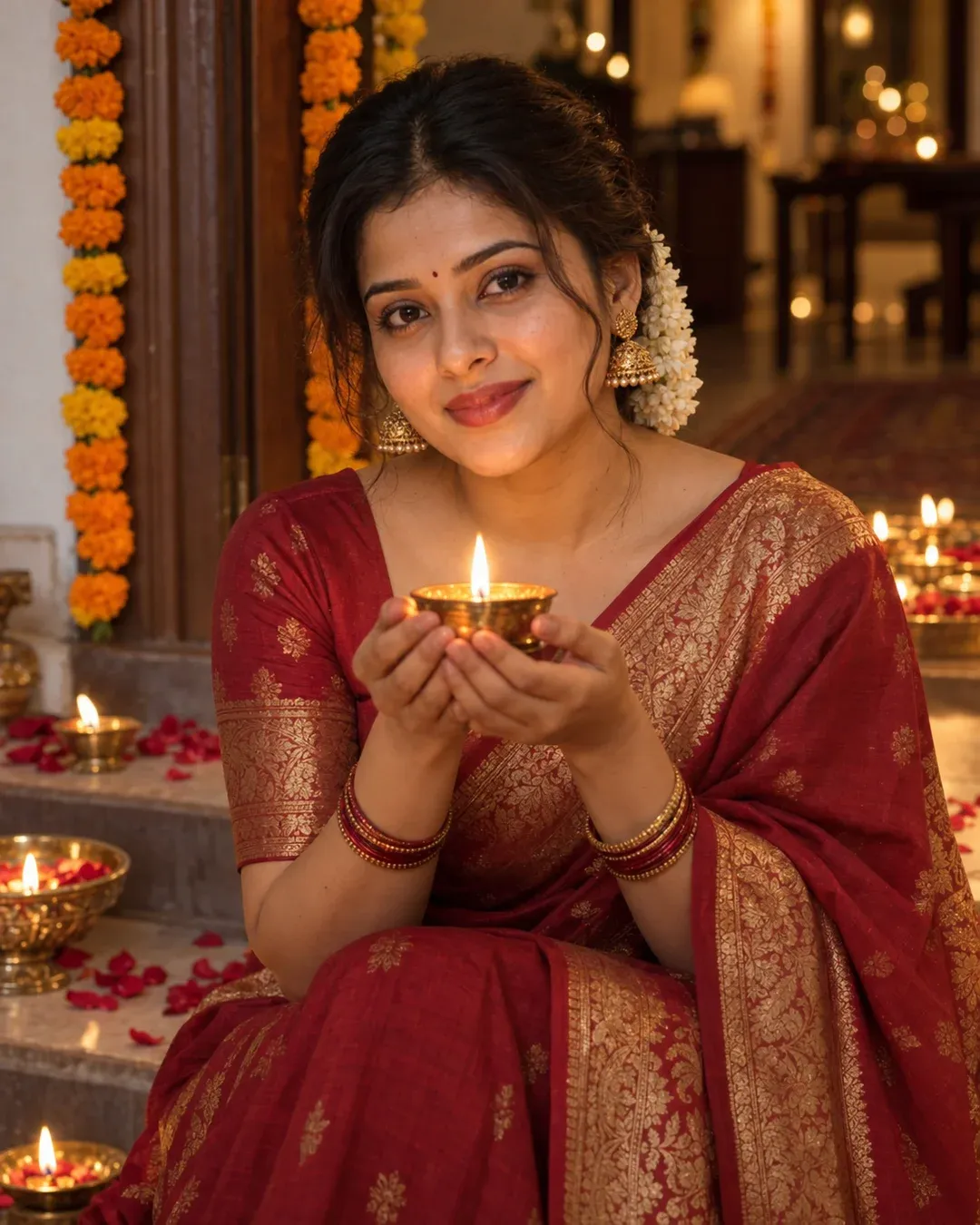
View full promptA woman in a deep red silk saree holds a glowing diya in front of marigold garlands and string lights.
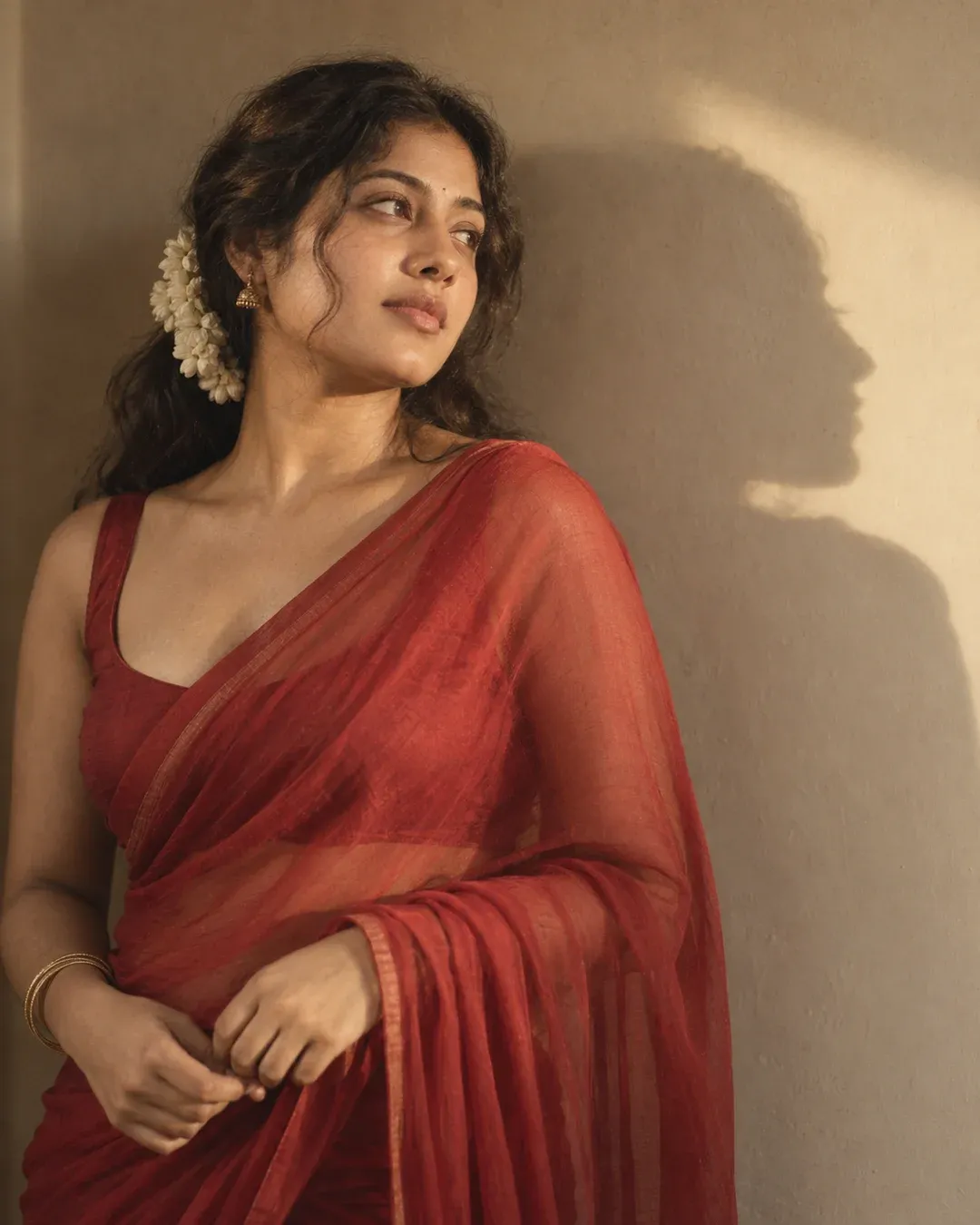
View full promptA woman in a sheer red chiffon saree with jasmine in her hair stands by a warm-toned wall, her soft shadow beside her.
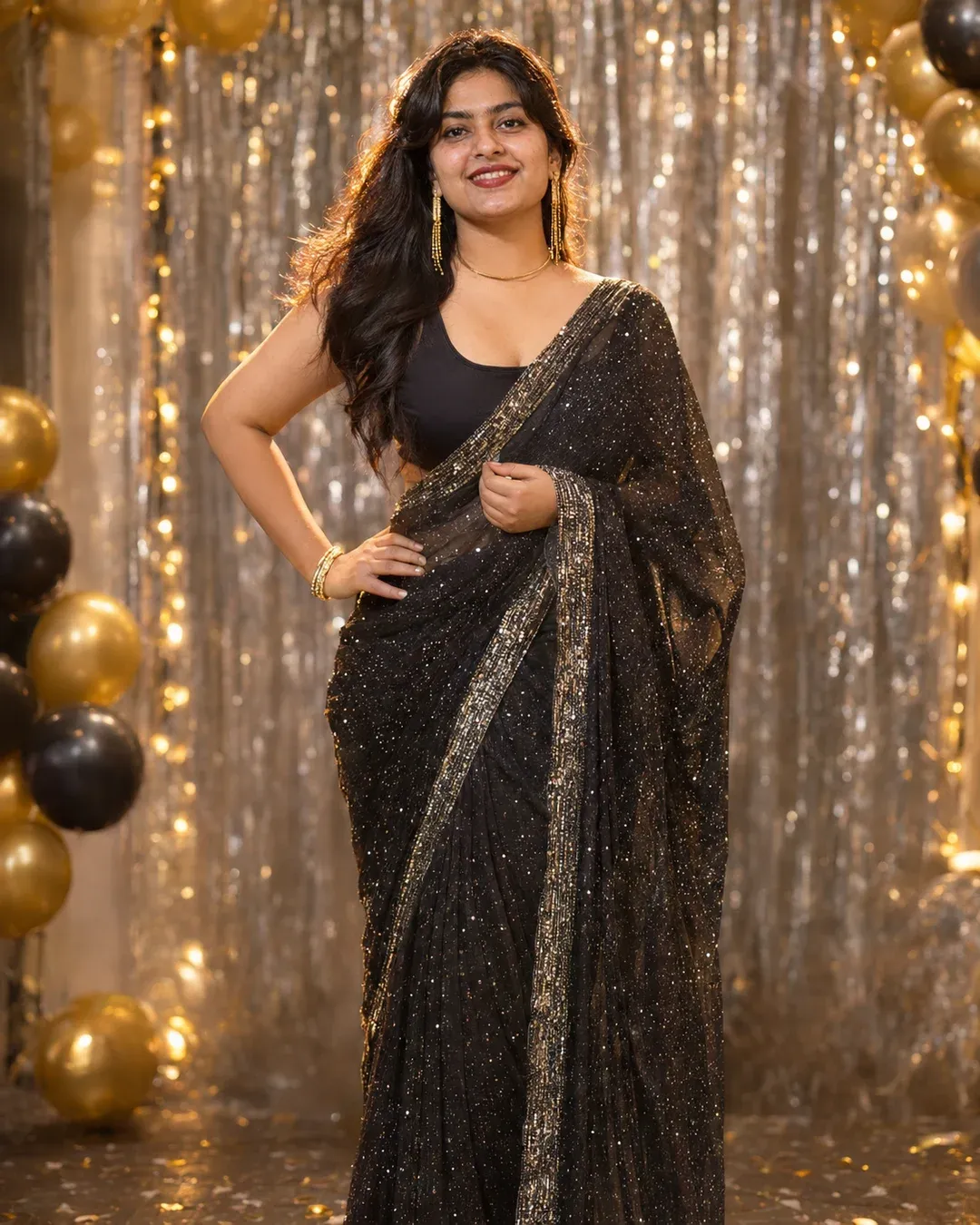
View full promptA woman in a black glitter saree poses in front of gold balloons and soft party lights.
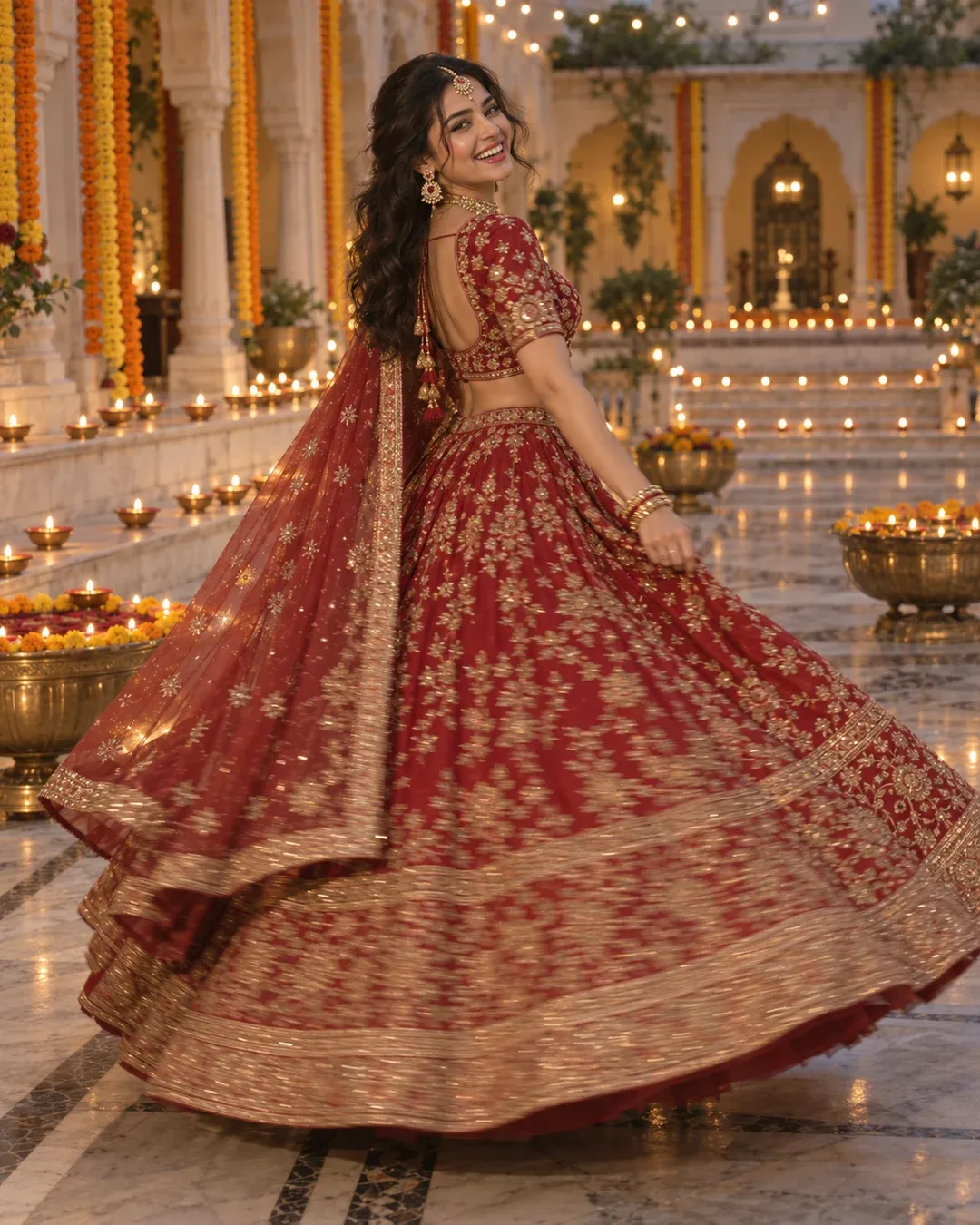
View full promptA woman in a crimson and gold lehenga twirls in a marble courtyard lit by diyas and string lights.
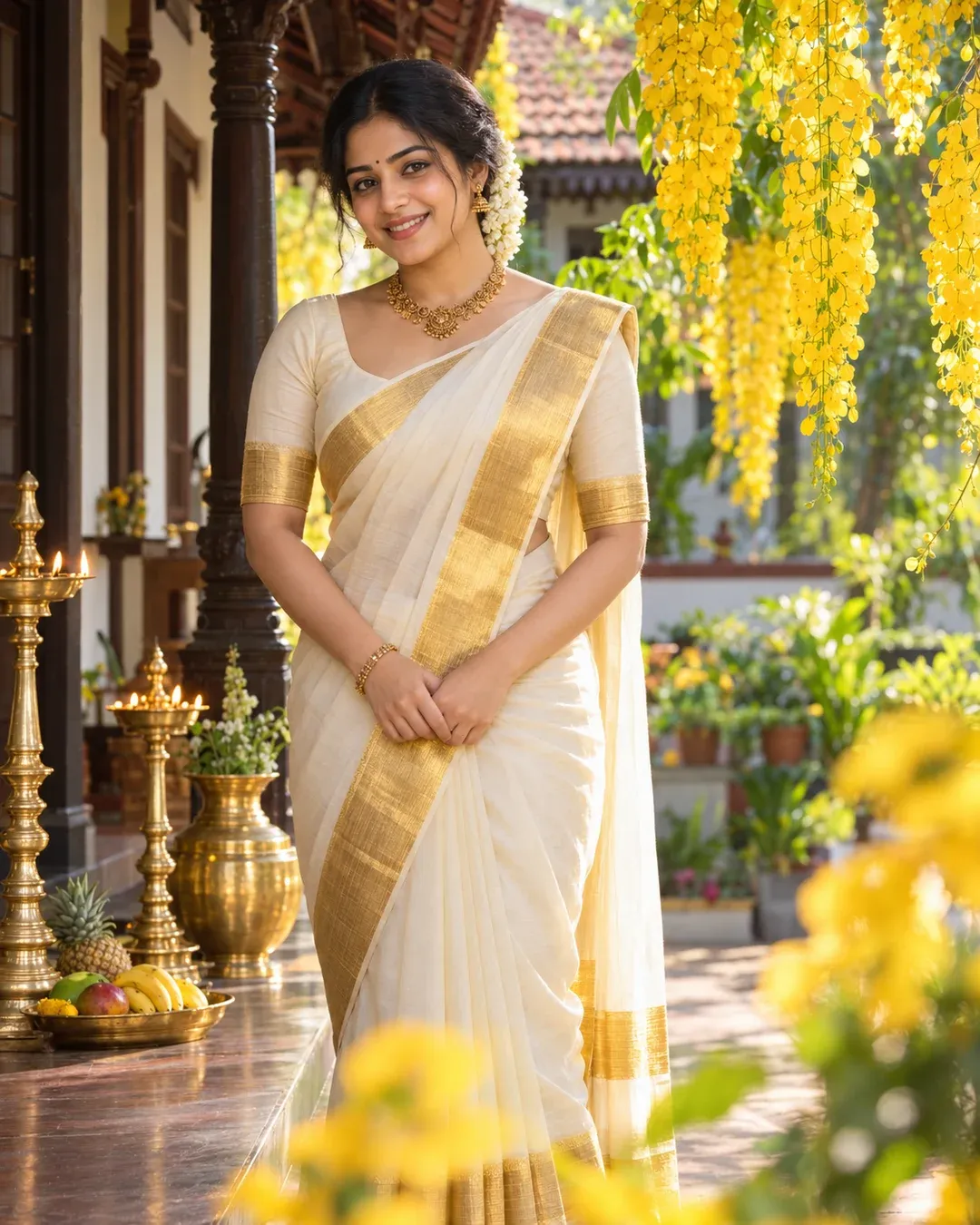
View full promptA woman in an off-white Kerala kasavu saree with a gold border stands under hanging golden yellow flowers beside brass lamps.
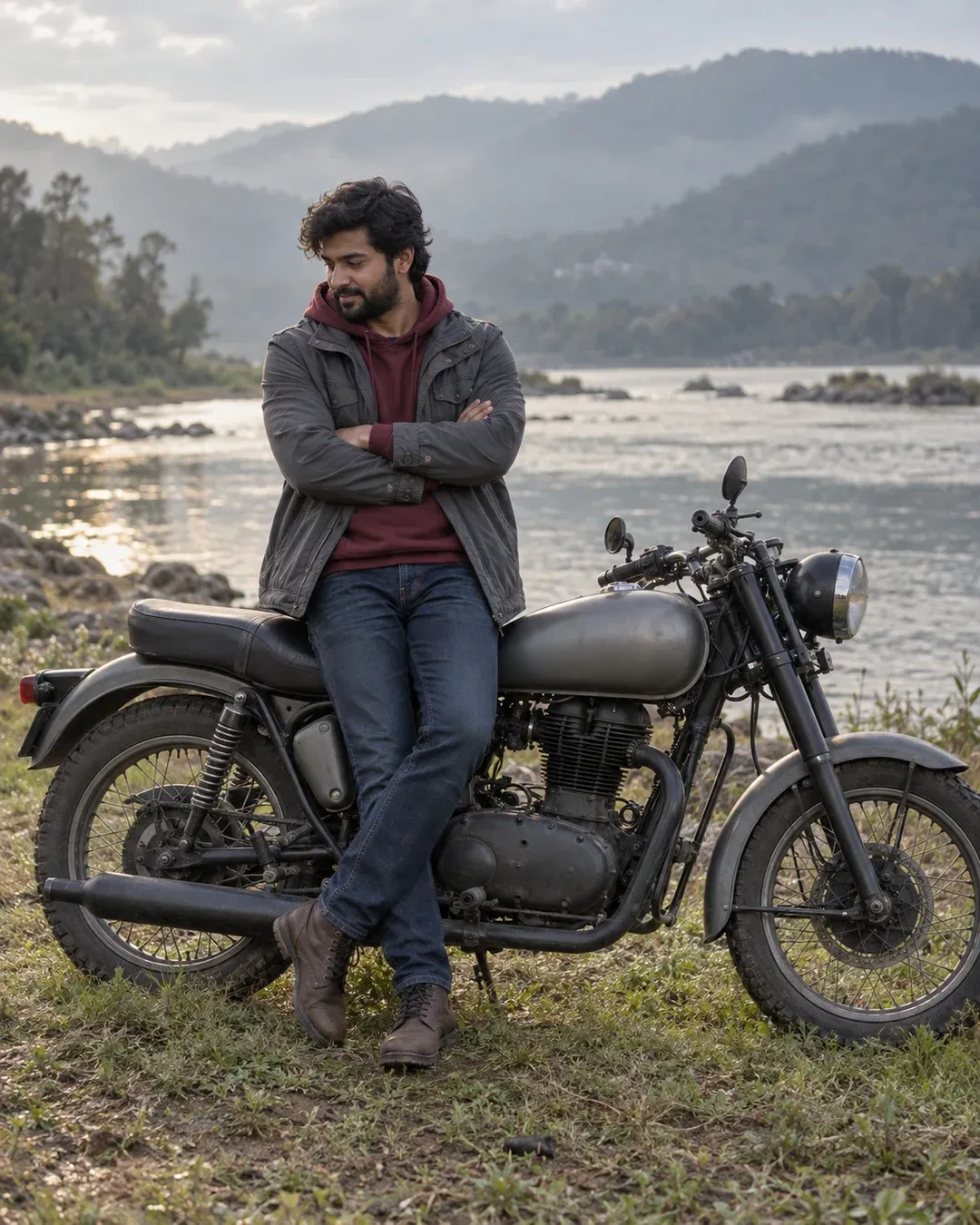
View full promptA young man in a grey parka leans on a classic matte grey motorcycle on a grassy riverbank, looking down.
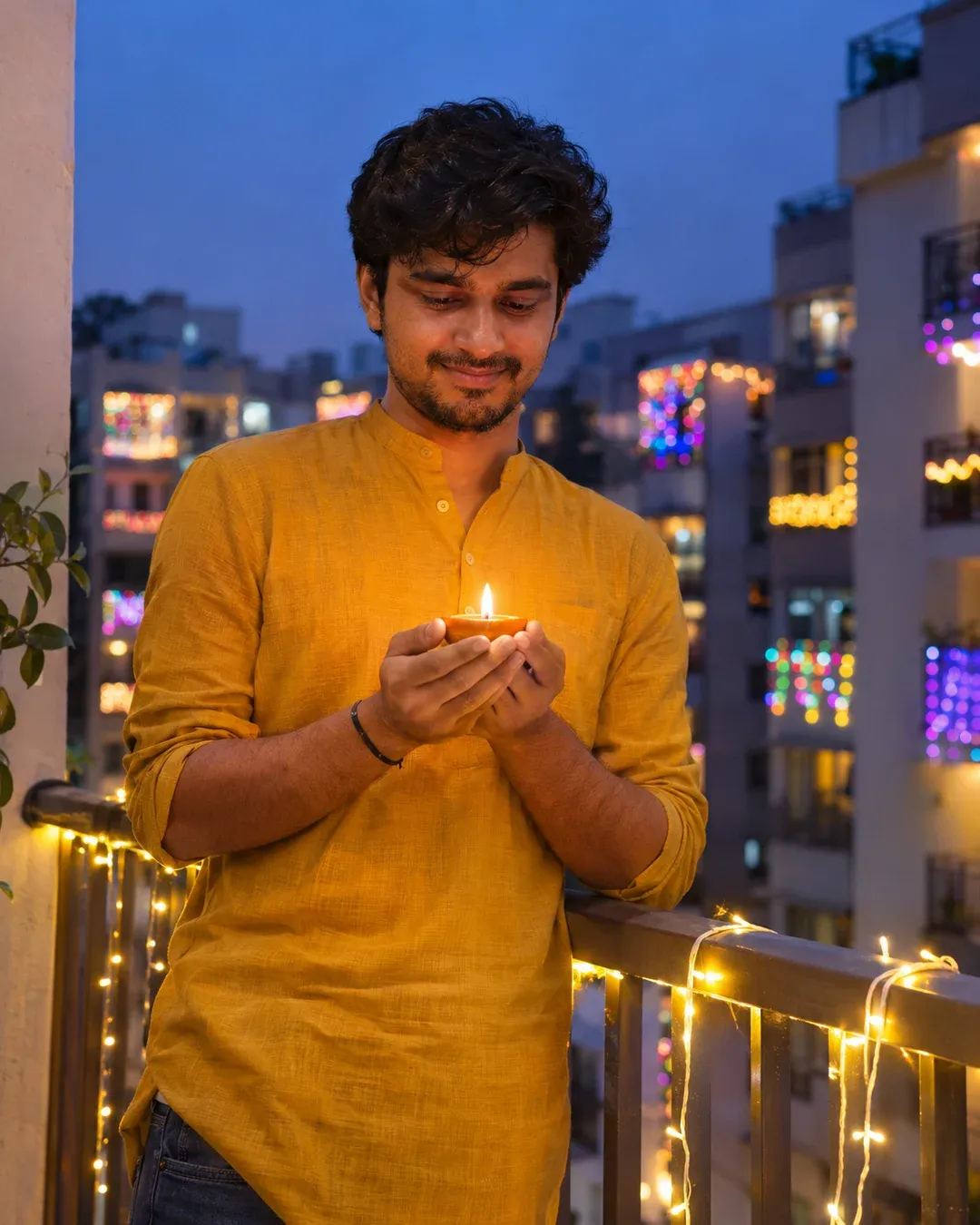
View full promptA young man in a mustard kurta leans on an apartment balcony at blue hour, cupping a lit clay diya in both hands.
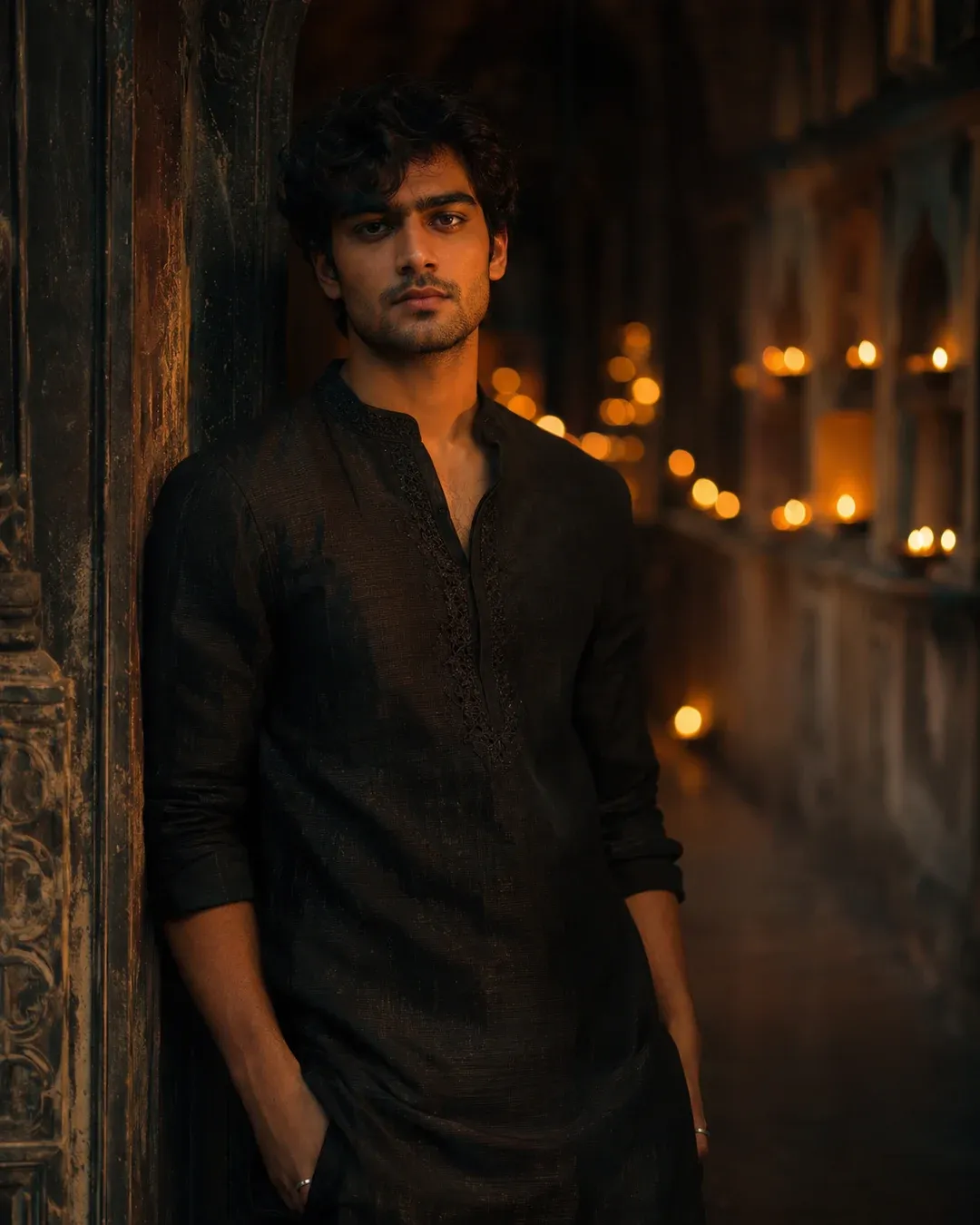
View full promptA young man in a black raw-silk kurta stares into the lens from a dark doorway, with niches of diyas glowing behind him.
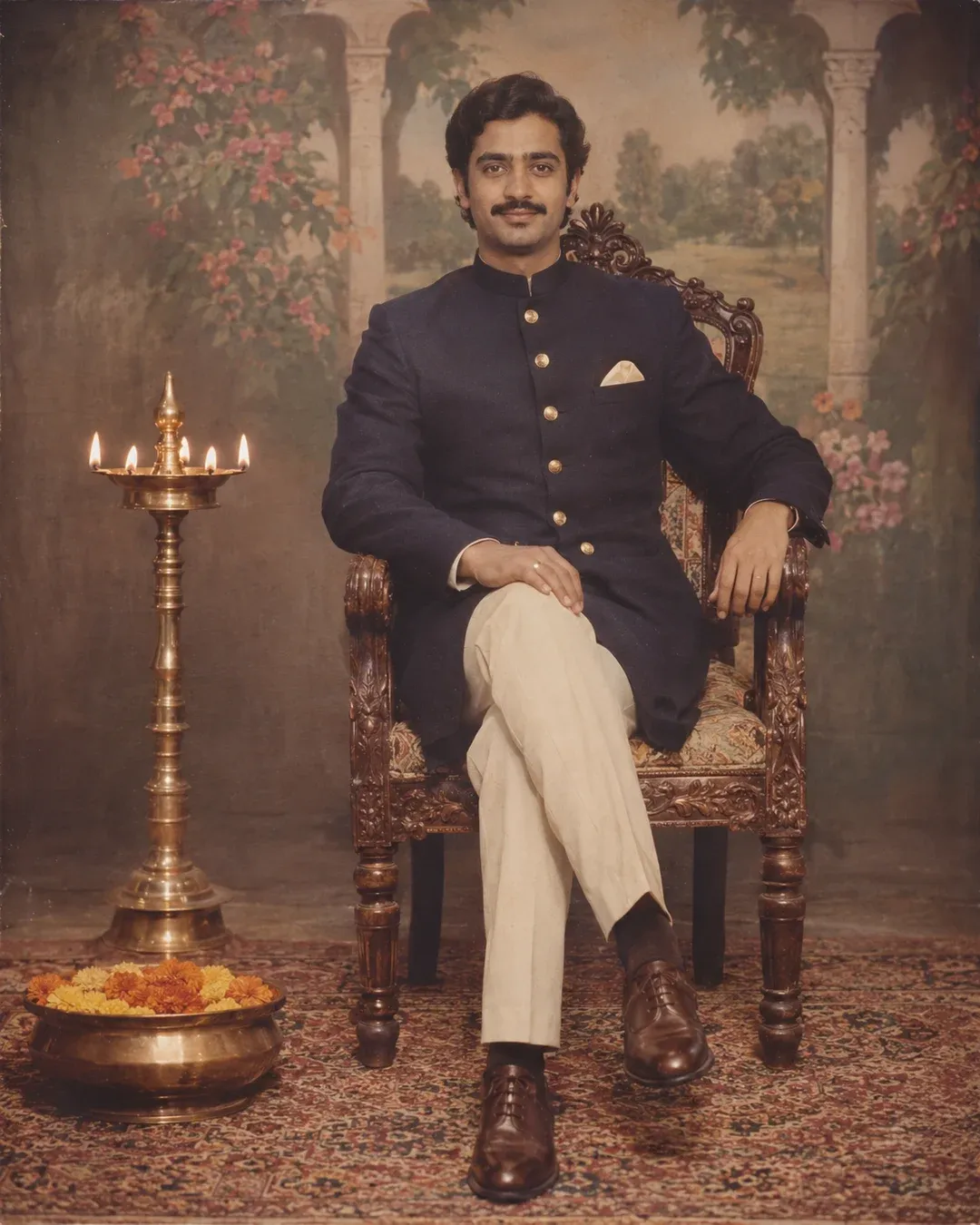
View full promptA man in a navy bandhgala sits upright on a carved chair in a 1970s photo studio beside a tall brass lamp.
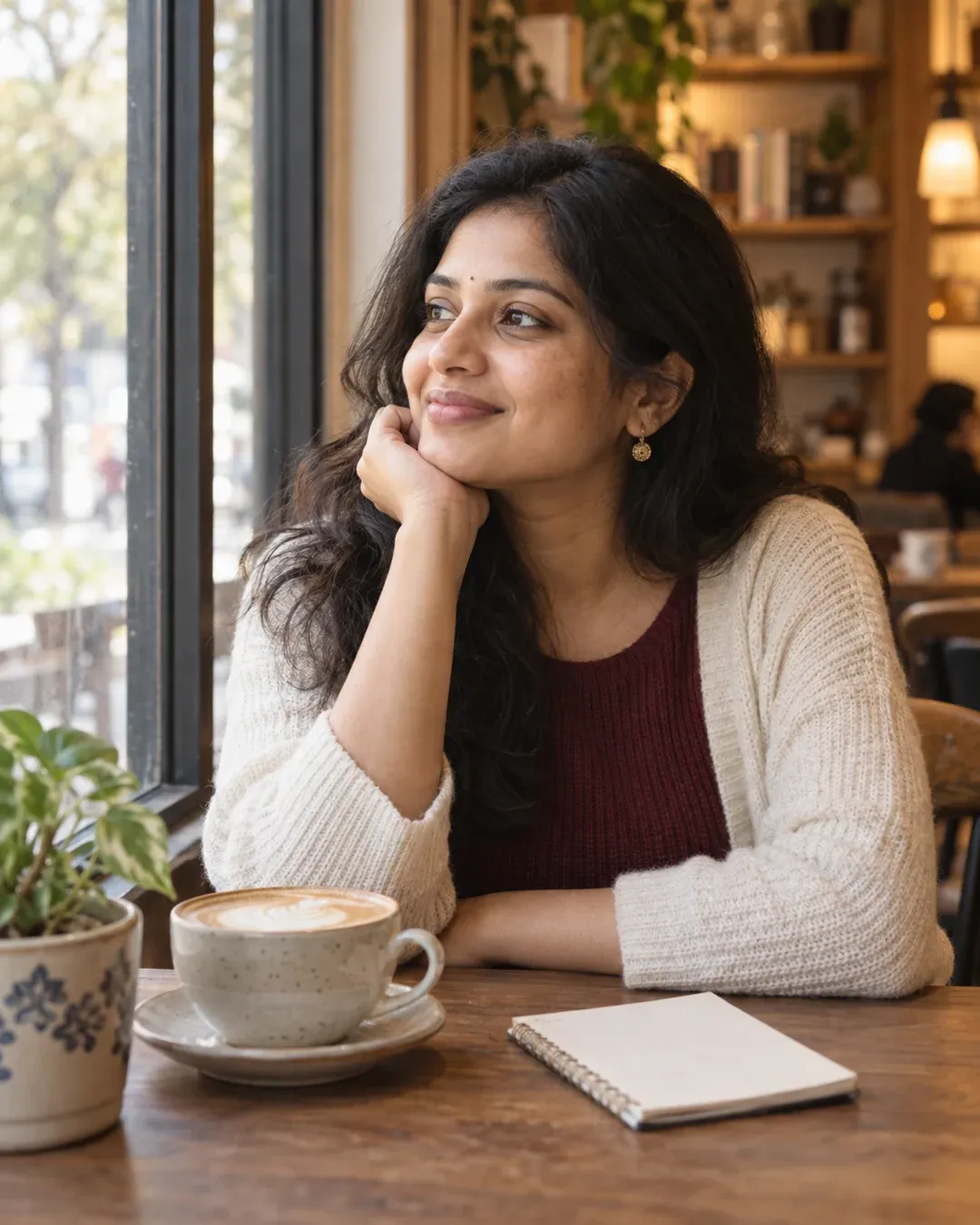
View full promptA young woman sits at a wooden café table by a large window, chin on her hand, with a coffee cup and plants around her.
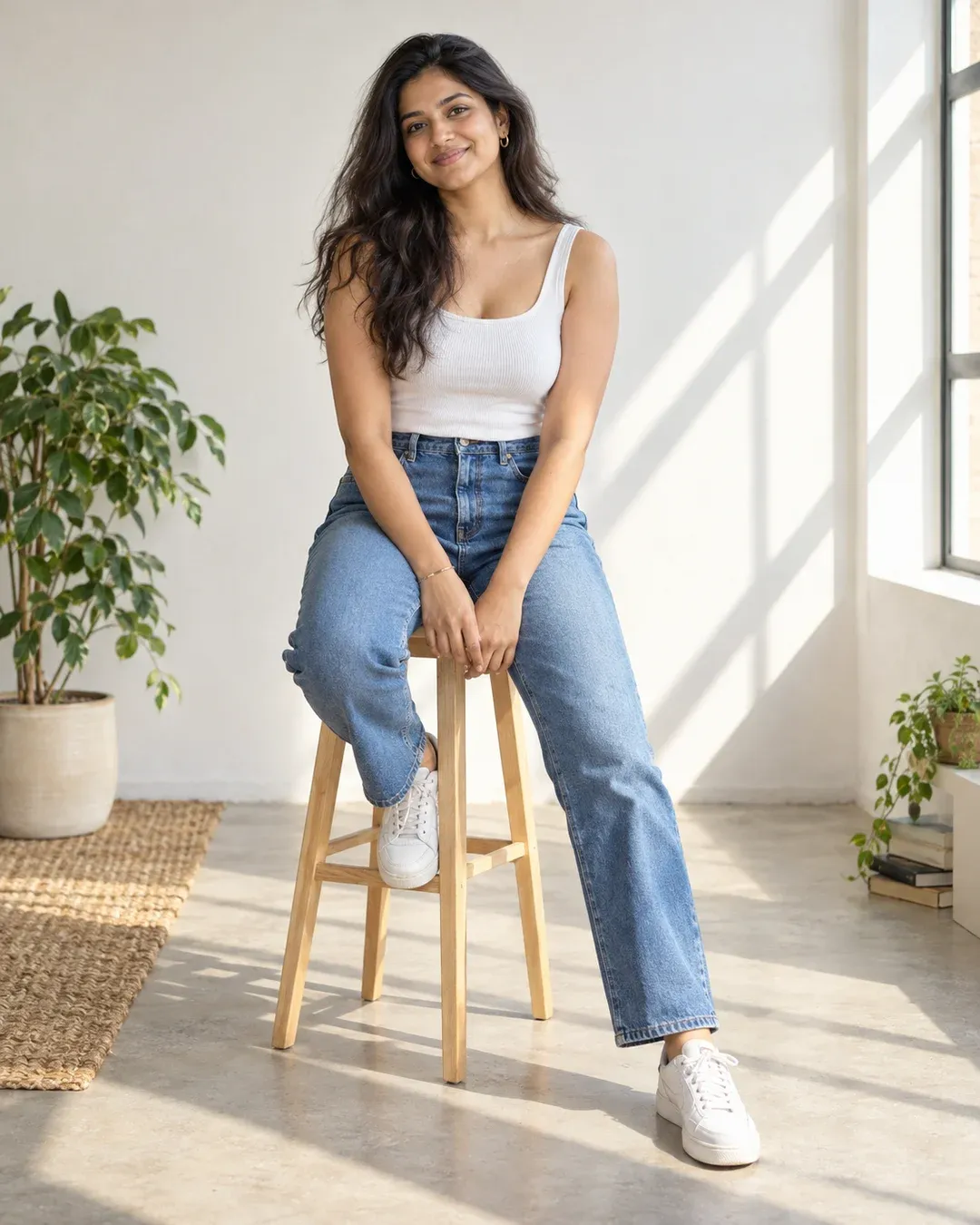
View full promptA young woman in high-waisted blue jeans and a white top sits on a wooden stool in a bright, minimal room.
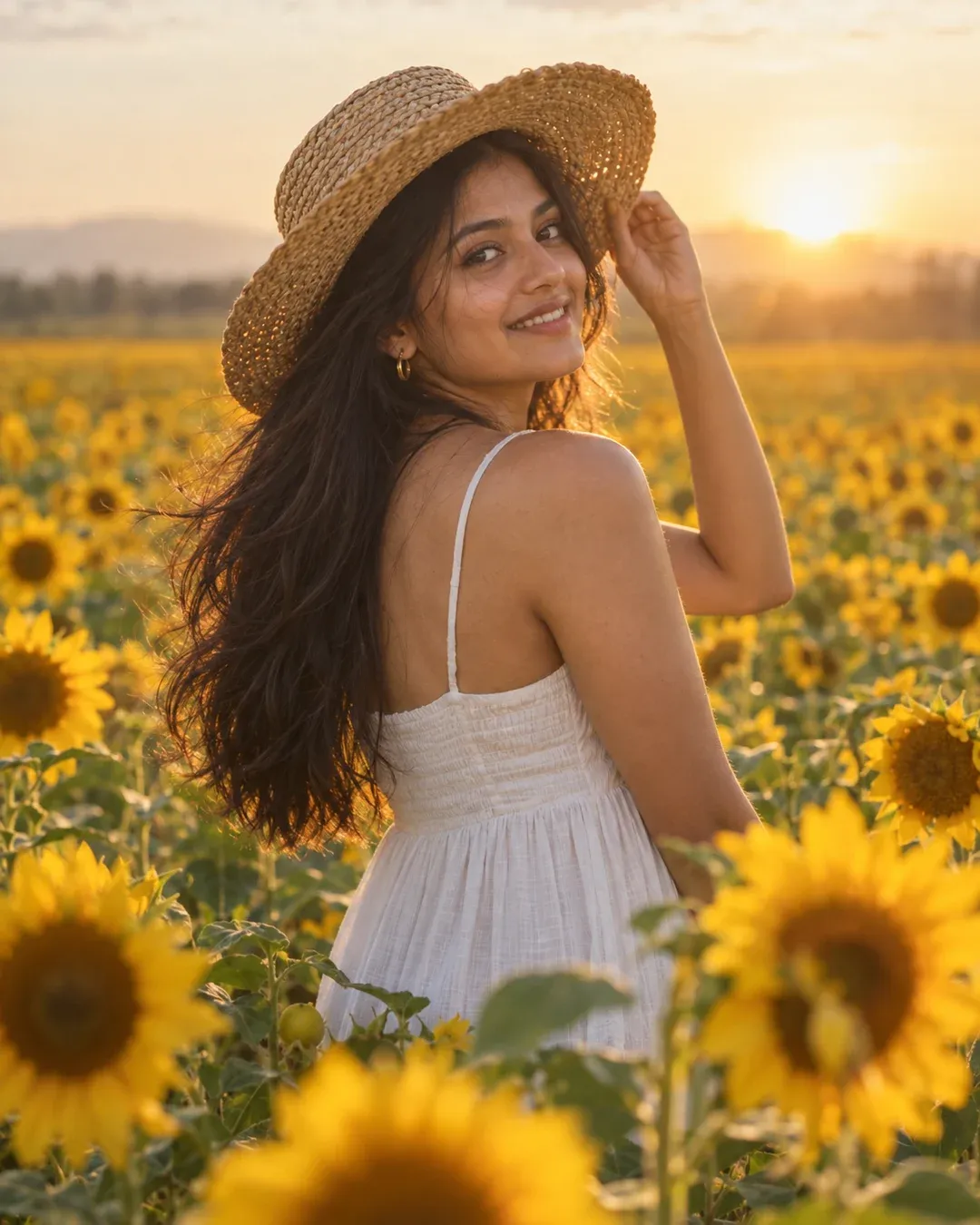
View full promptA young woman in a white linen dress and straw hat stands in a sunflower field at golden hour, backlit by the sun.
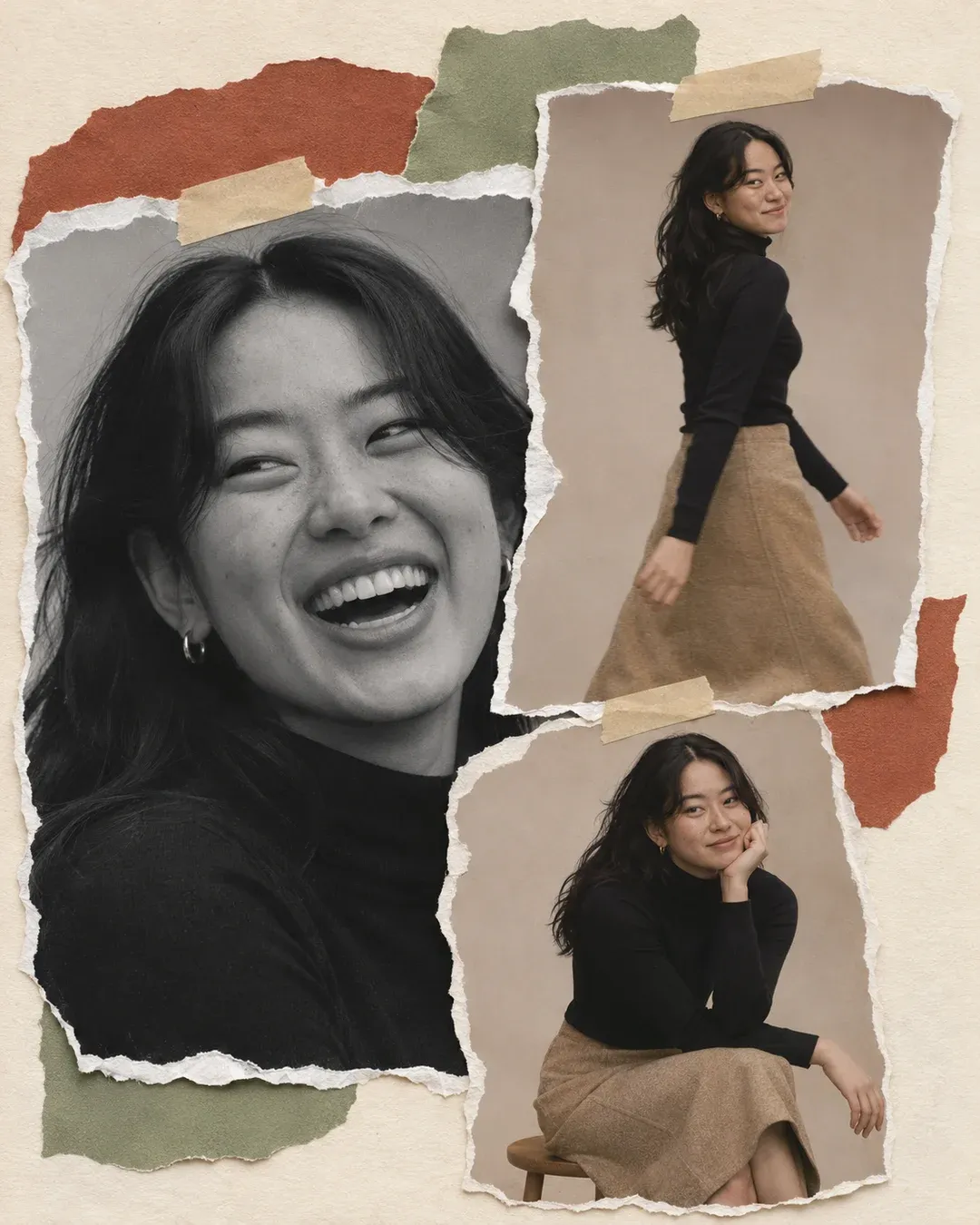
View full promptThree cut-out shots of the same person layered with torn paper edges and tape on a cream page.
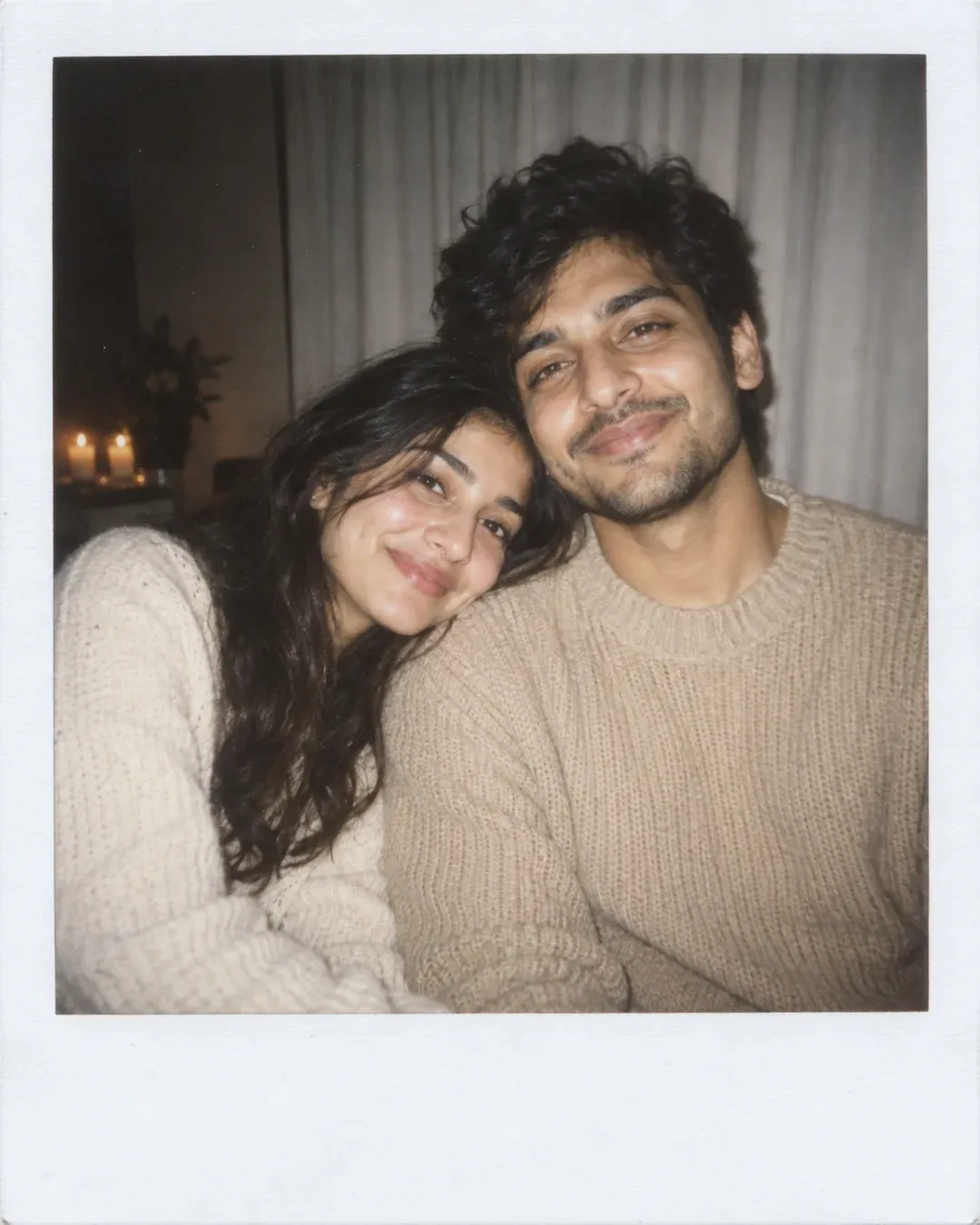
View full promptA couple poses close together in front of a white curtain, lit by direct flash, framed as a polaroid print.
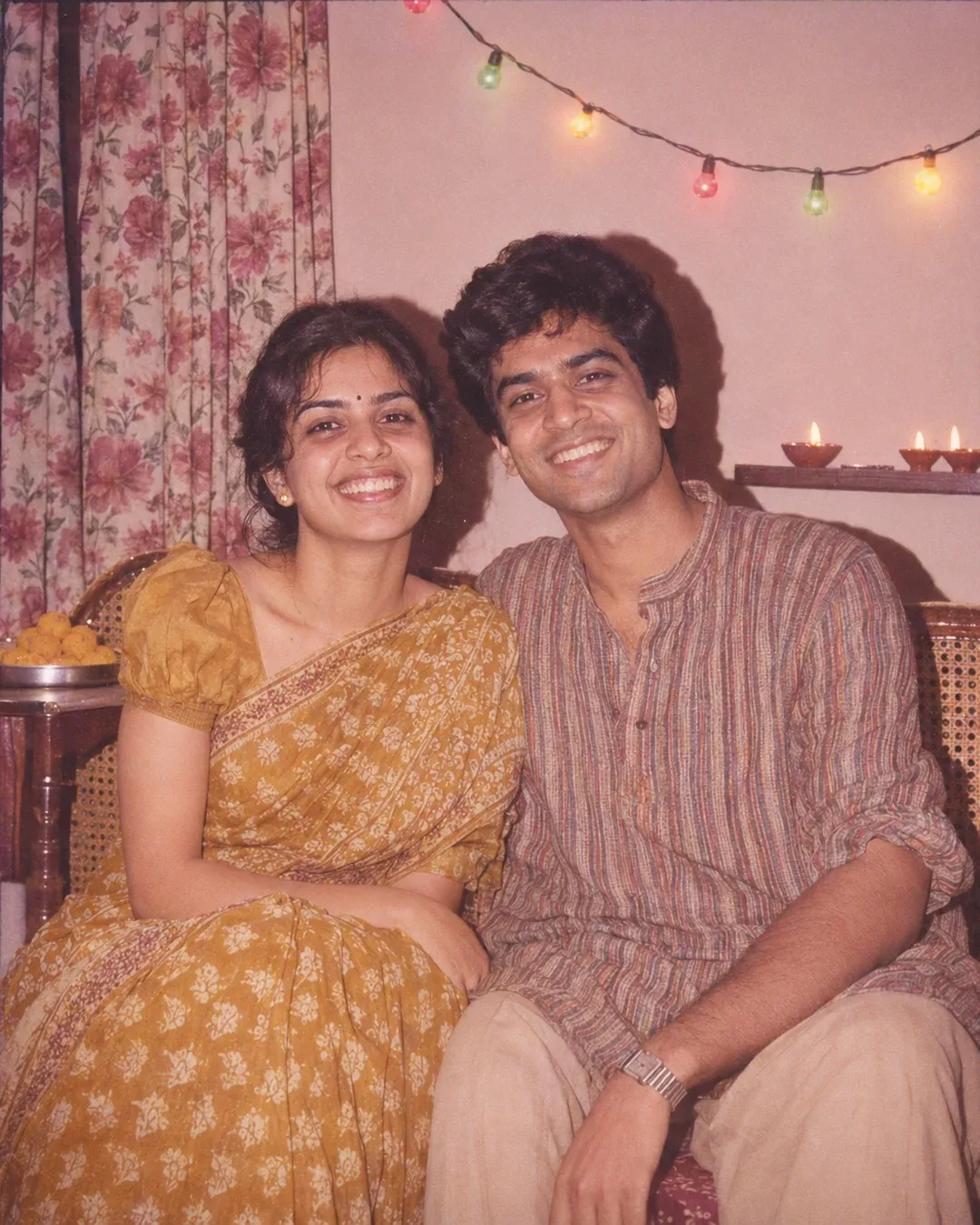
View full promptA couple sits on a cane sofa in a 1990s living room, caught by on-camera flash like a faded print from a family album.
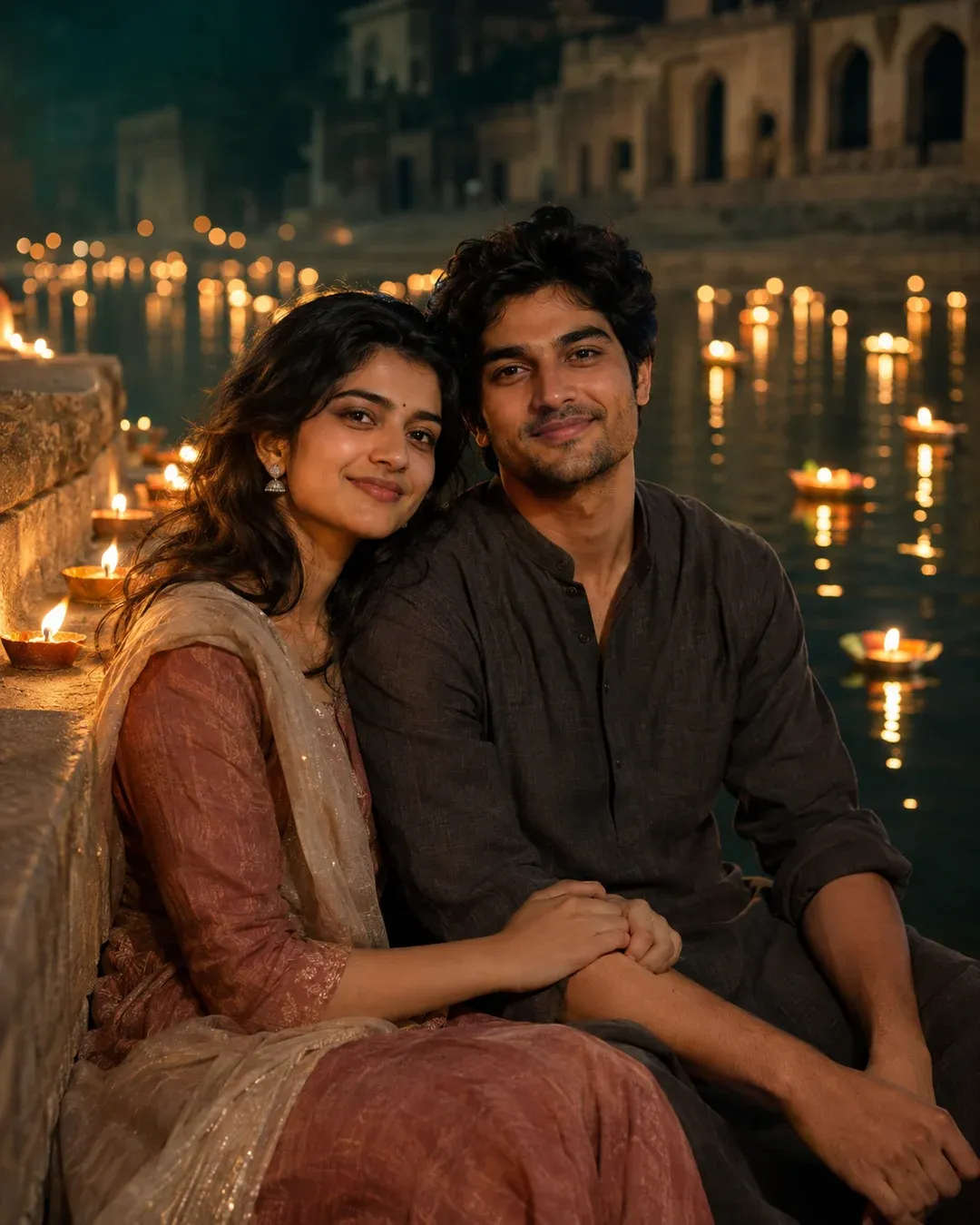
View full promptA couple sits on stone river steps at night while small leaf-boat diyas drift across the dark water behind them.
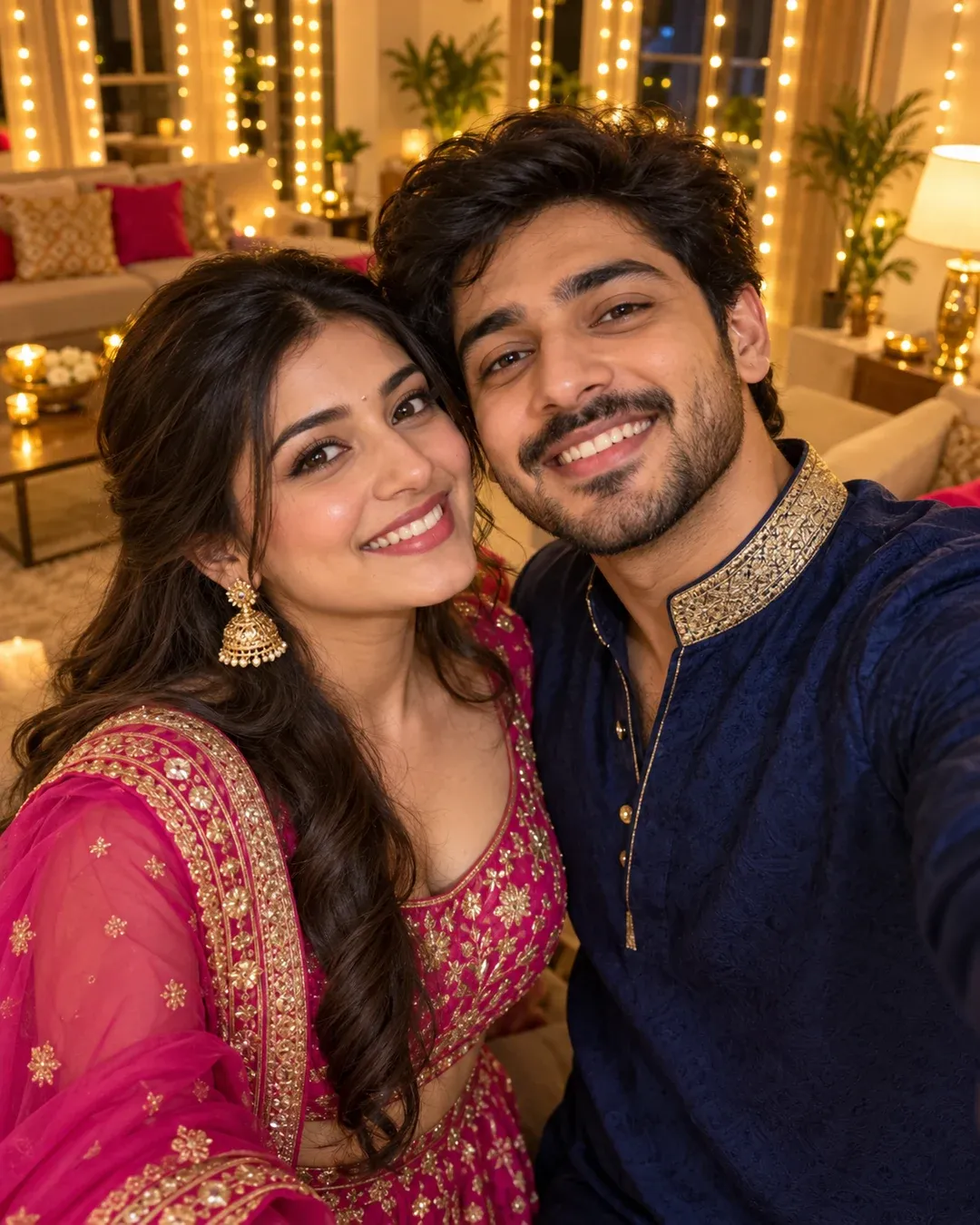
View full promptA smiling couple in ethnic wear takes a close selfie cheek to cheek, with blurred golden string lights behind them.
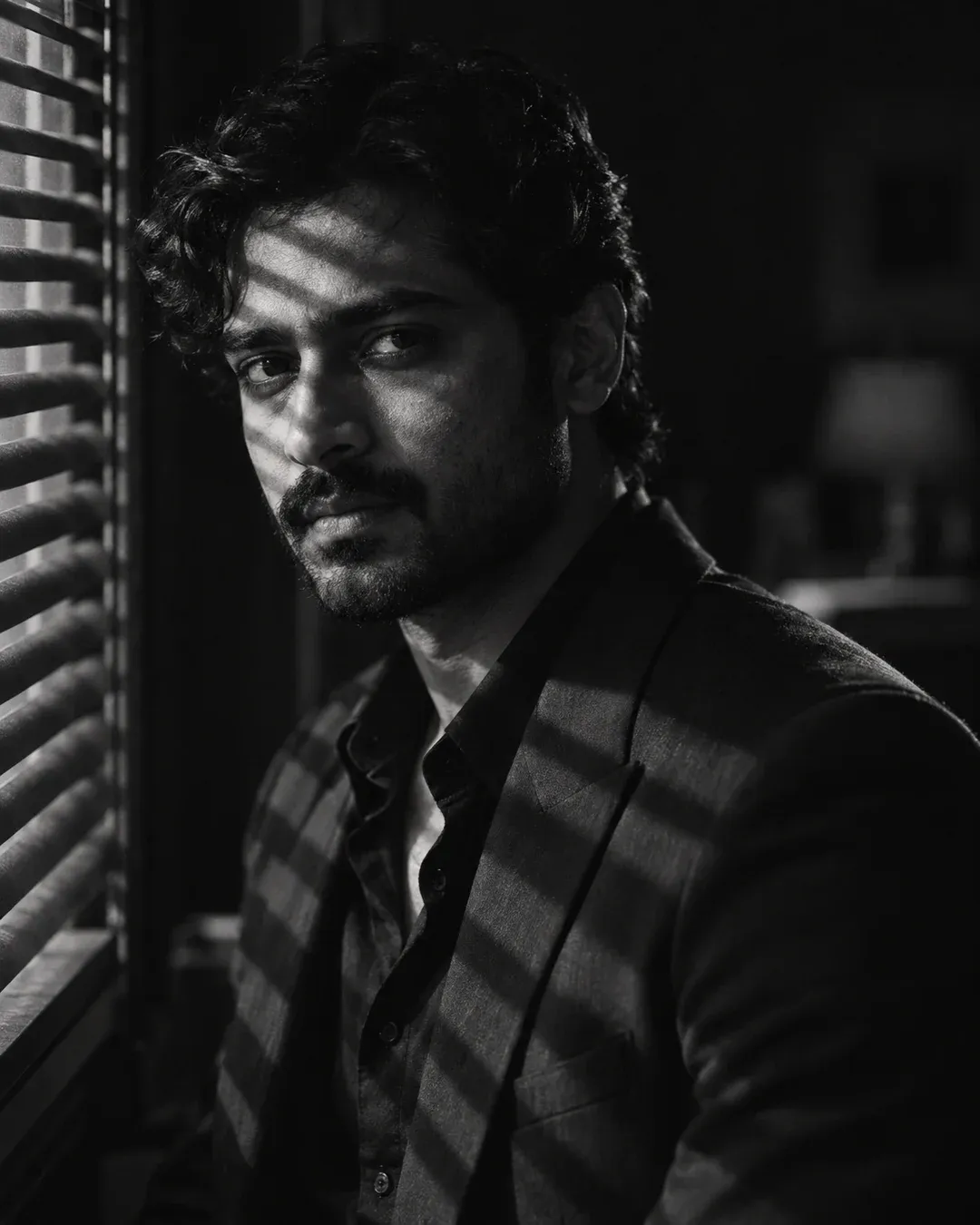
View full promptA black and white portrait of a person in a dark suit, striped light from window blinds falling across the face.
View full promptA tight cinematic close-up where a single slice of window light falls across the eyes.
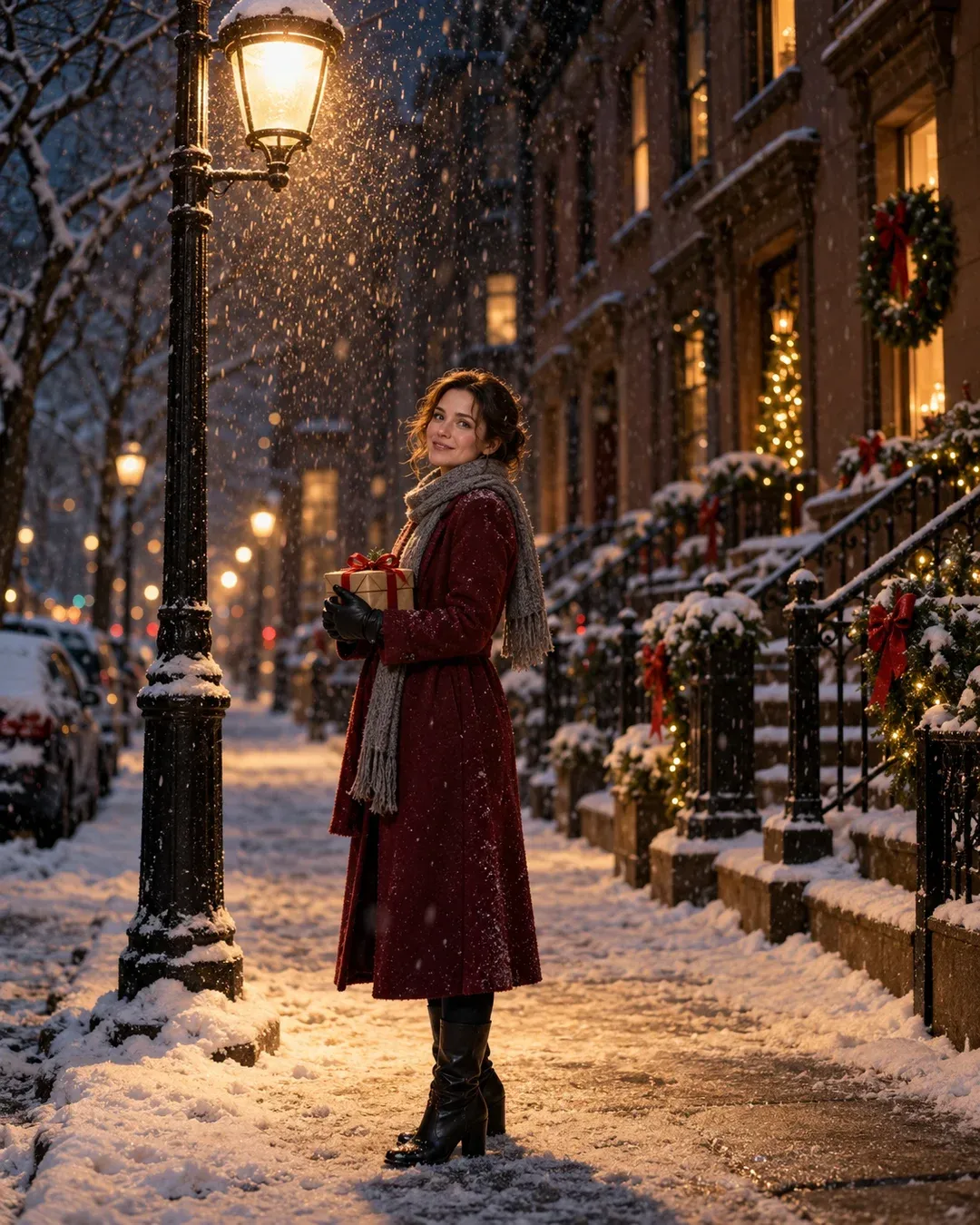
View full promptA person in a long wool coat stands under an old streetlamp on a snowy Christmas night, holding a wrapped gift.
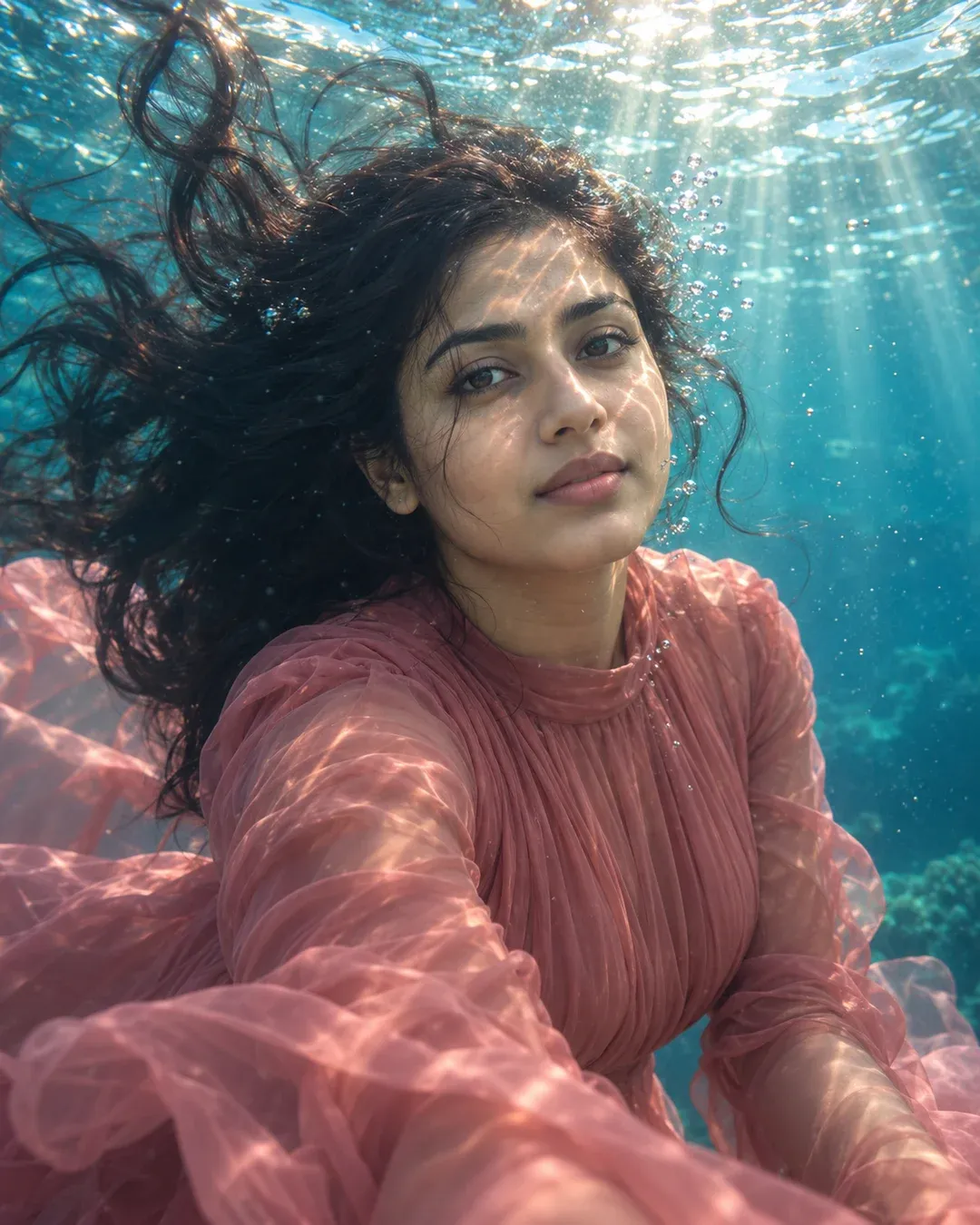
View full promptA dreamy underwater portrait of a person floating in clear blue water in a flowing long-sleeved dress, with sun rays from the surface.
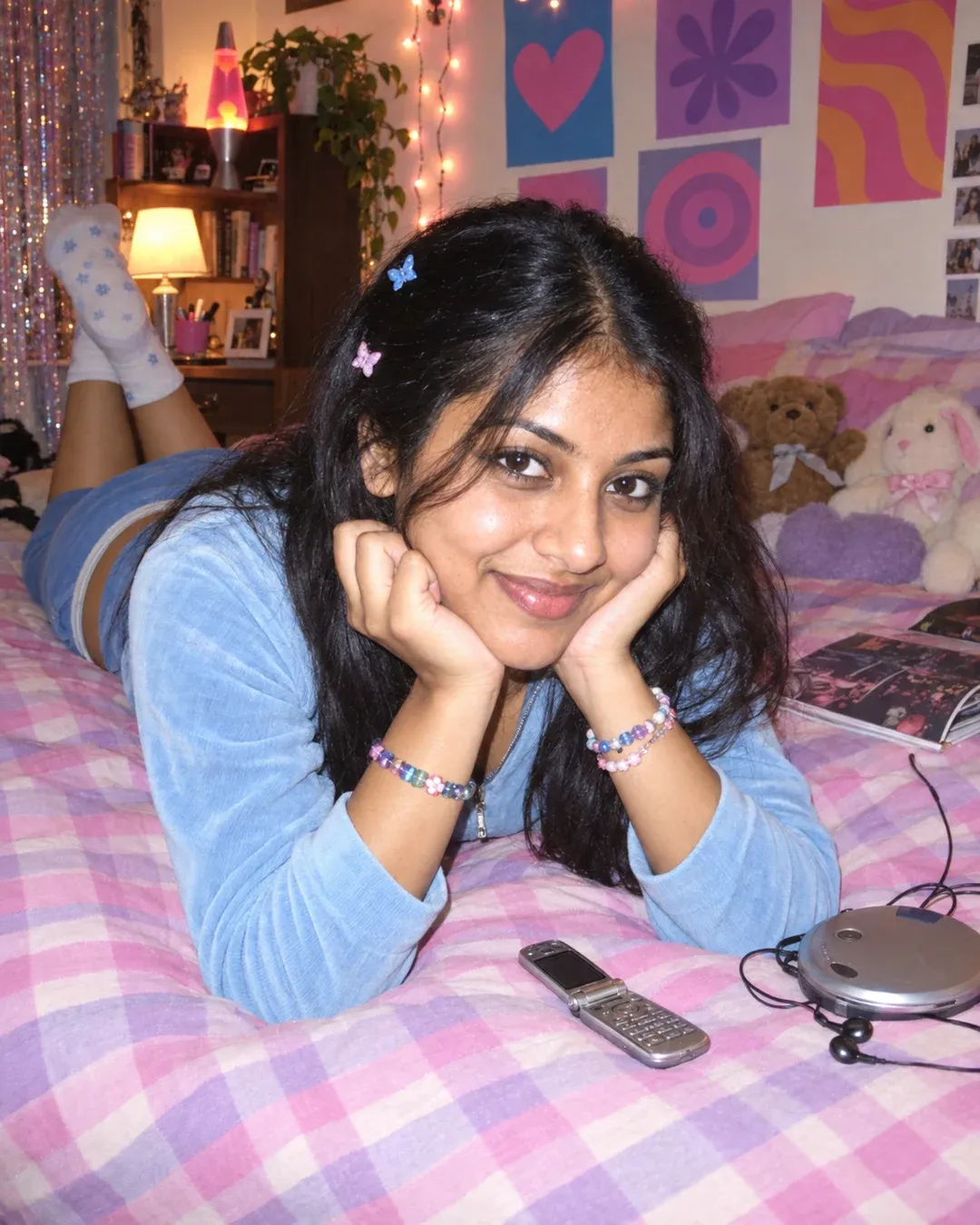
View full promptA 2000s-style flash snapshot of a person lying on a bed in a Y2K teen bedroom with fairy lights and a flip phone.
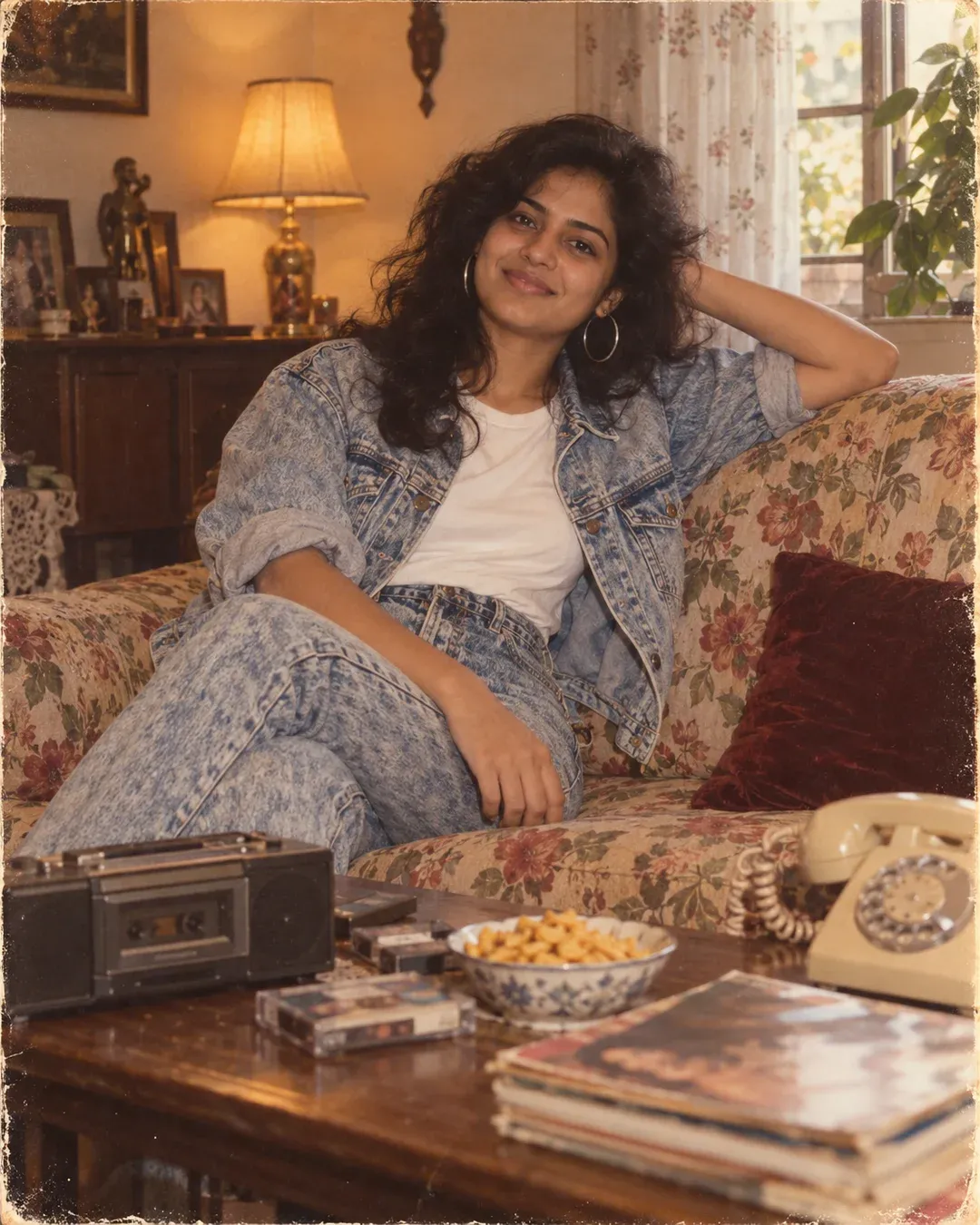
View full promptA person in acid-wash denim lounges on a floral sofa in a 1980s living room with a cassette player and an old phone.
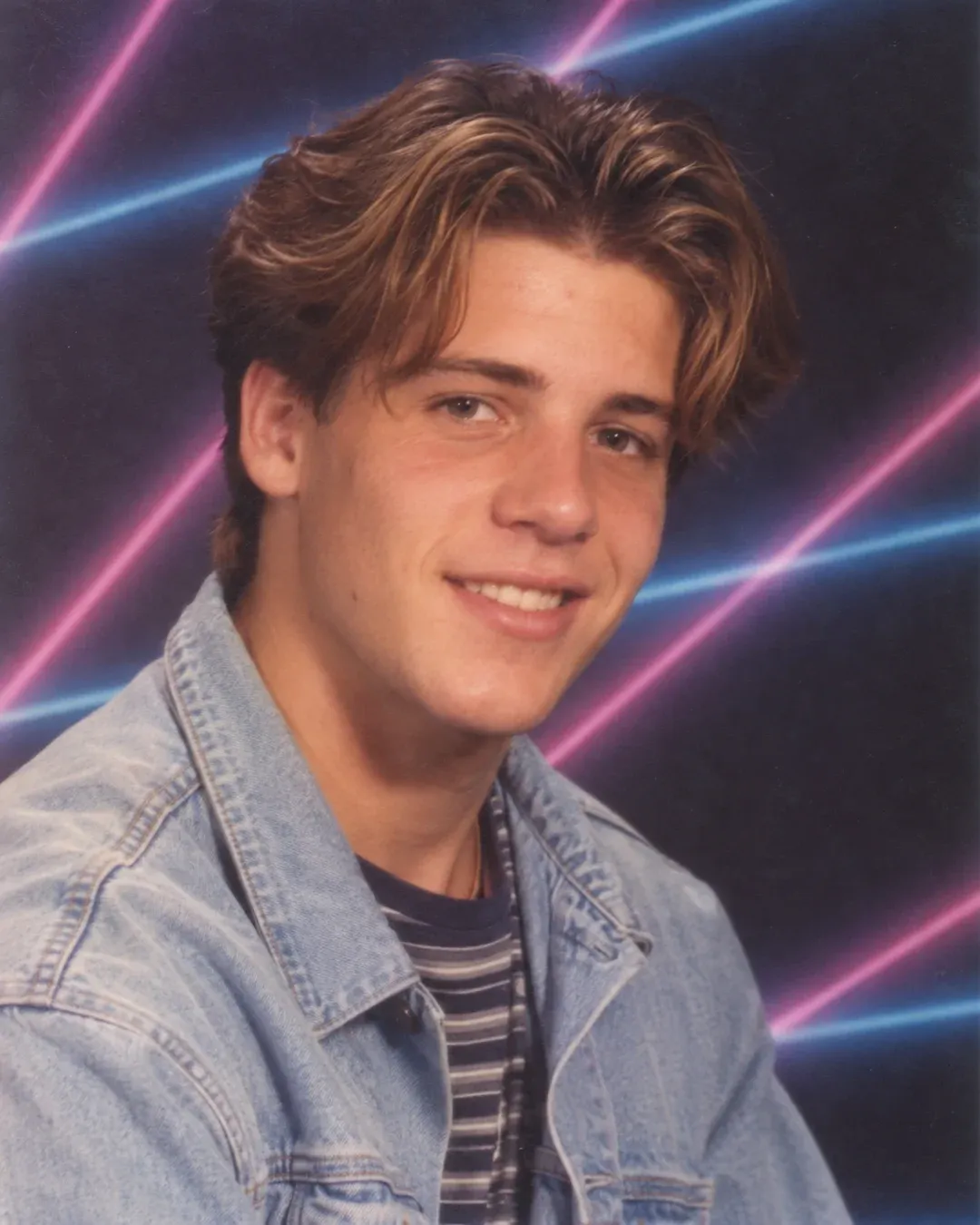
View full promptA 1990s-style school yearbook portrait of a smiling person in a denim jacket in front of a blue laser backdrop.
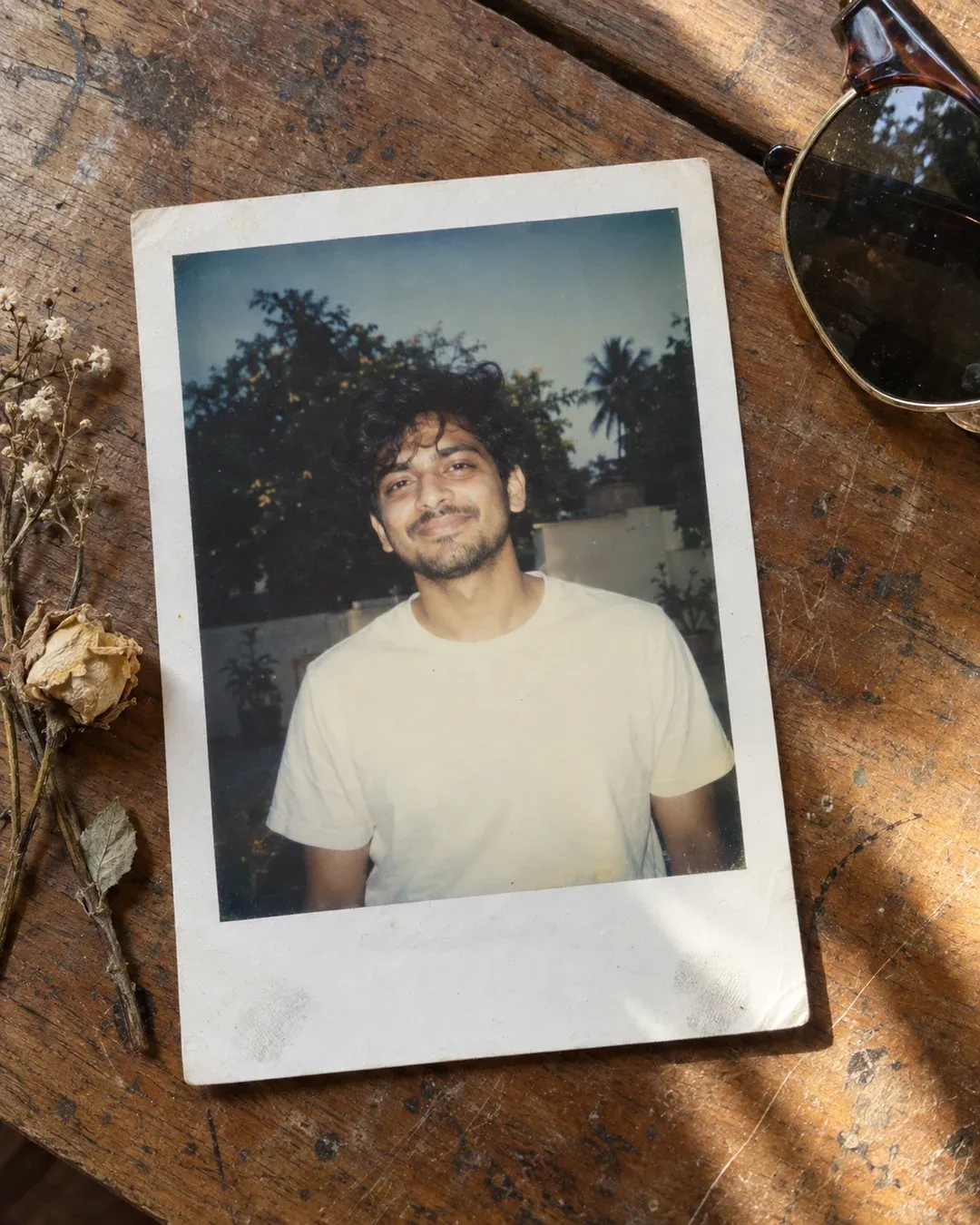
View full promptAn instant-film print lies on a wooden table beside sunglasses, showing a smiling person lit by direct flash.
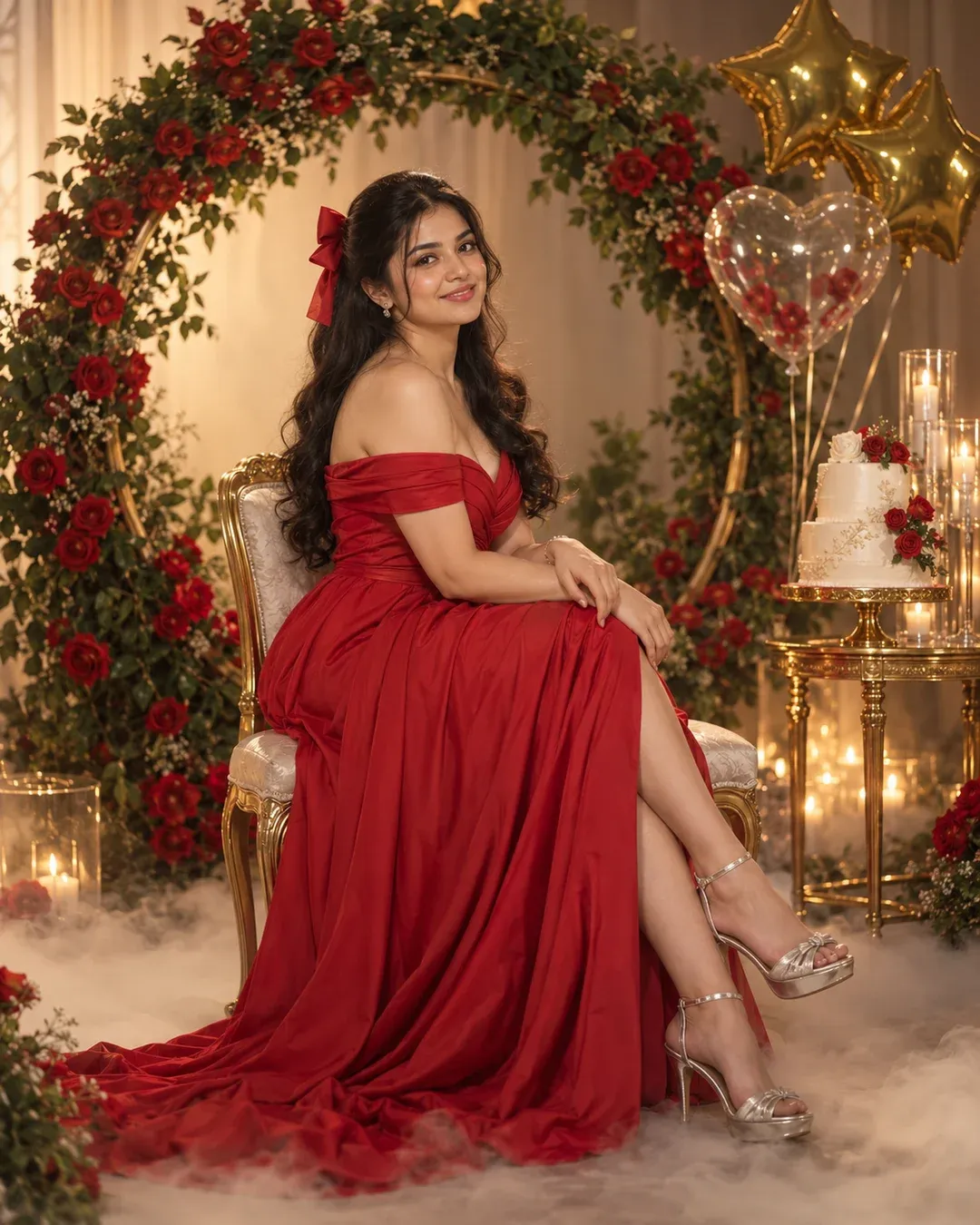
View full promptA woman in a red off-shoulder gown sits by a three-tier cake under a red rose arch with gold star balloons.
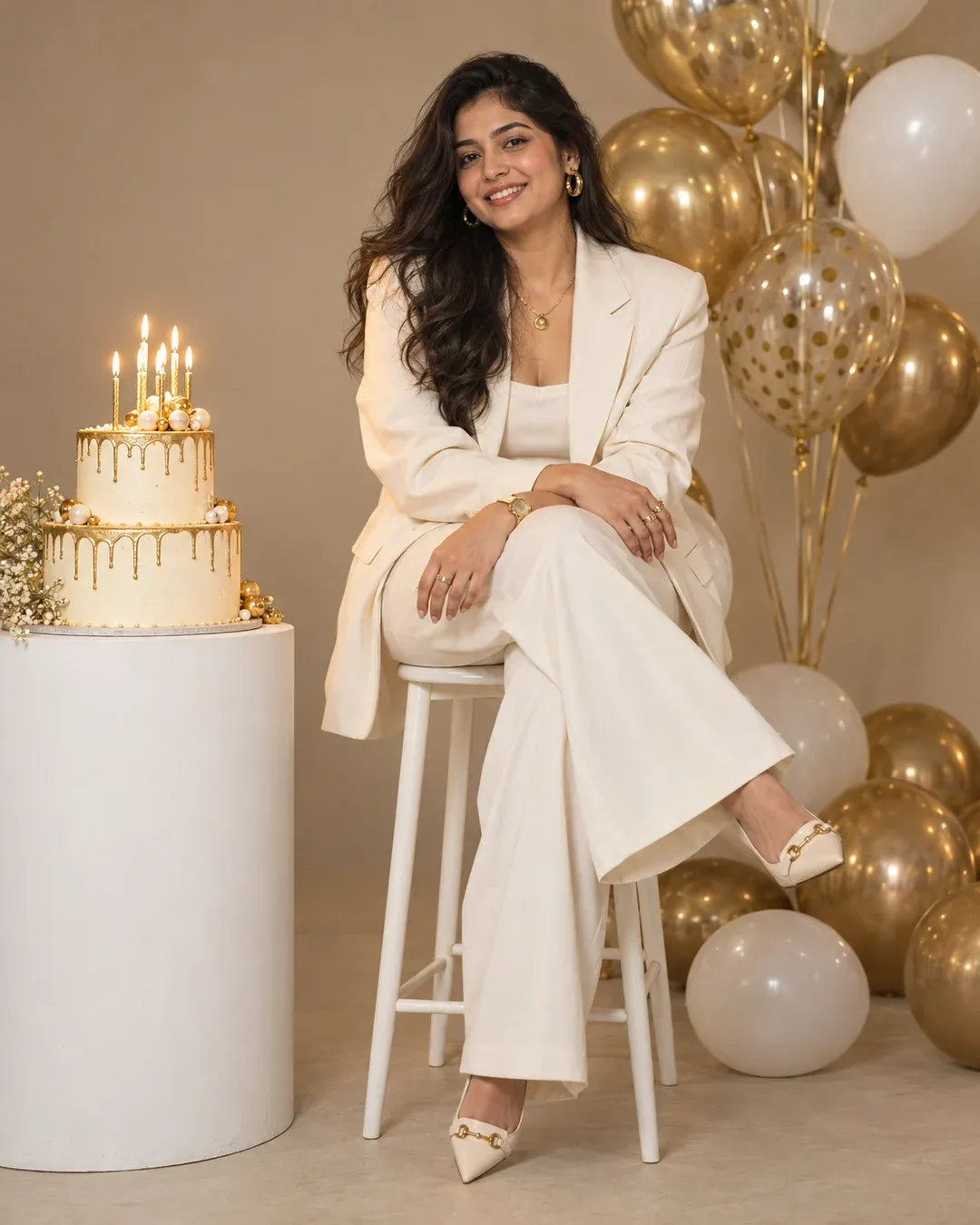
View full promptA stylish birthday portrait in an oversized cream blazer, seated on a chair beside a cake with lit candles and gold and white balloons.
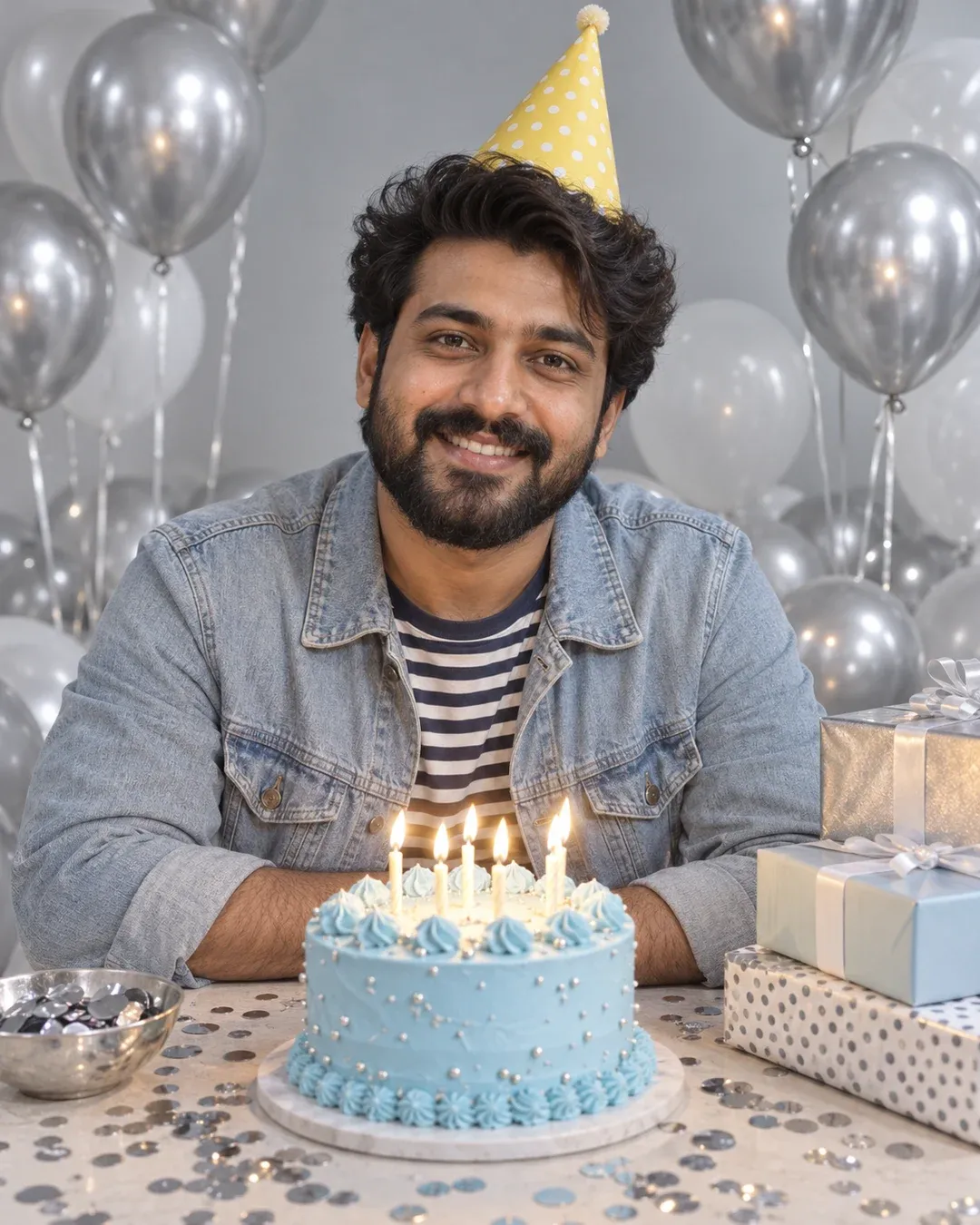
View full promptA young man in a denim jacket and party hat smiles behind a blue cake with lit candles, surrounded by silver balloons.
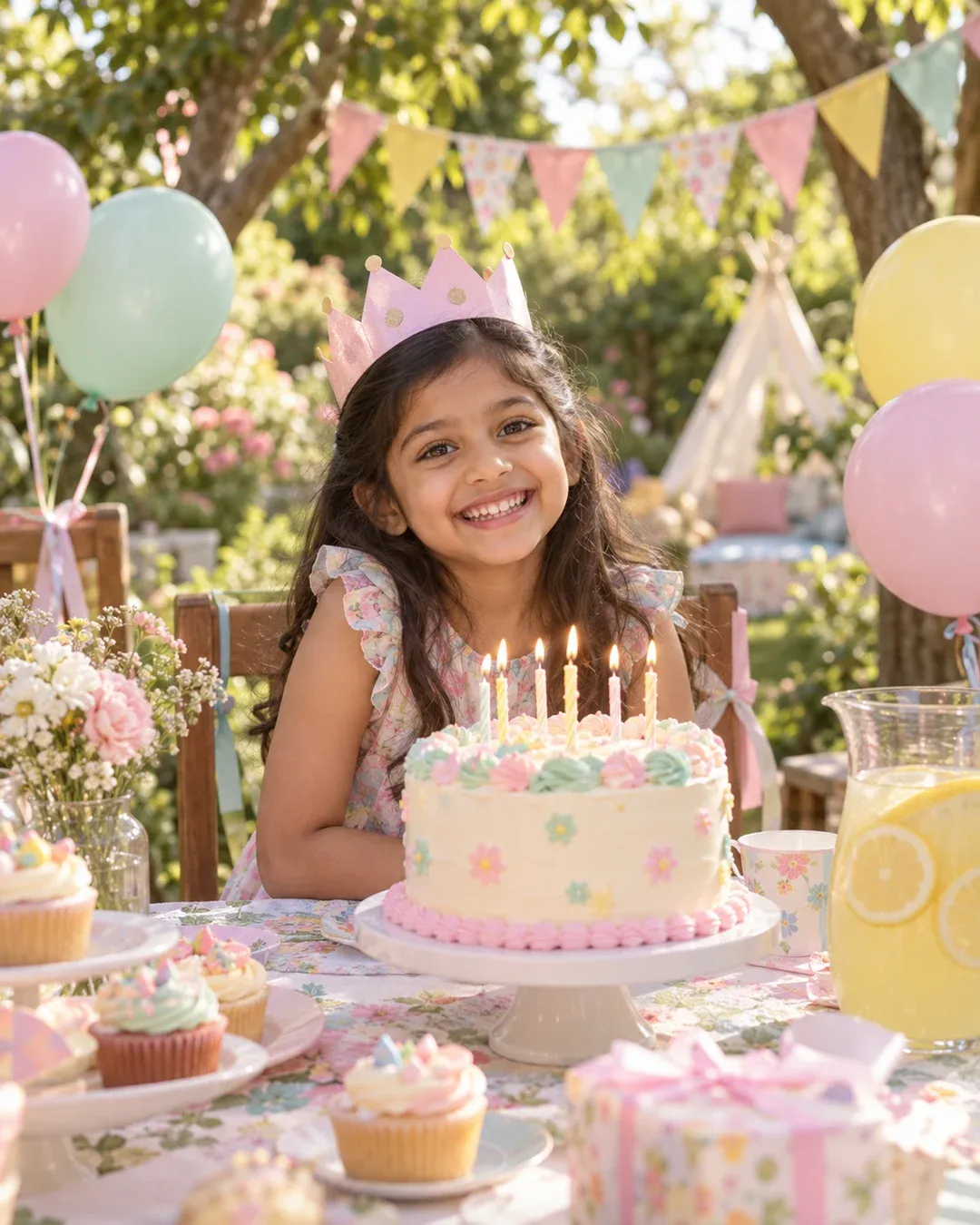
View full promptA smiling child sits at a garden party table with a pastel cake, balloons and bunting in soft afternoon light.
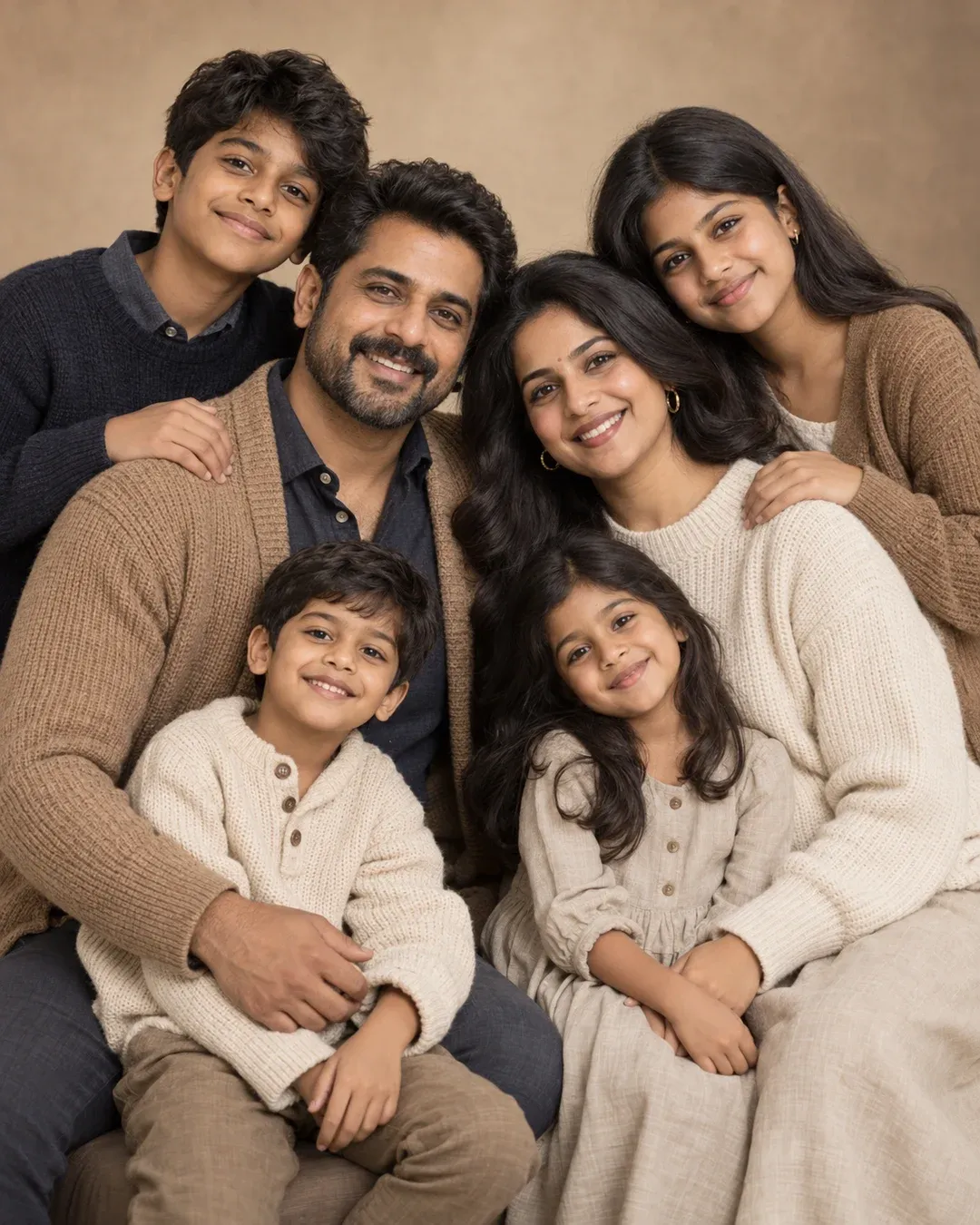
View full promptA family in cream and camel knitwear huddles close in a warm studio portrait, heads leaning together.
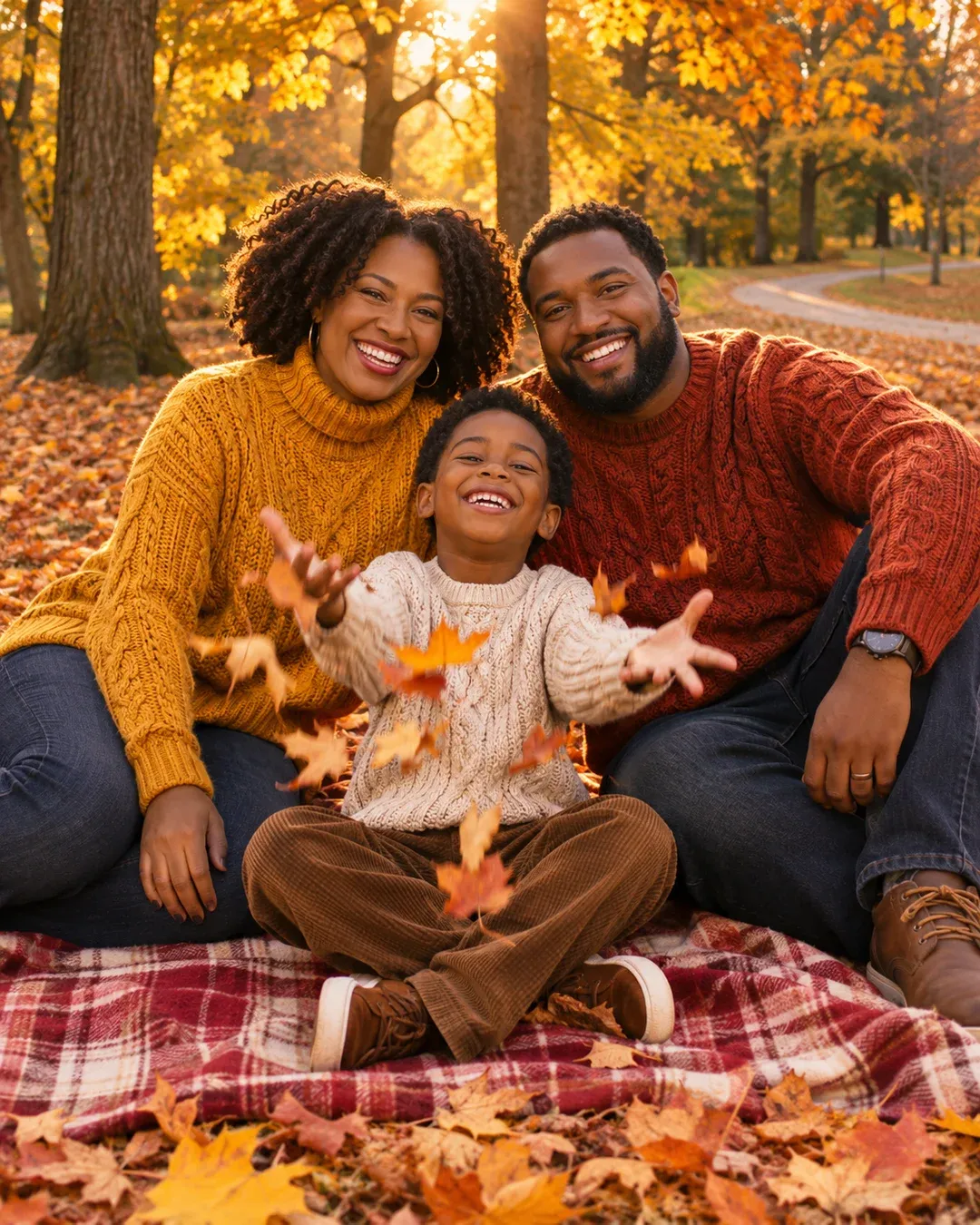
View full promptA family in cosy knits sits on a plaid blanket under golden autumn trees while leaves fall.
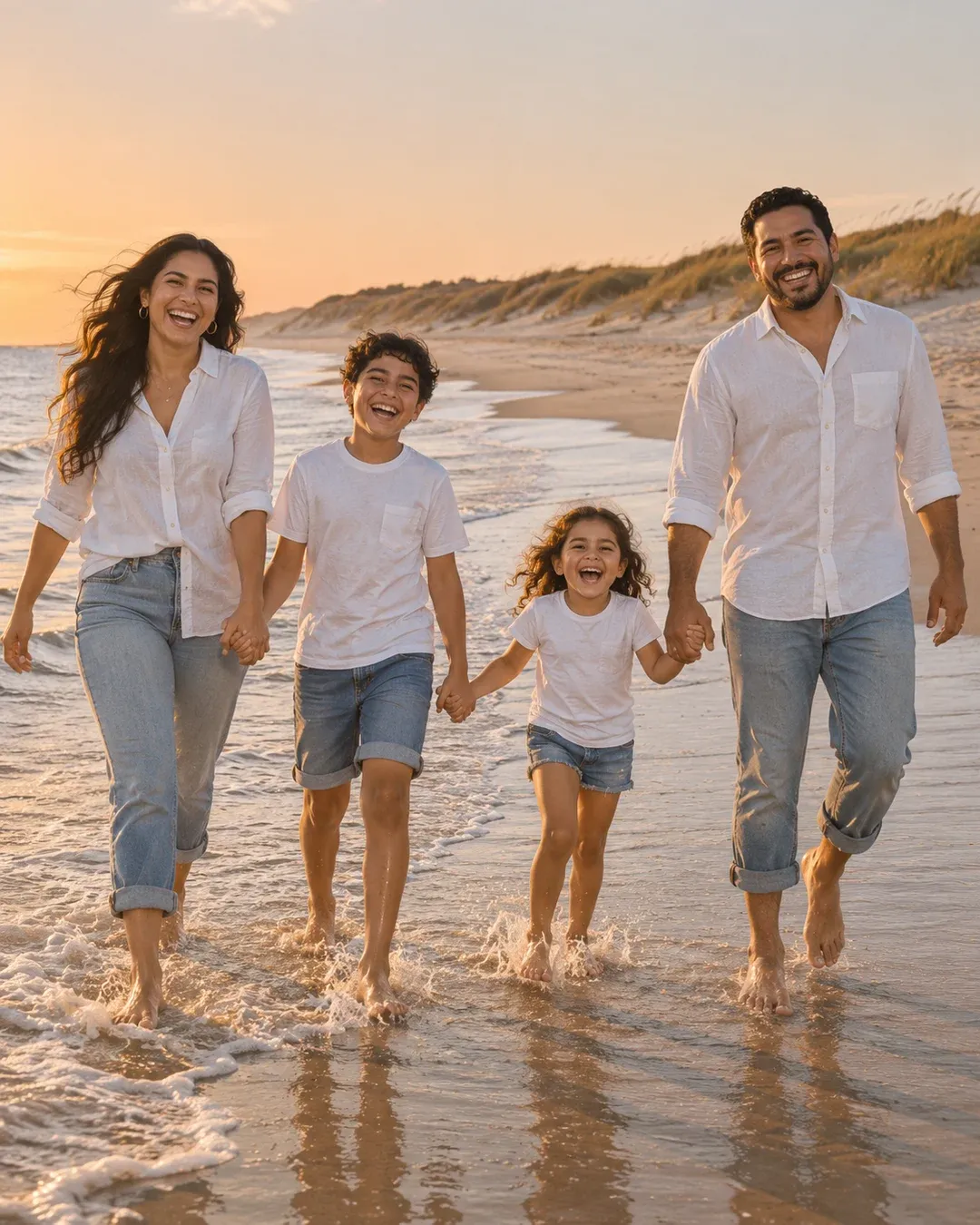
View full promptA family in white shirts and denim walks barefoot along the shoreline at sunset, holding hands.
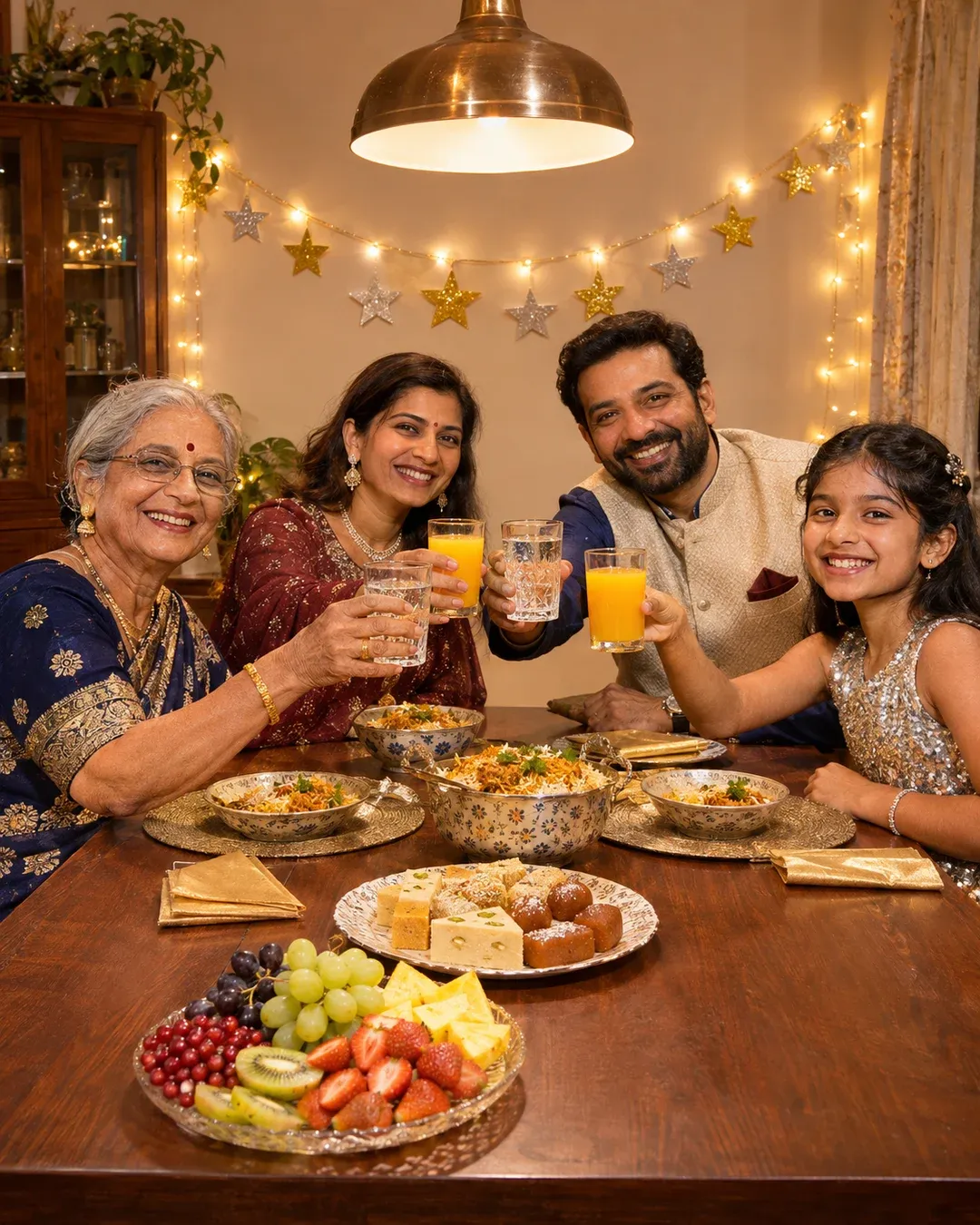
View full promptA family raises glasses of juice around a festive New Year dinner table at home.
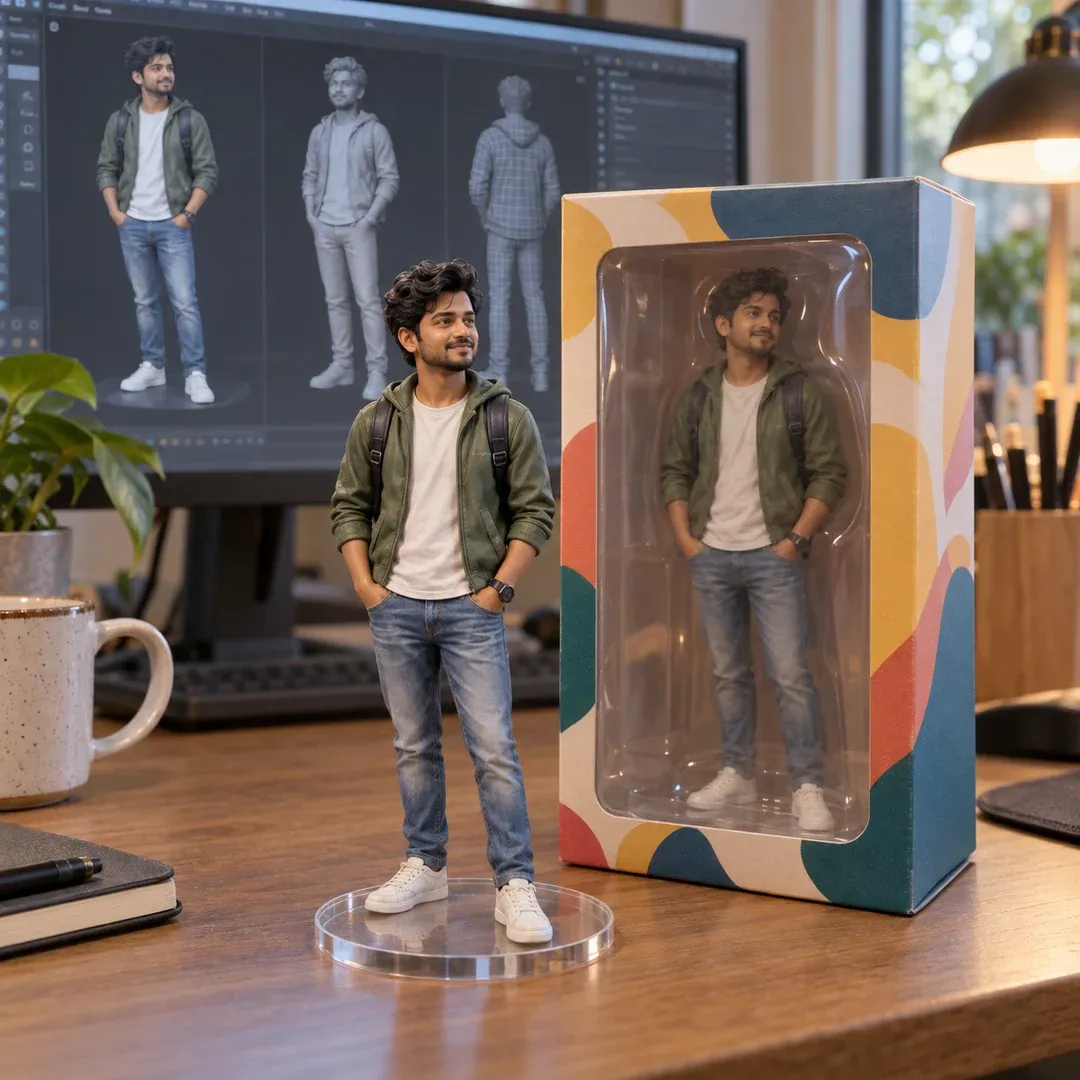
View full promptA realistic 1/7 scale collectible figurine of the person stands on a clear acrylic base on a desk next to its toy box.
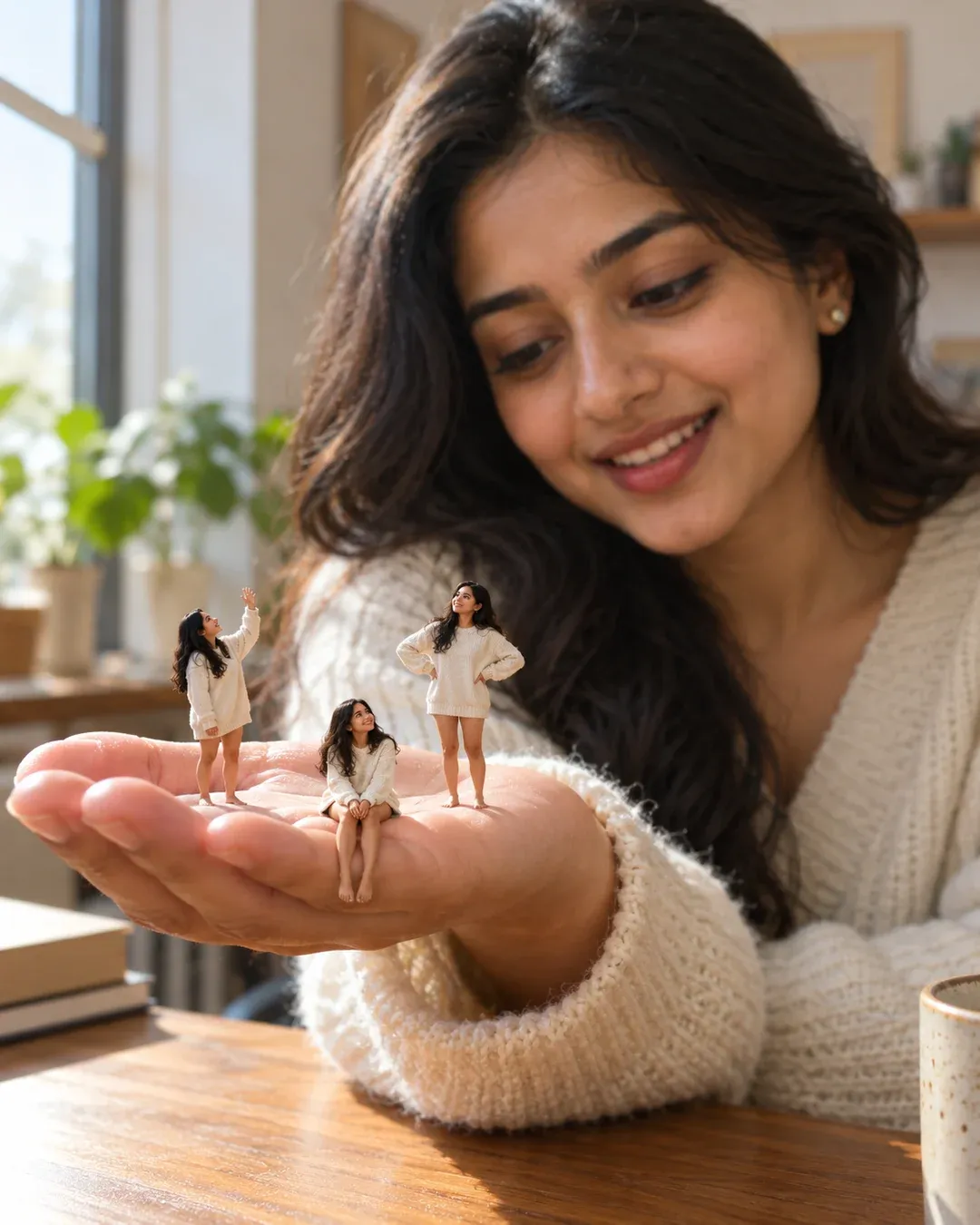
View full promptA person holds out an open palm with three tiny copies of themselves standing on it, each waving, sitting or striking a pose.
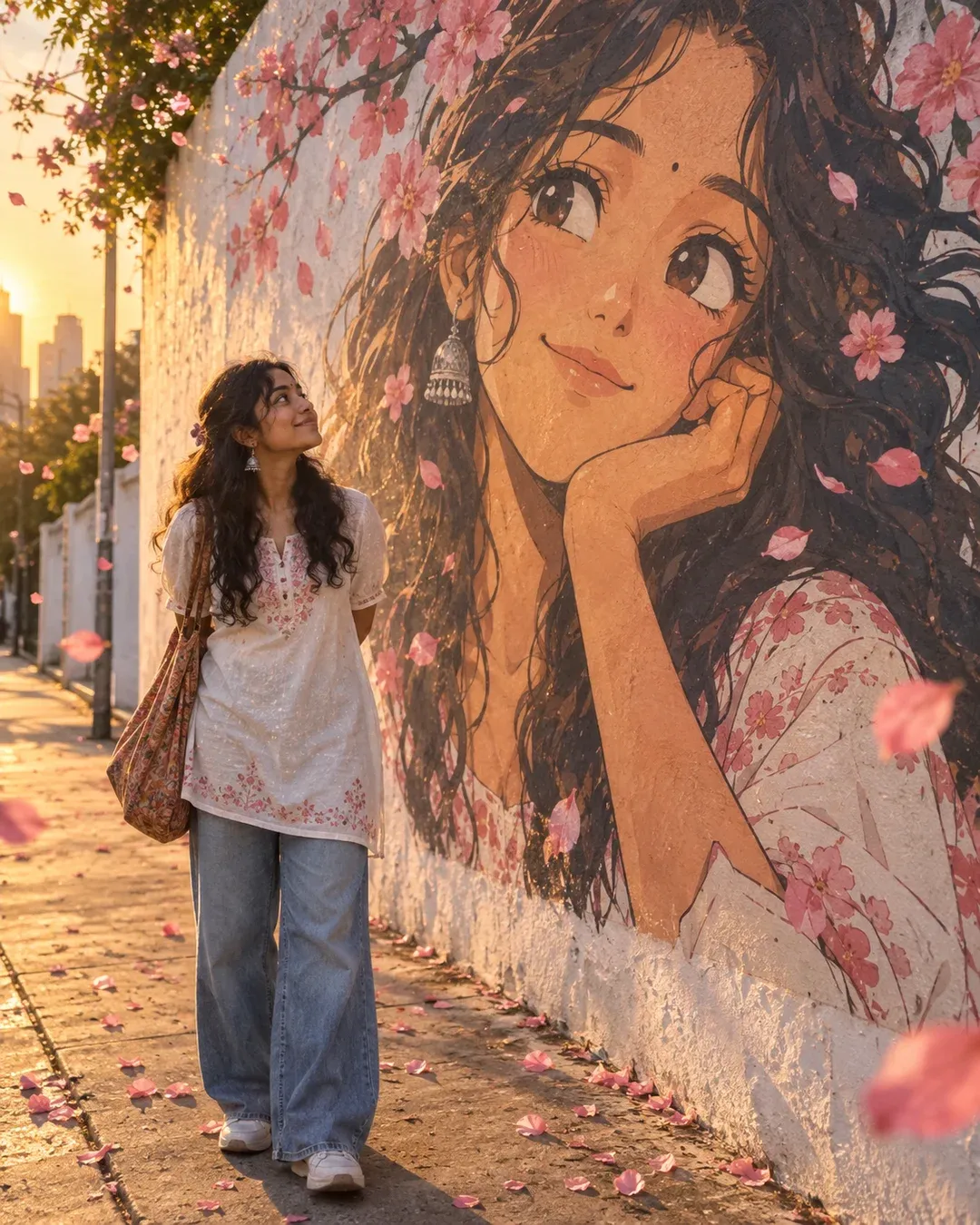
View full promptA person stands on a city sidewalk in front of a giant anime-style painted mural of themselves at golden hour.
View full promptA professional head-and-shoulders headshot in a navy blazer against a soft grey studio backdrop.
View full promptA confident corporate headshot in a charcoal suit with a softly blurred glass-walled office behind.
View full promptA bright, simple head-and-shoulders resume photo in a black blazer against a pure white background.
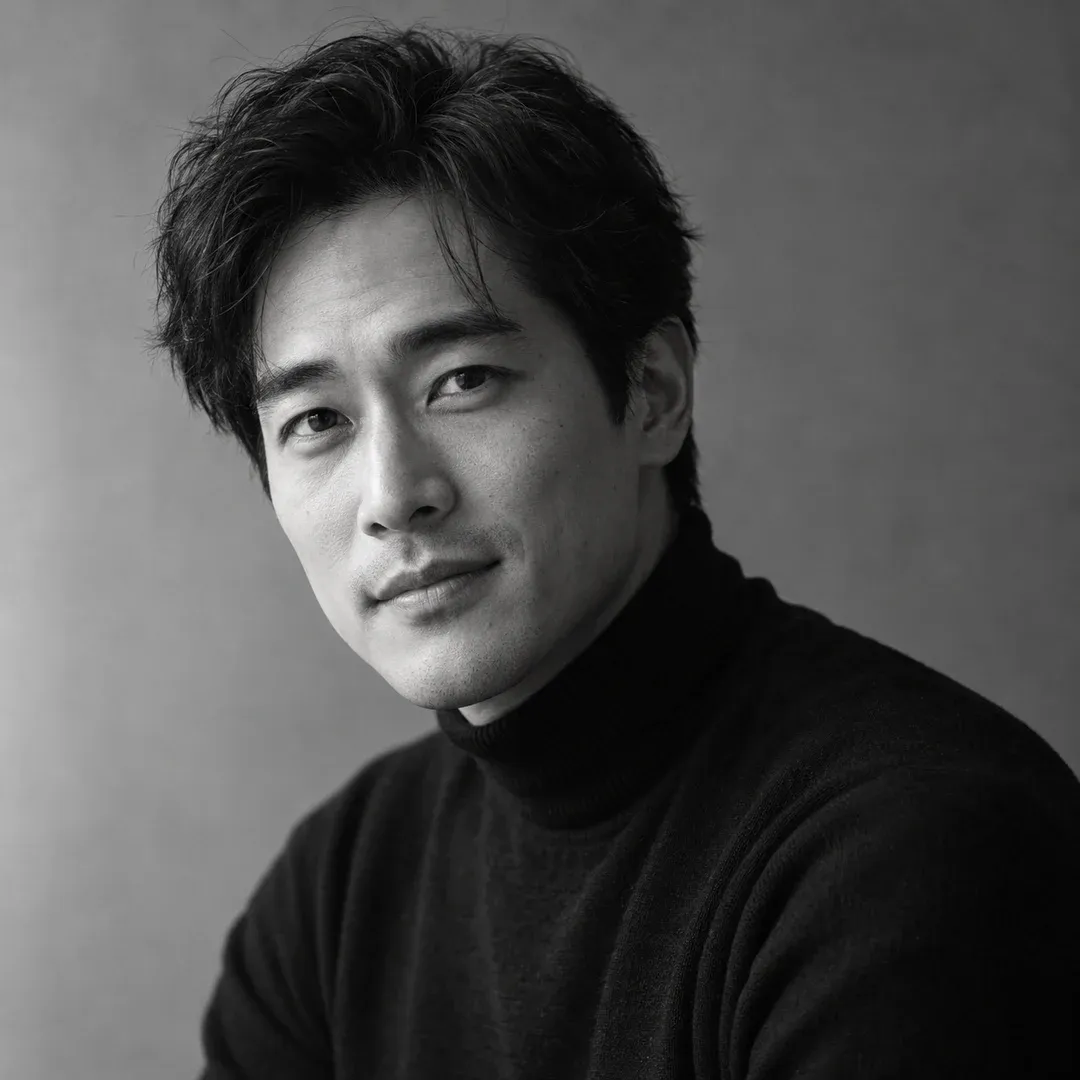
View full promptA timeless black and white editorial headshot in a dark turtleneck with soft side light and fine grain.
View full promptAI image tools follow instructions literally. A prompt that only says "make me look professional" leaves every decision to the model, which is why results look flat or generic. The prompts on this site specify the same things a photographer decides on set:
A photo prompt is a text instruction you give an AI image tool such as Gemini or ChatGPT to create or edit a photo. Good photo prompts describe the subject, outfit, setting, lighting, camera lens and mood, so the result looks like a real photograph instead of a generic AI image.
Open Gemini or ChatGPT, upload a clear front-facing photo of yourself, then paste the prompt and send it. Every prompt already starts with an instruction to keep your face unchanged.
Yes. Every prompt on this site is free to copy and use. You only need access to an AI image tool that can generate or edit images.
Image models sometimes drift from the reference photo, especially with low-resolution or side-angle uploads. Use a sharp, well-lit, front-facing photo, and if the face still changes, reply with "keep my face exactly the same as the uploaded photo" and regenerate.
Yes. Treat each prompt as a starting point: swap the outfit, location, colors or aspect ratio to fit your idea. Keep the identity instruction at the start if you are editing your own photo.