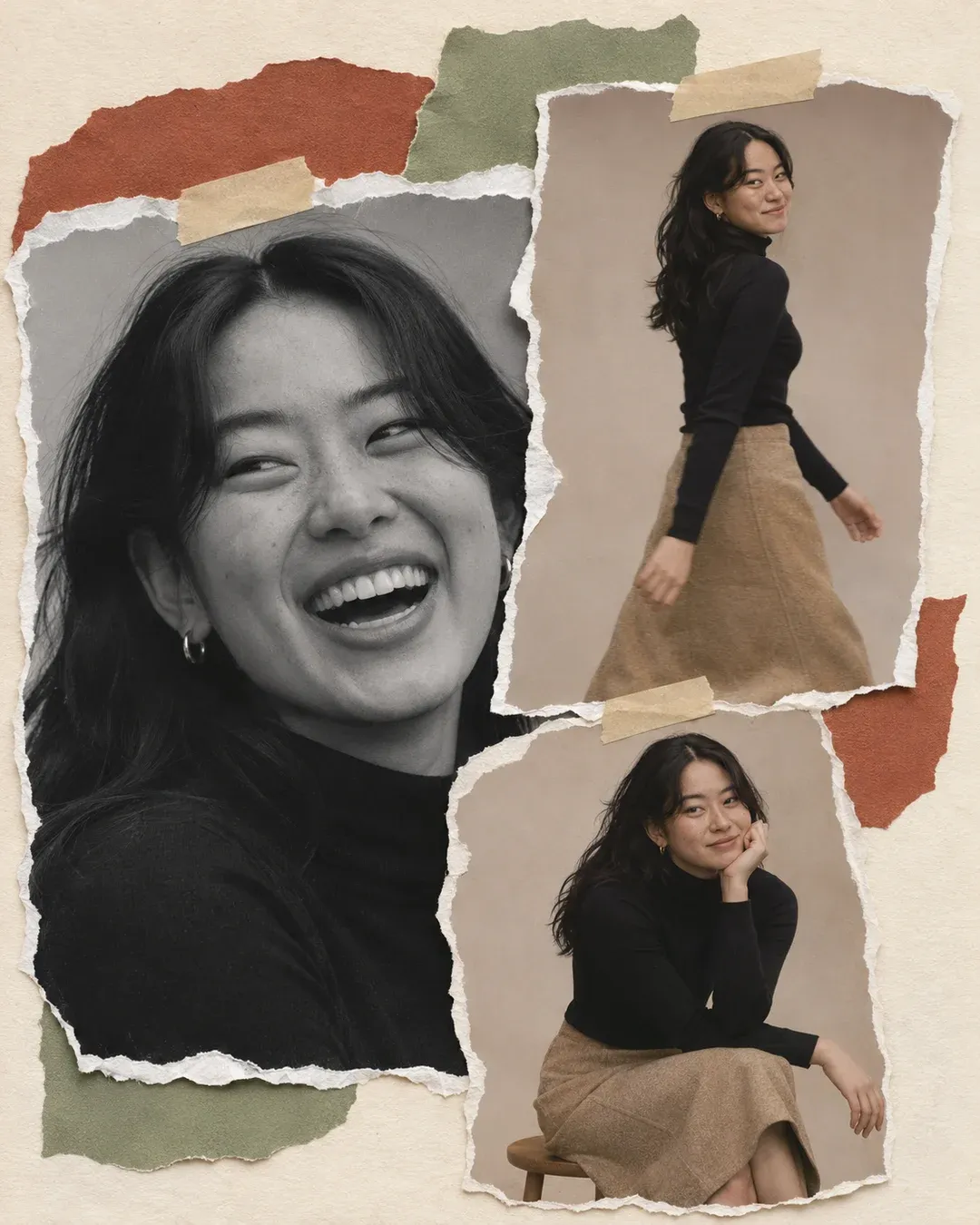
Torn Paper Magazine Collage
Three cut-out shots of the same person layered with torn paper edges and tape on a cream page.
View full promptThese ChatGPT photo prompts turn a picture you upload into a new photo: a torn-paper magazine collage, a cinematic window-light close-up, a couple eyes close-up, a courthouse or garden wedding, a beach or autumn family photo and everyday portraits for girls and boys. Each prompt is one complete paragraph, so you copy it once, upload a clear, front-facing photo in ChatGPT and send. Every prompt starts with an instruction to keep each face, skin tone and hairstyle unchanged; results still vary by photo and by tool, and the same prompts also work in Gemini.
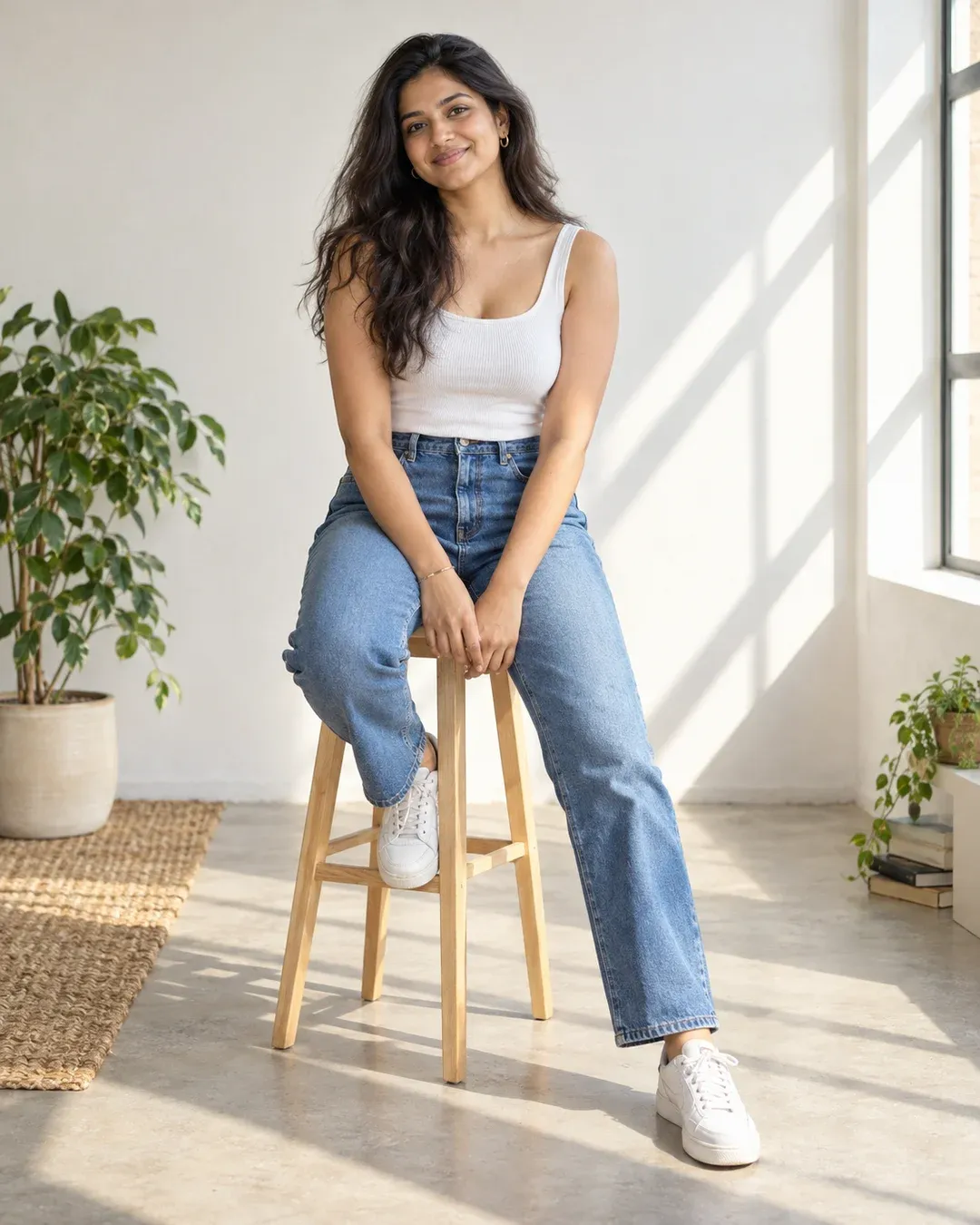
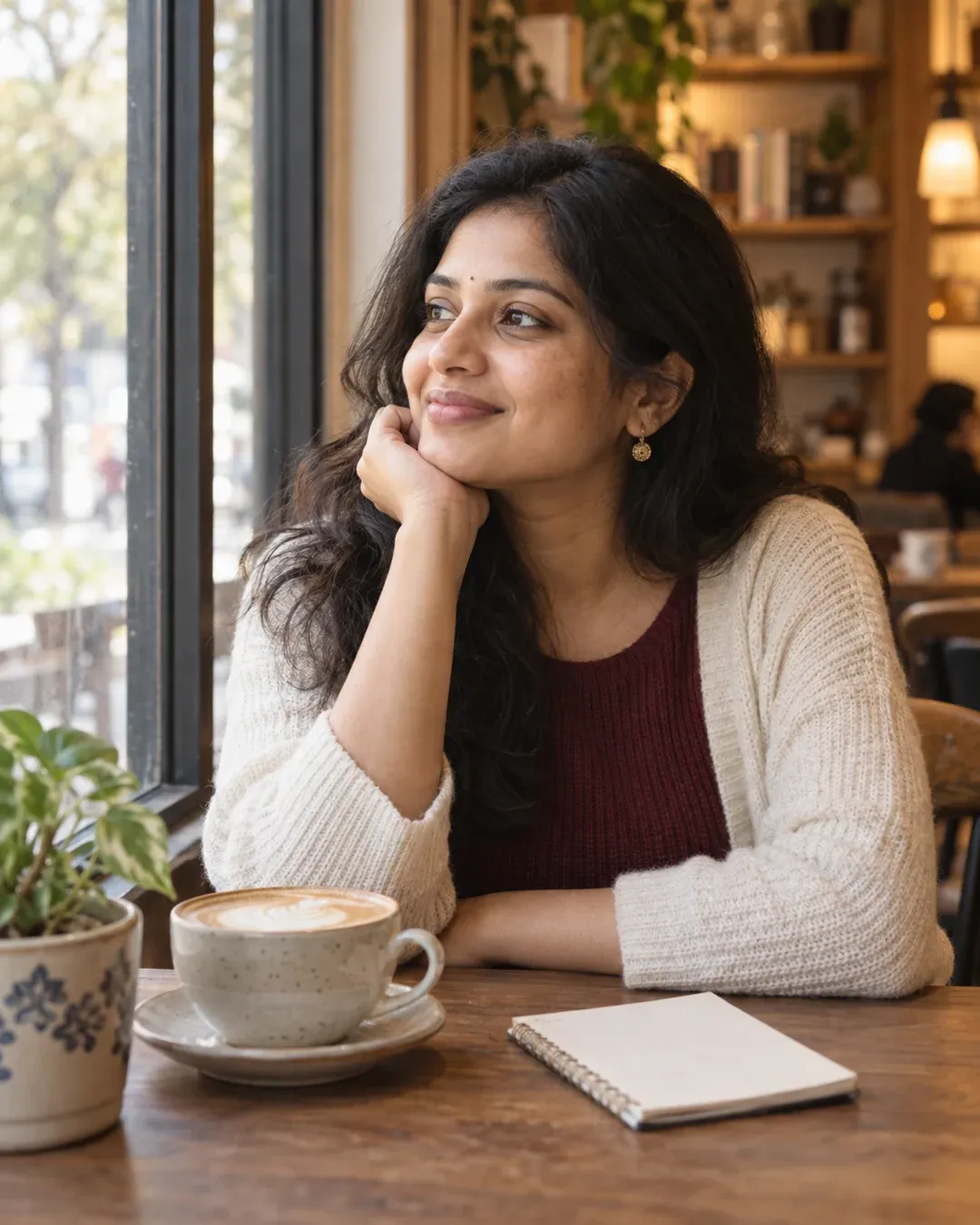
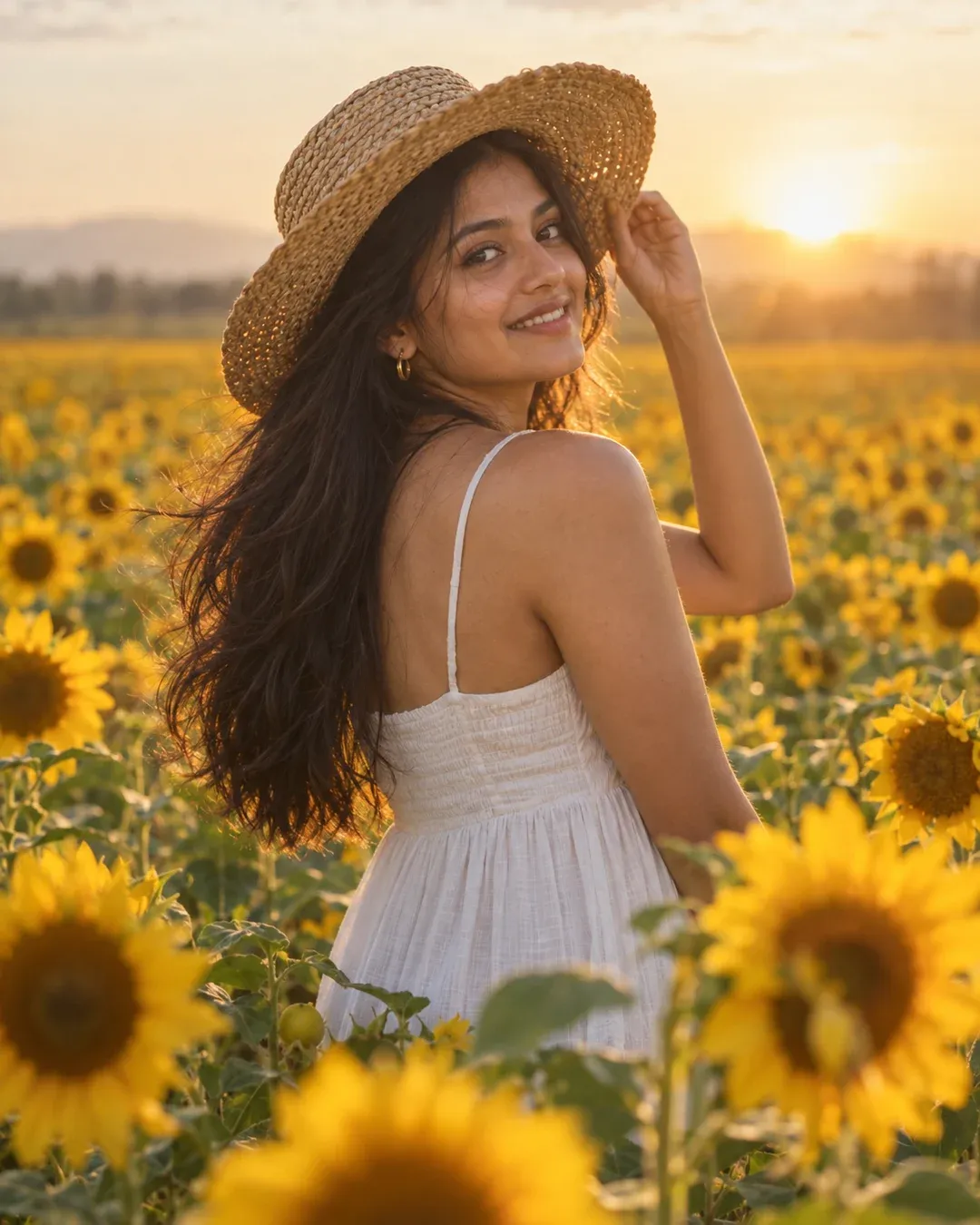
Solo looks for girls: a torn-paper magazine collage with three shots of you, an everyday jeans-and-white-top portrait, a rainy café window and a sunflower field at golden hour.
Three cut-out shots of the same person layered with torn paper edges and tape on a cream page.
View full promptA young woman in high-waisted blue jeans and a white top sits on a wooden stool in a bright, minimal room.
View full promptA young woman sits at a wooden café table by a large window, chin on her hand, with a coffee cup and plants around her.
View full promptA young woman in a white linen dress and straw hat stands in a sunflower field at golden hour, backlit by the sun.
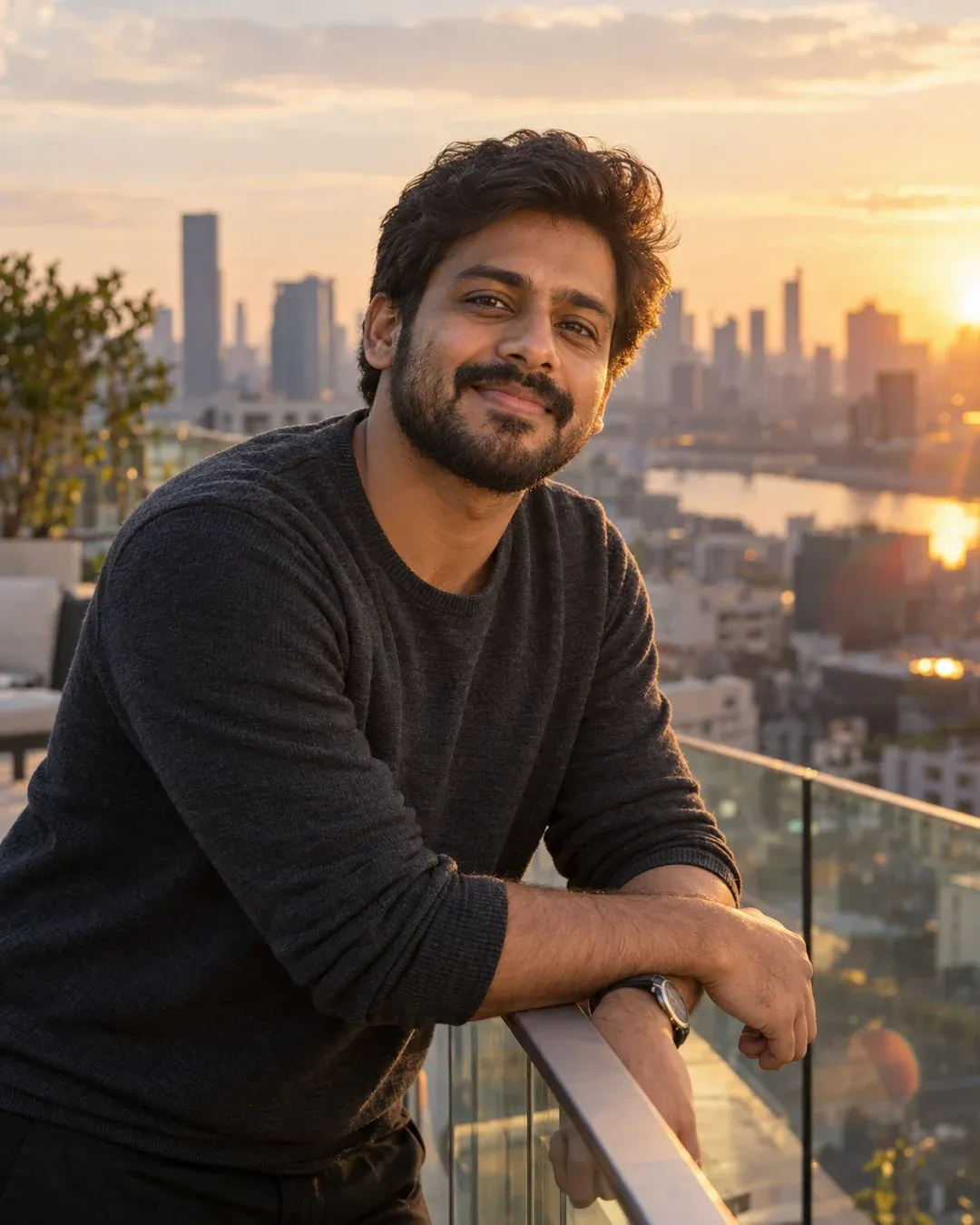
View full promptSolo looks for boys: a golden hour rooftop, a monsoon street, a winter city coat and an oversized suit in a concrete stairwell.
A young man leans on a glass railing on a city rooftop at golden hour, the skyline glowing behind him.
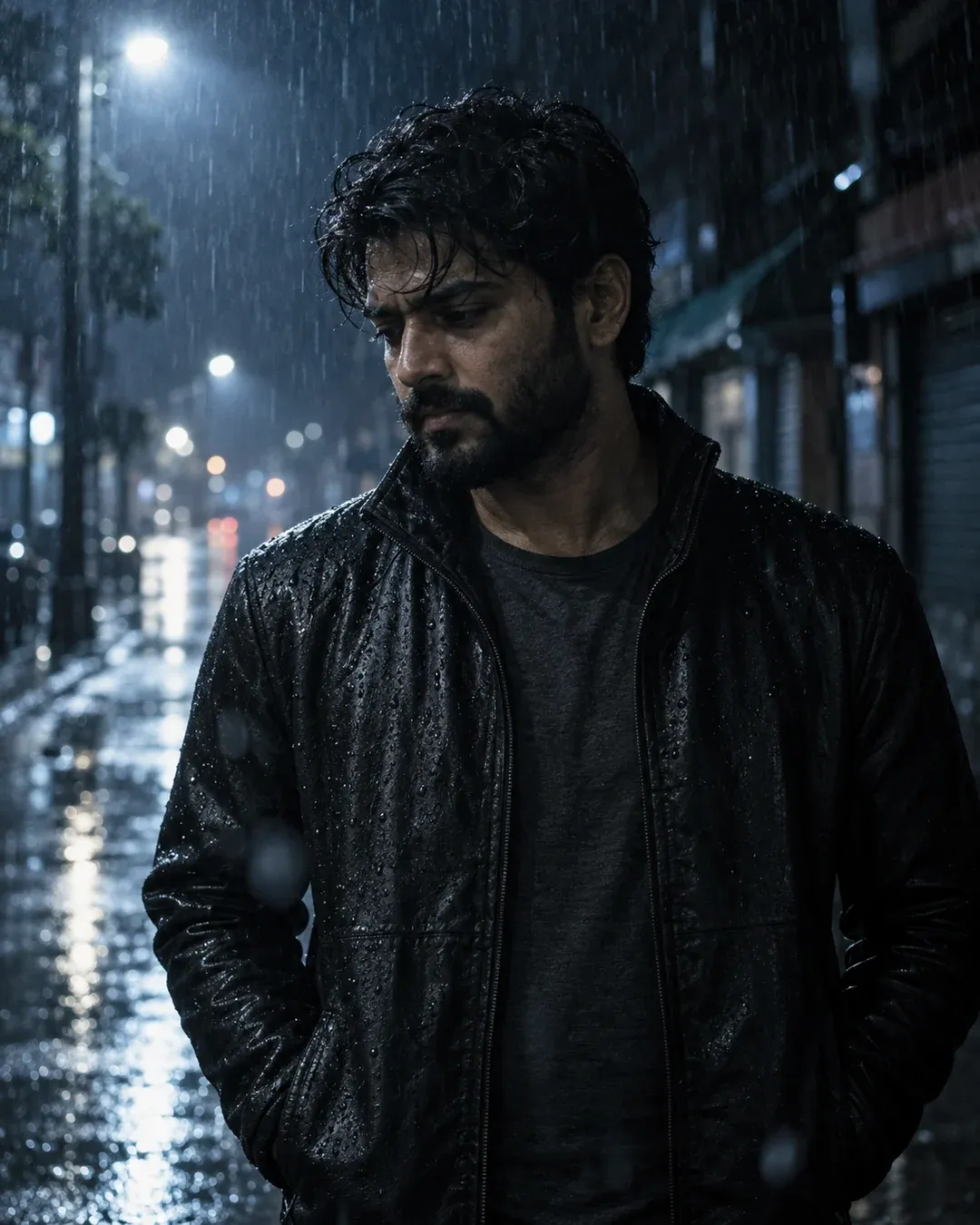
View full promptA lonely young man stands on a rain-soaked street at night, head slightly lowered, streetlights reflecting on the wet road.
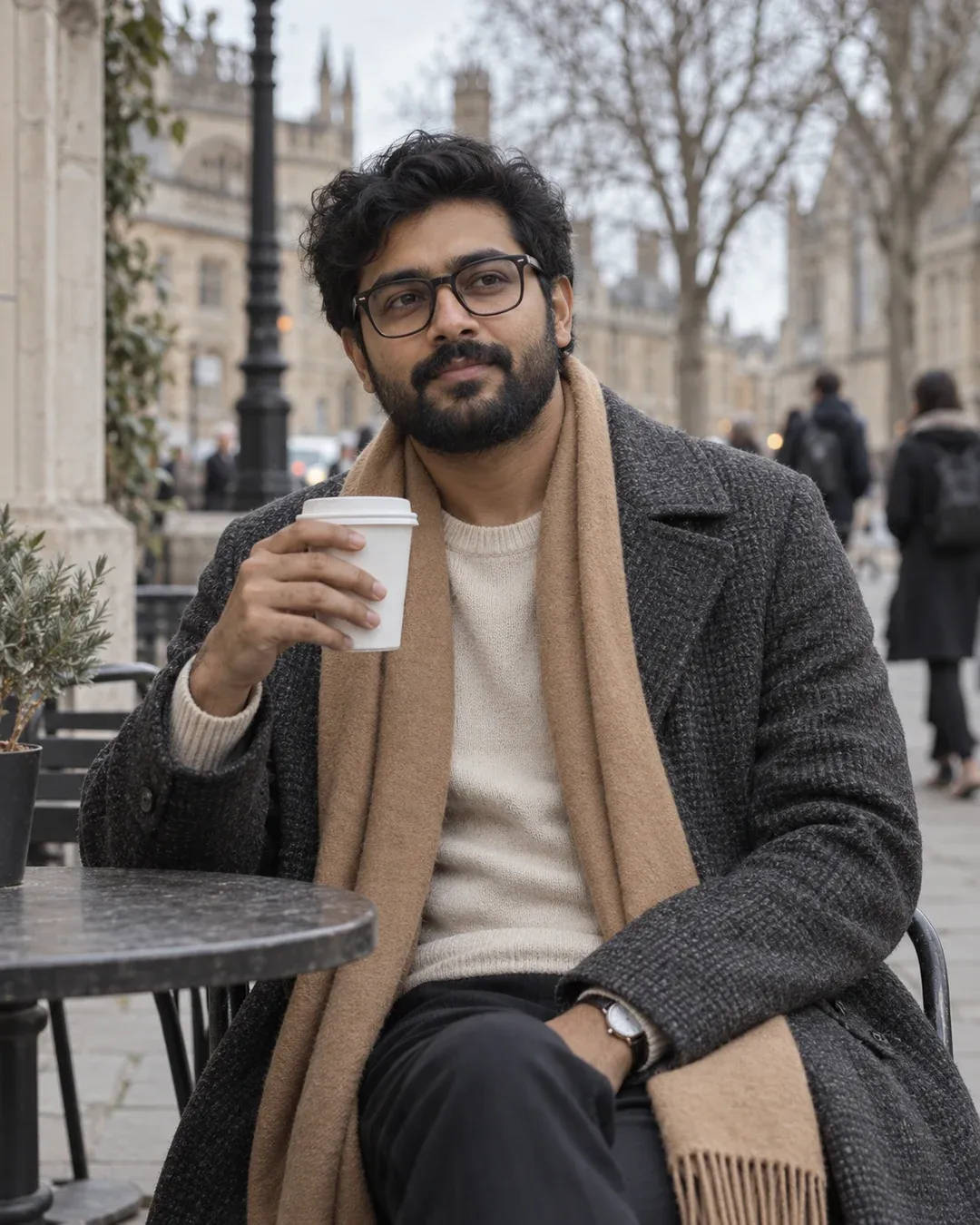
View full promptA man in a charcoal overcoat and long wool scarf holds a takeaway coffee at an outdoor café on a grey winter day.
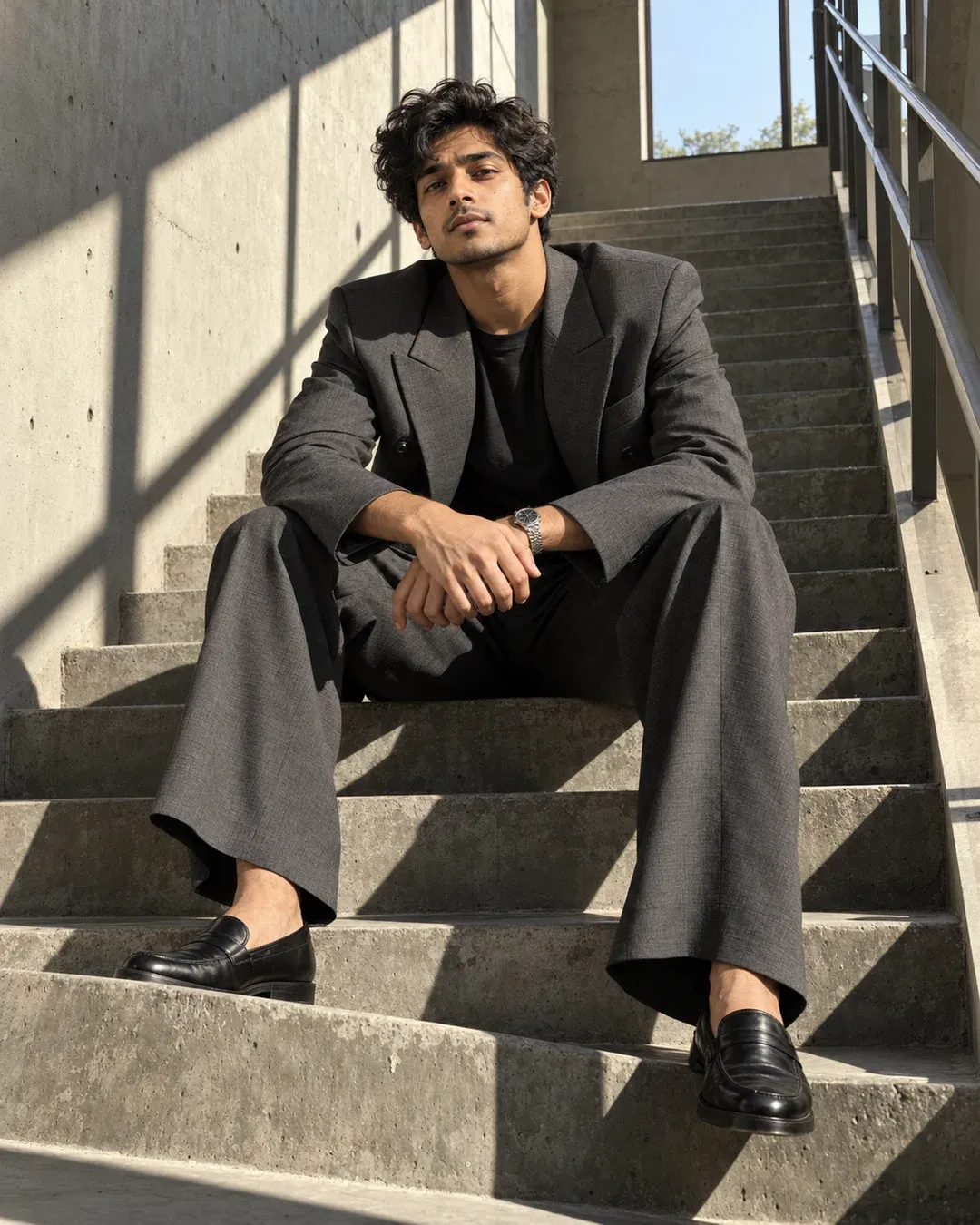
View full promptA man in an oversized charcoal double-breasted suit sits on raw concrete stairs, hard sunlight cutting sharp shadows across him.
View full promptUpload one photo of both of you. Couple and wedding prompts keep both faces and describe outfits by position (left and right), so swap the words if you stand the other way round. The wedding scenes use generic buildings and gardens, with no religious settings.
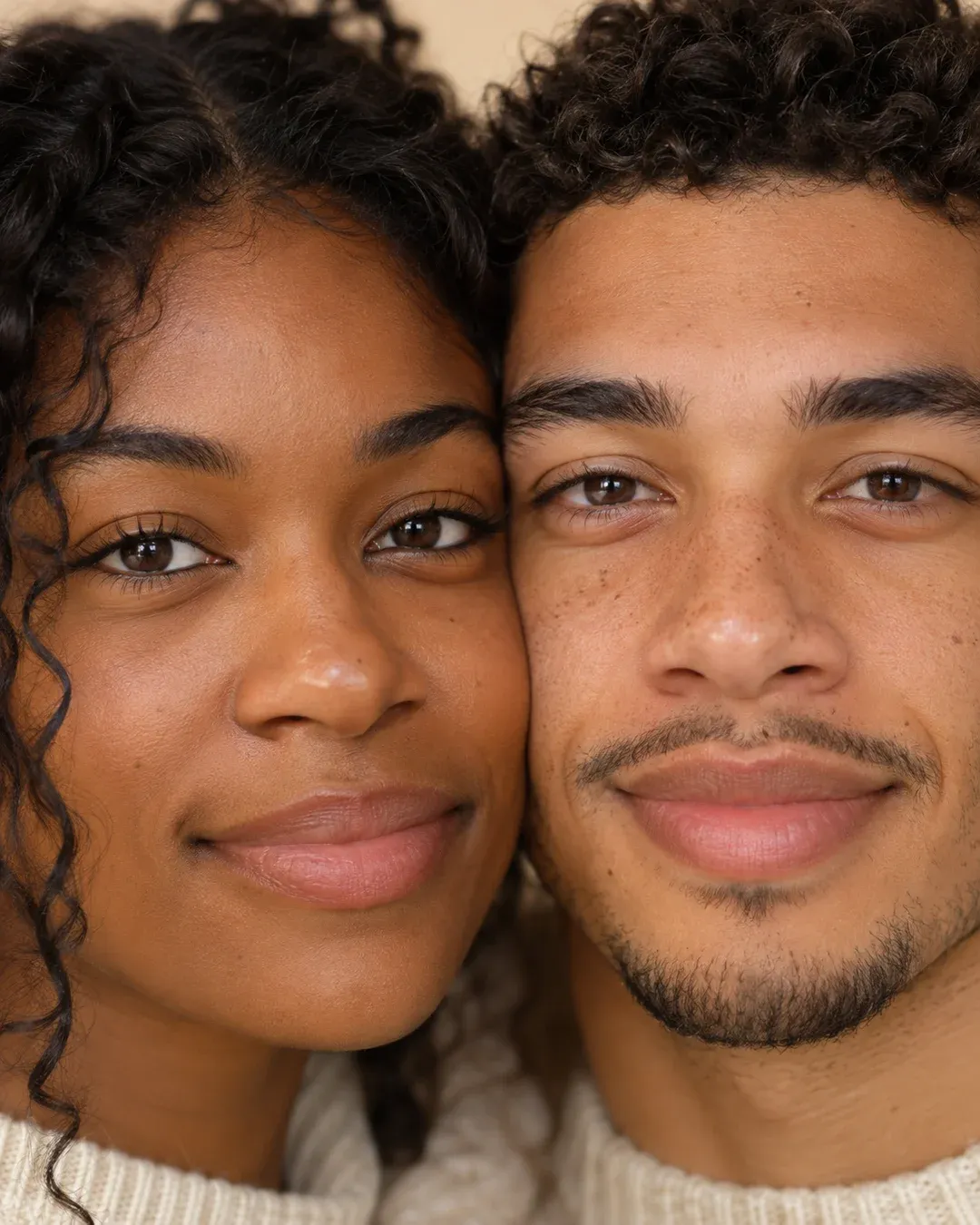
An intimate close-up of two faces side by side, both pairs of eyes sharp in warm window light.
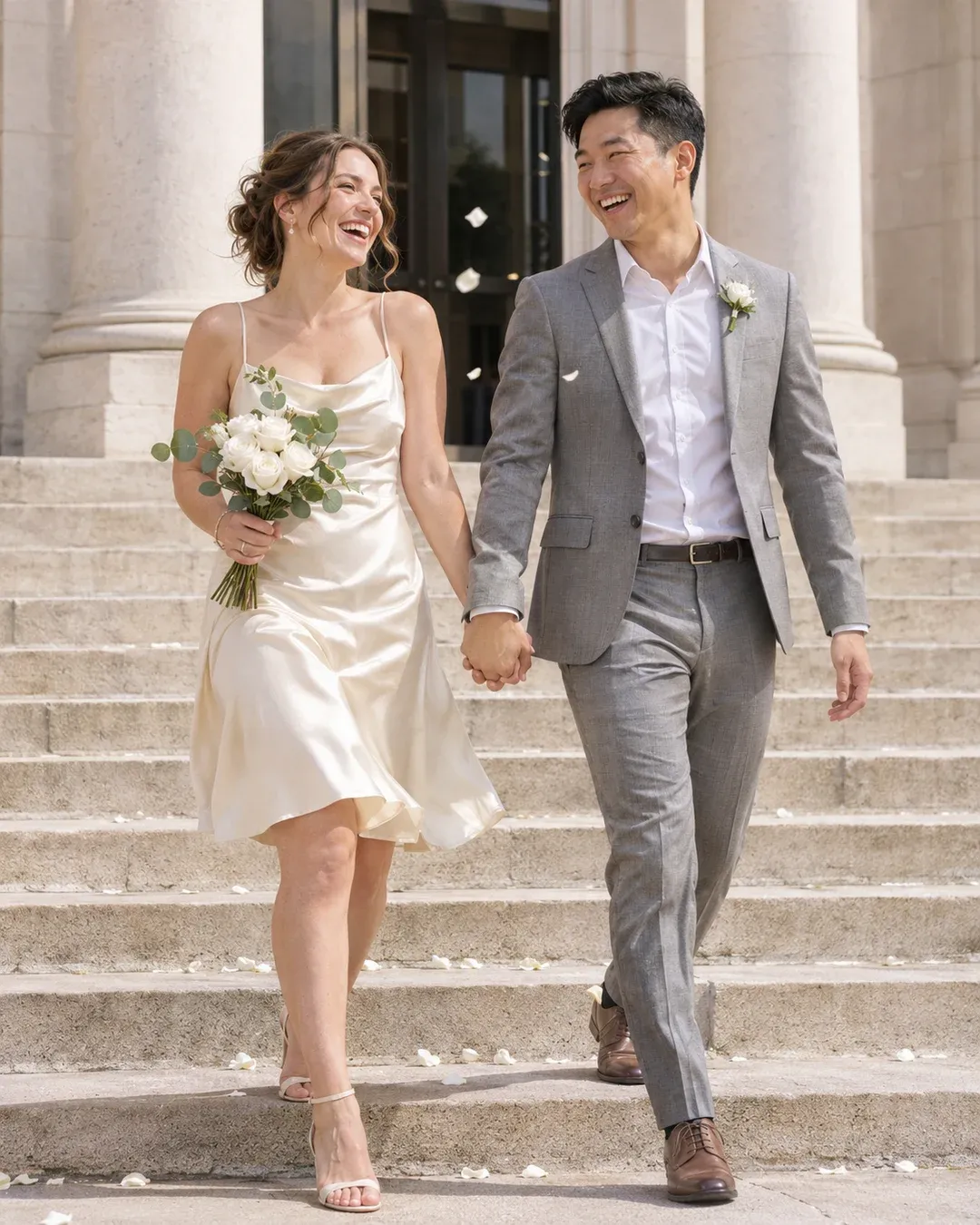
View full promptNewlyweds laugh on wide stone steps after a simple city hall wedding, holding a small bouquet.
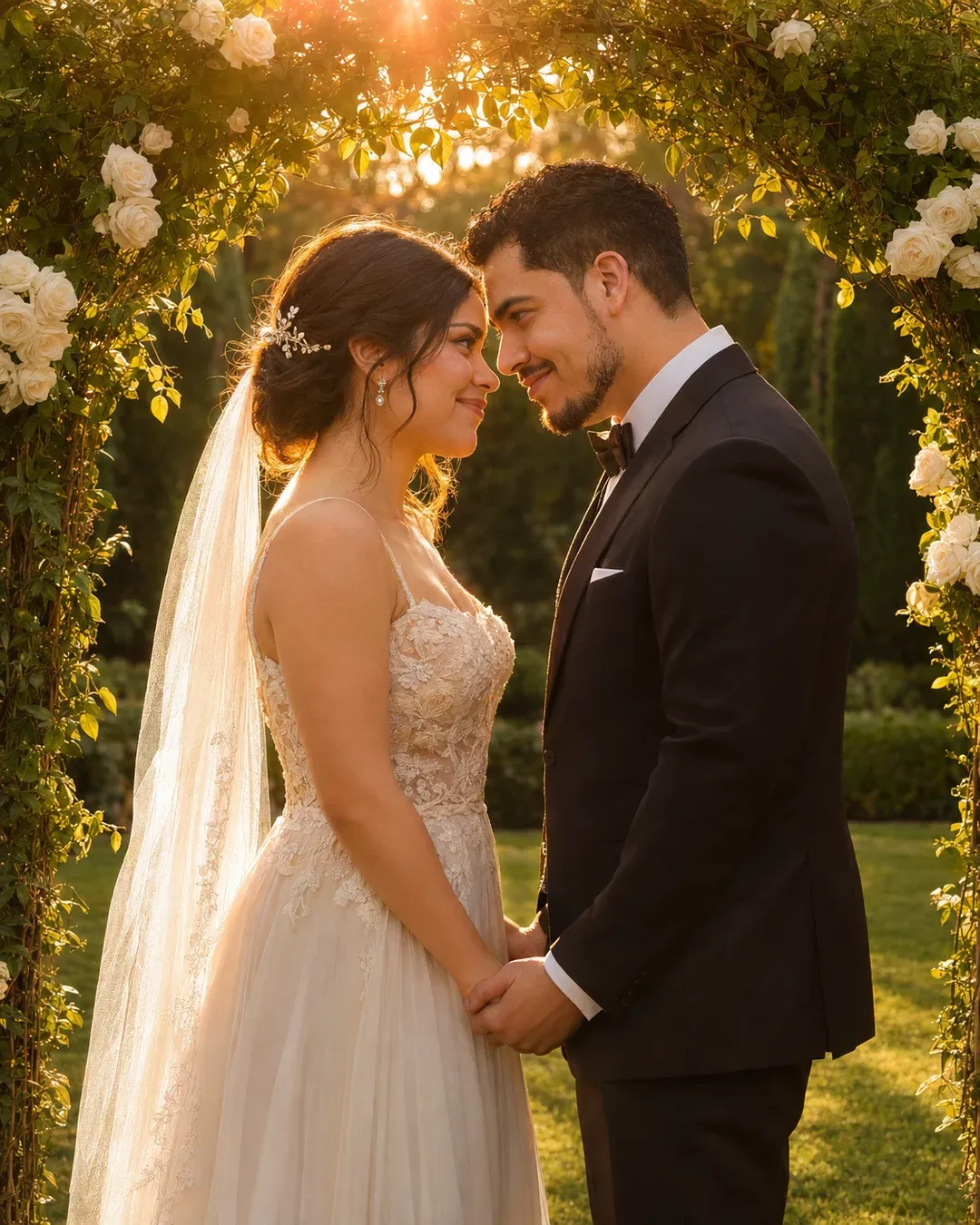
View full promptNewlyweds stand under a white flower arch in a garden at golden hour, foreheads almost touching.
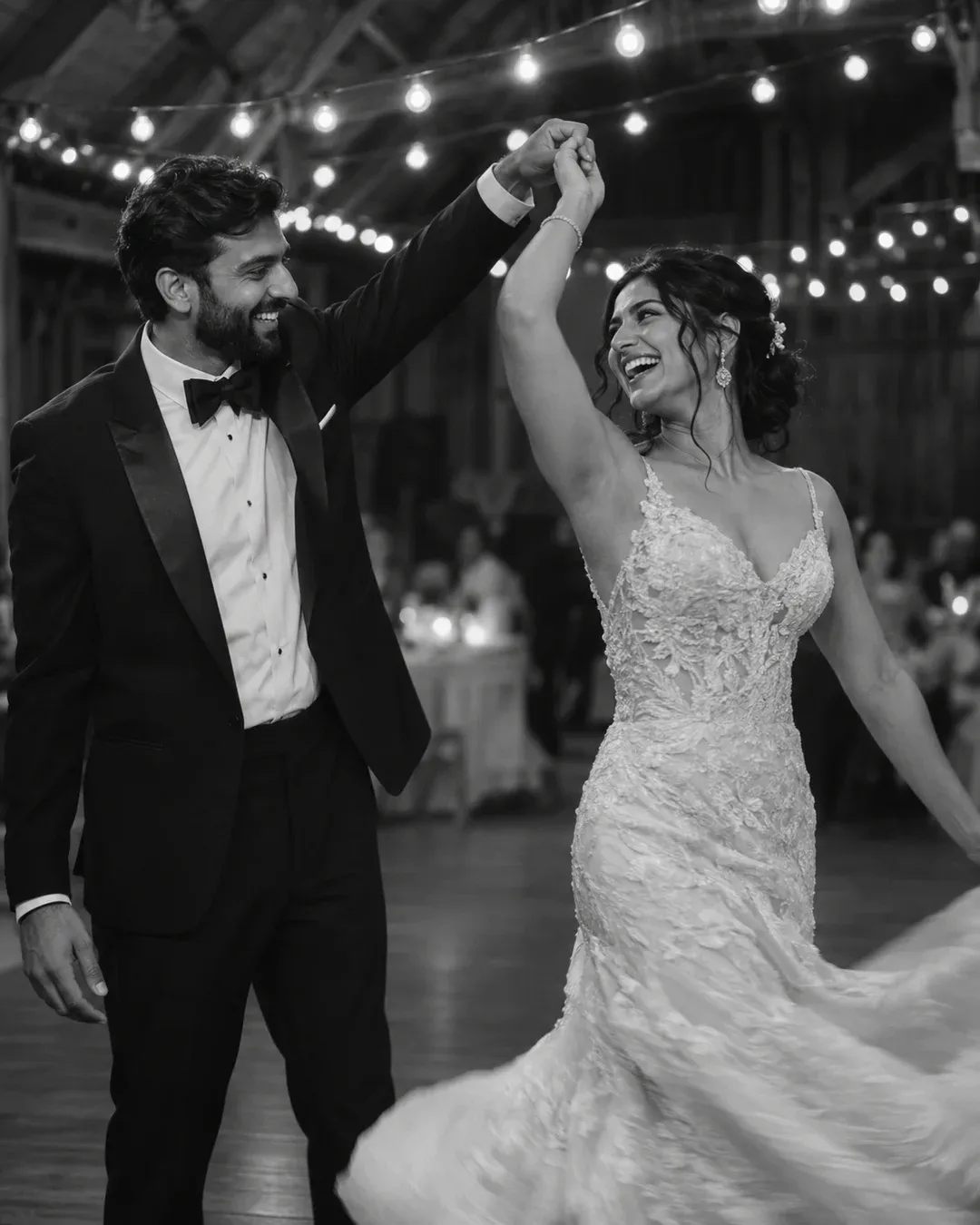
View full promptA black and white first dance at a wedding reception, caught mid-twirl under string lights.
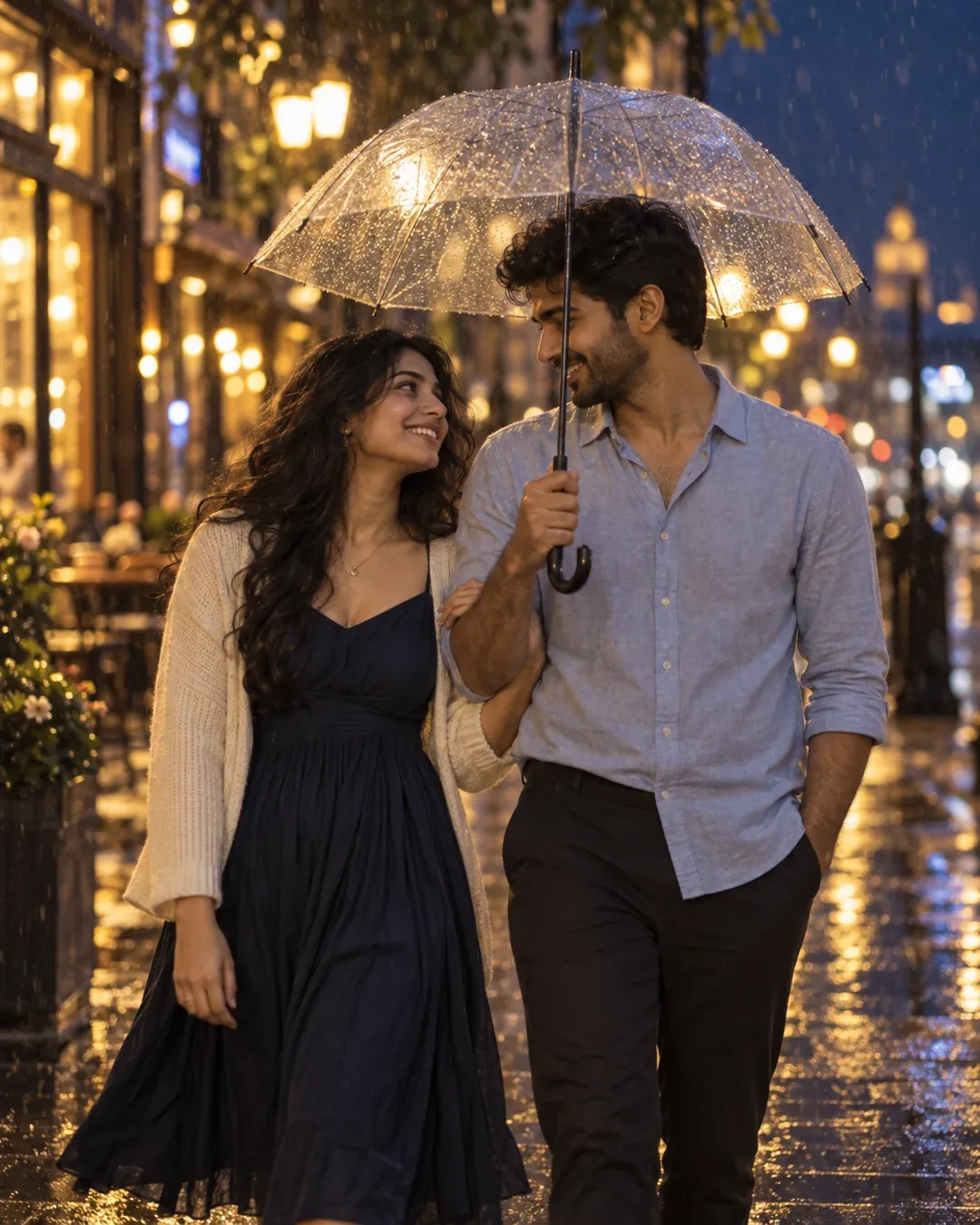
View full promptA couple shares one umbrella on a wet city street at night, warm street lights reflecting in the puddles.
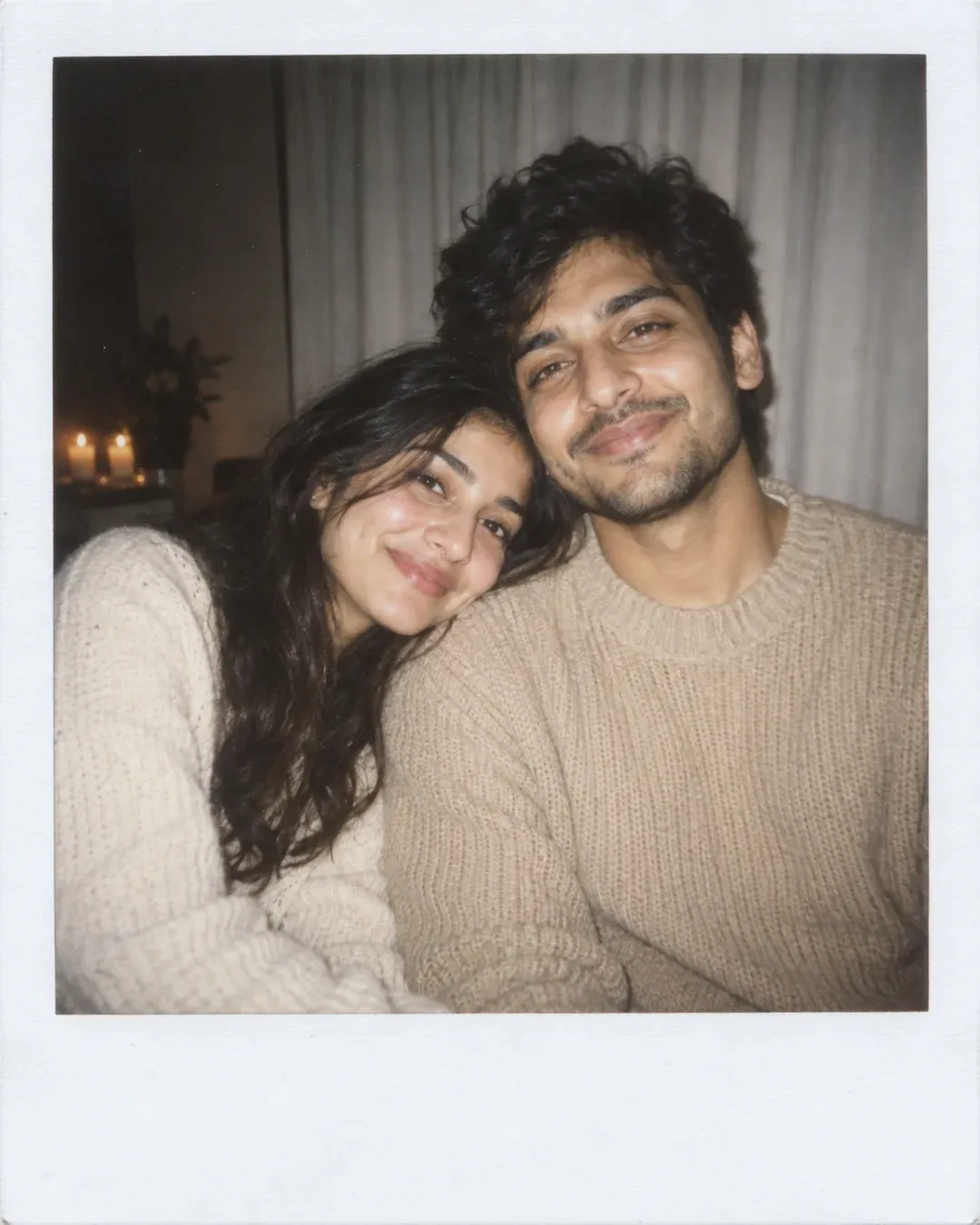
View full promptA couple poses close together in front of a white curtain, lit by direct flash, framed as a polaroid print.
View full promptUpload one photo of everyone. Each family prompt keeps every face and the same number of people: white and denim on a beach at sunset, cosy knits under autumn trees and a clean white studio portrait.
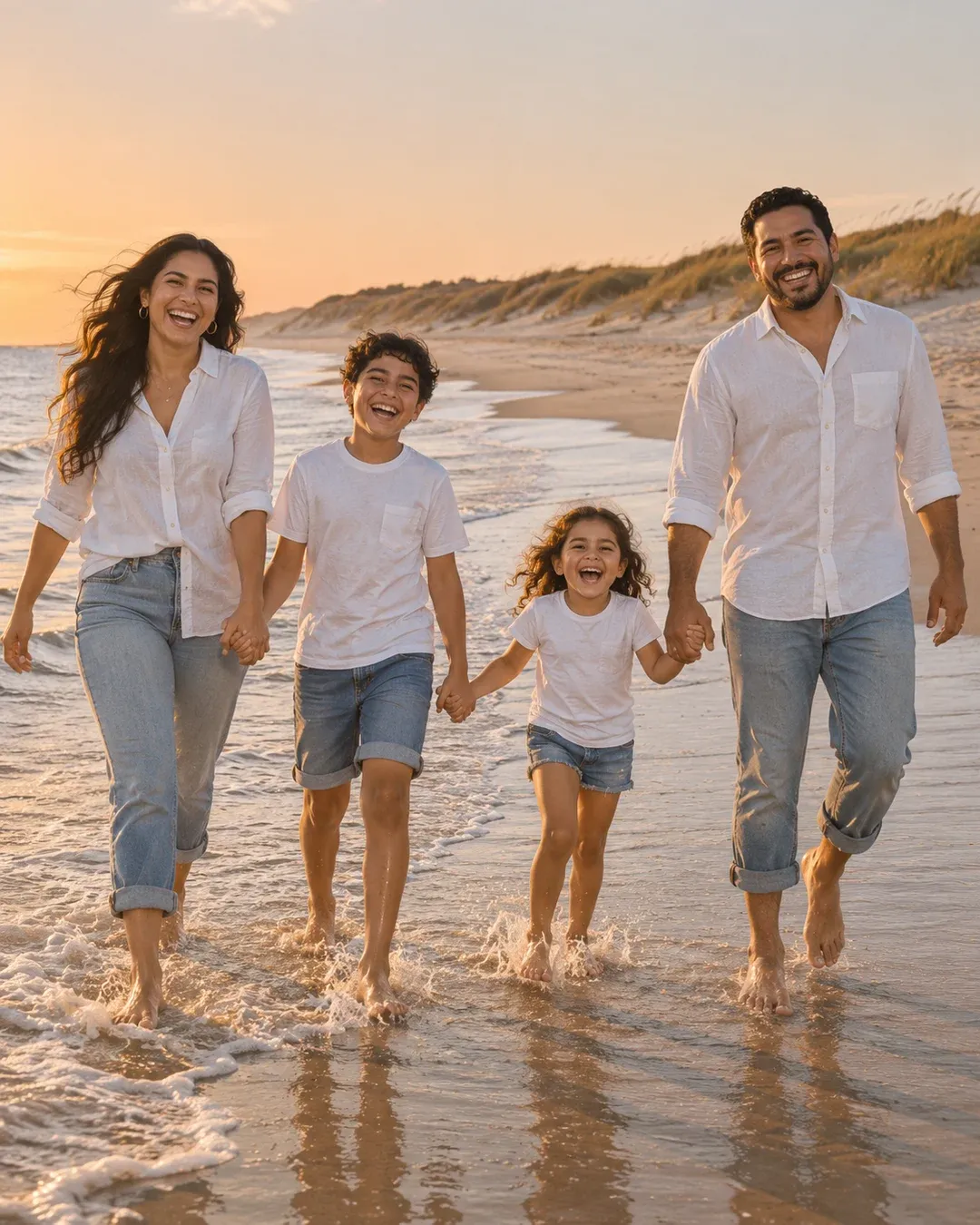
A family in white shirts and denim walks barefoot along the shoreline at sunset, holding hands.
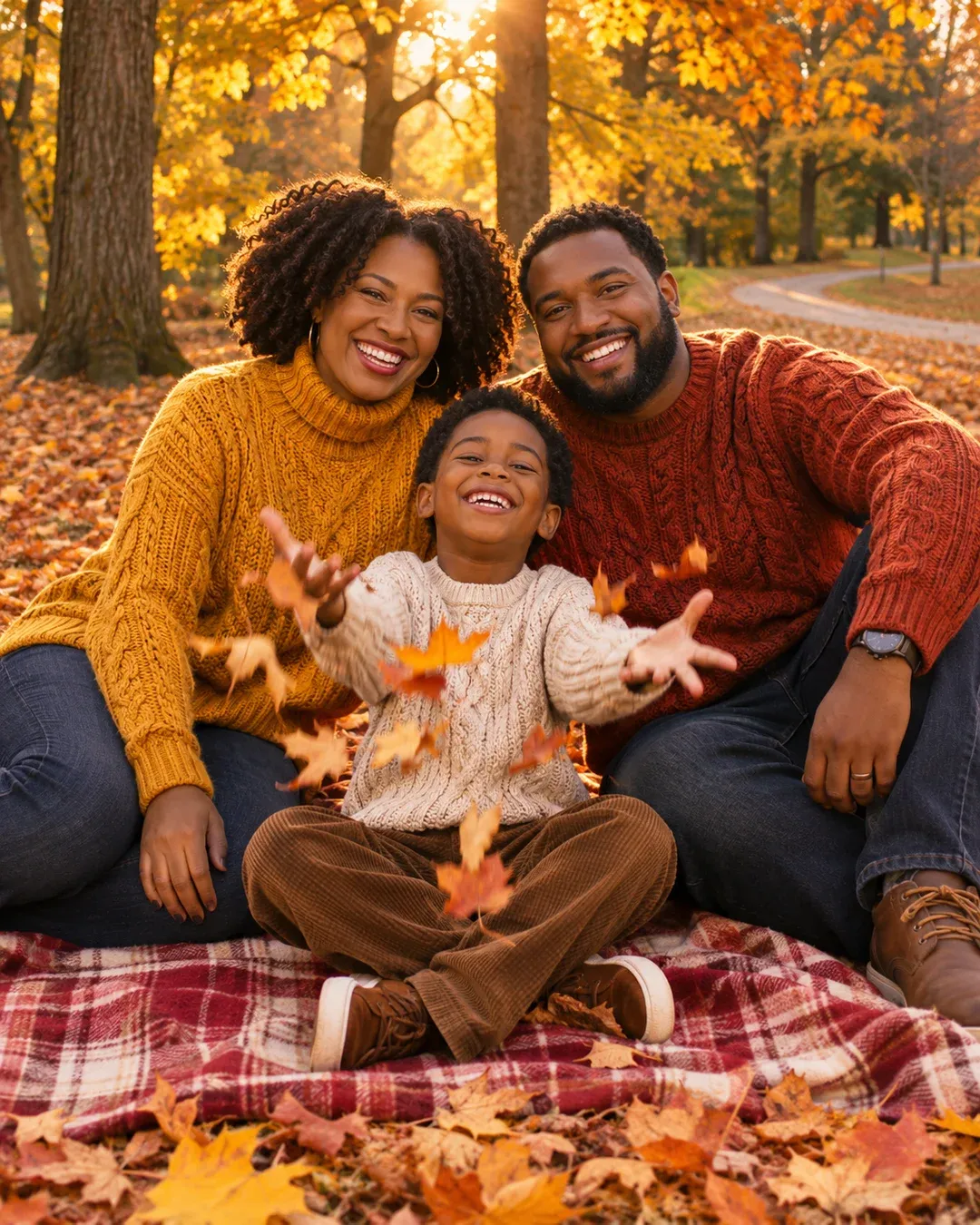
View full promptA family in cosy knits sits on a plaid blanket under golden autumn trees while leaves fall.
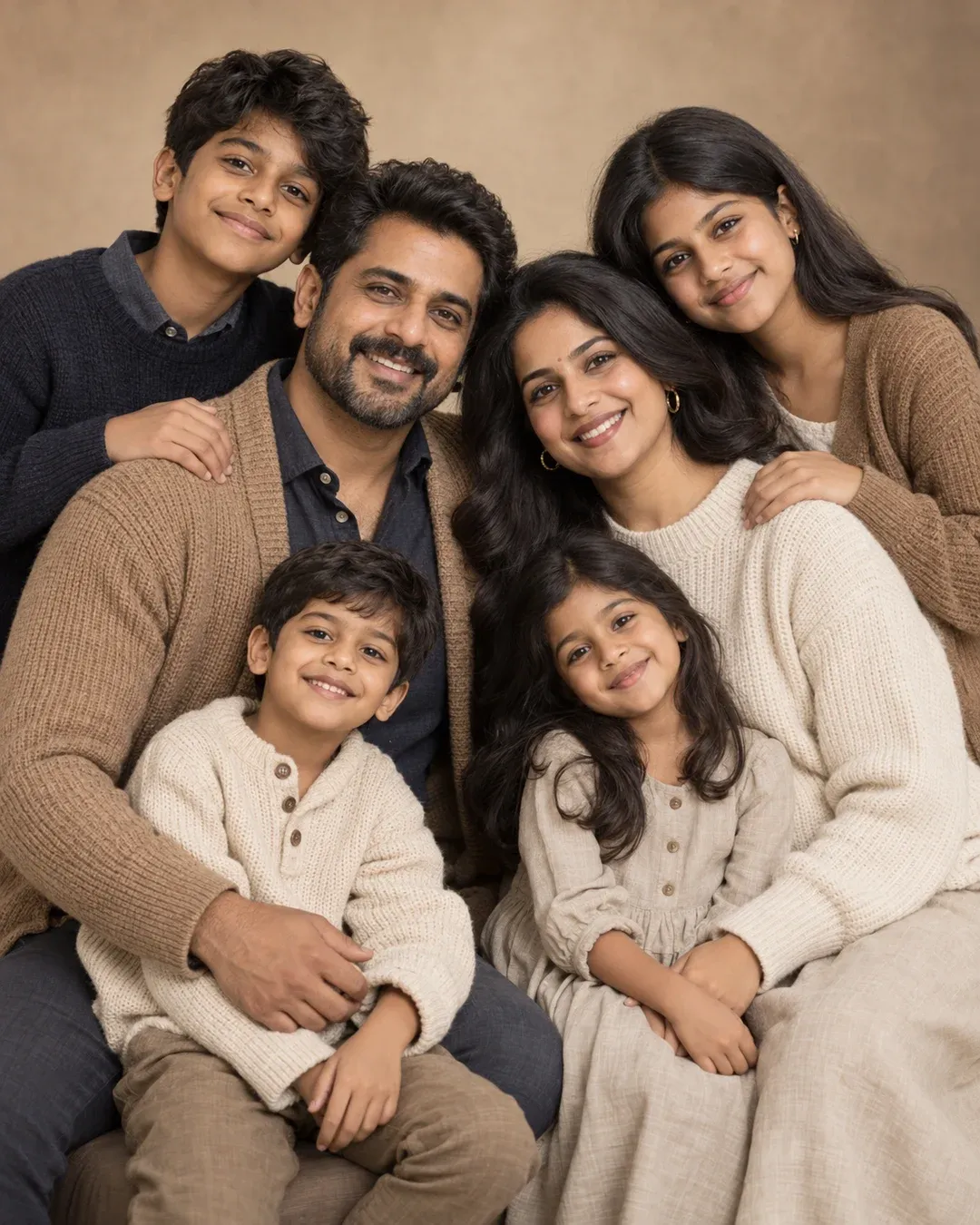
View full promptA family in cream and camel knitwear huddles close in a warm studio portrait, heads leaning together.
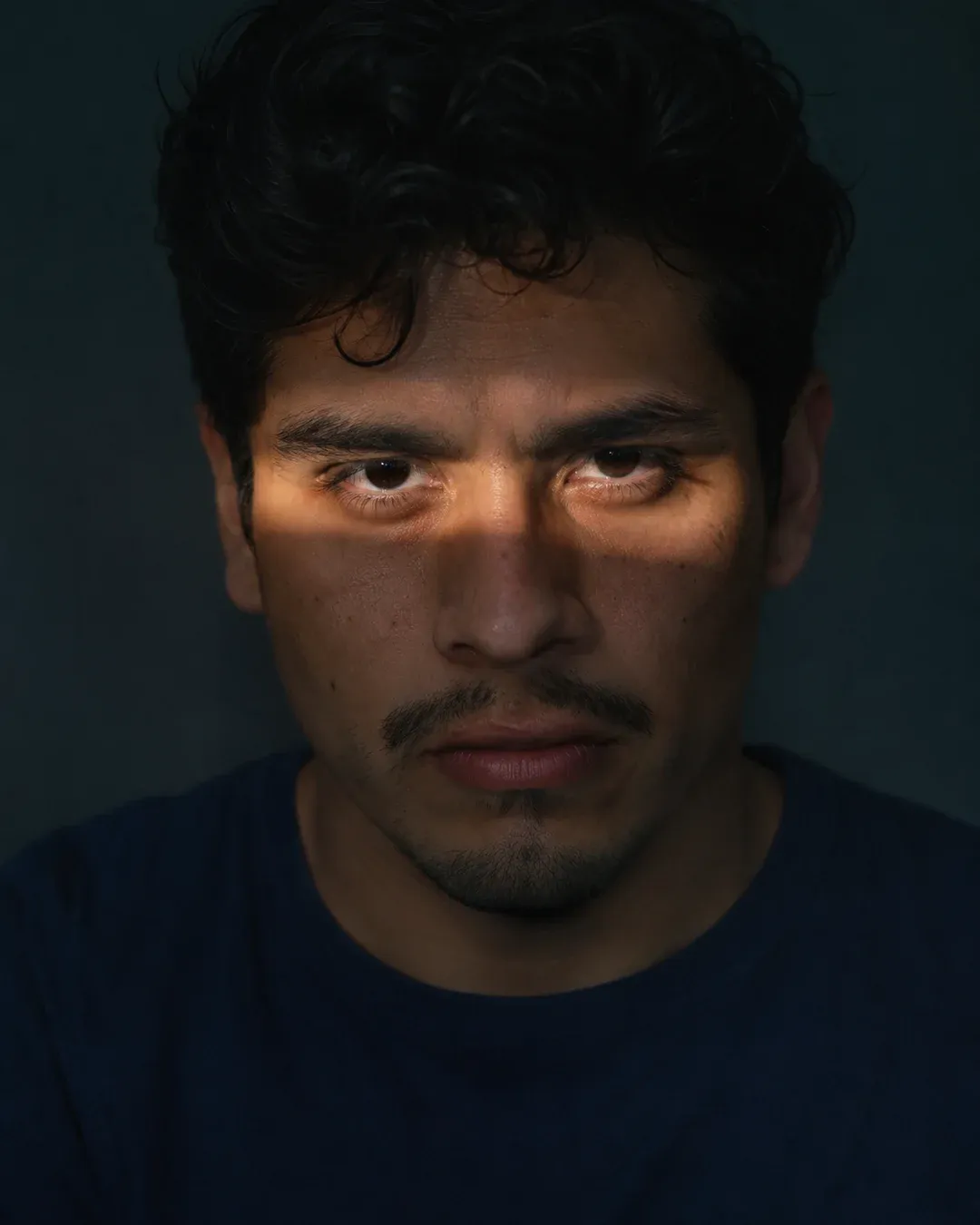
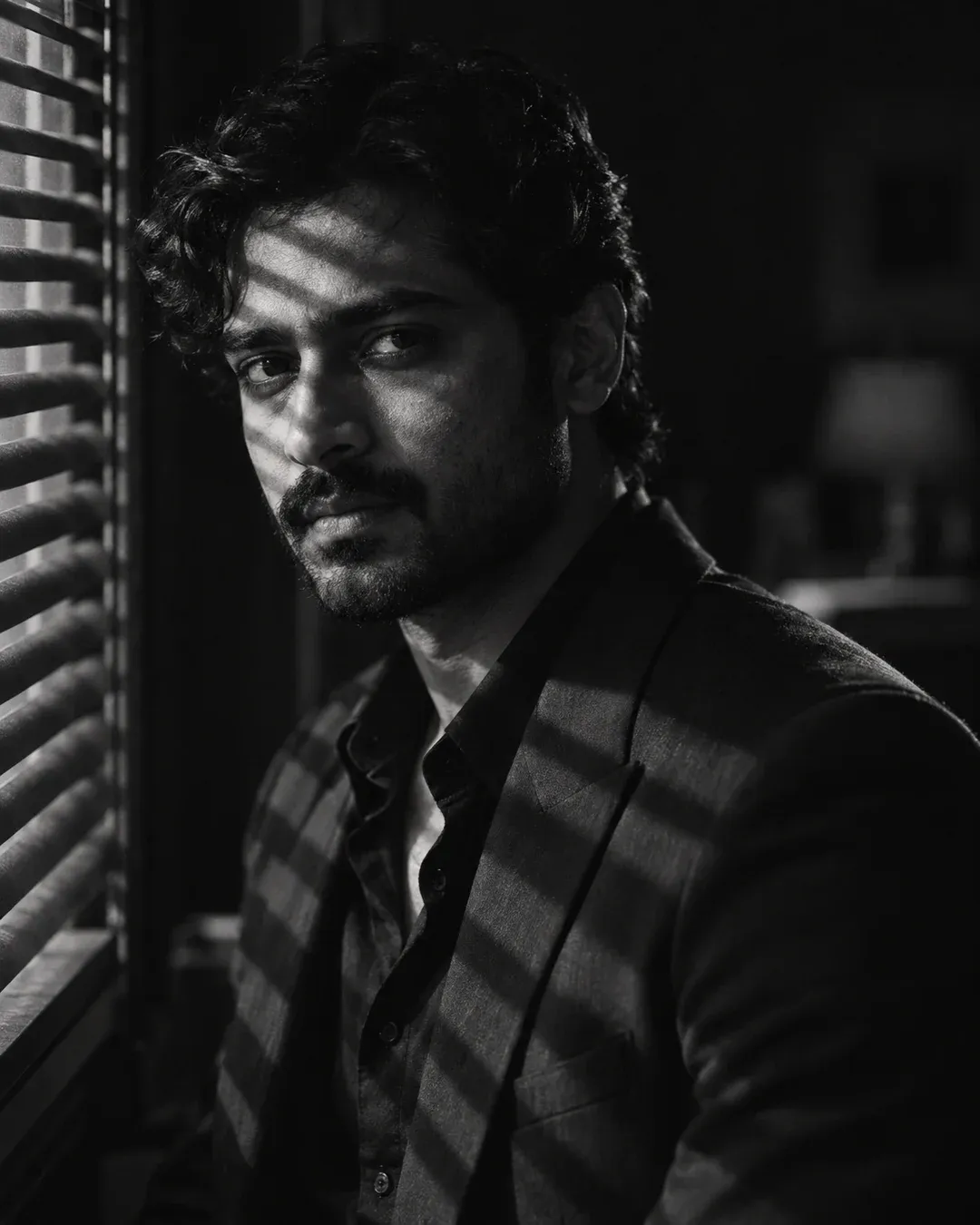
View full promptA window-light gaze close-up, a black and white noir portrait and two professional headshots. For more resume and LinkedIn styles, see the full headshot category.
A tight cinematic close-up where a single slice of window light falls across the eyes.
View full promptA black and white portrait of a person in a dark suit, striped light from window blinds falling across the face.
View full promptA bright, simple head-and-shoulders resume photo in a black blazer against a pure white background.
View full promptA confident corporate headshot in a charcoal suit with a softly blurred glass-walled office behind.
View full promptOpen a chat, upload your photo with the attach button, paste the full prompt and send. Use one clear, front-facing photo without heavy filters. For couple, wedding and family prompts, upload one photo that shows everyone.
No. PhotoPrompt Pro is an independent prompt gallery and is not affiliated with OpenAI. The prompts are our own, and every example image shows an AI-generated, fictional person.
Yes. Every prompt on this page is written for both tools. If one tool changes your face or misses a detail, paste the same prompt into the other one and compare.
Image tools redraw the whole picture, so faces can drift, especially with small, dark or side-on photos. Each prompt starts with a line that asks to keep your face unchanged; if it still drifts, reply with that request and try a sharper photo.
Yes. Use the wedding prompts with one photo of both of you and the family prompts with one photo of everyone. They ask the AI to keep every face and the same number of people. Treat the results as creative edits, not a replacement for real event photos.