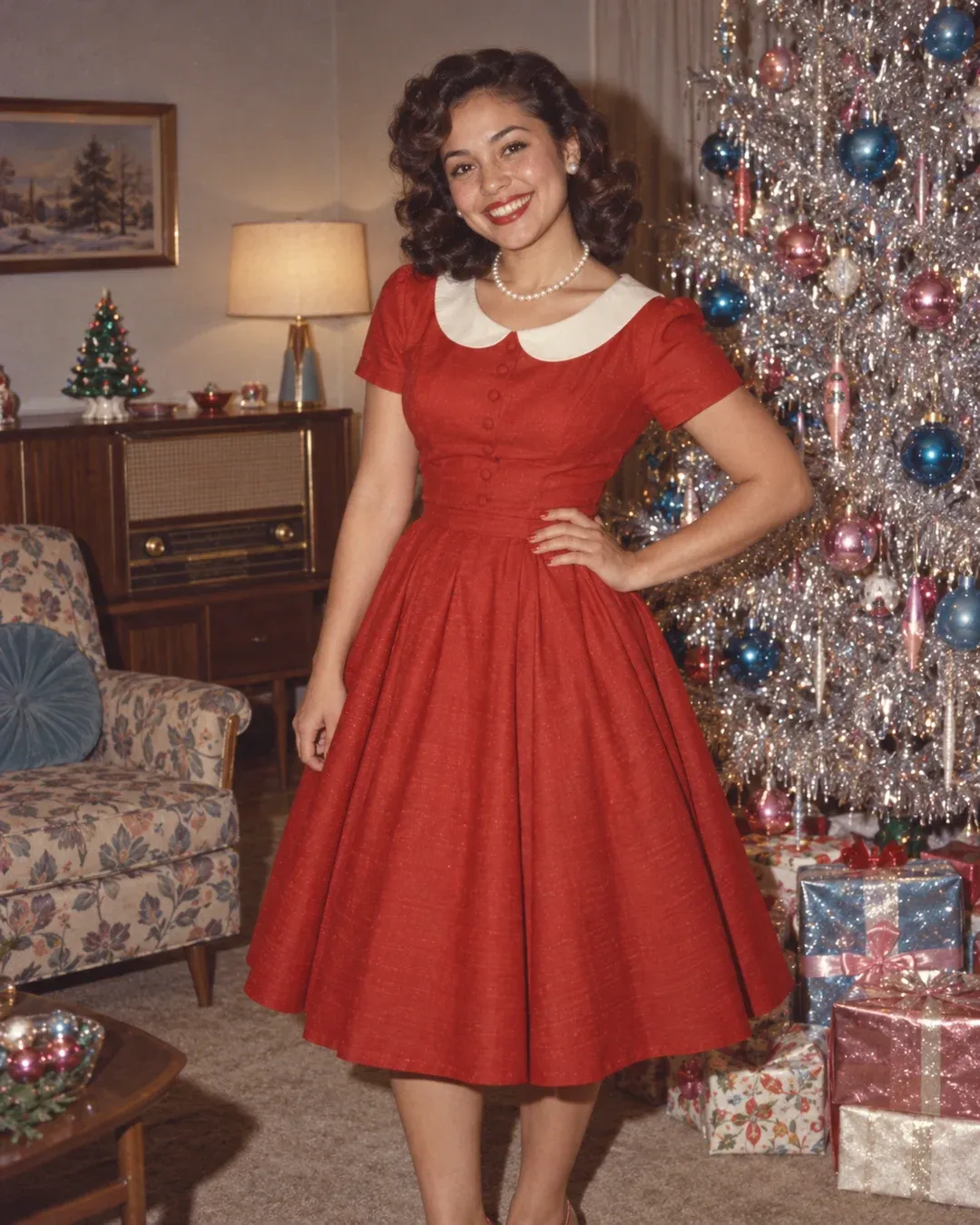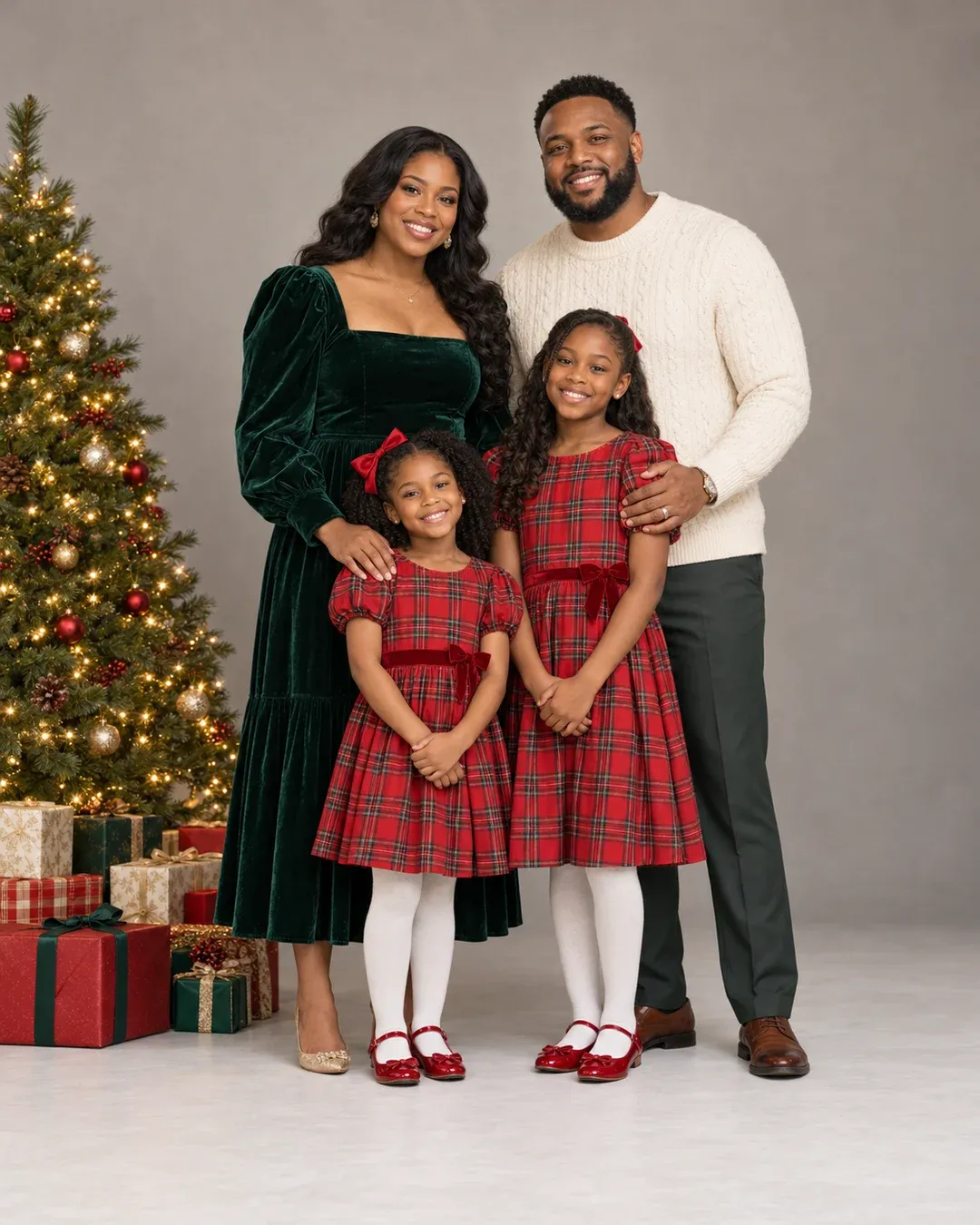
Family Christmas Card Studio Portrait
A family in coordinated cream, red and green outfits poses for a Christmas card in a clean studio with a small decorated tree.
Prompt
Keep everyone from the uploaded photo exactly as they are: same faces, features, skin tones, hairstyles and ages, and the same number of people; do not swap or blend faces. Create a family Christmas card portrait in a clean photo studio. The parents stand at the back and the children stand in front of them, everyone close together with hands on shoulders and warm smiles at the camera. The mother wears a deep green velvet dress, the father a cream knit sweater with dark trousers, and the girls wear red tartan dresses with white tights. A small decorated tree with warm lights stands on the left, and a few wrapped gifts sit at our feet on a white floor. The backdrop is a soft warm grey. Lighting: a large softbox in front and above, with a second softbox for even fill so every face is bright. Shot with a 50mm lens at f/5.6, full-length framing with room at the top for a greeting. Clean red, green and cream tones, warm and polished mood. Vertical 4:5 aspect ratio. No readable text, logos or watermarks anywhere in the image.
Upload your photo there, then paste the prompt.
Why This Prompt Works
A card portrait has two jobs: flatter everyone and leave room for a greeting. Two large softboxes give even, frontal light so no child is in shadow, and f/5.6 keeps a full line of faces sharp. Each person gets a specific colour from one palette, so the group looks coordinated without matching exactly. Empty space at the top is requested on purpose, because adding the greeting later in a card app avoids the garbled lettering that image models often produce.
Variations to Try
- Swap "a soft warm grey" for "a deep forest green" for a richer, darker card.
- Swap "hands on shoulders" for "holding hands in a line" for a more playful pose.
- Swap "Vertical 4:5" for "Horizontal 3:2" to fit a standard landscape photo card.
Tips
- Upload one photo of the whole family together.
- Add your greeting later in a card app; the prompt keeps the space empty.
How to Use This Prompt
- Open Gemini or ChatGPT and upload a clear, front-facing photo of yourself.
- Paste the prompt above and send it.
- If the face changes, reply "keep my face exactly the same as the uploaded photo" and regenerate.
Still not you? Read how to keep your face the same or how to fix common problems.