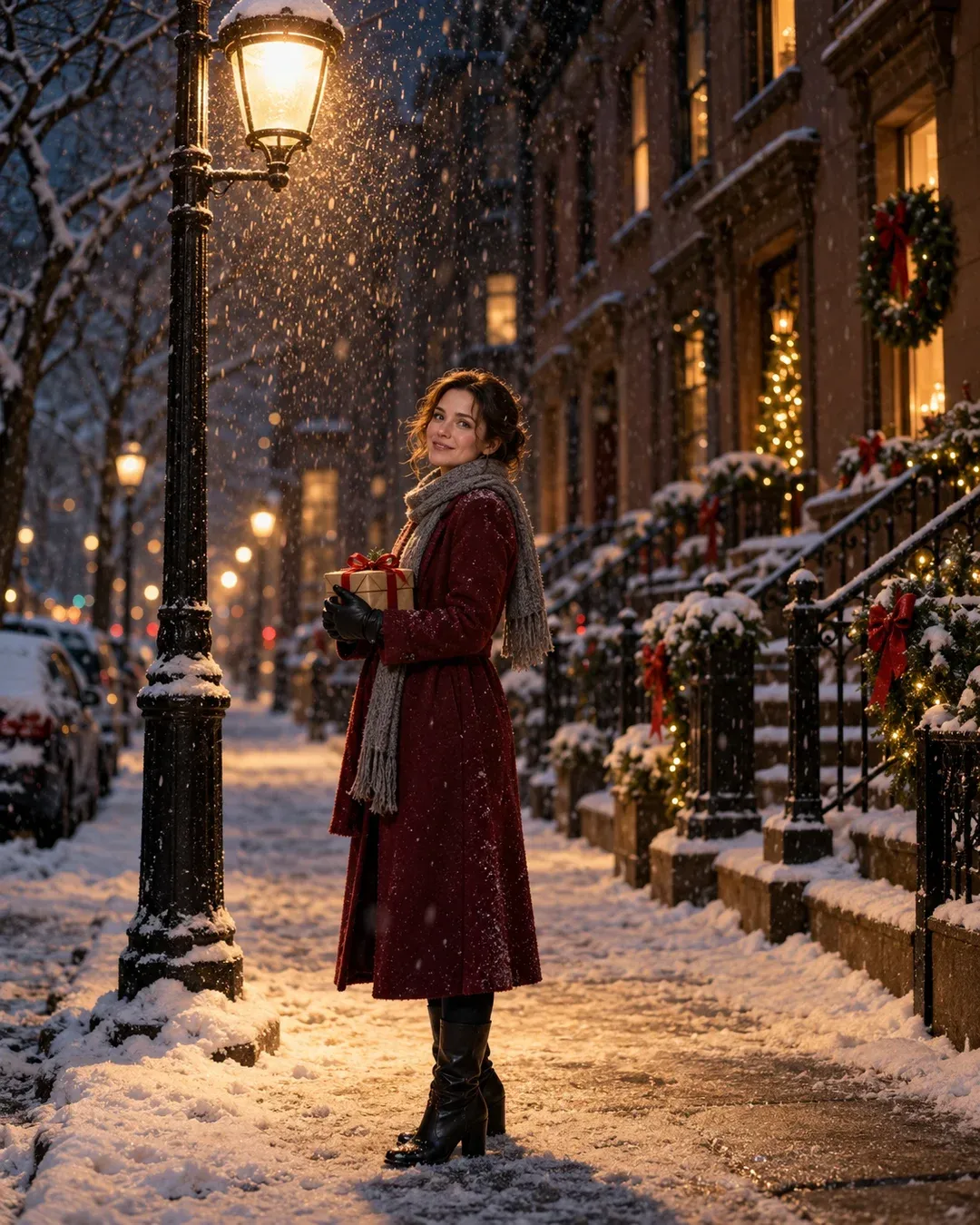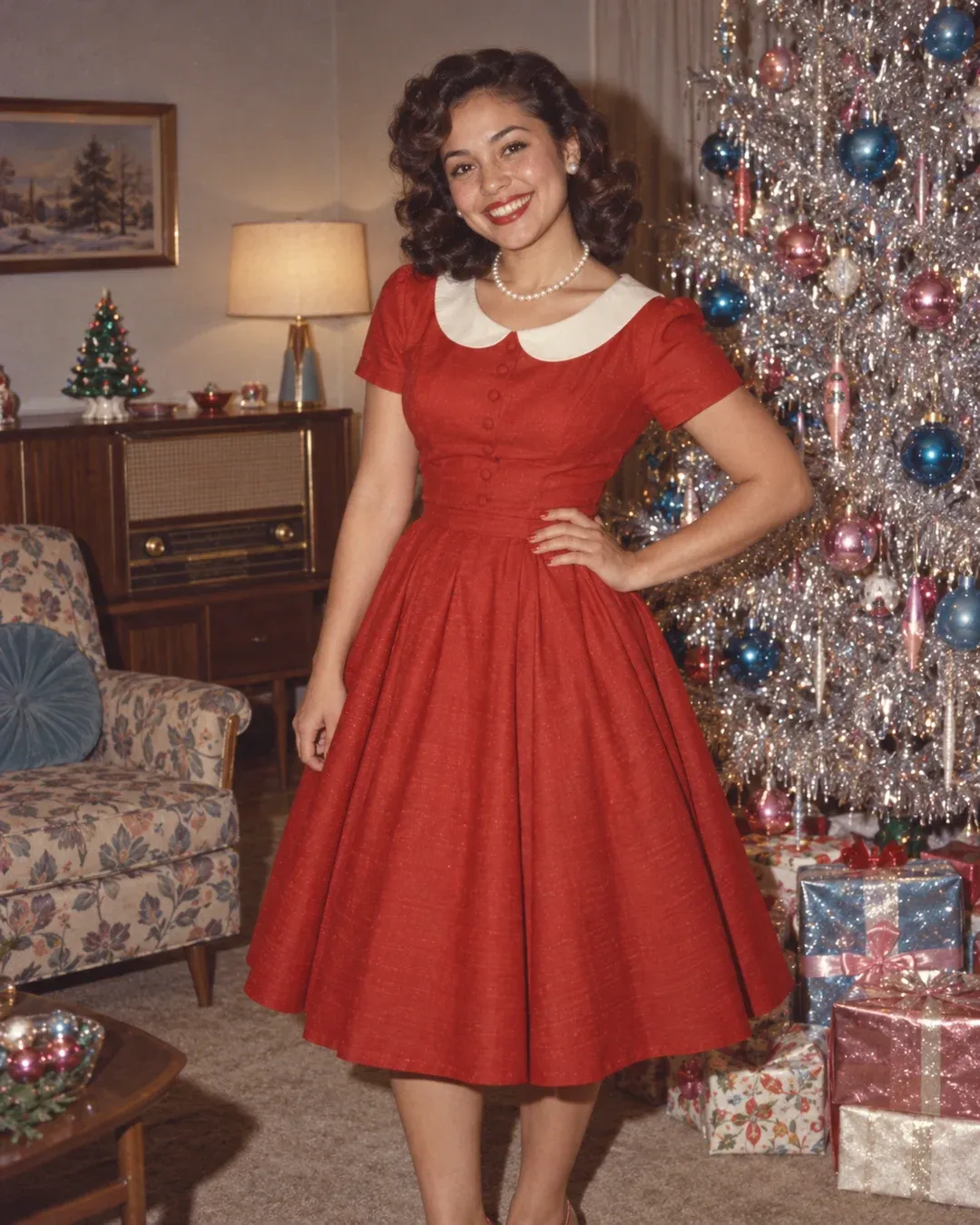
Christmas Golden Lights Close-Up
A close-up portrait framed by dark pine branches with glowing golden fairy-light bokeh in front of the lens.
Prompt
Keep my face exactly as in the uploaded photo: same facial features, face shape, skin tone, eyebrows and hairstyle, with natural skin texture; do not slim, smooth or beautify the face. Create an intimate Christmas close-up portrait. I look straight into the camera with a soft, calm smile, my face framed by dark green pine branches in the foreground and behind me. I wear a cream chunky turtleneck sweater. Tiny warm fairy lights woven through the branches close to the lens turn into large round golden bokeh circles that float around the edges of the frame, never covering my eyes. Lighting: a soft warm key light from the front left, a faint rim on my right cheek from the lights behind, and a dark background. Shot with an 85mm lens at f/1.4, tight head-and-shoulders framing, eyes in sharp focus. Deep green, warm gold and cream tones, quiet and dreamy holiday mood. Vertical 4:5 aspect ratio. No readable text, logos or watermarks anywhere in the image.
Upload your photo there, then paste the prompt.
Why This Prompt Works
This is a lens effect prompt: fairy lights placed close to the lens at f/1.4 become large golden circles, which is the whole look. The line about never covering the eyes stops the model from smearing bokeh across the face. Pine branches in front and behind make a natural frame, so no props or room are needed. A dark background keeps the circles glowing, and a soft key light from the front left with a faint rim from behind gives the face shape against the darkness.
Variations to Try
- Swap "a cream chunky turtleneck sweater" for "a deep burgundy velvet blazer" for a richer, more formal look.
- Swap "a soft, calm smile" for "a big laughing smile" for a joyful version.
- Swap "warm fairy lights" for "cool white fairy lights" for an icy winter feel.
Tips
- Use a well-lit, front-facing photo for a close-up like this.
- Ask for "red berries among the branches" for an extra pop of colour.
How to Use This Prompt
- Open Gemini or ChatGPT and upload a clear, front-facing photo of yourself.
- Paste the prompt above and send it.
- If the face changes, reply "keep my face exactly the same as the uploaded photo" and regenerate.
Still not you? Read how to keep your face the same or how to fix common problems.