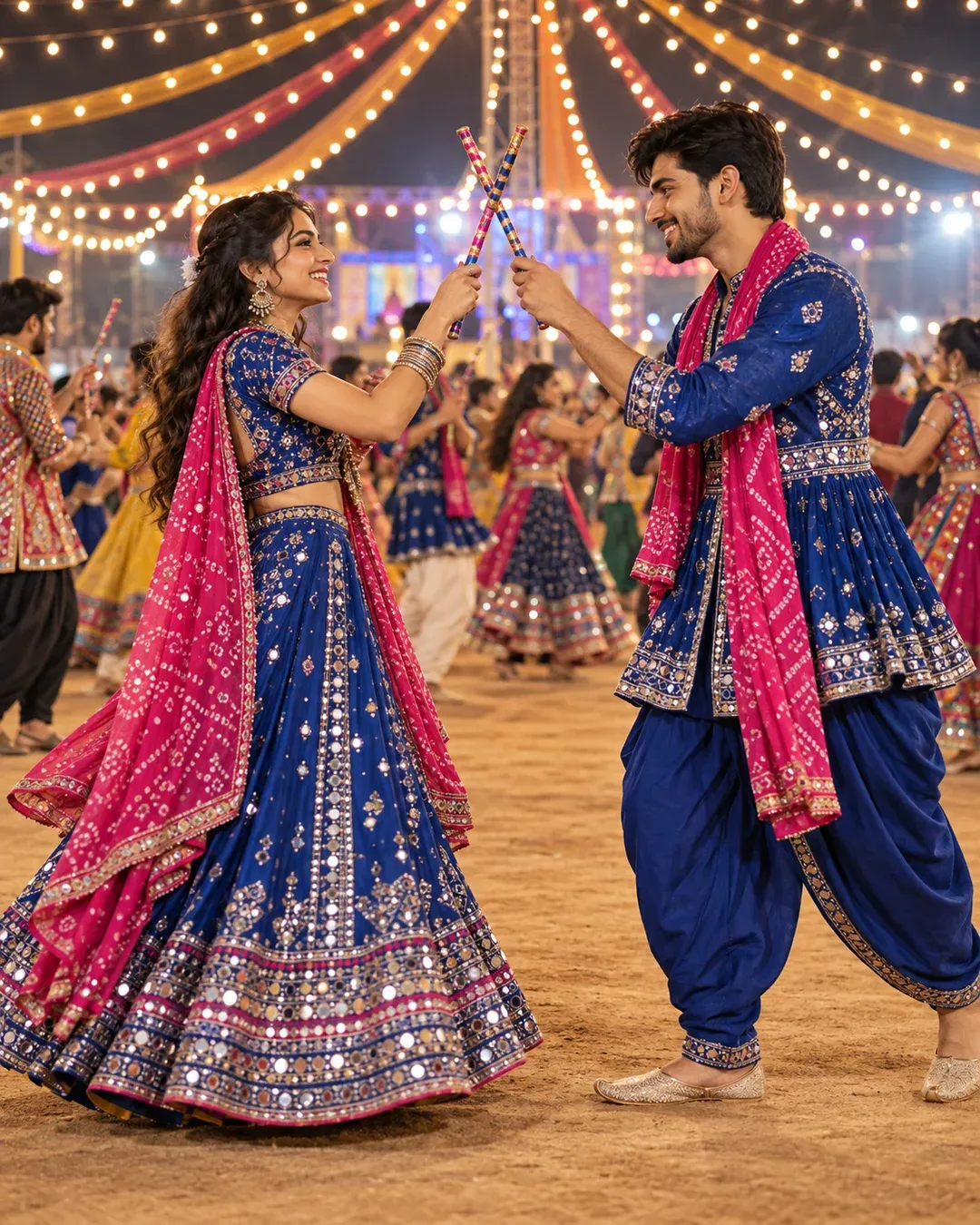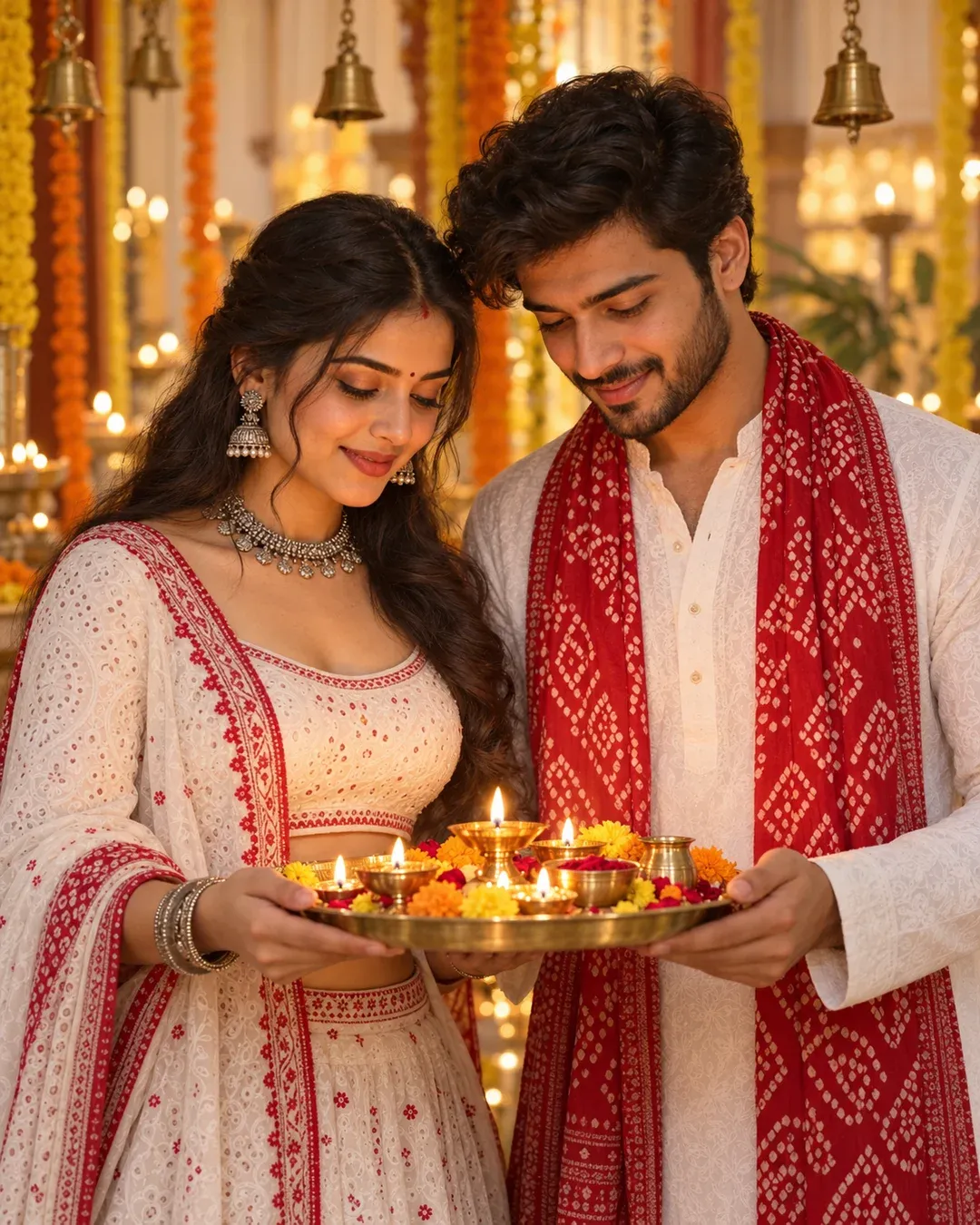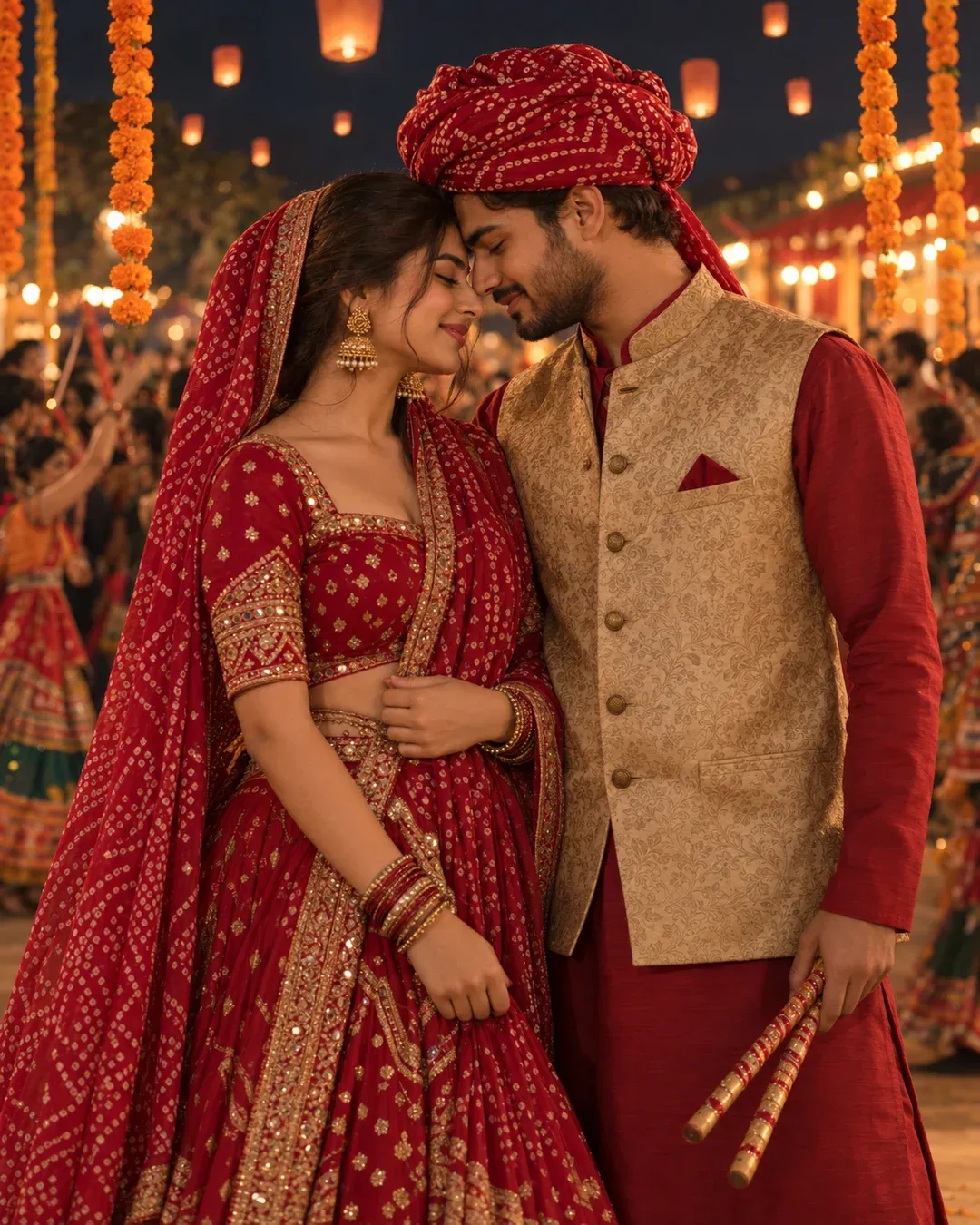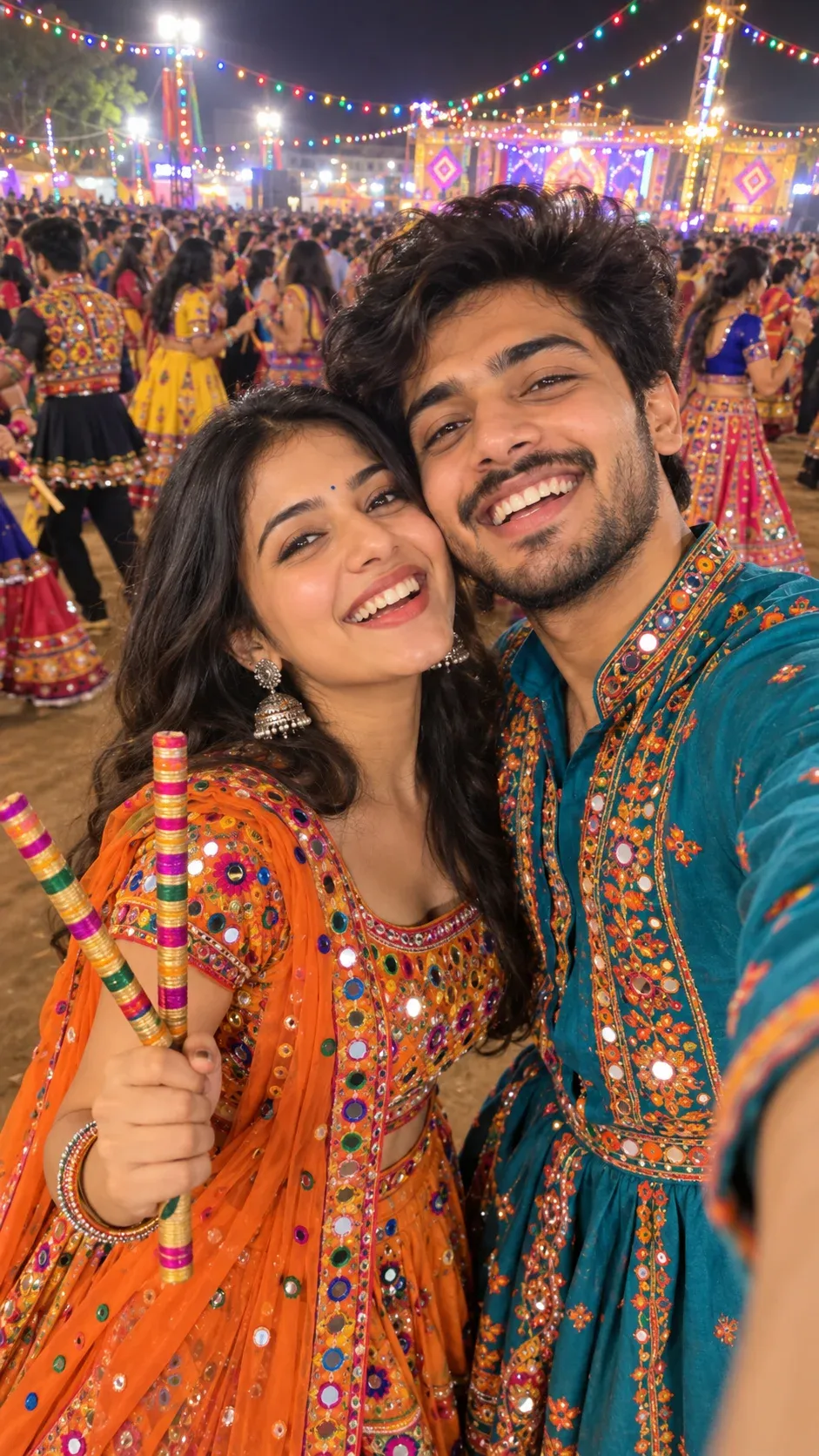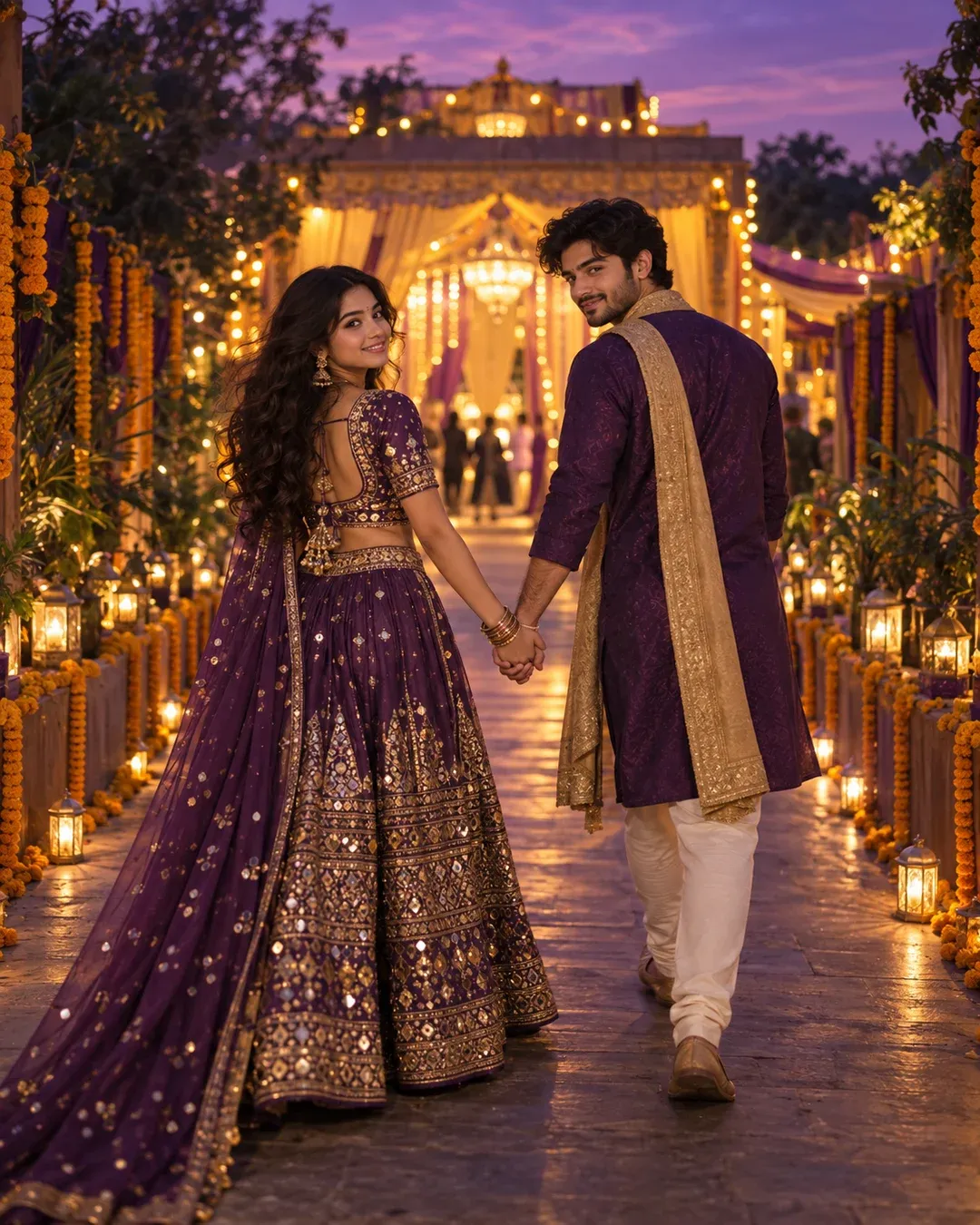
Navratri Couple Dusk Pandal Walk
A couple walks hand in hand toward a glowing pandal at dusk, both turning back toward the camera with a smile.
Prompt
Keep both people from the uploaded photo exactly as they are: same faces, features, face shapes, skin tones and hairstyles; do not swap, blend or reshape their faces. The two of them walk hand in hand along a lane toward a glowing festival pandal at dusk, both turning back over their shoulders toward the camera with soft smiles. The person on the left wears a purple chaniya choli with gold mirror work and a long dupatta trailing behind; the person on the right wears a purple kurta with a cream churidar and a gold stole. The lane is lined with small lanterns and marigold strings, and the pandal entrance glows warm gold at the end, with no statues or idols visible. Purple dusk sky light mixes with the warm lantern glow on their faces. Shot with a 50mm lens at f/2, full-body framing from behind at a slight angle, both faces visible and sharp. Purple and gold color grade, dreamy romantic mood. Vertical 4:5 aspect ratio. No readable text, logos or watermarks anywhere in the image.
Upload your photo there, then paste the prompt.
Why This Prompt Works
Walking away while turning back over the shoulder is a popular pre-festival pose, and the prompt asks for both faces to stay visible and sharp so they are not replaced. Dusk is chosen for its purple sky, which matches the purple outfits and blends with the gold of the lanterns. The lane of lanterns and marigolds leads the eye toward the glowing pandal at the end. The line about no statues keeps the scene festive without depicting any deity.
Variations to Try
- Swap "at dusk" for "after dark" so the lanterns become the main light and the sky turns deep blue.
- Swap "walk hand in hand" for "walk side by side, holding the dupatta between them" for a softer, shyer pose.
- Swap "Purple and gold color grade" for "Warm amber and red color grade" for a fiery evening mood.
- Swap "a long dupatta trailing behind" for "a dupatta draped over both shoulders" if you want a tidier, less windblown look.
Tips
- Make sure both faces are visible in your photo; profiles may change more.
- Change purple to the colour you plan to wear.
How to Use This Prompt
- Open Gemini or ChatGPT and upload a clear, front-facing photo of yourself.
- Paste the prompt above and send it.
- If the face changes, reply "keep my face exactly the same as the uploaded photo" and regenerate.
Still not you? Read how to keep your face the same or how to fix common problems.