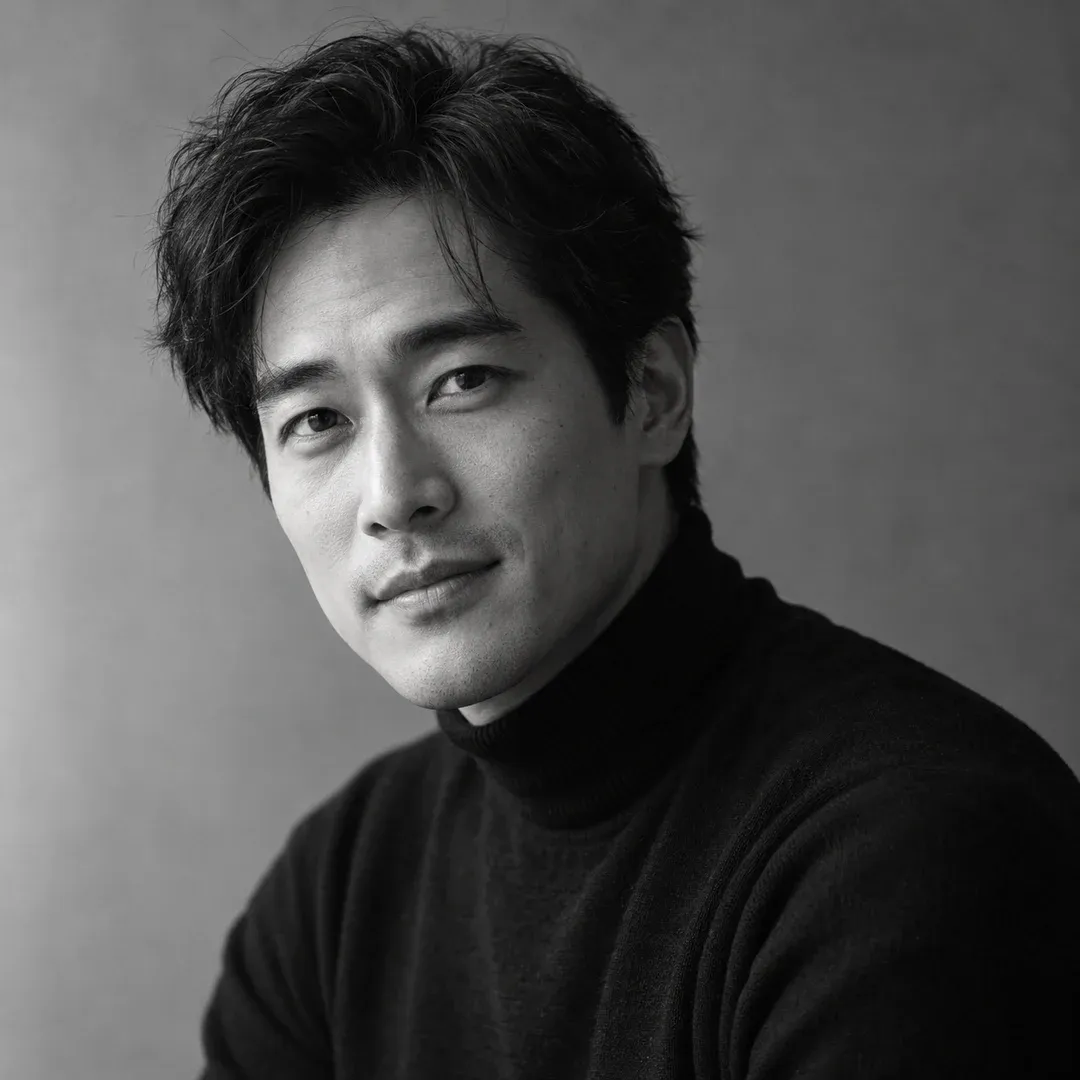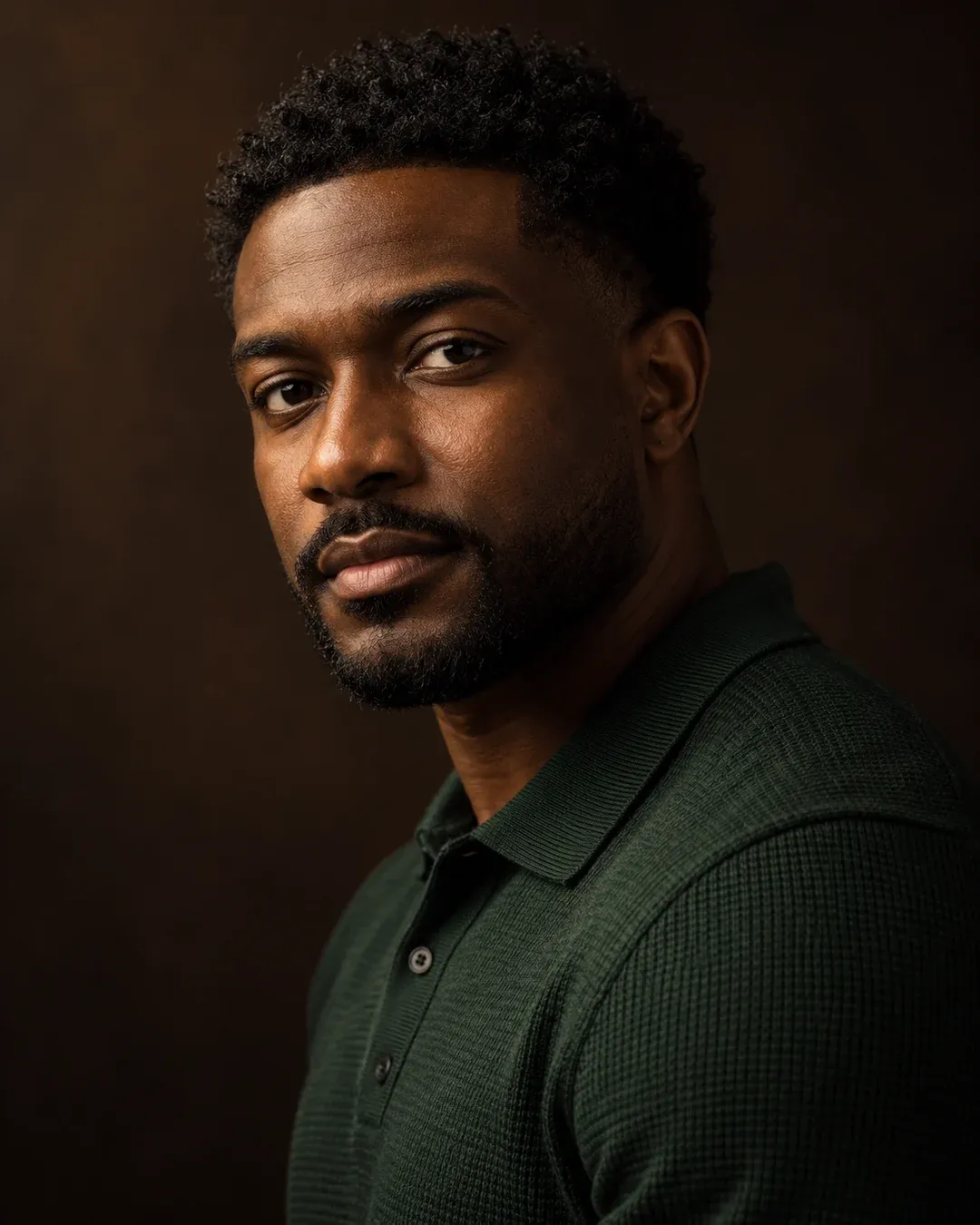
Rembrandt Light Low-Key Headshot
A moody low-key headshot in a dark green knit with classic Rembrandt lighting against a dark background.
Prompt
Keep my face exactly as in the uploaded photo: same facial features, face shape, skin tone, eyebrows and hairstyle, with natural skin texture; do not slim, smooth or beautify the face. Keep my face, beard or stubble, hairstyle and skin texture exactly as they are. Create a moody low-key headshot with classic Rembrandt lighting. I wear a dark forest green knit polo, shoulders turned to the right and face turned back toward the camera with a calm, confident expression. The background is dark warm brown, falling into shadow. Lighting: one soft light high and to the left at about 45 degrees, creating a small triangle of light on my right cheek under the eye, with a very faint fill so the shadow side keeps some detail. Shot with an 85mm lens at f/4, head-and-shoulders framing, eyes sharp. Deep shadows, warm skin tones and rich dark colours, strong and thoughtful mood. Vertical 4:5 aspect ratio. No readable text, logos or watermarks anywhere in the image.
Upload your photo there, then paste the prompt.
Why This Prompt Works
Rembrandt lighting is named for the small triangle of light it leaves on the cheek opposite the lamp, and describing that triangle explicitly is how you get the pattern instead of generic moody light. One soft source high at 45 degrees does all the work, with only a faint fill so the shadow side keeps texture. A dark warm brown background falls off naturally around the head. Turning the shoulders away and the face back toward the lens adds depth to the pose and lets the light wrap across the face.
Variations to Try
- Swap "a dark forest green knit polo" for "a charcoal wool blazer over a black T-shirt" for a sharper look.
- Swap "dark warm brown" for "dark slate blue" for a cooler palette.
- Swap "a calm, confident expression" for "a gentle half smile" for a warmer feel.
Tips
- Works best with a clear photo where your whole face is visible.
- Ask for a slate blue background for a cooler version.
How to Use This Prompt
- Open Gemini or ChatGPT and upload a clear, front-facing photo of yourself.
- Paste the prompt above and send it.
- If the face changes, reply "keep my face exactly the same as the uploaded photo" and regenerate.
Still not you? Read how to keep your face the same or how to fix common problems.