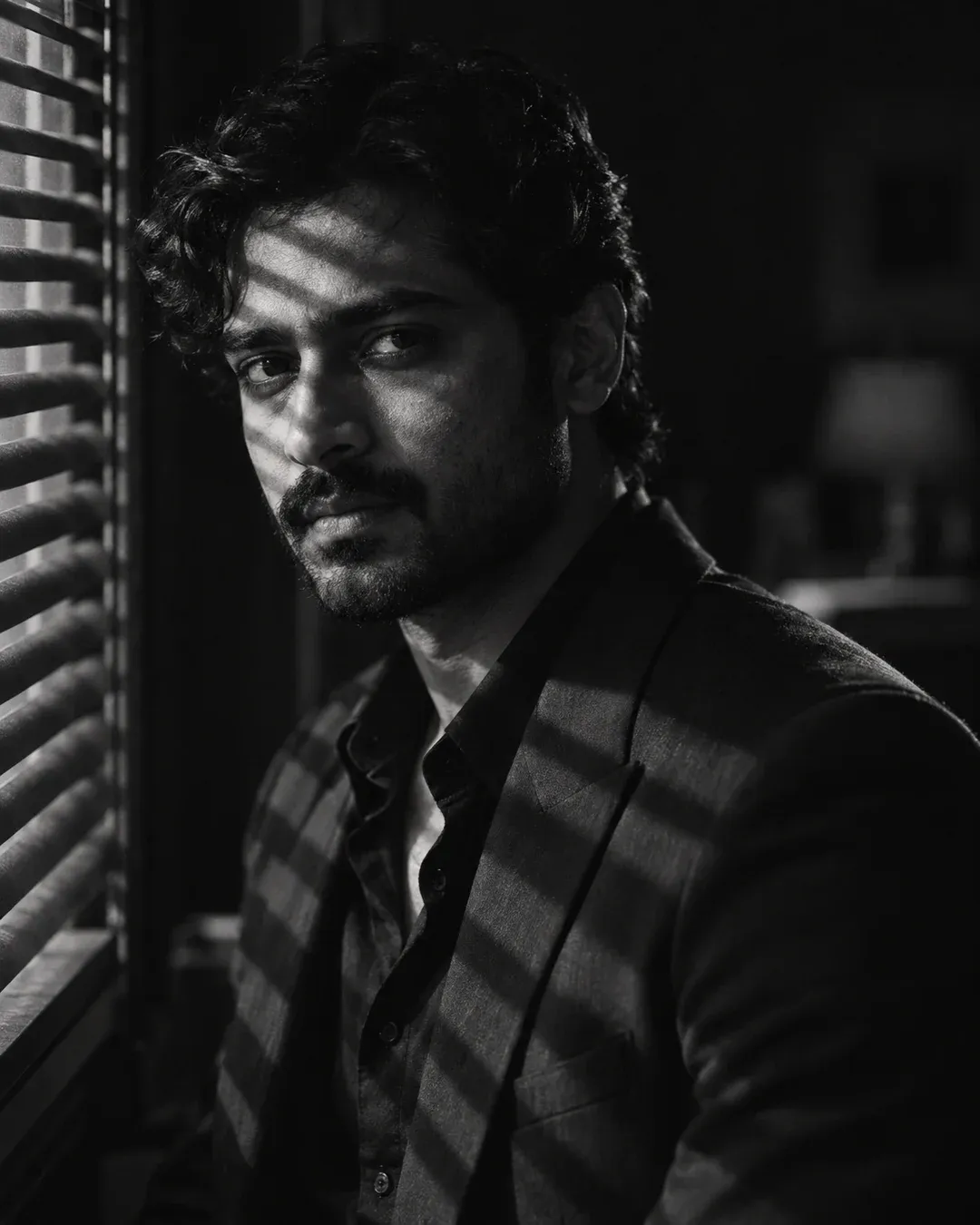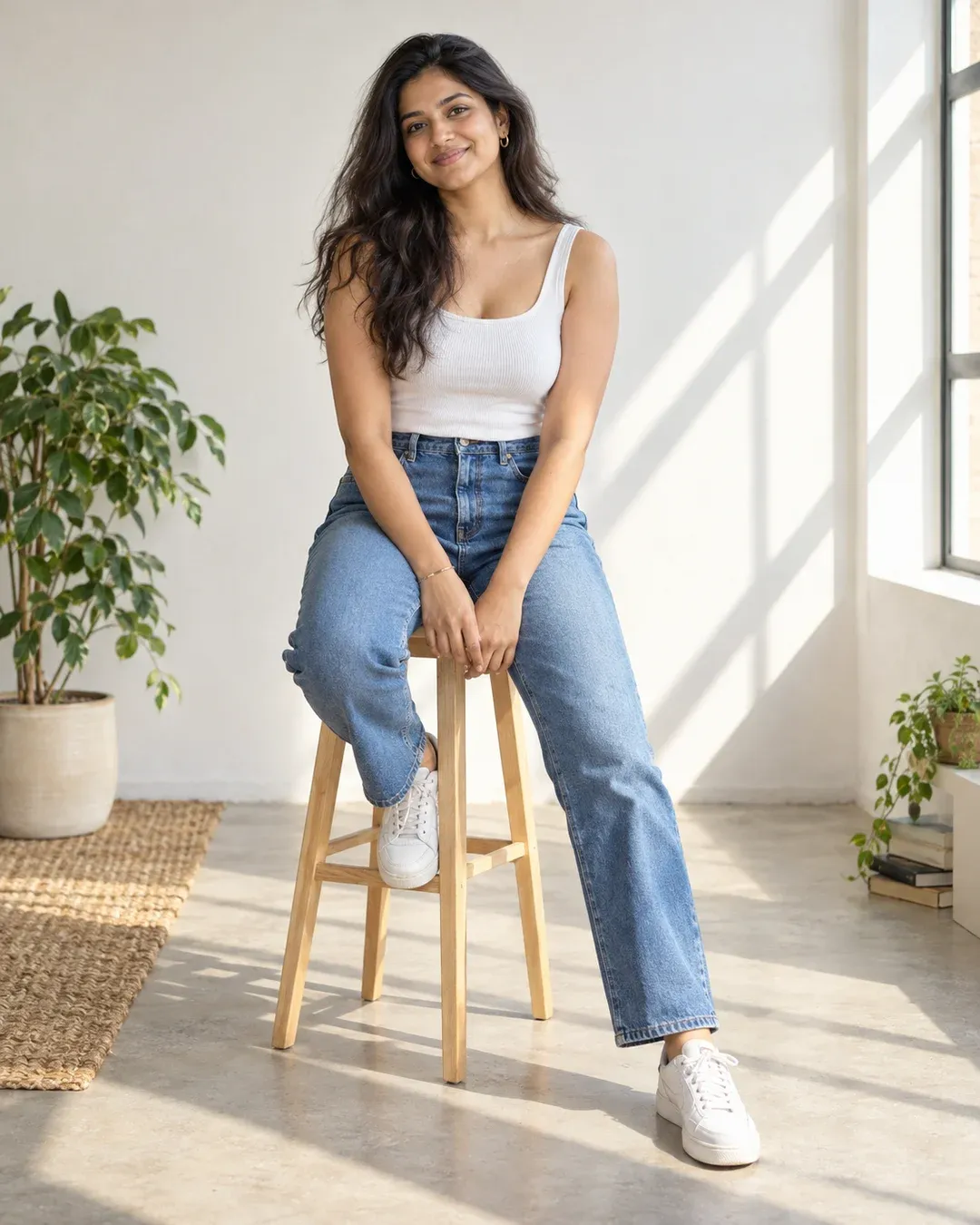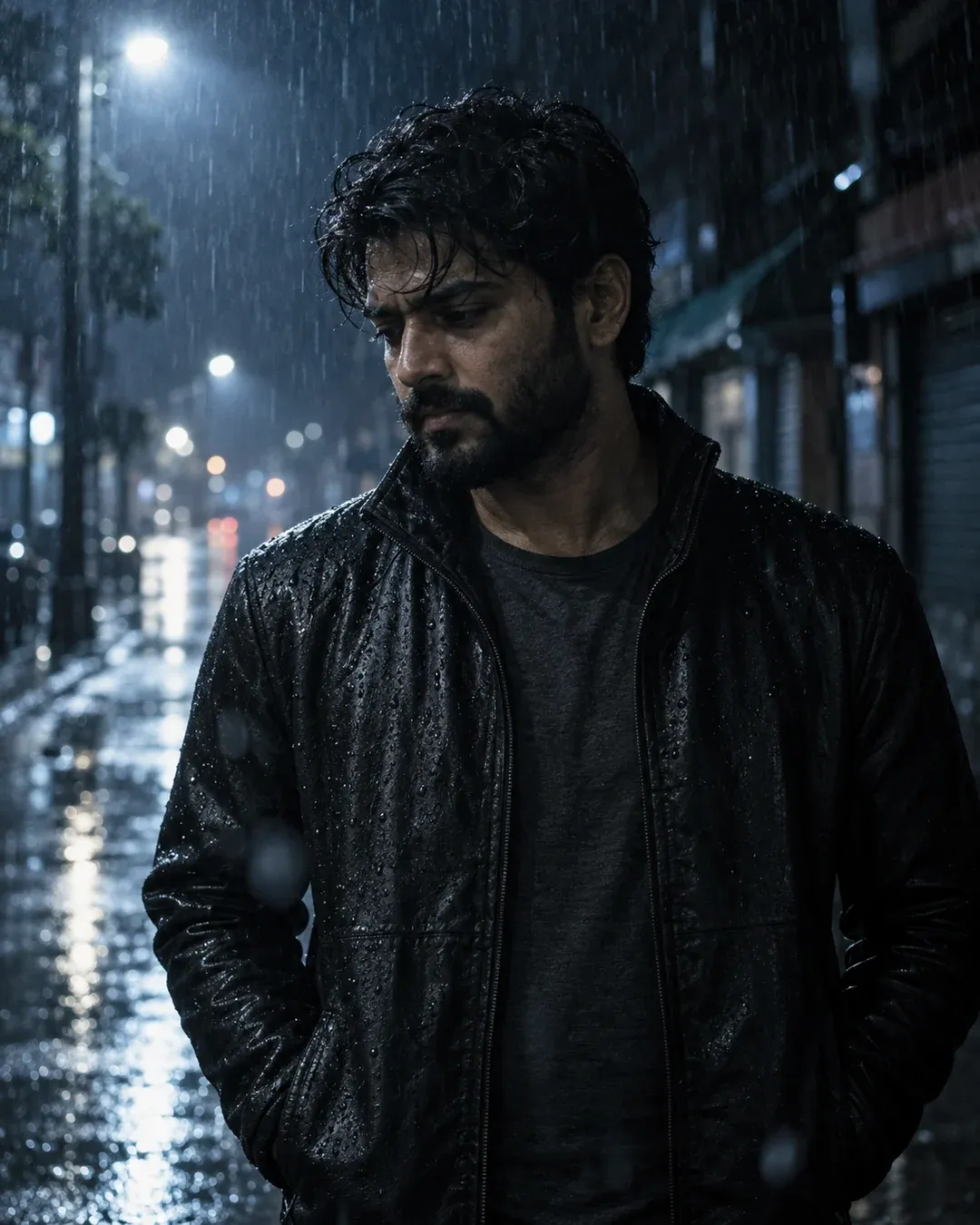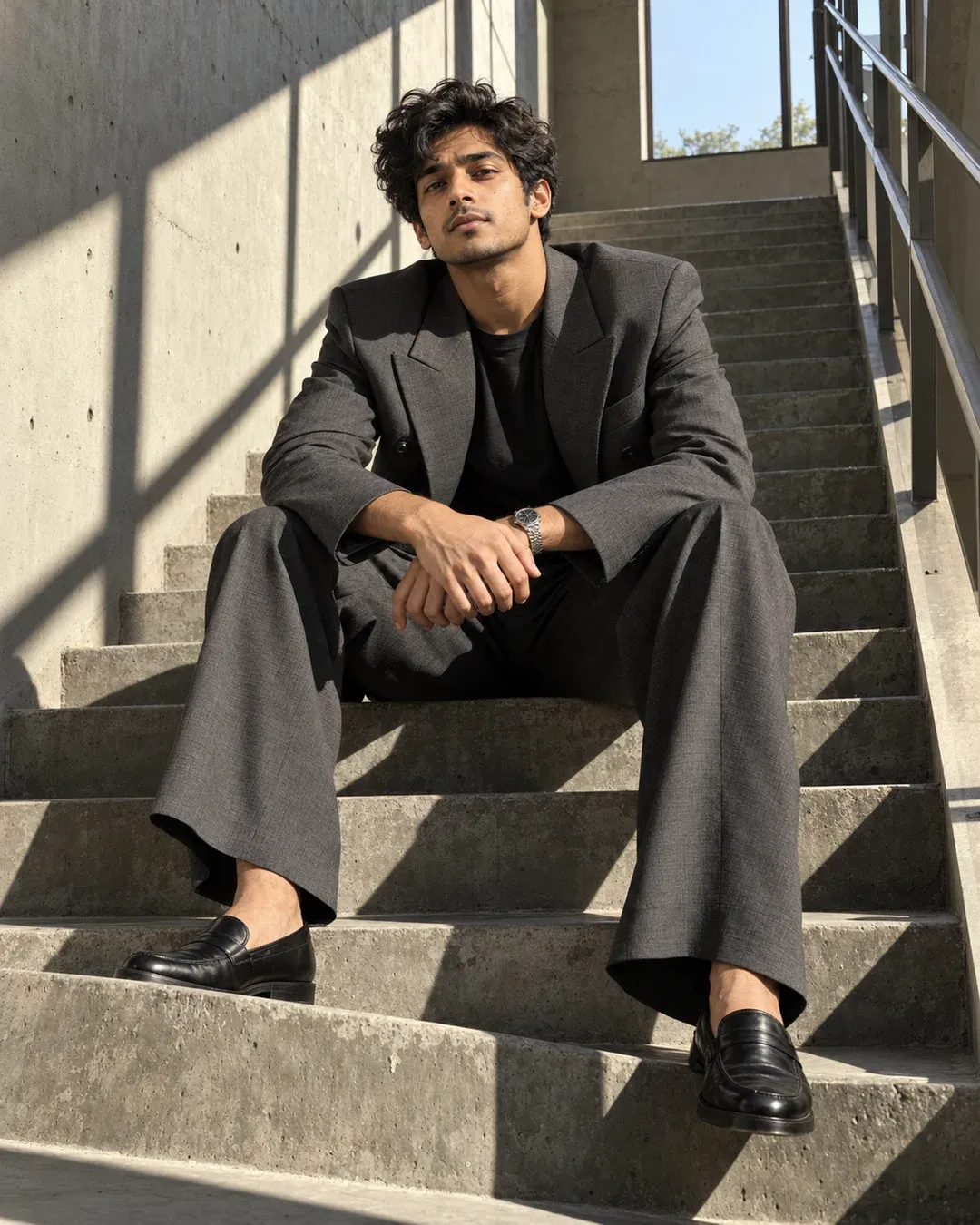
White Background Resume Headshot
A bright, simple head-and-shoulders resume photo in a black blazer against a pure white background.
Prompt
Keep my face exactly as in the uploaded photo: same facial features, face shape, skin tone, eyebrows and hairstyle, with natural skin texture; do not slim, smooth or beautify the face. Keep any glasses I wear and my real skin texture, without retouching. Create a simple professional headshot for a resume and job applications. I wear a black blazer over a plain ivory top, facing the camera straight on with shoulders square and a small, friendly closed-mouth smile. The background is pure seamless white with no shadow. Lighting: two large softboxes at equal distance on both sides of the camera for flat, even light, and a separate light on the background so it stays bright white. Shot with a 100mm lens at f/8, centred head-and-shoulders framing with the eyes about one third from the top. Accurate neutral colour, clear and dependable mood. Vertical 4:5 aspect ratio. No readable text, logos or watermarks anywhere in the image.
Upload your photo there, then paste the prompt.
Why This Prompt Works
Resume and job-portal photos reward plainness, so this prompt removes anything that could look styled. Two equal softboxes give flat, shadow-free light, and a separate light on the background keeps it truly white instead of the muddy grey a single light leaves behind. A straight-on pose with square shoulders matches the format many application forms expect. f/8 keeps the ears, hair and collar all sharp, and placing the eyes a third from the top gives a standard crop that resizes cleanly into small profile slots.
Variations to Try
- Swap "a black blazer over a plain ivory top" for "a navy cardigan over a white shirt" for a softer, less formal look.
- Swap "pure seamless white" for "very light seamless grey" for a gentler background on fair skin.
- Swap "Vertical 4:5" for "Vertical 7:9" if a form asks for a passport-style ratio.
Tips
- Use this for job portals that ask for a plain light background.
- Ask for a light grey background if white looks too stark on your skin tone.
How to Use This Prompt
- Open Gemini or ChatGPT and upload a clear, front-facing photo of yourself.
- Paste the prompt above and send it.
- If the face changes, reply "keep my face exactly the same as the uploaded photo" and regenerate.
Still not you? Read how to keep your face the same or how to fix common problems.